
Author: Ricardo
-
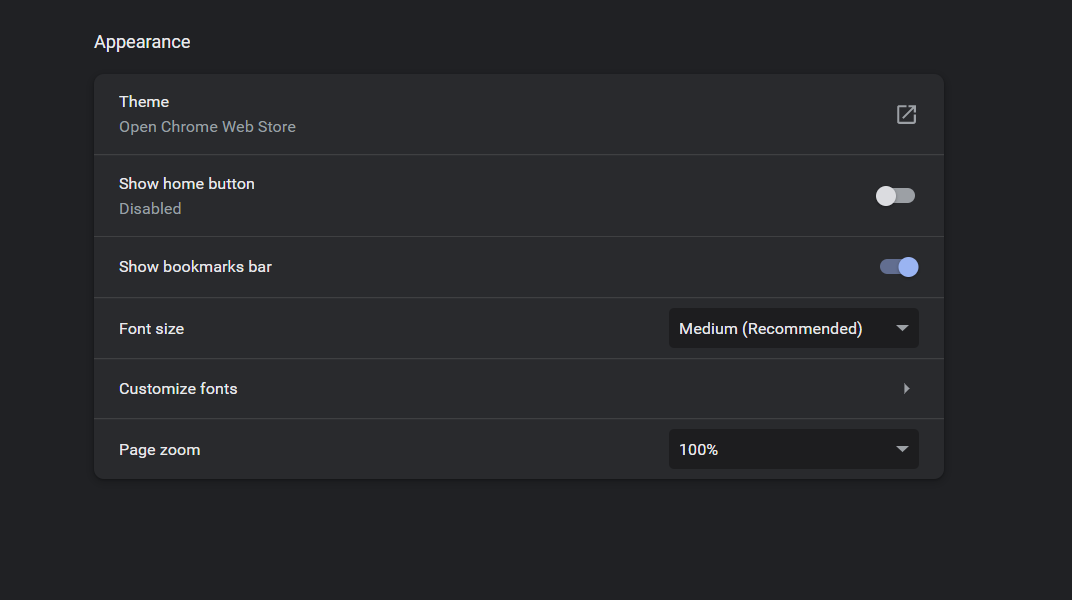
Change Font Size on Google Chrome
Learn how to Change Font Size on Google Chrome browser within a few steps easy. I will show you how to do this through the Browsers menu and then with the keyboard shortcuts. You can now make the fonts larger or smaller as you see fit. So do check out the video below and the…
-
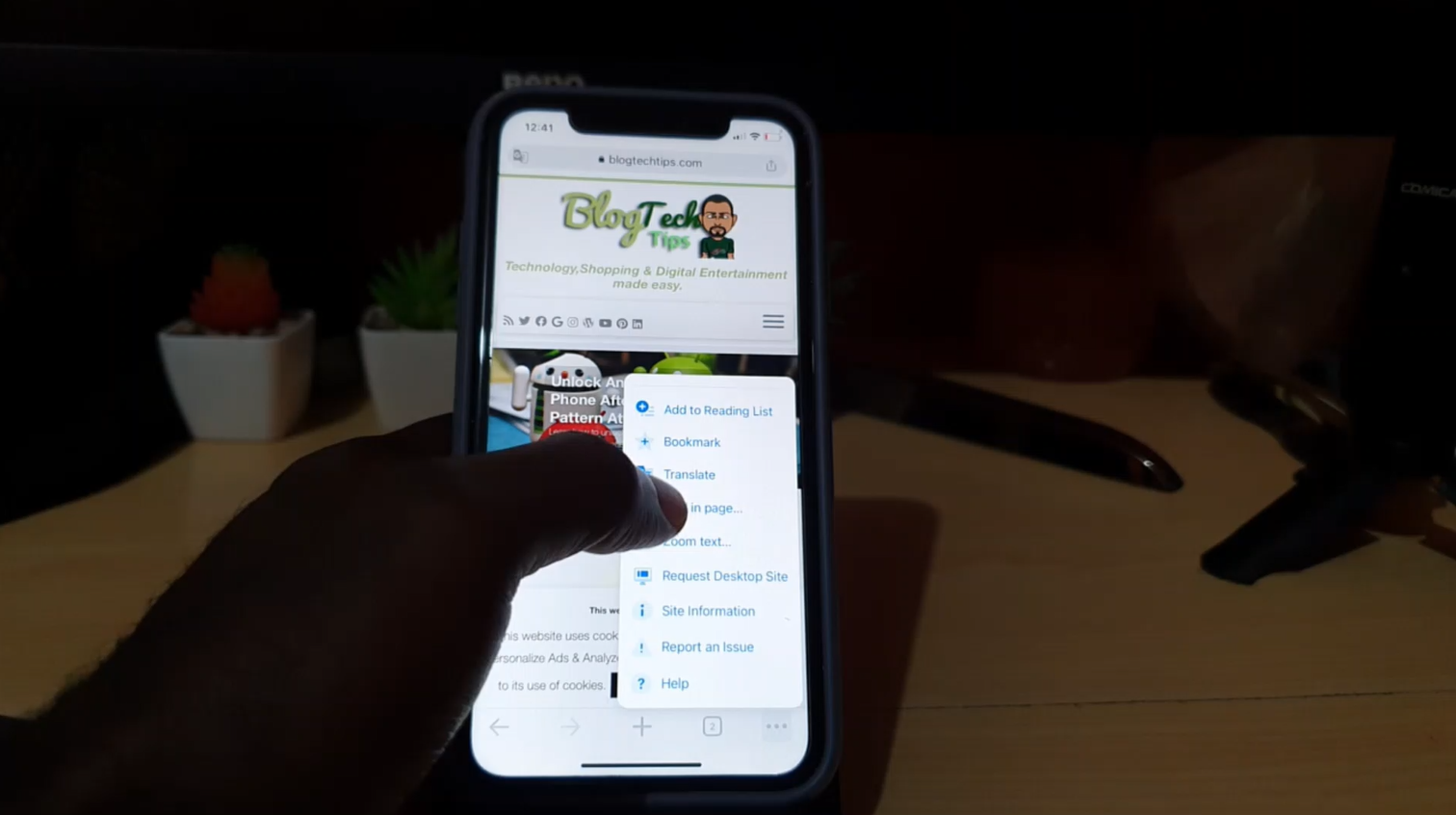
Translate a Website to English
This is how to Translate a Website to English. This can work on any Website in any Language and best of all is that its not only limited to English as you can Translate to virtually any Language. This is a Great feature that Built into Chrome from Google and works very well in Translating…
-

Request Desktop site iPhone Chrome
So this article will show you how to Request Desktop site iPhone Chrome.You may not be able to find the setting especially after combing through the settings and not finding a thing. I will show you how to do this with written directions and you can also find the video tutorial below that shows you…
-

How to enable Microphone Access in windows 11
Access to your microphone in Windows 11 is a setting you should be familiar with as part of your privacy. Apps can Access your mic and use it and you should control what Apps has this access. You can even turn off Access all together if you so choose. So in order to do this…
-
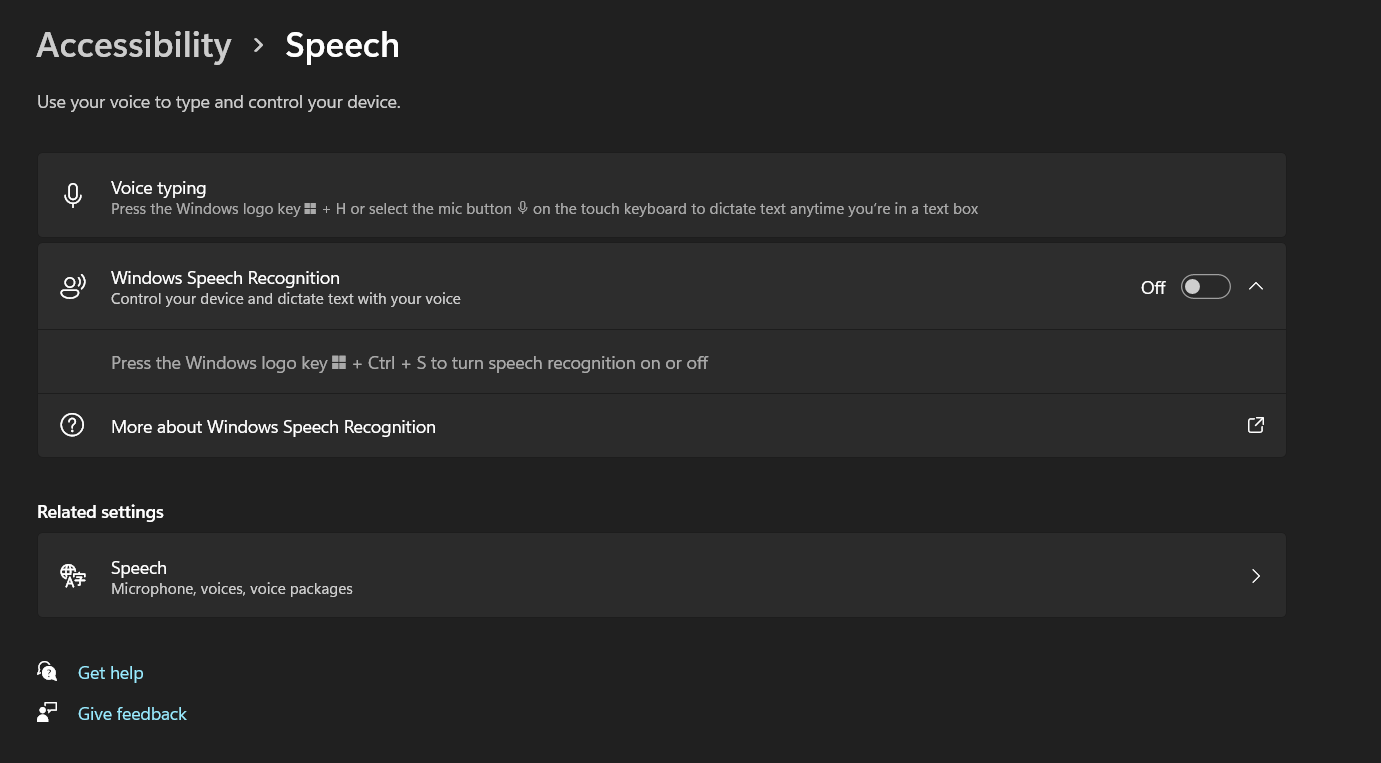
Voice Typing Windows 11
Windows 11 has a very cool feature that’s called Voice typing that allows users to input text into any text field or use dictation to write notes or even longer form texts such as a book, letter and so on. This is a handy feature that can both save time and improve productivity significantly. Please…
-

How to Turn Gaming Mode On or Off Windows 11
So in case you need to turn Gaming mode on or off in Windows 11 I will give the instructions to achieve just that. Please take the time now and watch the tutorial or read the directions on what to do. What is Gaming Mode? In case you were wondering Gaming mode is a optimized…
-
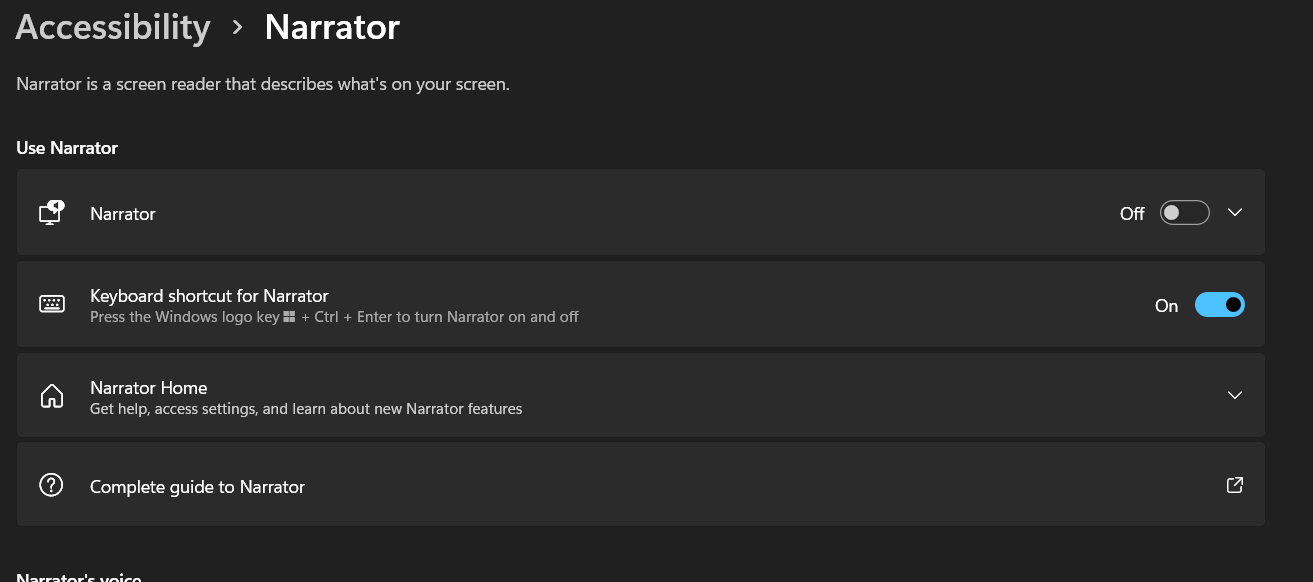
How to Disable Narrator in Windows 11
Narrator insists on reading out everything on screen and this guide will show you how to Disable or turn the Narrator feature off in Windows 11. The process is easy and will only take a minute or two. Although that annoying voice reading everything may make the time seem longer. Do remember to check out…
-

Instagram How to Hide like Count
My guide will show you on Instagram How to Hide like Count. Now the like count will be hidden from your followers and you can choose to restore it later if you want. So that means that no one can see your likes for a specific posts that you choose to turn off the like…
-

iPhone Enable Headphone Safety
So have you ever wished that you could regulate your headphones so that they do not produce sound that is too loud automatically.Then you definitely need to Enable the Headphone Safety feature which will allow for reducing loud sounds and stopping things from getting too loud. You will need to enable this feature though as…
-
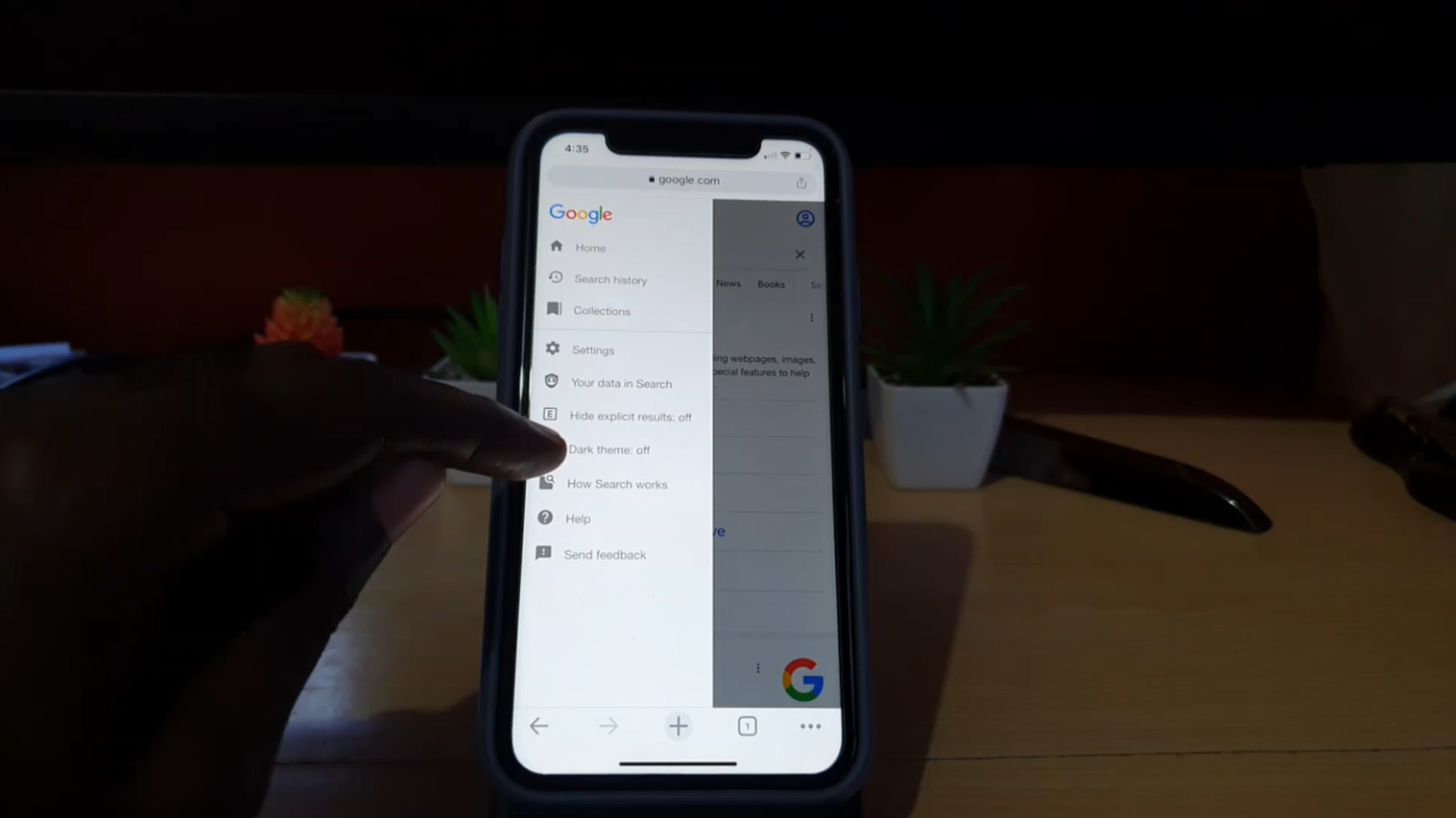
How to Set Google to Dark Mode
Did you know that Google can be set to Dark Mode or a Dark theme. Yes it can and its very easy. The best part is it gives search a new look and its less taxing on the eyes especially at night. I am sure you will love this mode and probably keep your search…