
Category: WordPress
-
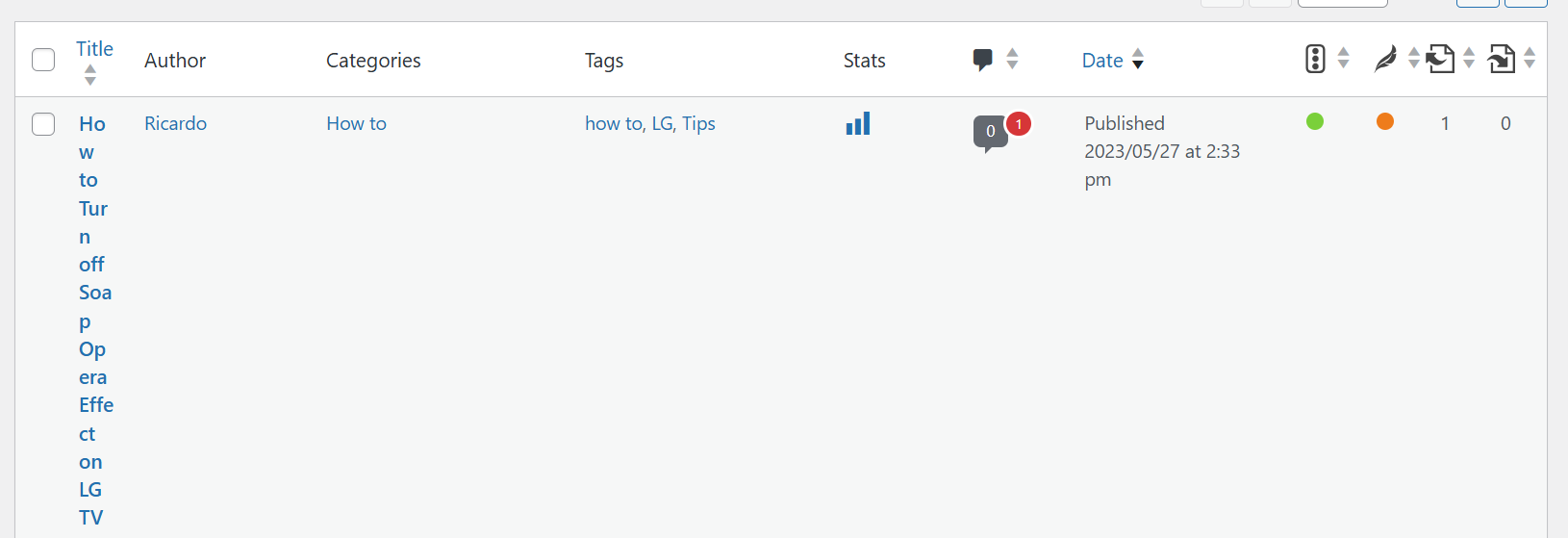
WordPress Posts Title column jumbled With Yoast SEO Fix
The issue at hand is with WordPress Posts Title column being jumbled together With Yoast SEO plugin installed. This Fix will will walk you through the steps to fix the display so that post titles display as normally. You can also get back to seeing article titles clearly and distinguish them one from another. Making…
-
Images Not Uploading WordPress for Posts
If you are trying to upload a image to WordPress and in the process you find that you cant as the Image is not uploading this guide will help you. I have had this happen a few times and its always in the worst time possible. It can really put a damper on things when…
-

Jetpack We were unable to get your stats just now Please reload this page to try again Fix
You go to your wordpress website and try loading your Jetpack website stats and low and behold you get a error that reads: We were unable to get your stats just now Please reload this page to try again. This is not one of the more pleasant errors so you think its a fluke and…
-
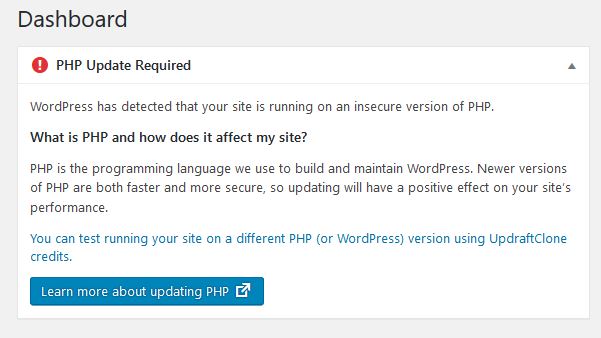
PHP update Required WordPress website on Hostgator Fix
So you are probably here because you are getting a PHP Upgrade required warning inside your WordPress dashboard. Now seeing this I am sure its annoying you and you wished you could fix the issue but you have no clue what you should do. Well lucky you as this article will run you through the…
-
How to Restore the Classic Editor to WordPress?
If you are like many users out there of WordPress then you most likely upgraded to WordPress 5.0 Gutenberg and you are now faced with the new Block based editor (Yuck!) and you want to know How to Restore the Classic Editor to WordPress. Well you have come to the right place as I will…
-
Disable Directory Browsing on WordPress website Hosted by HostGator
I recently discovered that a few of my websites had an open directory security hole and if you are using the content management system WordPress that your website has this vulnerability too. I decided to patch this hole by disabling directory browsing as I will show you how to do in this article. This tutorial…
-
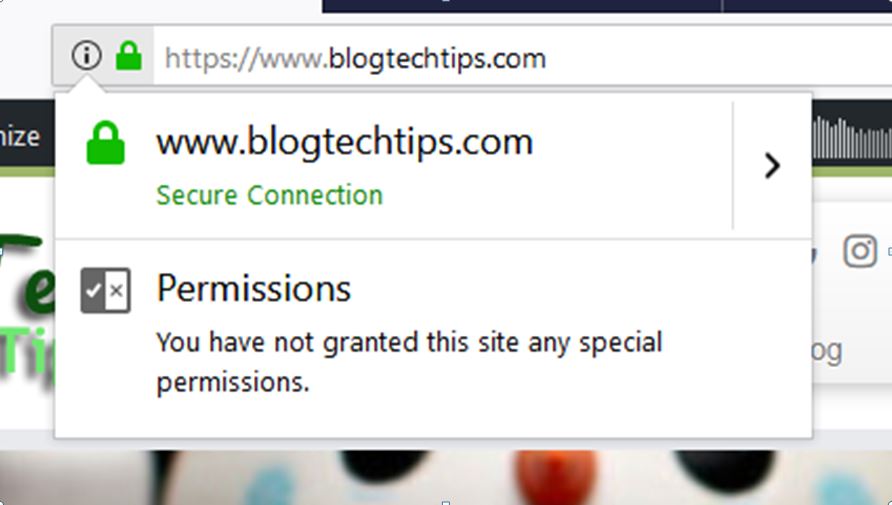
How to Activate Free Hostgator SSL on your website
If you are an existing or new Hostgator customer I have some awesome news for you and that is Hostgator offers Free SSL which comes with all their Hosting Plans or Packages now. What makes this even more important to you is that Google Chrome browser and other major Browsers have started to mark websites…
-

Quick Adsense Showing No ads after Update Fix
So today Quick Adsense the very popular WordPress Plugin rolled out an update from Quick Adsense Version 1.9.2 to Quick Adsense Version 1.9.4 which is great to see the plugin is being kept up to date but the latest update came with some issues. I am sure many users were glad for the update seeing…
-
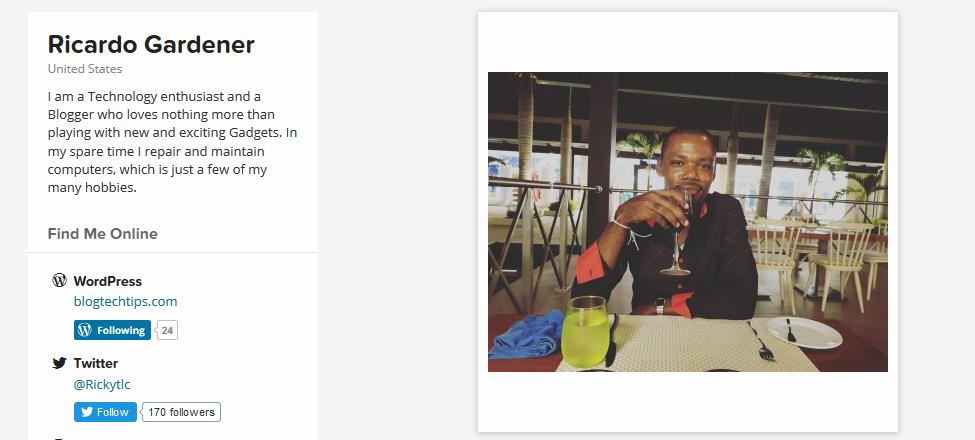
My New Gravatar Image is not updating Fix
If you are like me and other Bloggers you may every now and again use Gravatar. As such you may have started with a profile Image which shows up on your blog or website and after some time you may decide to change your Image. Easier said than done as in most cases when you…
-
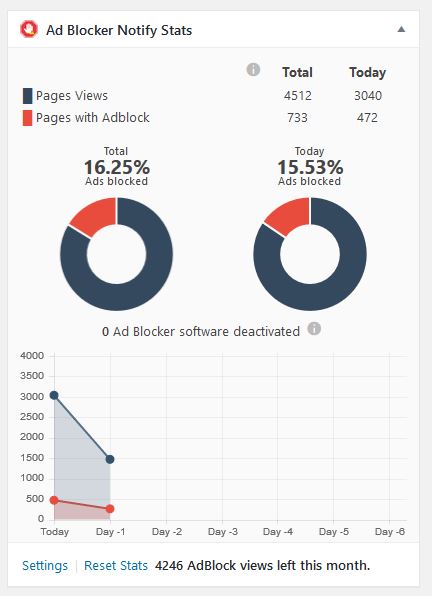
How to Block adBlock Users on your Website?
Almost every one in the online blogging or marketing space must have by now heard of adblock. This tool allows users that browse the internet to block or filter out all ads on websites. The problem with this though is that adblock does no discriminate and blocks ads universally whether its a website that has…