
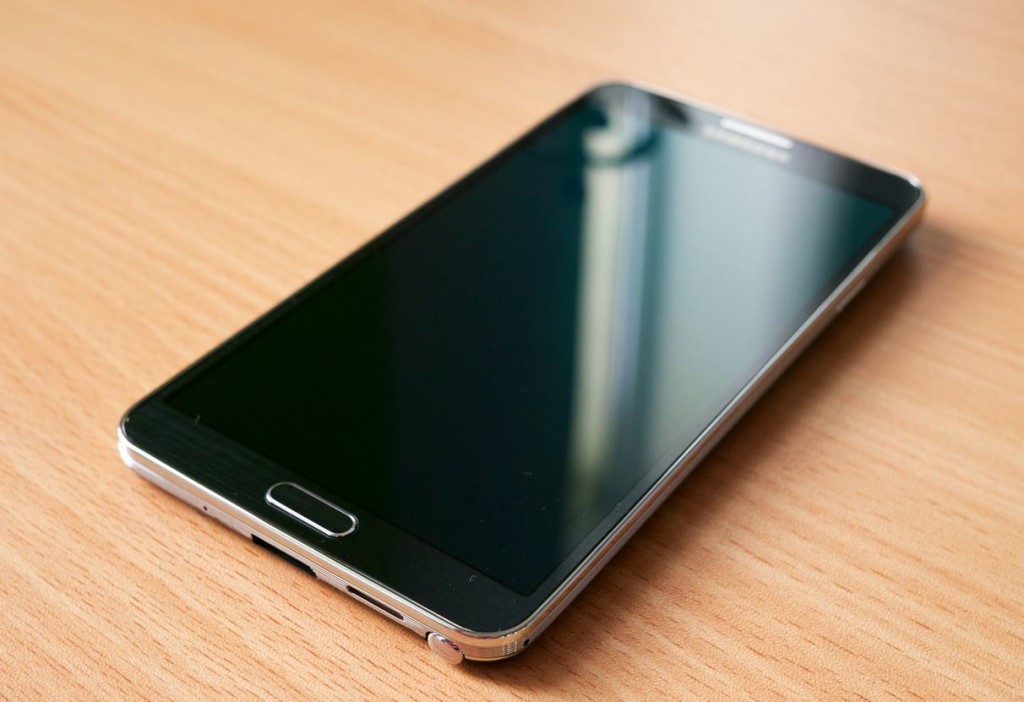
If your Samsung Galaxy Note 1,2, 3 or higher is vibrating and will not power on we have the solution to the problem and will aid you in returning functionality to the device and in the process save you some cash that would have been spent on repair or to order a replacement.
Symptoms of the Problem
Your device will vibrate constantly and will not power on, even if it does, it will power up and will power down again just after the Samsung logo flashes for a bit. You may also receive a on screen warning about download or modding your phone. The main symptom however will be the constant vibrating and if you connect your charger there will be no charging notification after it’s off.
What cause the issue?
The issue is caused by a stuck or malfunctioning power button. The solution is to attempt to dislodge the stuck button and eliminate the issue or at least regain functionality to back up your device so it can be used.
Which devices are affected by this?
I have seen this issue in the first generation Samsung Galaxy Note, however this could potentially affect any Samsung device including the other device in the note line.
How to Fix:
For your convenience we have created this YouTube Video to aid you in the process and it outlines exactly what to do:
Written Version
We highly recommend that you watch the video as things are made really clear as possible, but just in case I will describe exactly what need to be done step by step.
1.Power down your device, remove the back cover and remove the battery from your Samsung Galaxy Note.
2. Using a very fine tip screwdriver such as the one that you would use on a pair of eye glasses, carefully remove the screws beneath the back cover. Be sure to get them all.
3. Using your fingertips or a prying device carefully separate the seems or the two folds holding the front and rear of the device together.
4. Once the back is removed locate the power button covering and remove it, beneath should be the real power button that is a white small switch looking thing.
5. Using a screwdriver or your finger tips try to nudge the button in all four directions to loosen it up. Also slightly lift the circuit board and blow on it so as to remove any potential dirt or dust from within the button or circuit board.
6. Replace the battery and attempt to power the unit up, you may leave the power button cover off. if it did not work try again to clean and nudge the button loose, it may take several attempts to get it correct.
7. If it works back up your phone, note that the button may become stuck again so you may want to leave the outer covering of the power button off or you may have to get a little creative with your device to keep using it.
Let us know how your situation turned out or if you are having problems in solving this issue, I would be glad to render assistance.


🙂 How well did I do? Take a moment to leave a comment.