
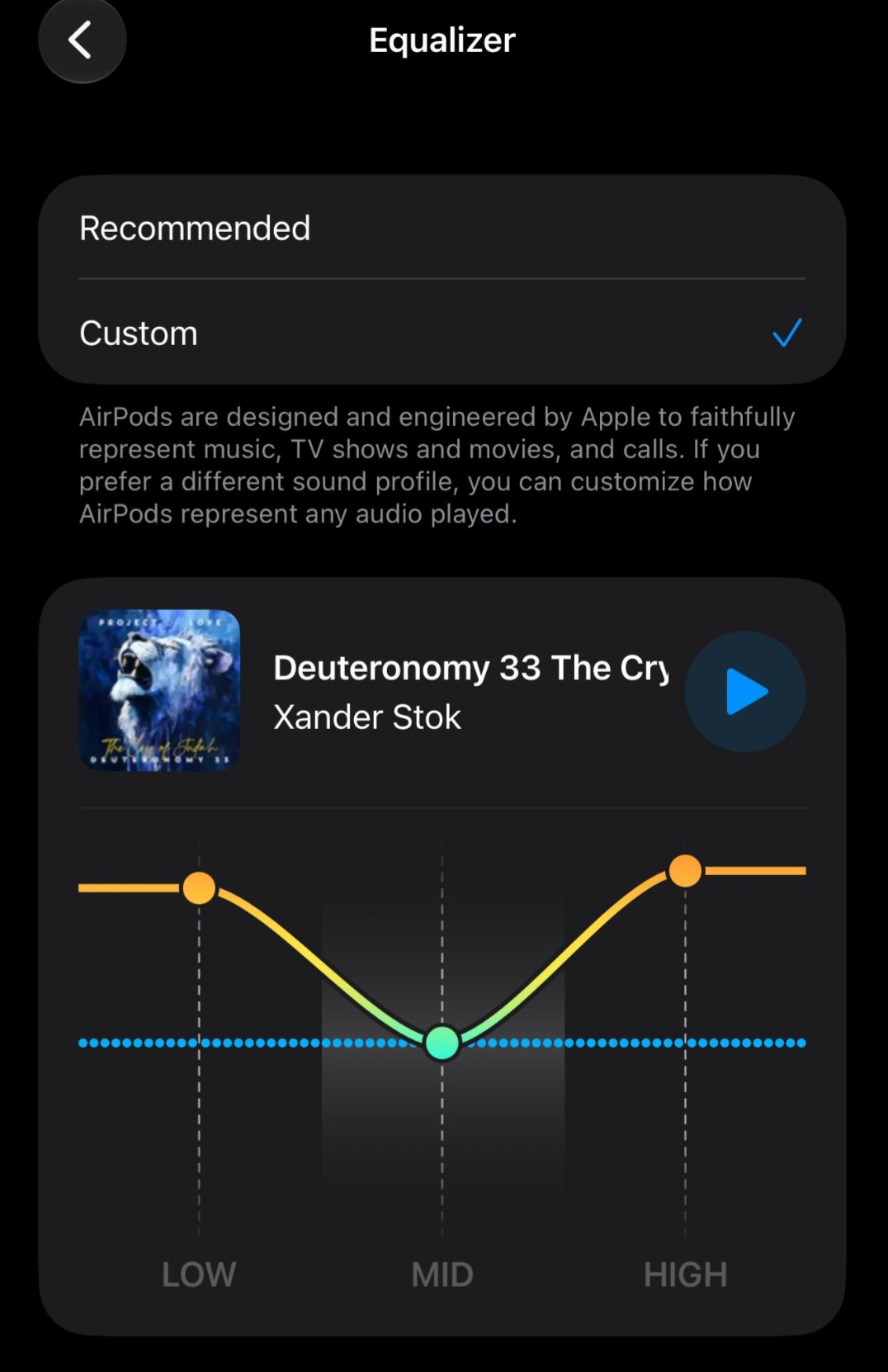
A exciting new feature has been Added for All Airpods Owners and that’s the Airpods equalizer settings. Which Allows you to tweak your Music for that perfect sound based on your personal preference.
This will be available for All AirPods which includes the : AirPods 4, AirPods Pro, Airpods Max and so on.
You will now be able to control the Mids, Lows and Highs of your Music using the Equalizer. The feature is Part of iOS 27 and add a much awaited feature Apple iPhone users have been awaiting for such a long time.
Video Tutorial
Video more your style? I have done a step by step tutorial that shows off the New Airpod Equalizer setting. You can check it out in the Video tutorial below.
How to Find the Airpods Equalizer Setting?
1.On your iPhone (any Model) go ahead and make sure you are on iOS 27 or higher.
2.Your Airpods must be paired with your iPhone as well. Go ahead and open your Airpods.
3.Go to your Settings menu. Now choose: “Your Name AirPods”.
4.Choose: Audio & Routing.
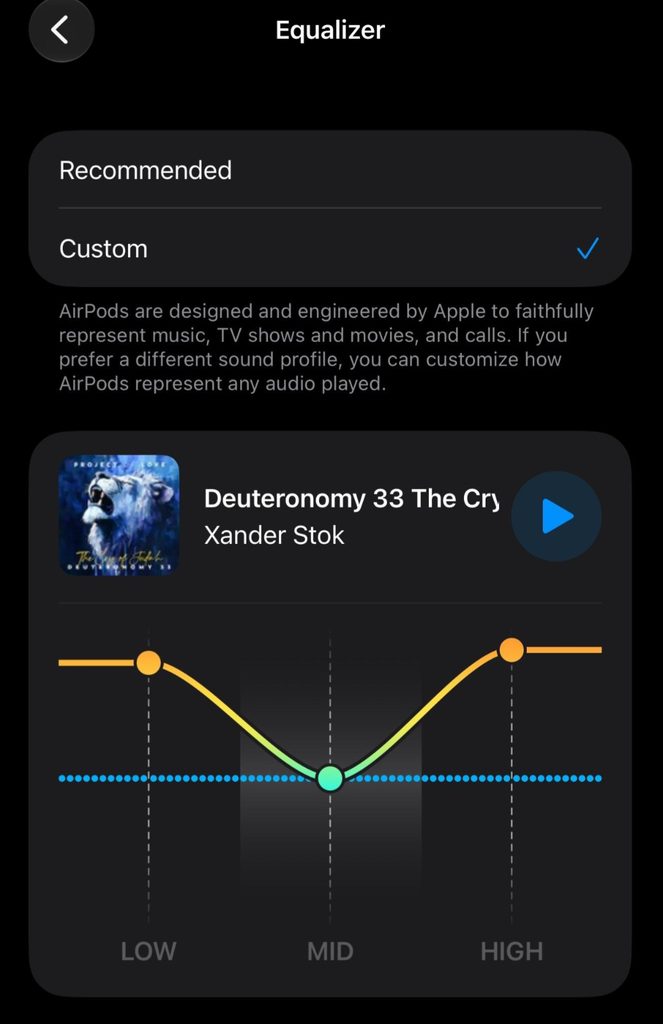
5.Finally choose: Equalizer.
6.Select the custom option and make sure some music is playing.
7.Once a song is playing you will be able to adjust the lows,Mids and the highs. Adjust your sound the way you like.
I cant Adjust the Equalizer
If you find that you cant adjust the Equalizer for your Airpods and the Equalizer is blank. Here are some troubleshooting tips to try:
1.Make sure you are Playing Music through a Media Player such as the Music App, Spotify, VLC or your preferred streaming platform.
2.Close out the Equalizer setting and try again.
3.Reboot your iPhone.
4.Open and Close Your Airpods.
5.Make sure you are updated to iOS 27 or higher.
How are you liking the New Equalizer settings for your Airpods?
Are you enjoying the New Equalizer Settings for your Airpods? If so I would love to hear about it or maybe you have a Question. You can ask for help in the comment section below and I will gladly help you out.
🙂 How well did I do? Take a moment to leave a comment.