
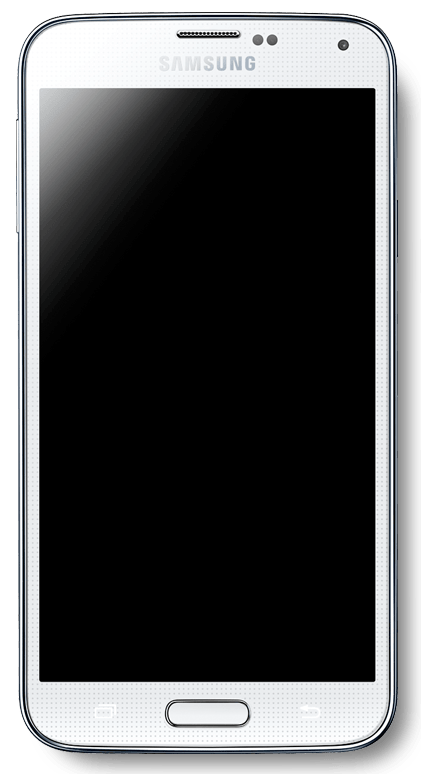
This annoying issues can affect any Samsung Galaxy Smartphone especially the Samsung Galaxy S3, S4, S5,S6,S7,S8,S9 or even future versions of the smartphone based on the trend. The issue can be one of the following or both where your phones touch simply stop responding and will not accept touch input and also in some cases the device will power up to a black or blank screen, although the device is on you will be unable to see a thing on-screen. My hope is that we will be able to help you in fixing your device and returning your piece of mind.
Symptoms of the Issue
The screen will become totally unresponsive and refuse to take touch input of any type, even attempting to perform a hard reset will fail as you will be unable to select anything during initial setup, only physical keys such as volume and power work but that’s about it.
The issue can also manifest itself as a blank or black screen where the device powers up but nothing will be on the display you can tell that it has powered up because you can hear the back ground sounds of Android booting but that’s it along with the back and menu capacitive buttons might just light up and notification LED flashes. The problem has many symptoms and slight variations but if the main issues match then you are being affected by the Samsung Galaxy phone display Unresponsive or Black screen issue.
Some users seemingly had the issue appear randomly and without warning while others may have dropped their device.
Device this problem will affect
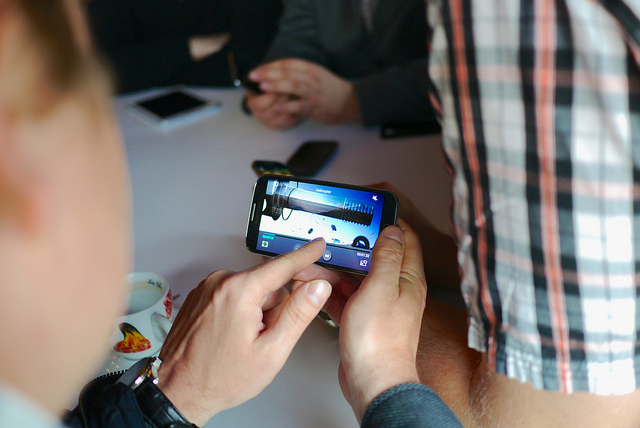
This problem can occur in any Samsung device, especially the Samsung Galaxy line of Smartphones, this includes the Samsung Galaxy S3, Galaxy S4,Galaxy S5,Galaxy S6 Edge and Galaxy S6 and its even been known to affect the Samsung Galaxy Note Phones such as Note 3,Note 4,Note 5,Note 6,Note 7,Note 8 or any other version where The Samsung Galaxy Note will stop from accepting touch input and will only respond to the S Pen in some cases.
So basically this is a issue that has occurred in every Samsung Galaxy and Android phone to date. You can also bet it will affect future devices as well. With that being said this tutorial will apply to any and all Android or Samsung Galaxy Smartphones without exception.
The Cause
Who knows exactly what triggers these things but if I had to guess it may be a build up of residual charge in the device or dust that’s causing the issue and either making the screen unresponsive to touch or resulting in a total black out of the screen, read on for the solution.The problem is fixable though which is the best thing as shown below based on your phone.
How to fix an Unresponsive display or Black screen Samsung Galaxy?
Method 1.
1. Power off the phone and make sure it’s completely powered down.
2. Remove the back cover and remove the battery.
3. Hold down the power button for about 1-2 minutes.
4. Leave the phone for 10 minutes or so, go take a walk or something.
5. After the time has passed power on the phone again and that should be enough to restore things to normal including touch or remove the black screen issue completely.
If it fails the first time repeat the process and as an extra step remove the SIM card and MicroSD card from your phone as you attempt the procedure and then attempting to power up again.
Method 2.
The first method usually solves the issues but if the above fails then you will need to try the Heat Gun Reflow method seen here. Additionally you can open the phone by disassembling it and disconnect the screen and clean the connectors of any dust or debris and reconnect it,take the time to clean all the inner components of dust, by cleaning the connectors and removing the dust from your phone should fix the issue. Also remember that you are responsible for any damage caused to your device, so if you are not comfortable with opening your phone then take it to a professional.
Method 3. (Devices with Non removable Battery)
If your Samsung device has a Non removable battery or built in battery such has the Samsung Galaxy S6,S6 Edge,Note 5 and even future devices that are unreleased yet follow the method shown below in the in this video:
To get the written version of the fix as shown in the video just above click here where I outline everything in detail for you conveniently.
Method 4. (For the Galaxy S8 ,S8+,S9 and Note 8)
If you have the Samsung Galaxy S8,S8 Plus,S9 or a similar device that does not have a home button and has a infinity display watch the video fix below. If you need the written version you can find it here.This portion of the fix also applies to the Note 8 or any other android device that matches the description and does not have a home button as is common in very newer devices.
Its very Important to Note
Its very important to note that while the method above works it can take some time as each case is different. Some Users will be lucky enough to have the method for their device work on the first try (lucky them right?) for others it will take several attempts. So don’t simply give up on the first or a few tries, you can read the comments below to see that many users found this useful but there is no telling when this will work so you may want exercise some patience as you try the methods above.
Did we fix the Black screen Issue?
Did we solve your problem? It would be great to know if your problem is fixed or not in the comments below I would love to help you in fixing your device or maybe you would just like to say thanks please take the time leave a comment or simply subscribe, thanks for stopping bye.


🙂 How well did I do? Take a moment to leave a comment.