
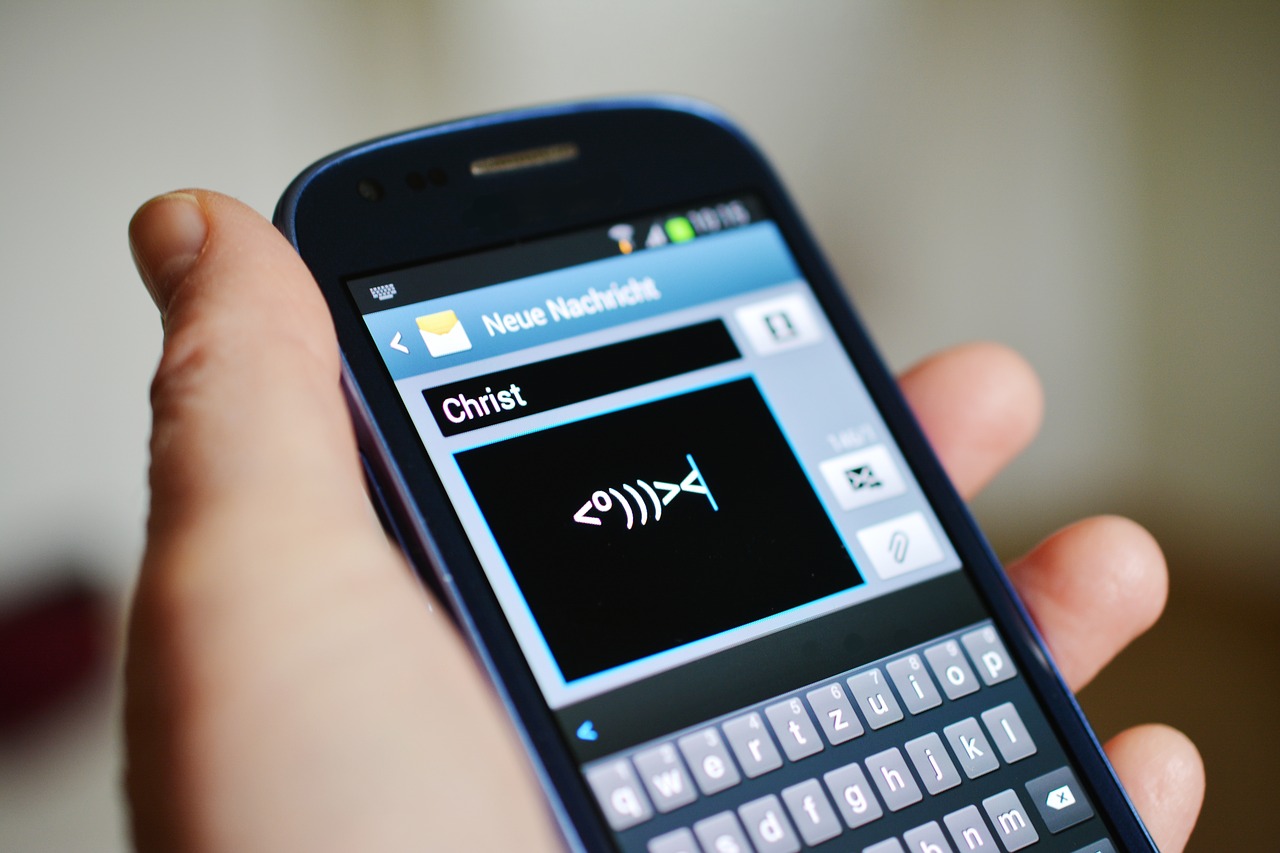
Fix Android Phone keyboard that's not working

Fix Android Phone keyboard that’s not working

If you have an issue with an Android Phone keyboard that’s not working and is having issues of any kind such as the Keyboard is missing, crashing with messages that unfortunately the Keyboard has stopped, not showing up or working as it should.So if the above sound like your situation the following fix will work regardless of what brand phone you have the issue on.

How to fix the Issue?
Fix Android Phone keyboard that's not working

1.Go to settings.

2. Then go to Apps or Application and then Application Manger.

3.Now swipe right and go to All where you should see all Apps.

4.Now look for a setting that’s labelled Keyboard and is based on the Keyboard that you are using or after the device brand that you are using. This varies from phone to phone and may have names such as: Samsung Keyboard, LG Keyboard, Google Keyboard and so on.

5. From here you can now choose the option to: Clear data and cache. Additionally you can force stop the App.

When finished simply restart the phone and everything should be good once you reboot.The Keyboard should start appearing or behaving as it normally would.

Final Thoughts

I do hope you were able to fix Phones Keyboard that’s not working, please share this article if it was helpful and do leave a comment below and ask any question you like and so on.


Comments

10 responses to “Fix Android Phone keyboard that’s not working”

  1. Gayle Stanfill Avatar
    Gayle Stanfill

    No keyboard listed under all apps. But I found that I have a choice of three “keyboard” set ups and had somehow switched to one not as compatible with my phone. :-). You got me pointed in the right direction and have helped me in the past. Thanks

    1. Appreciated Gayle and glad I was able to point you in the right direction. Also glad to see I was also able to help in the past and hope you will subscribe to the Blog and YouTube Channel.

    2. in htc it will show up as htc-input with a particular icon that is assigned to the dictionary also… so if you look for the brand of the device you will get close to it…

  2. you saved my bacon …. TY

  3. Any way to clear cache if you can’t log into the phone because it will not display a keyboard?

    1. Boot into Android recovery and clear Cache Partition is an option.

      1. Lin Stigman Avatar
        Lin Stigman

        how?

  4. Lin Stigman Avatar
    Lin Stigman

    did not fix my key board issues

  5. Replacement Laptop Keys Avatar
    Replacement Laptop Keys

    Excellent share, Ricardo!! Your fixtures will surely help Android phone users to troubleshoot this problem. I hope we will get content like this in the future as well from you.

🙂 How well did I do? Take a moment to leave a comment.

This site uses Akismet to reduce spam. Learn how your comment data is processed.