
Author: Ricardo
-

Screen Mode Samsung
Ever notice that the Screen and colors from Samsung devices are usually very Vivid and what some people describe as popping unnatural colors that are exaggerated. Unlike its counterparts like the iPhone that are more true to life. My guide will show you how to Change the Screen Mode on the your Samsung device from…
-

Adjust Screen Zoom Samsung Galaxy
Do you find that the icons on your screen in Text Messages and Menus are tool small? you can adjust the Screen Zoom Samsung Galaxy to fix that. This can be a great way to setup things on your screen just the way you want. This will apply to the Galaxy S22,S22 Plus and the…
-

Disable Talkback S22
So if your Samsung Smartphone is suddenly talking everything you click on screen and you cant seem to navigate properly as normal then follow this guide to fix your S22 or other Samsung by Disabling Talkback now. So to disable Talkback on your device you will need to know a few things that’s outlined below.…
-

Change Device Name S22 Ultra
So in case you ever wanted to change the name of your device that is displayed when it shows up to other devices such as by Bluetooth and so on then follow the directions shown here. This is a cool way to name your device to whatever you want. If you want to know how…
-
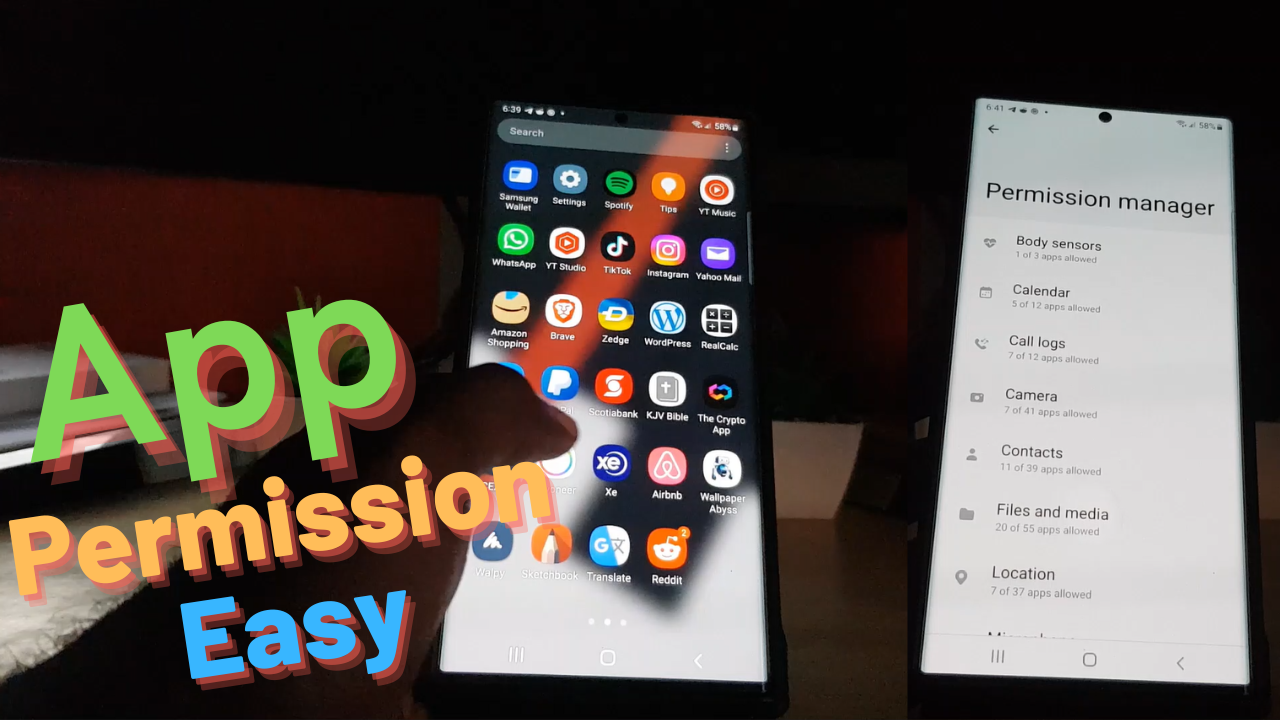
Easily Manage App Permissions on Android 12 and above
App permissions on Android as well as Samsung devices can be hard to wrap ones head around completely. At any given time several Apps can have access to an part of your device such as Camera, Call Log, Contacts and much more. With App permissions as I will be showing in this guide there is…
-
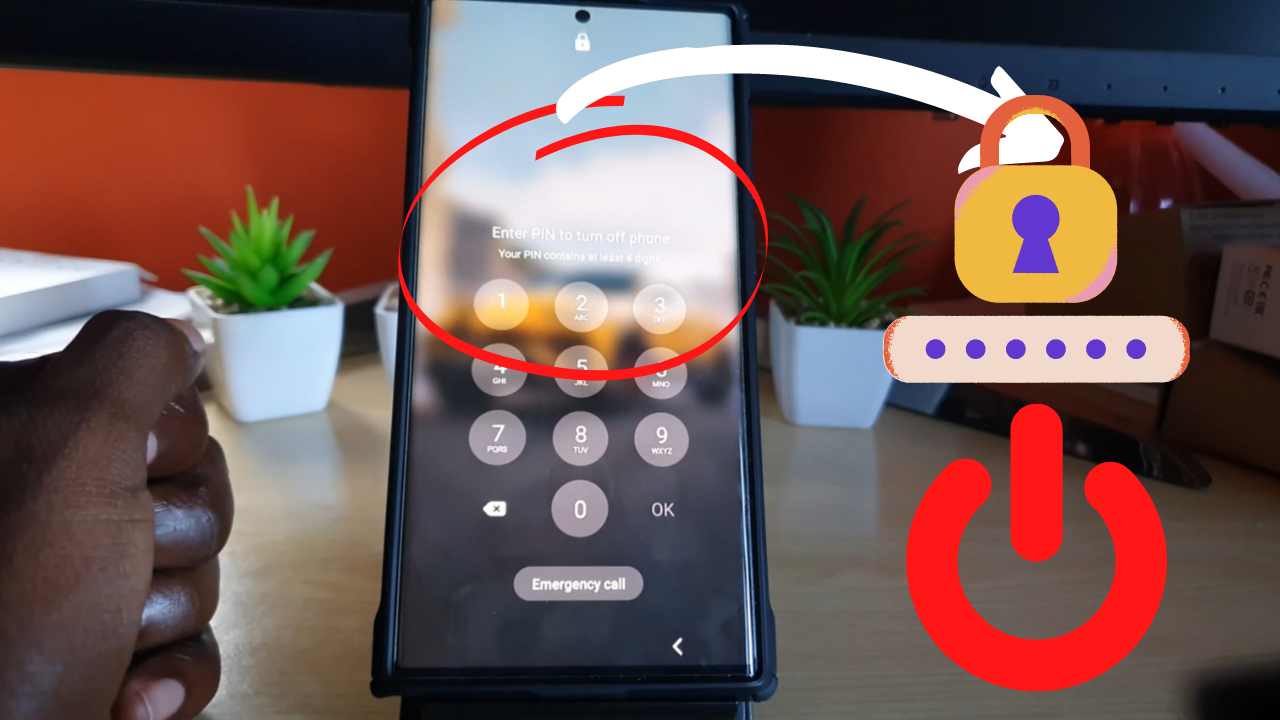
Turn Off S22 Without Password
If you have used any Samsung Galaxy S22 or Samsung newer devices for long you will realize a new security feature that prevents you form power off without the password. Depending on the situation you may not have the password or want to put it in. In my guide I will show you how to…
-
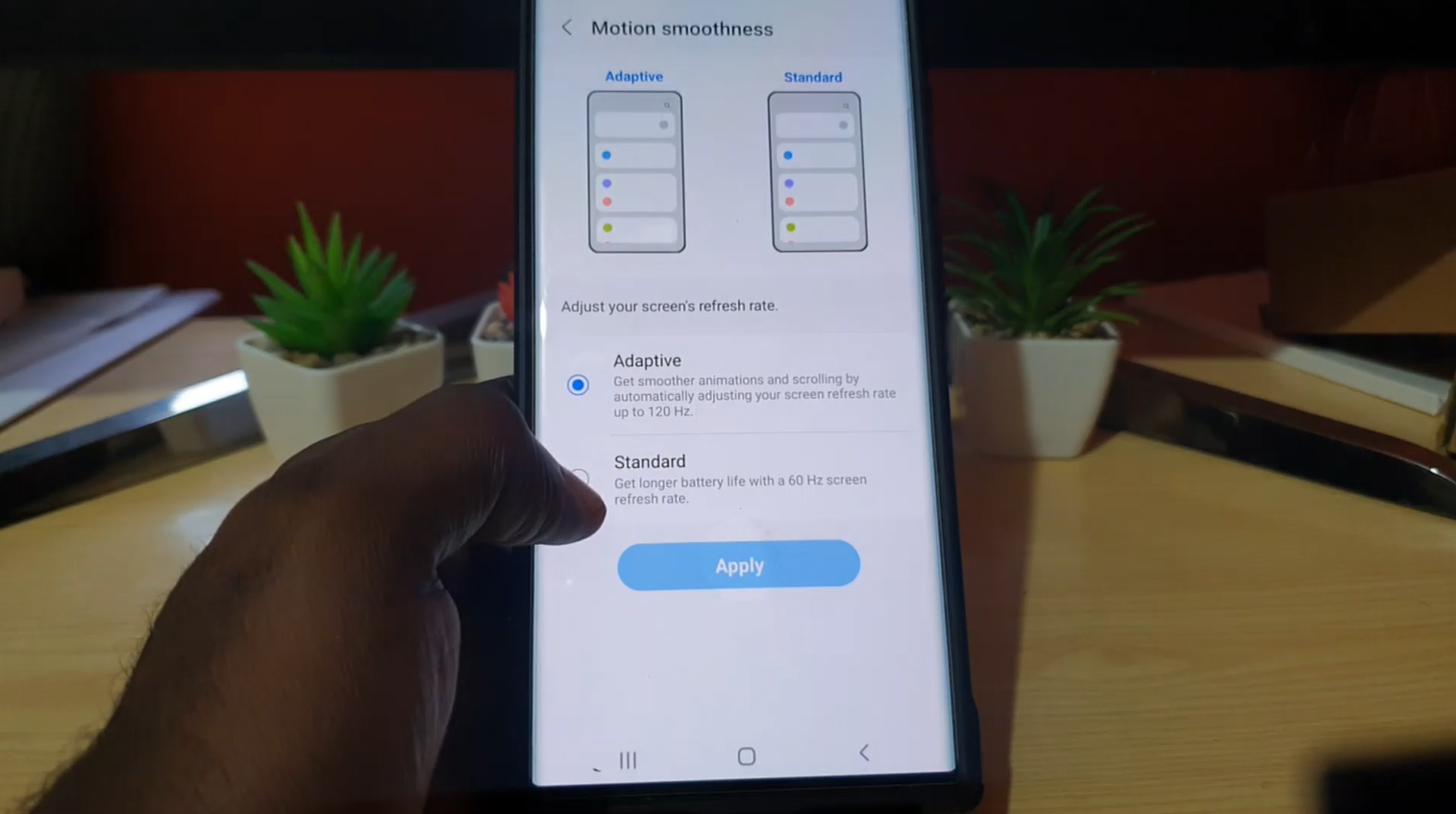
Motion Smoothness S22 Ultra
The S22 Ultra is capable of 60 Hz Refresh Rate and 120 Hz refresh rate which is controlled by or called Motion Smoothness. This guide will show you how to adjust the refresh rate on your device. Please feel free to share your feedback and check out even more of our content. Why Do this?…
-
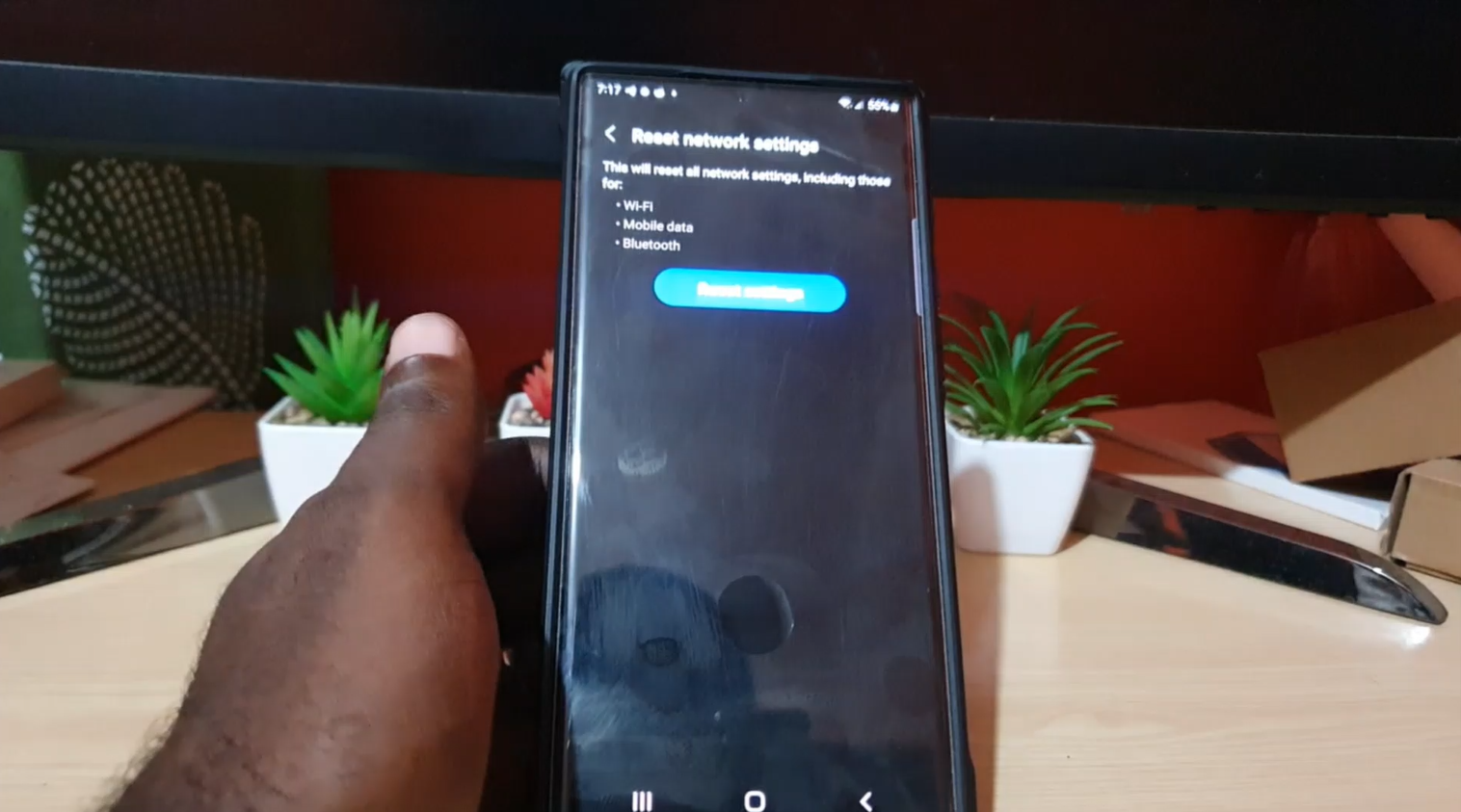
Reset Network Settings S22
In case you are having issues with your WiFi not browsing properly, Bluetooth and Mobile data not functioning you may want to try Reset Network Settings S22, S22 Plus and S22 Ultra. This way you can fix issue and have your device working again. Best part is that you will not loose any data at…
-

Change Language S22 Ultra
Do you wish to change the S22 Ultra, S22 or S22 Plus? the Process is very easy and you can choose a language you like. You can also have a secondary language set as a fallback language. You can do this and more on your S22 devices as I will guide you through the steps…
-
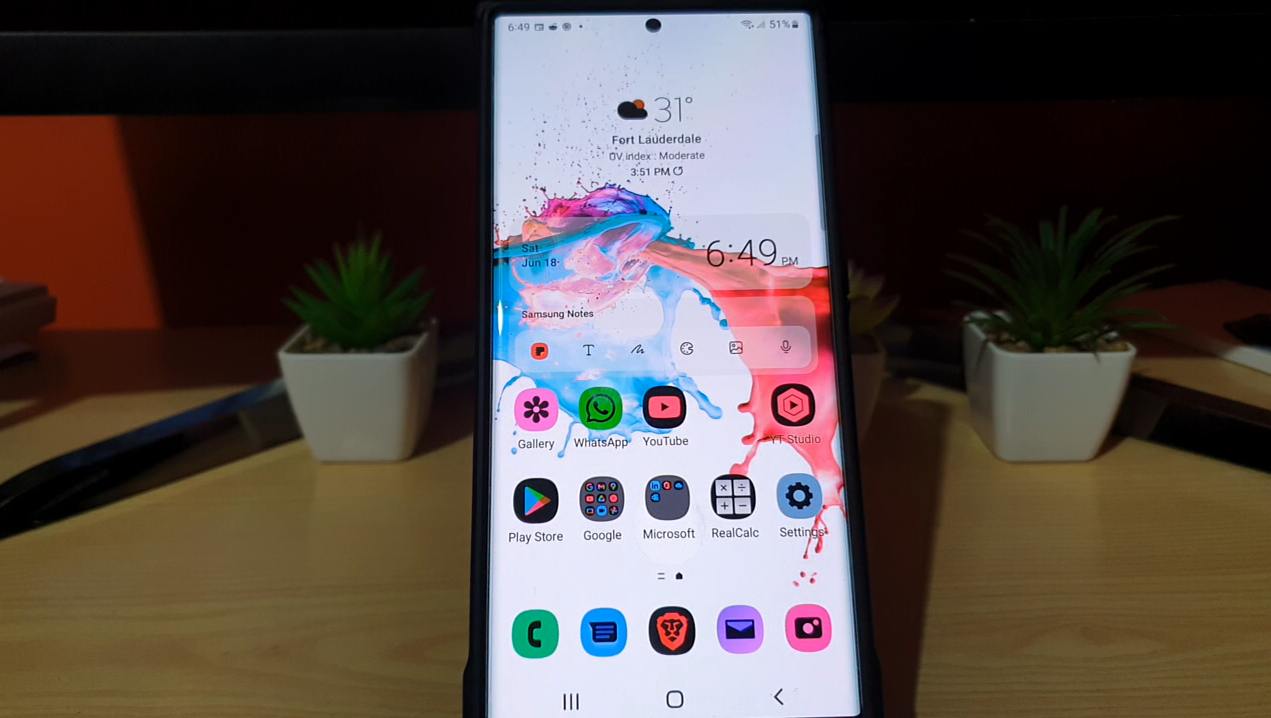
Inverted Colors Samsung S22 Ultra Fix
So if you are suffering from the Inverted Colors Samsung S22 Ultra, S22 or S22 plus then this guide will show you how to fix the problem as easily as possible. At the end of the guide your colors should return to normal and you should have things back to the way you like.Your feedback…