
Author: Ricardo
-

Samsung A20s Dual Messenger
Dual Messenger is a very cool way of having more than one instance of a App running on the same device. This way you an have two accounts and be logged into both at the same time. This works for Snap chat, Whatsapp and Facebook among other Apps. So in today’s guide I will show…
-

Samsung A20s Clear Cache
My guide will show how to on the Samsung A20s Clear Cache. You will be able to clear the cache for any App that’s on your device. This may come in handy in cases where you have a App crashing or not functioning as it should. So its always great to know how to do…
-
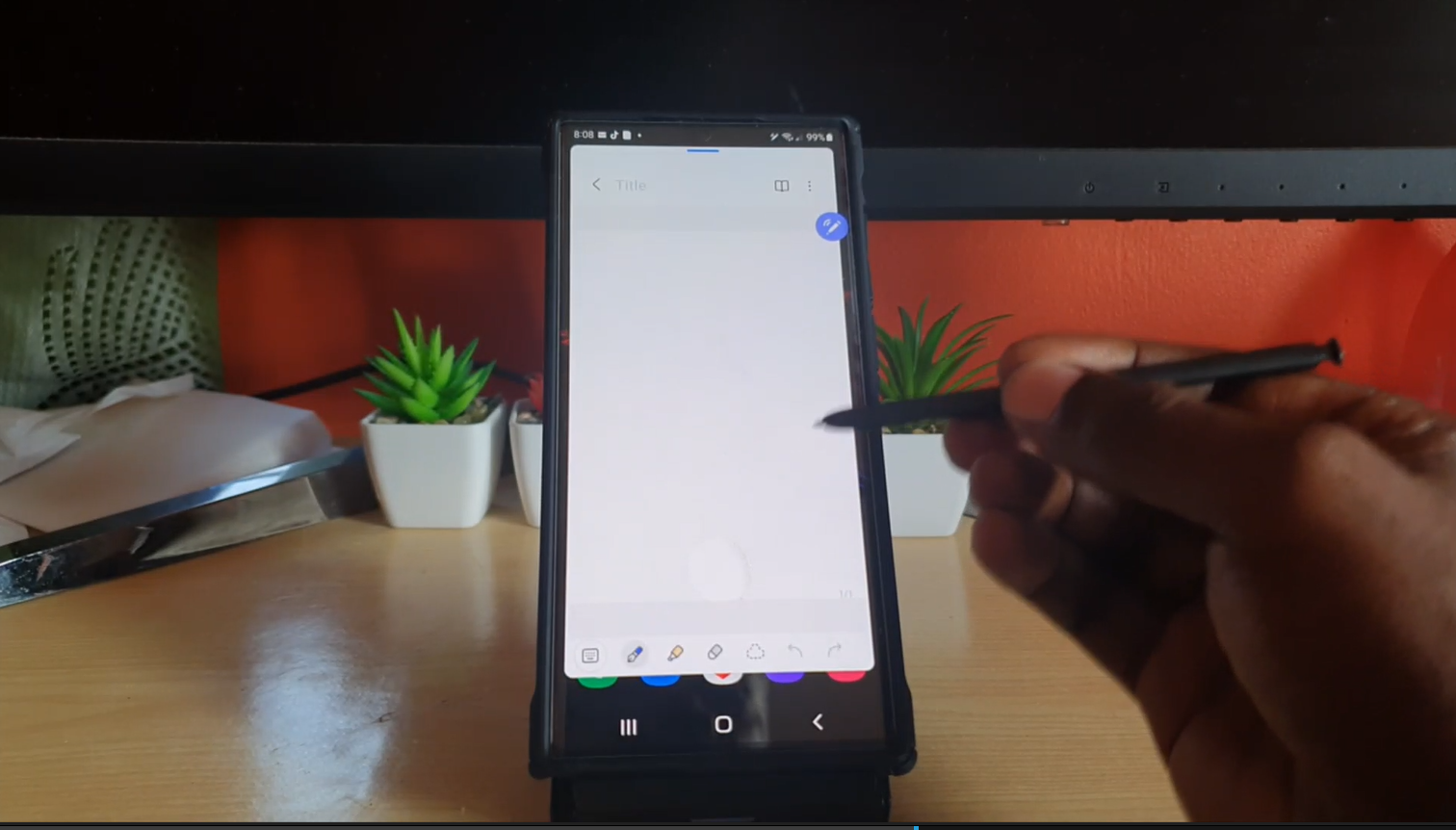
Quick Create Notes S22 Ultra
One of the Fun features of the S22 Ultra and Note devices is the ability to use the S Pen to create Notes. You can simply remove the S Pen and Open Note and start writing. If you are like me it takes about a minute to Find Samsung Notes and successfully open it up.…
-

Change S Pen Menu Style
You may not realize it but you can Change S Pen Menu Style. The process is very easy and you can change the S Pen menu from taking up so much space to a more nimble menu that looks way better. This guide will walk you through the process and give you tips as what…
-
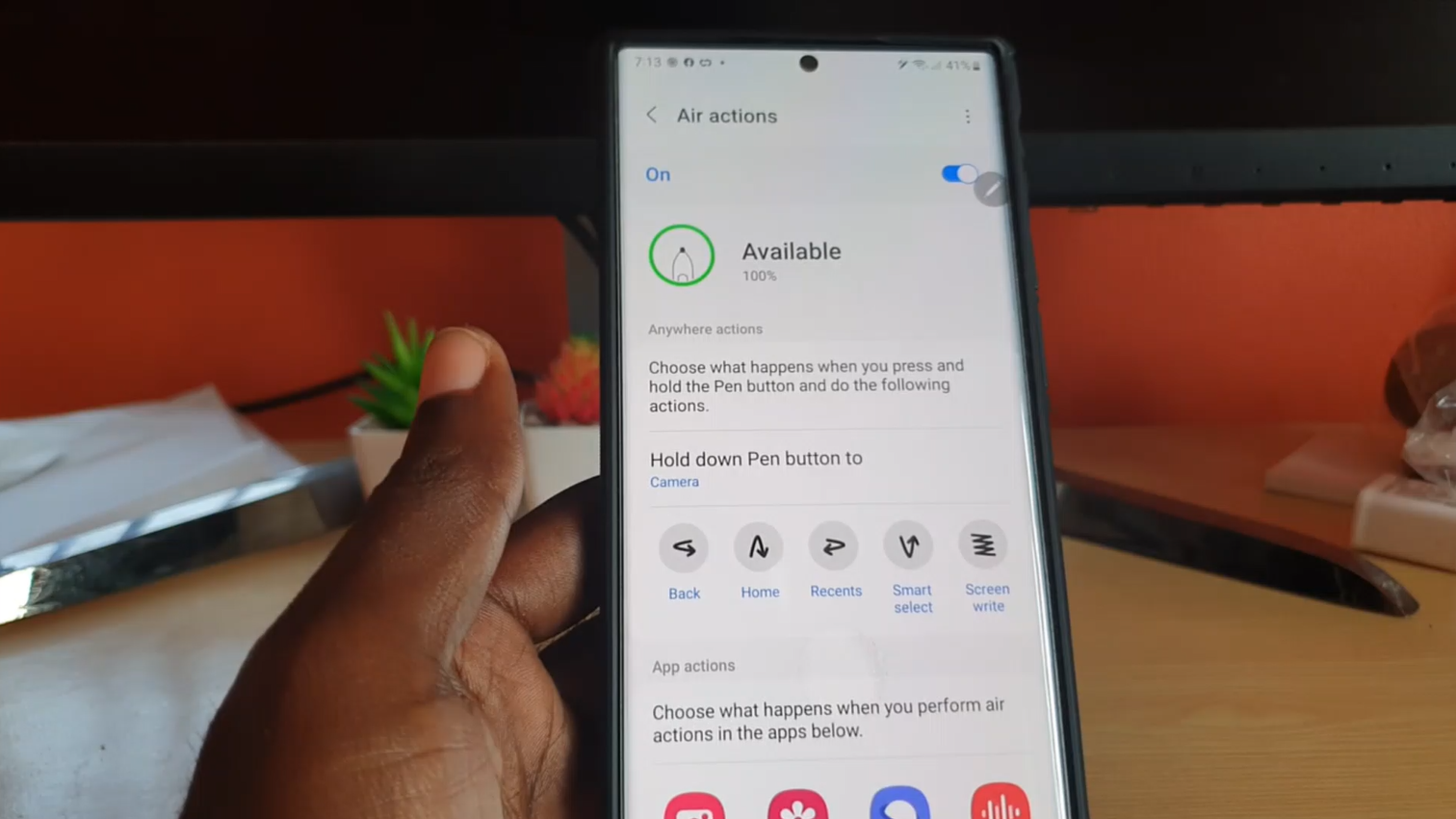
S22 Ultra Air Action
So with the S22 S Pen you can perform various Air Actions or gestures. This video will show you what to do in order to use the Gestures to make your life easier. You can perform various gestures such as:Open the Camera, Go Back, Go Home,Go to recent Apps, Open Smart Select and finally Screen…
-
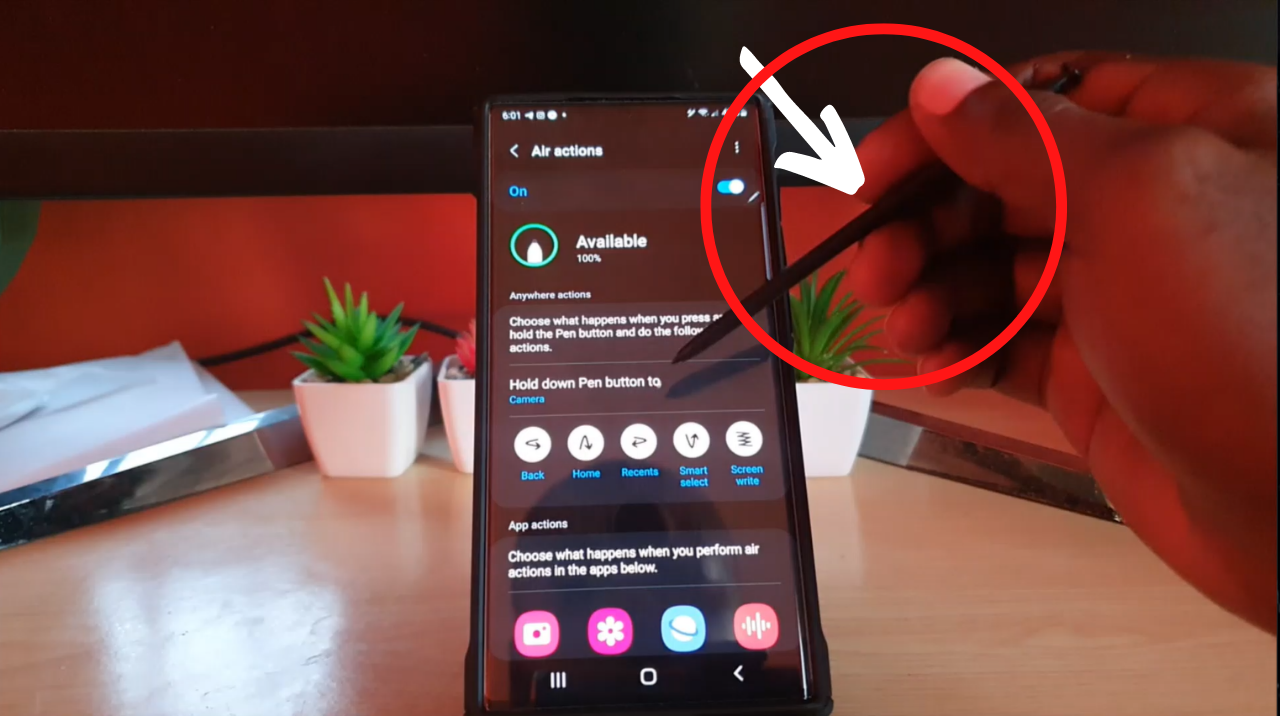
Reassign S Pen Button Function
My guide will show you How to Reassign S Pen Button Function. If you press and hold the S Pen side button you will realize that it will by default open the Camera and now with this guide you can set this Button on your S22 Ultra or Note device to Open Any App you…
-
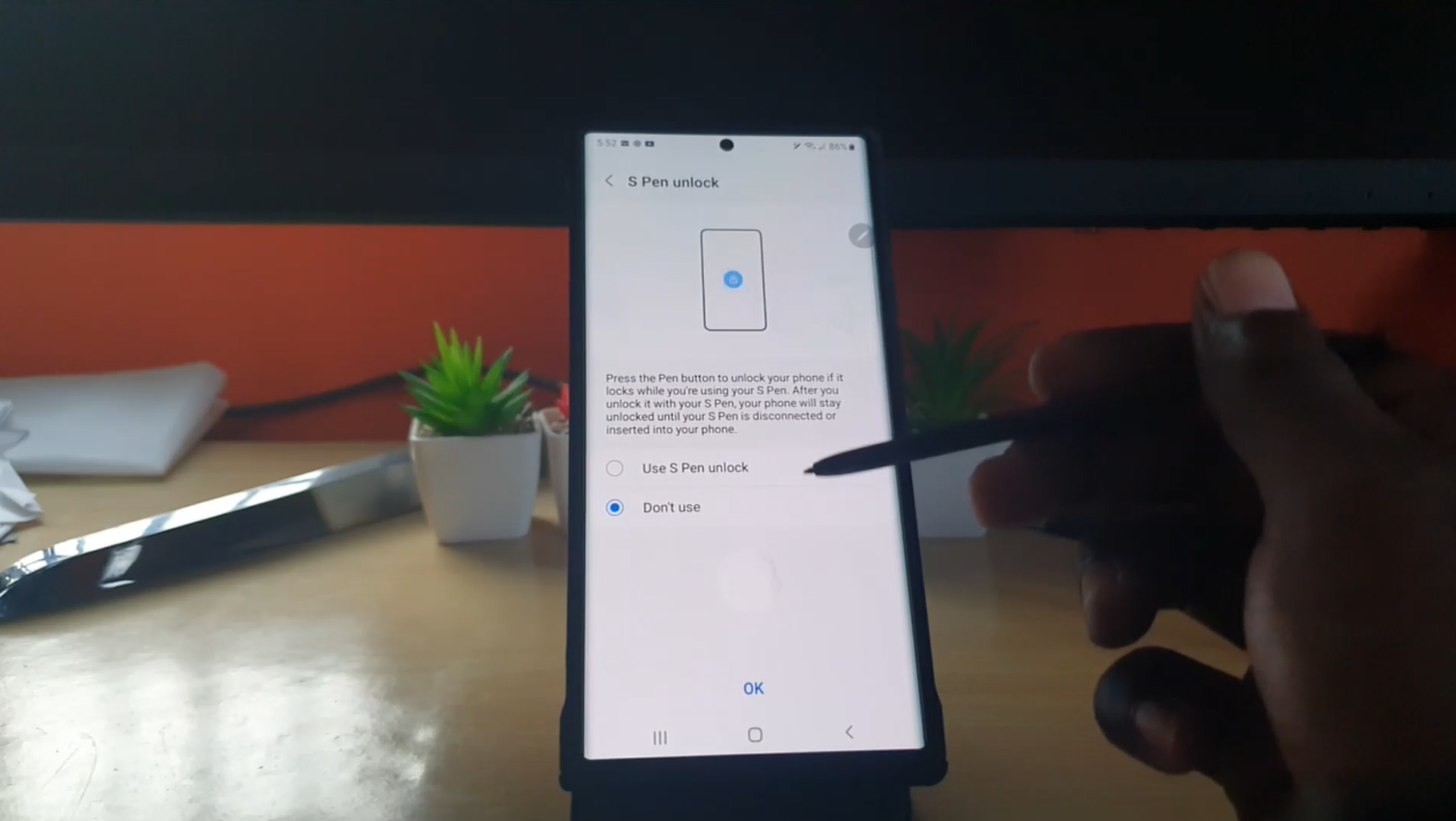
S Pen Unlock S22 Ultra
Ever been using your S22 Ultra and then it simply went to sleep and you had to enter the password each time to unlock? well there is a simpler way with S Pen Unlock. You can unlock your phone and no need to enter the password with S Pen Unlock and all you need is…
-

Turn Screen off Memo On and Off
If you remove the S Pen from the S22 Ultra or a Note device you will find that you can write on the black screen and make a quick memo. Thus feature is very useful for Jotting things down quickly. But in case it turned off or on this guide will show you how to…
-
How to get WIFI Password or Access from Phone that’s already Connected
This guide will show you How to get WIFI Password or Access from Phone that’s already Connected. If you have ever wanted to connect to a WiFi and had the password in one phone and then you want the internet by WiFi on the other but you don’t know the password. You may also have…
-
Force Restart S22 Ultra
My guide will show you How to Force Restart S22 Ultra or any of the devices in the S22 series. This may come in handy in cases where your device is Frozen, unresponsive or not operating as it should and bugging out. It will restart the phone without you needing to navigate the Android or…