
Category: Android Tips
-
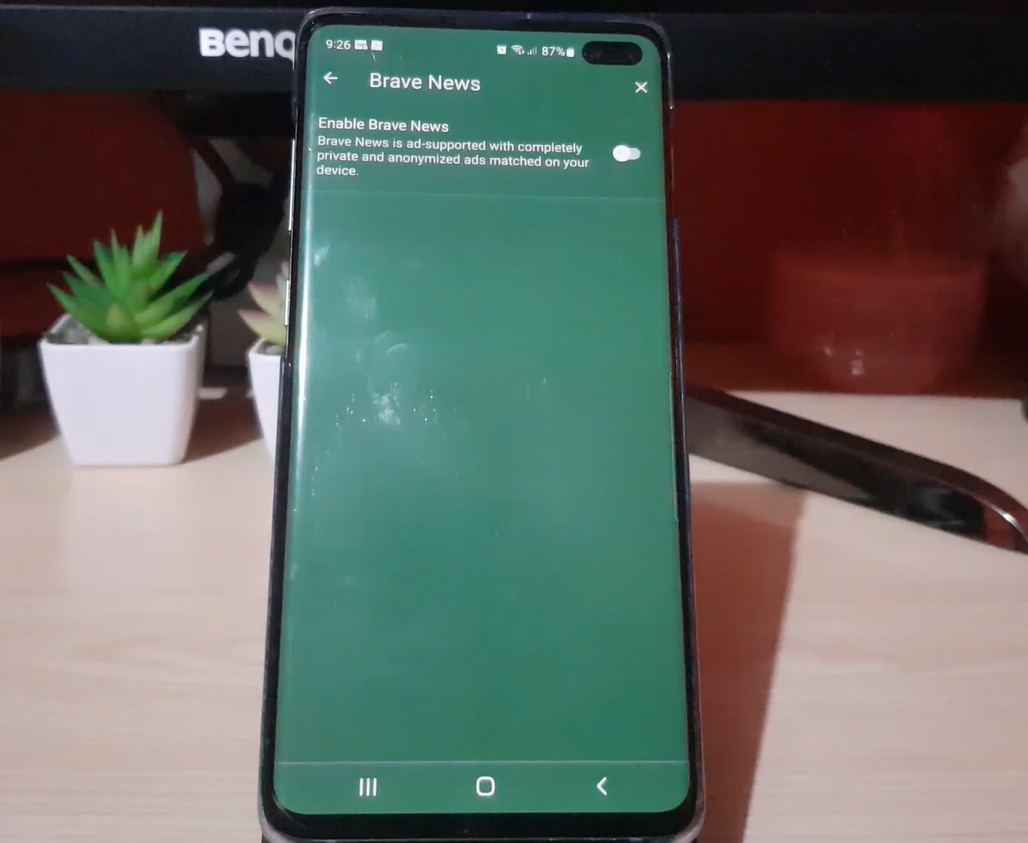
Brave Browser News Feed
If you love Brave Browser another thing you can get from it is your news. Brave Browser news Feed allows users to customize the news they want to see right on their Home screen within a few easy steps. My Guide will walk you through what you need to know in order to get this…
-
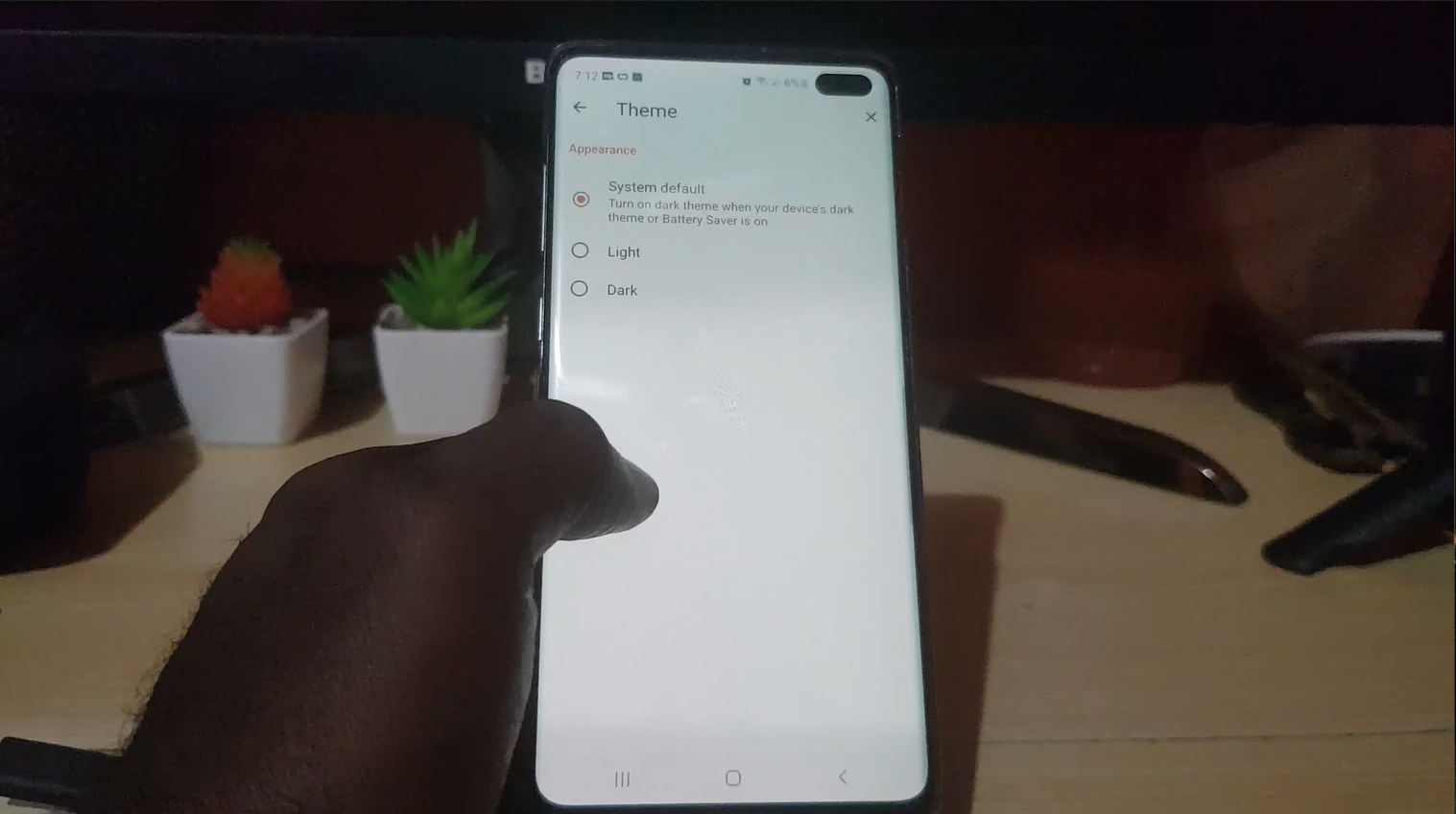
How to Change Brave Browser Theme
Did you know that you can change the brave Browser theme with a simple click of a button. You can easily switch the theme between a dark and a light theme very easily. My guide will walk you through the process of changing the theme between a light and a dark theme on Android. Please…
-
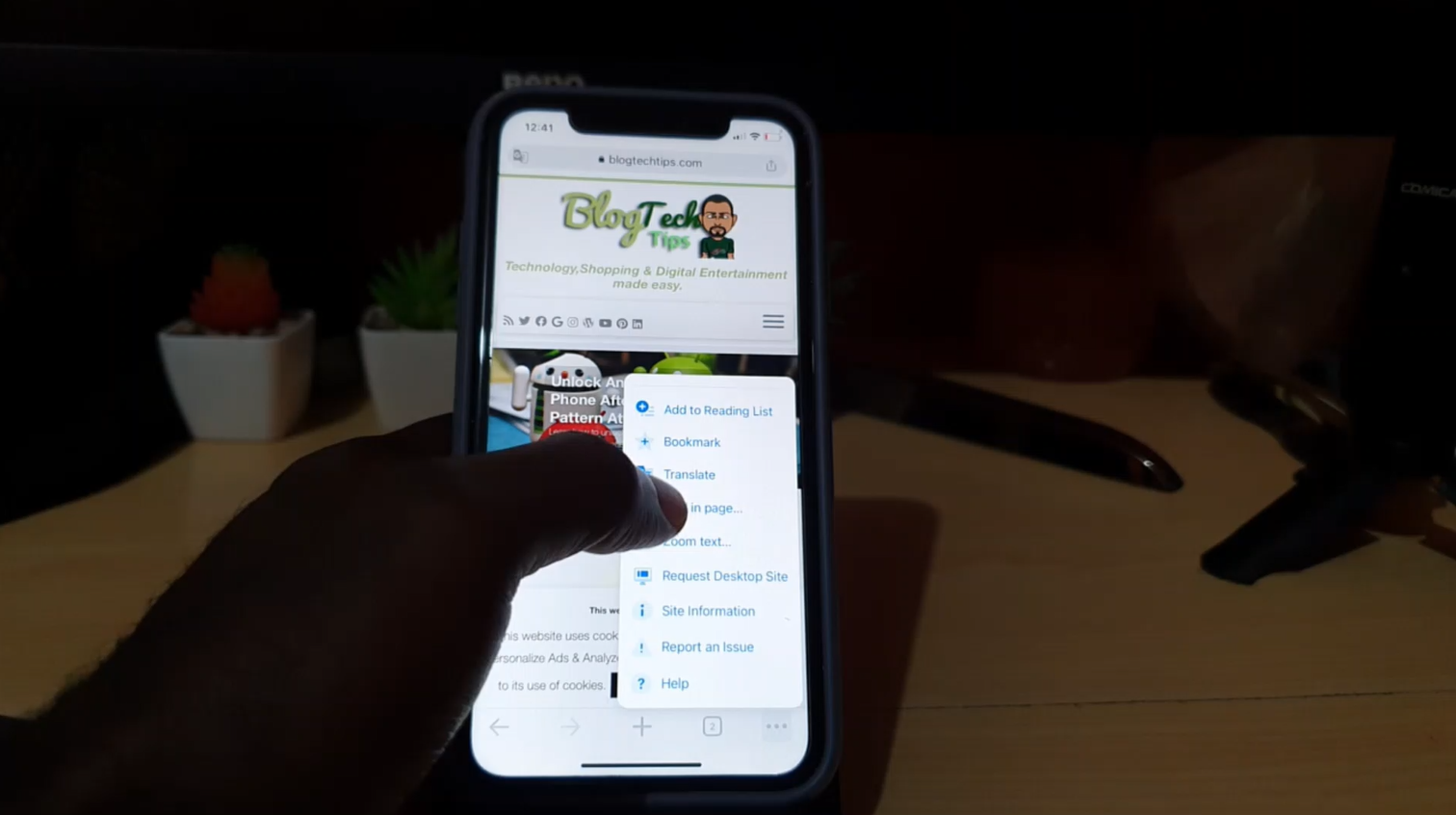
Translate a Website to English
This is how to Translate a Website to English. This can work on any Website in any Language and best of all is that its not only limited to English as you can Translate to virtually any Language. This is a Great feature that Built into Chrome from Google and works very well in Translating…
-

Request Desktop site iPhone Chrome
So this article will show you how to Request Desktop site iPhone Chrome.You may not be able to find the setting especially after combing through the settings and not finding a thing. I will show you how to do this with written directions and you can also find the video tutorial below that shows you…
-
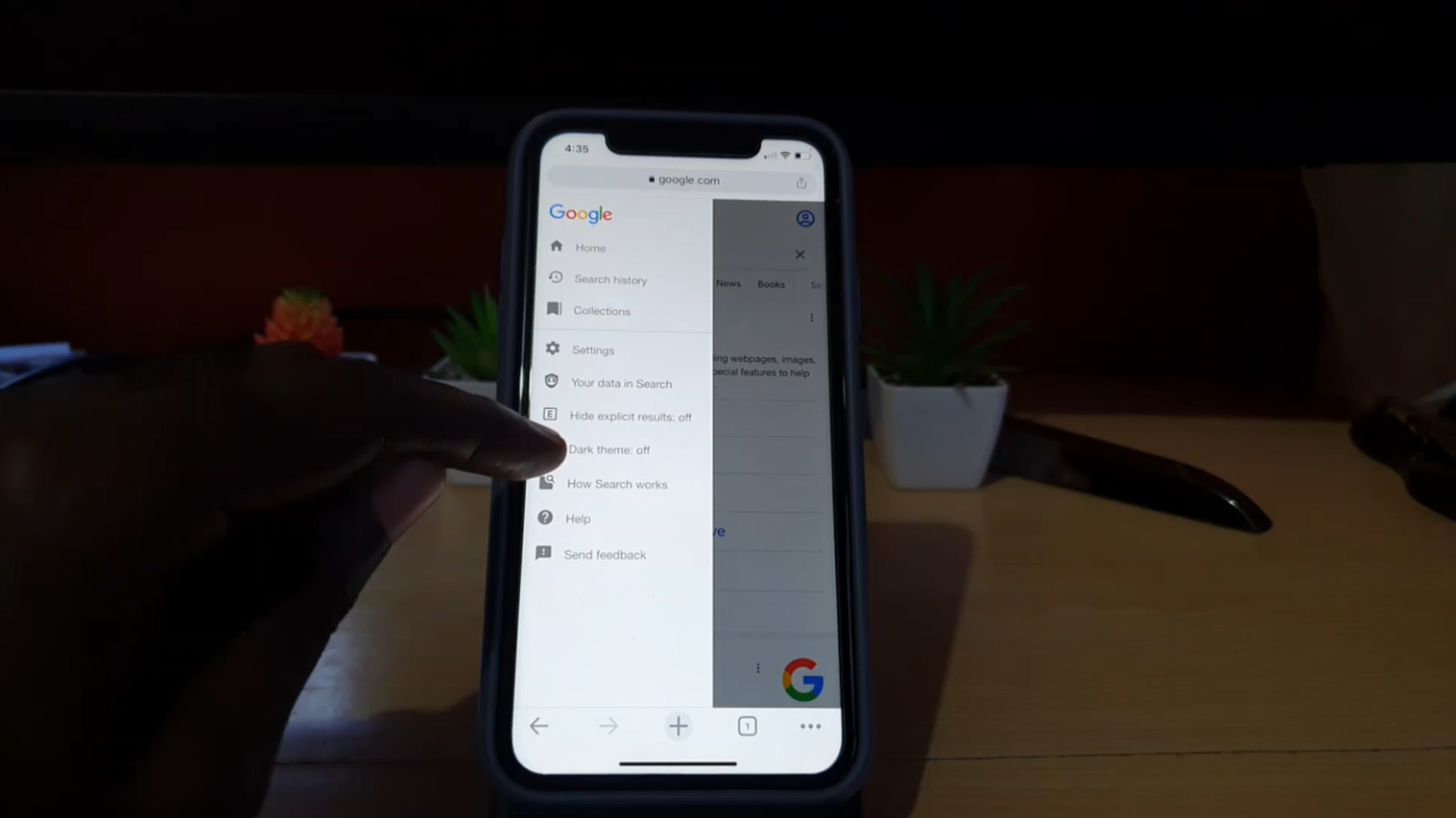
How to Set Google to Dark Mode
Did you know that Google can be set to Dark Mode or a Dark theme. Yes it can and its very easy. The best part is it gives search a new look and its less taxing on the eyes especially at night. I am sure you will love this mode and probably keep your search…
-

Temporarily Deactivate Instagram Account {New Update 2022}
So if you want to Temporarily Deactivate Instagram Account this guide which is the new update for 2022 and beyond will show you how. Once you do this you will be able to disable your account and if you so choose activate it later on. Note that this will work for Instagram on Android and…
-
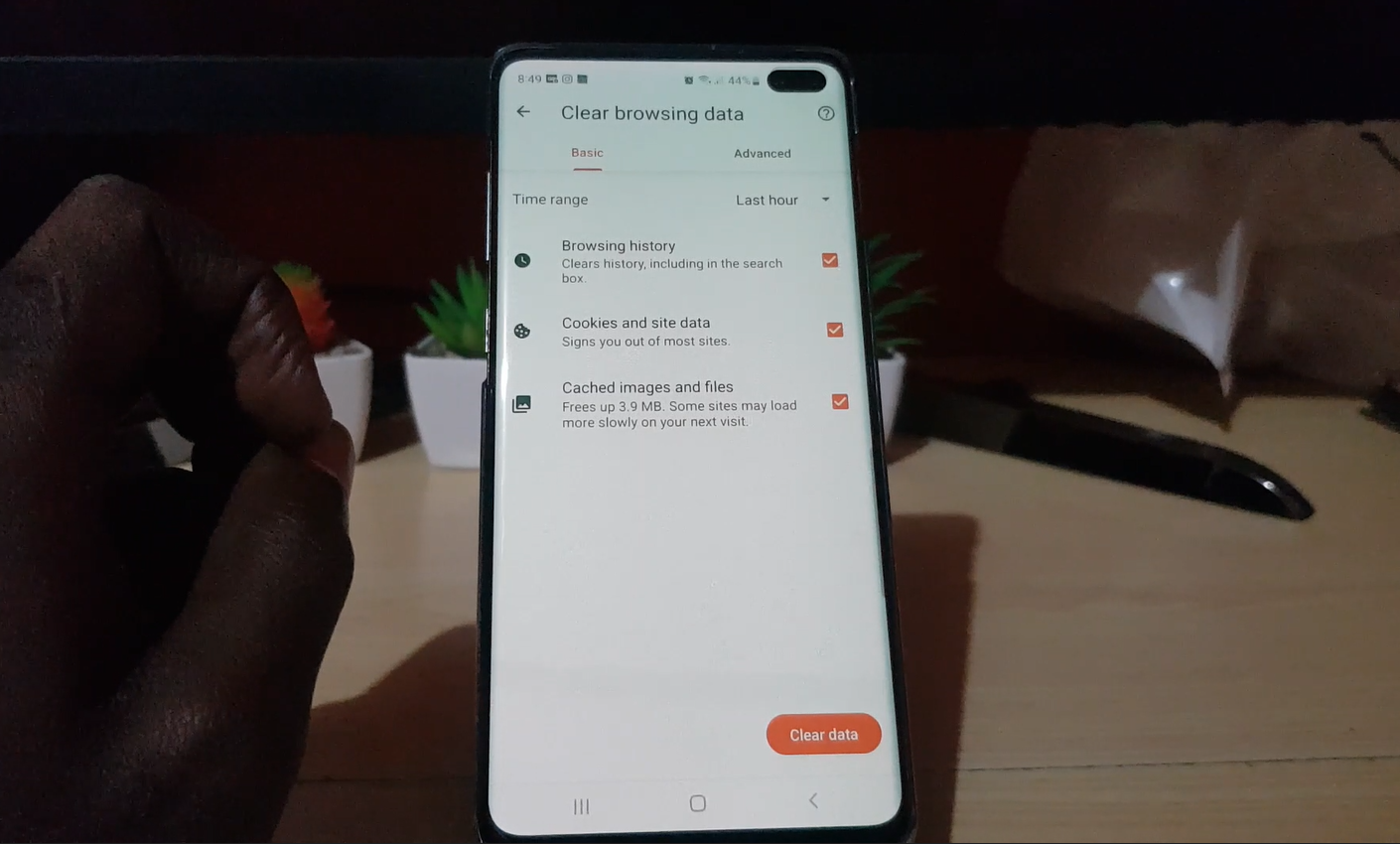
How to Clear Browsing History on Brave Browser Android
Want to clear your Browsing History on Brave Browser Android then let me show you how right now. My guide will walk you through the process and show you in a step by step format and I have also included a video to help out as well. Please share your thoughts in the comments and…
-
How to Unmount SD Card Android 12
Its never a good idea to unmount your SD card without first properly ejecting or Unmounting it in the Android interface. In this guide I will show you How to umount SD card in Android 12. So if you have the latest version of Android this should help you in safely disconnecting your Micro SD…
-
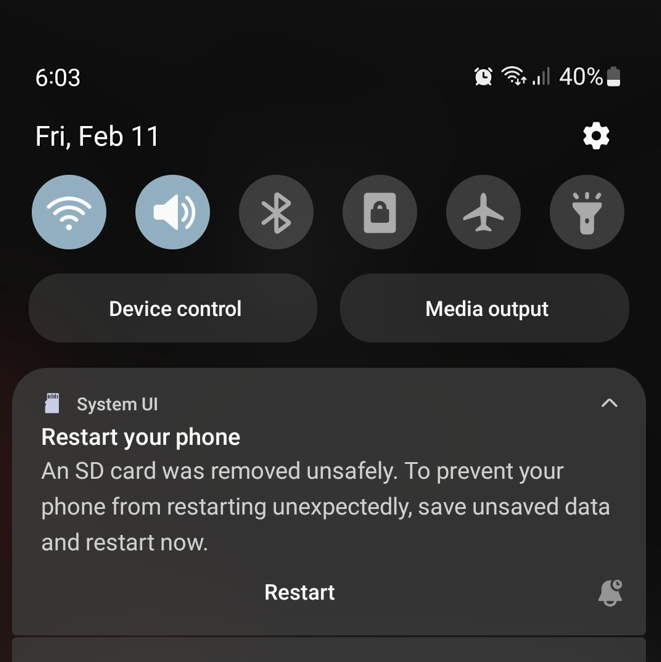
An SD Card was Removed Unsafely Samsung
I recently removed my Memory Card from my Samsung Smartphone and got on screen the An SD Card was removed Unsafely warning. Going short of thinking I might have damaged something I soon realized what I had done and did as indicated to restart. Later on My SD card was not detected anymore then I…
-
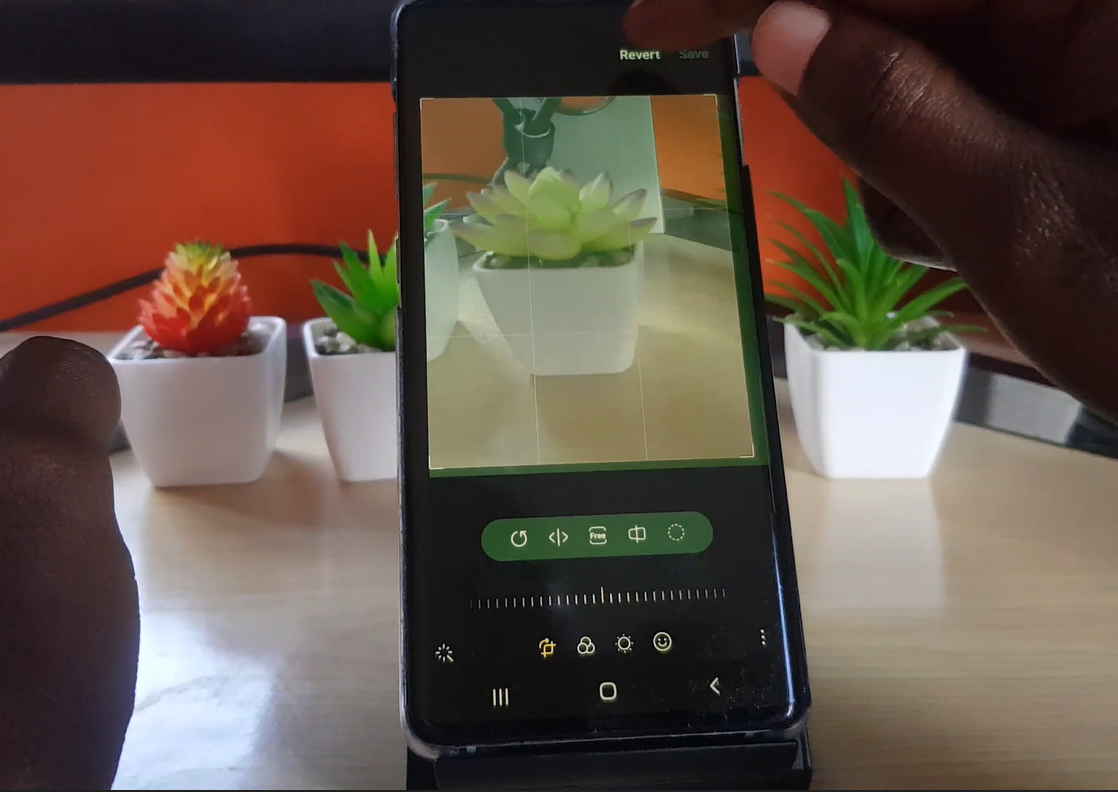
How to Crop in Samsung Gallery
So in today’s guide I will show you how to crop in Samsung gallery or How to Crop a Photo on Samsung phone. The process is easy and this way you can adjust your pictures or screenshots to remove any portions you don’t like. You can even revert the picture if you don’t like what…