
Category: Android Tips
-
Dual Messenger Samsung A12
If you want Dual Messenger Samsung A12 so that you can install dual versions of Apps such as :Whatsapp,Facebook,Snapchat and so on then follow along. This is a built in feature of Samsung A12 and other Samsung devices that allows you to run two instances of the Same App on your Samsung Galaxy. Video Tutorial:…
-

Samsung TV Screen Mirroring with Samsung Phone
So If you have a newer Samsung Smart TV one of the features you should definitely use is the screen Mirroring. This feature is really goo and you can use it to mirror your phone to the TV. My guide will break down the process and make it very simple for you. In the Guide…
-
How to Revert Edited Picture to Original on Android
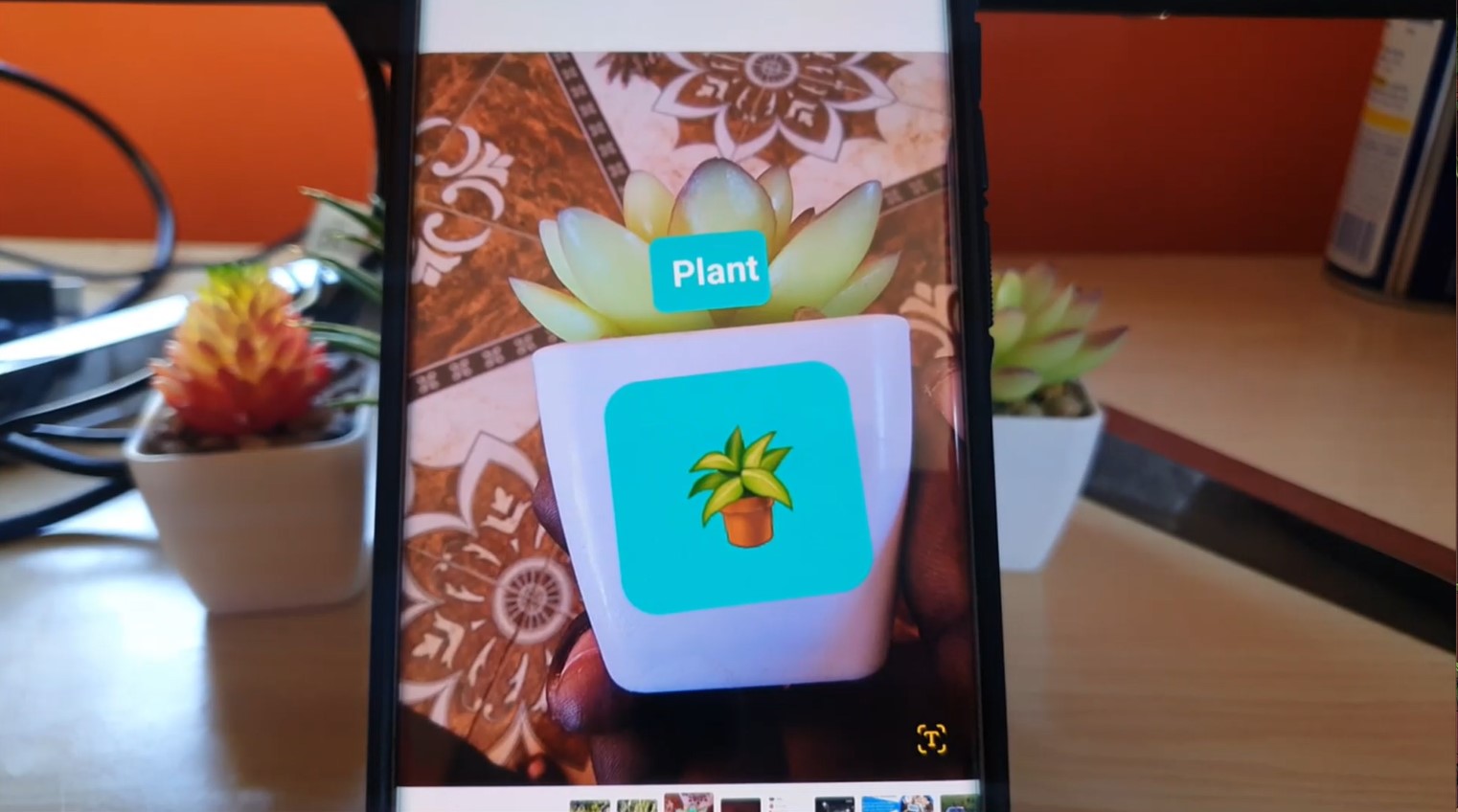
Went too wild on editing a photo or maybe you simply have a picture that was messed up due to edits on your Android or Samsung Galaxy phone. Fret not as it can be fixed. This guide will show you How to Revert Edited Picture to Original on Android. The process is easy and all…
-

Remove Background from Photo Samsung Galaxy
Want to remove the background from a Photo or Picture you Have on your Samsung Galaxy and don’t know how. In this guide I will show you how to easily use the built in Photo Editor in Samsung Galaxy devices to edit pictures in record time. No need to download any additional software or anything.…
-
Change the Aspect Ratio of a Photo Android
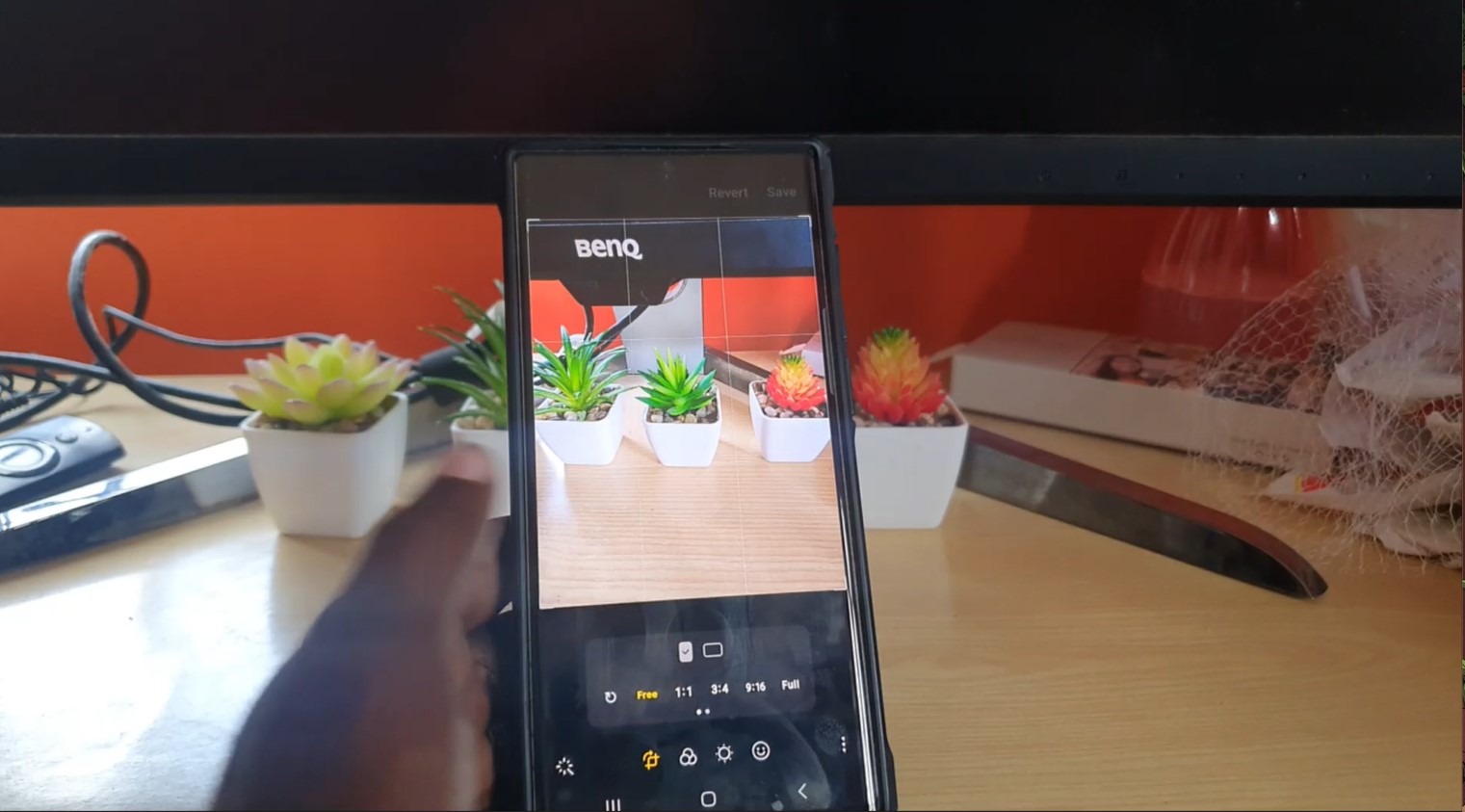
So you want to learn how to Change the Aspect Ratio of a Photo Android? My guide will show you how to do that exactly to your Images or after you have taken them. I do hope you enjoy the guide and leave your feedback below. Video Tutorial I have put together this guide and…
-

How to Invert Pictures on Android
How to Invert Pictures on Android so that the left side becomes right and right side becomes left. Its a pretty cool trick and may come in handy in some situations. This guide will break down the process for you and show you everything. You can see the video and tutorial below that shows you…
-

Samsung Galaxy New Multi Window Feature
So Samsung has added a cool new Update to the Multi Window Feature that makes it easier than ever to use. Check out this Samsung Galaxy New Multi Window Feature that you will definitely want to use. It makes multitasking that much easier to use and intuitive. You can check out the video or the…
-

Remove Watermark From Pictures Android 13
So if you have a Samsung Galaxy and you have updated to Android 13 One UI 5.0 or higher similar to the Galaxy S22 devices you may run into the issue of Watermarks on your Pictures. Its great if you want the feature but it may be turned on and you want it off and…
-

Android 13 New Watermark Feature
On Android 13 for the Samsung Galaxy devices such as the S22 there is a brand new Watermark Feature. It definitely worth checking out as it allows you to brand all your Pictures with a Watermark. You can Add the time and date the Picture was Taken Automatically and your Device name or a Social…
-
Samsung Galaxy Android 13 Customize Lock Screen Widgets
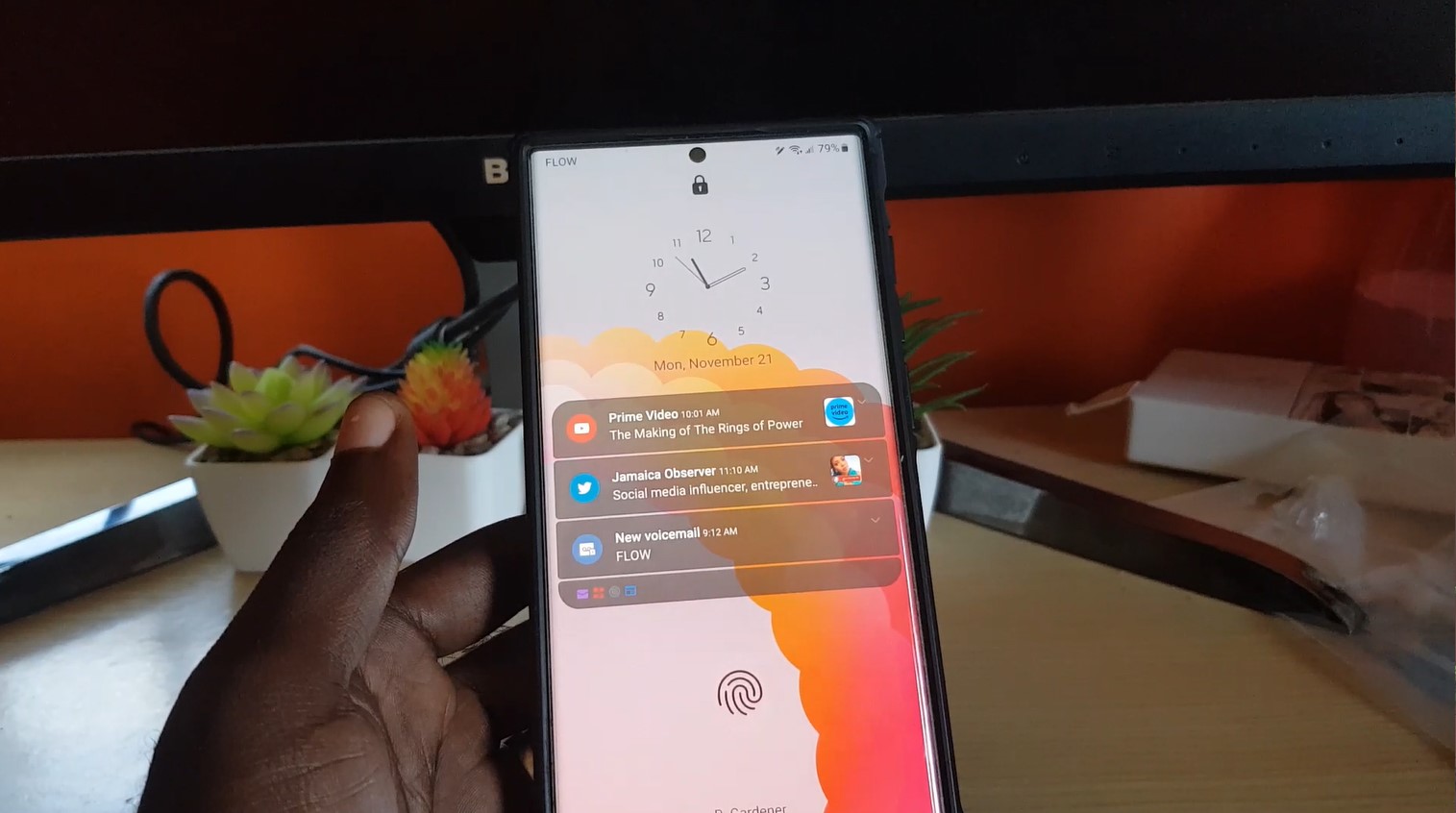
A fun New feature of Android 13 on the Samsung Galaxy S22 and other similar Samsung devices is the ability to customize the look and feel of the lock screen with Widgets. I personally love this and think its one of the stand out features that Samsung has added as part of the update. You…