
Category: Android Tips
-
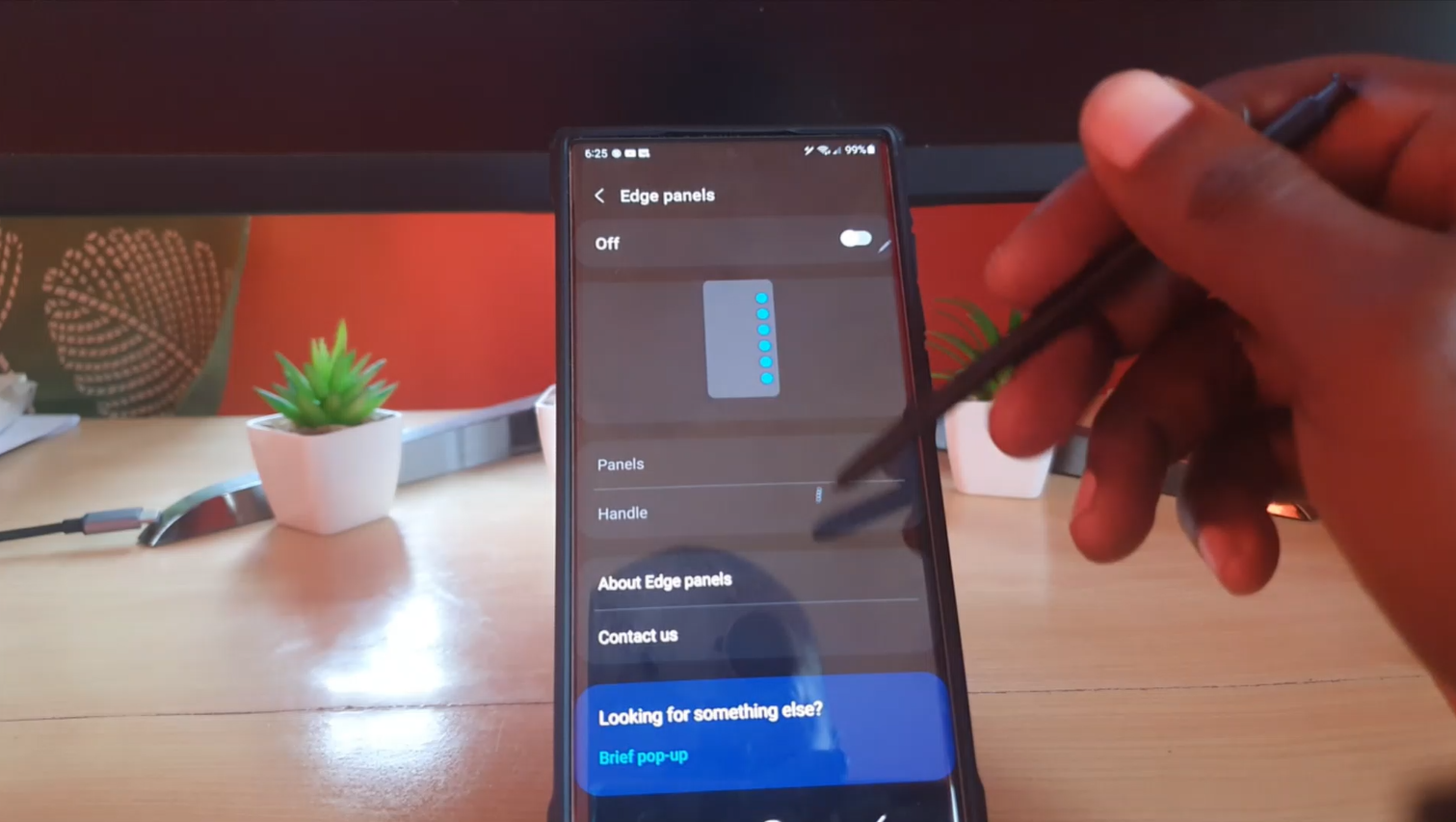
Disable Edge Panel S22
If you have a S22 device, especially the S22 Ultra you may not even notice that you have a Edge Panel on your device. It houses some useful apps and functions. I was more captured by the Air Command menu on the S22 Ultra and did not even notice the Edge Panel was still there.…
-

App Keeps Stopping S22 Fix
A classic error for any Samsung device is the App Keeps Stopping error, the S22 devices are no exception to this error as well. This guide will walk you through how to fix this error for just about any app you may have with the error. Apps that may encounter this error includes Facebook,Instagram, Whatsapp,Telegram,…
-

Power Saving Mode S22
The power saving mode that’s built into the Galaxy S22 Ultra is a very cool way of saving power with a click of a button. It throttles the CPU speed of your device and reduce some functionality in order for you to get the most out of your battery. This is a great way if…
-

How to Screen Record S22
If you have ever needed to show someone how to do something on a phone, a tutorial or demonstration then you may find the ability to screen record helpful. This guide will show you how to screen record s22. This will work for the S22,S22 Plus and S22 Ultra and other similar devices. I do…
-
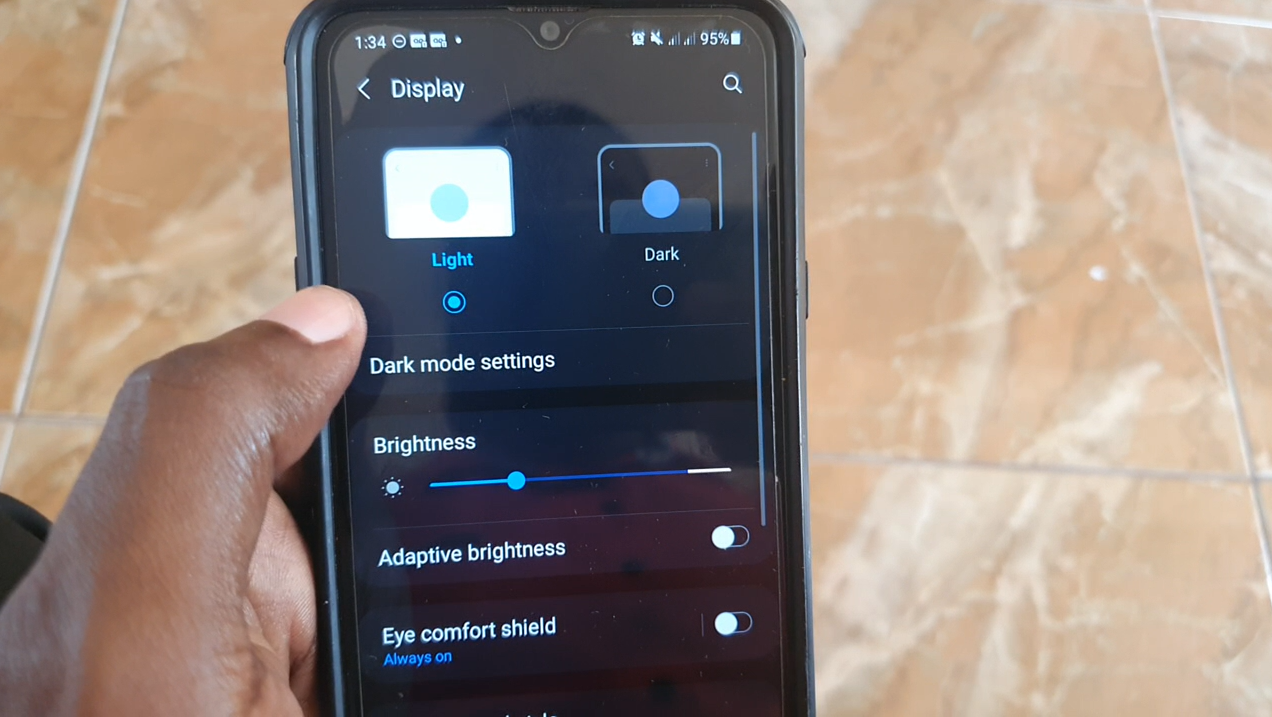
Samsung A20s Dark and Light Mode
Check out how to turn on and off Samsung A20s Dark and Light Mode. This guide will walk you through how to control the Light theme or the Dark theme on your A20s. This will also by extension work for any similar Samsung smartphone. The Dark mode for example can be used to save battery…
-
Instagram Comments Not Showing Fix
In today’s tutorial we will be fixing the issue where Instagram comments not showing. This can happen on a post where there should be comments but for some reason you cannot see them. I find that this happens on Engaging post where lots of people comment such as a news post or viral post. There…
-

Samsung A20s Dual Messenger
Dual Messenger is a very cool way of having more than one instance of a App running on the same device. This way you an have two accounts and be logged into both at the same time. This works for Snap chat, Whatsapp and Facebook among other Apps. So in today’s guide I will show…
-

Samsung A20s Clear Cache
My guide will show how to on the Samsung A20s Clear Cache. You will be able to clear the cache for any App that’s on your device. This may come in handy in cases where you have a App crashing or not functioning as it should. So its always great to know how to do…
-
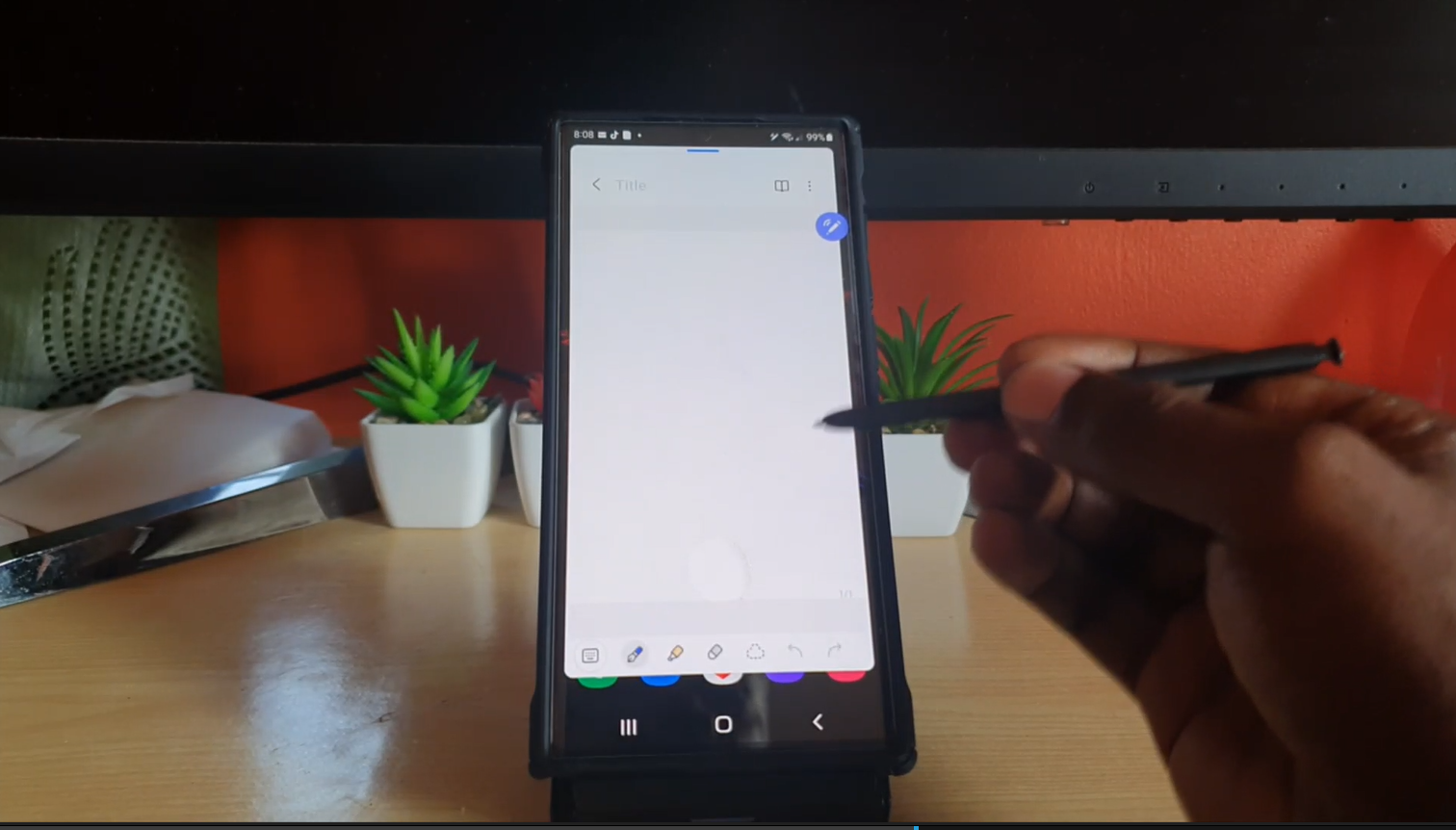
Quick Create Notes S22 Ultra
One of the Fun features of the S22 Ultra and Note devices is the ability to use the S Pen to create Notes. You can simply remove the S Pen and Open Note and start writing. If you are like me it takes about a minute to Find Samsung Notes and successfully open it up.…
-

Change S Pen Menu Style
You may not realize it but you can Change S Pen Menu Style. The process is very easy and you can change the S Pen menu from taking up so much space to a more nimble menu that looks way better. This guide will walk you through the process and give you tips as what…