
Category: How to
-
How to Unmount SD Card Android 12
Its never a good idea to unmount your SD card without first properly ejecting or Unmounting it in the Android interface. In this guide I will show you How to umount SD card in Android 12. So if you have the latest version of Android this should help you in safely disconnecting your Micro SD…
-
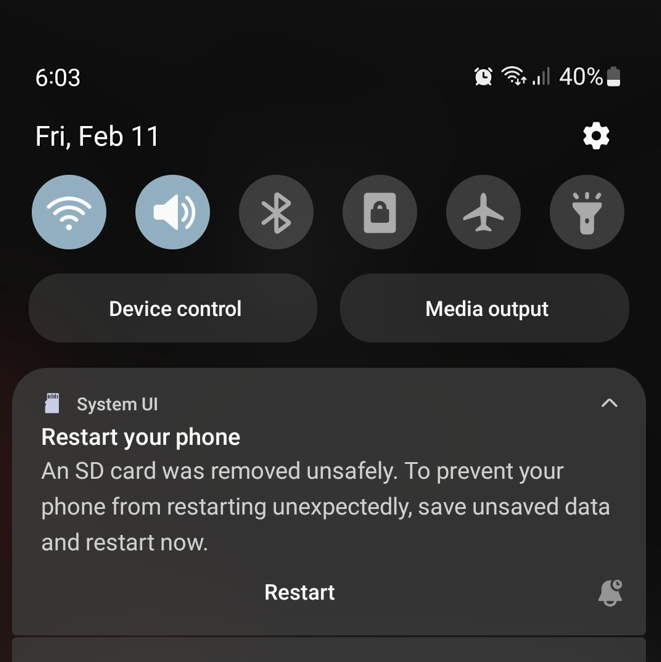
An SD Card was Removed Unsafely Samsung
I recently removed my Memory Card from my Samsung Smartphone and got on screen the An SD Card was removed Unsafely warning. Going short of thinking I might have damaged something I soon realized what I had done and did as indicated to restart. Later on My SD card was not detected anymore then I…
-
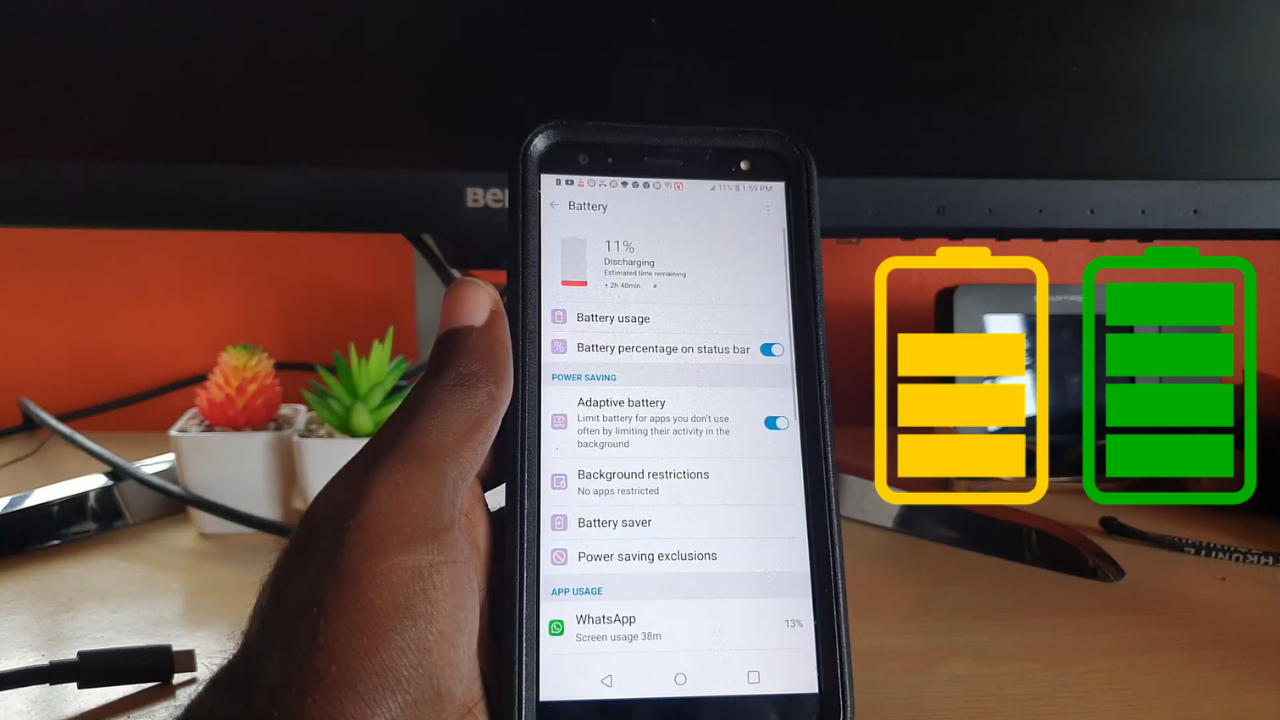
How to Add Battery Percentage to the LG K40
Do you have a LG K40 or another similar device from LG and need to add the battery percentage. The battery percentage is a great way to tell exactly how much Battery you have remaining and keep track of your usage. I will show you what steps to take to add the Battery percentage to…
-
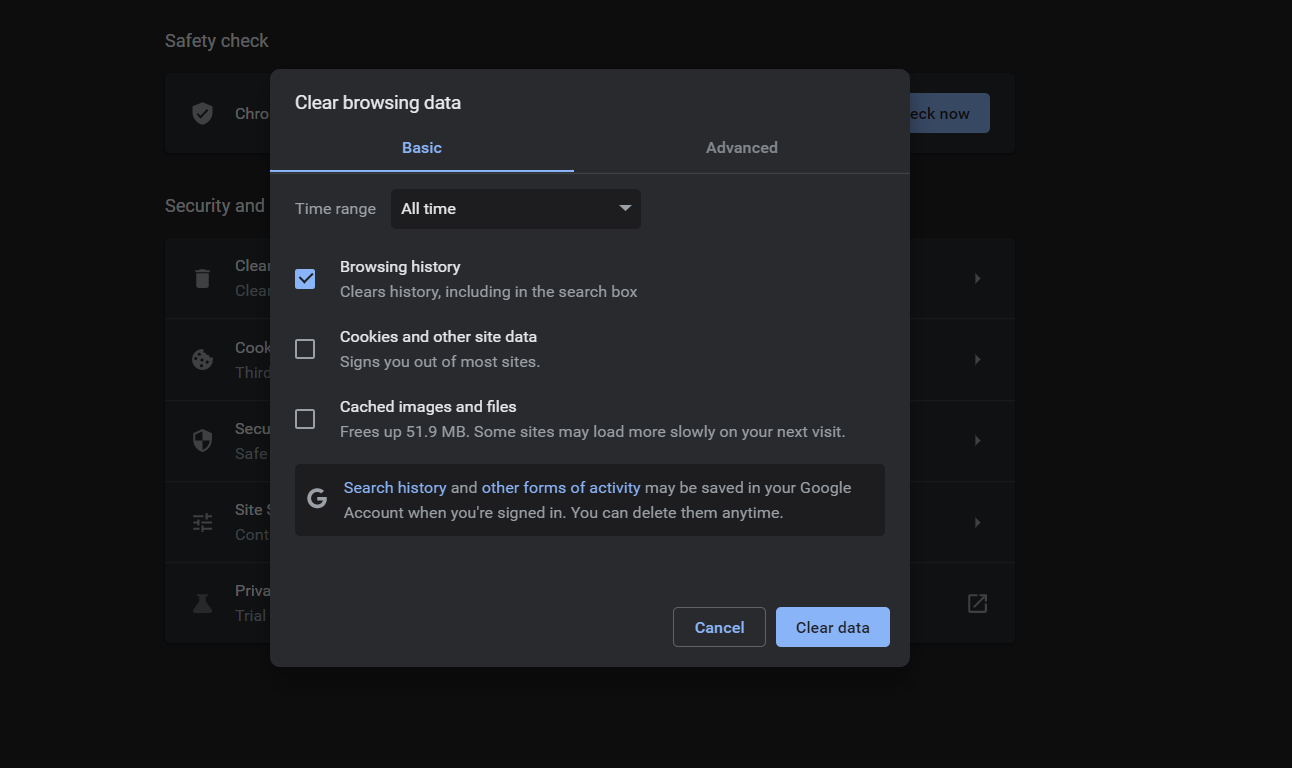
How to Clear Browser History Google Chrome
Do you want to clear your Browser History or Search History on Google Chrome its easier said than done. The method may be not so obvious once you go into your browsers setting. Today I will be showing you how to do that and more using Chrome. If You have any Questions or concerns relating…
-

How to Clear Firefox Search History
So if you have ever needed to learn How to Clear Firefox Search History this article will walk you through the finer points. This guide was written with Firefox for Windows in mind although it should be similar on other devices as well. Please fee free to ask any question you like in the comments…
-

Firefox Clear Cookies
If your Aim is to clear the Cookies on Firefox then this tutorial will show you how to do just that and more. In today’s guide let me walk you through how to Clear Cookies and site data from your Firefox browser manually. This is one thing you should definitely learn how to do while…
-
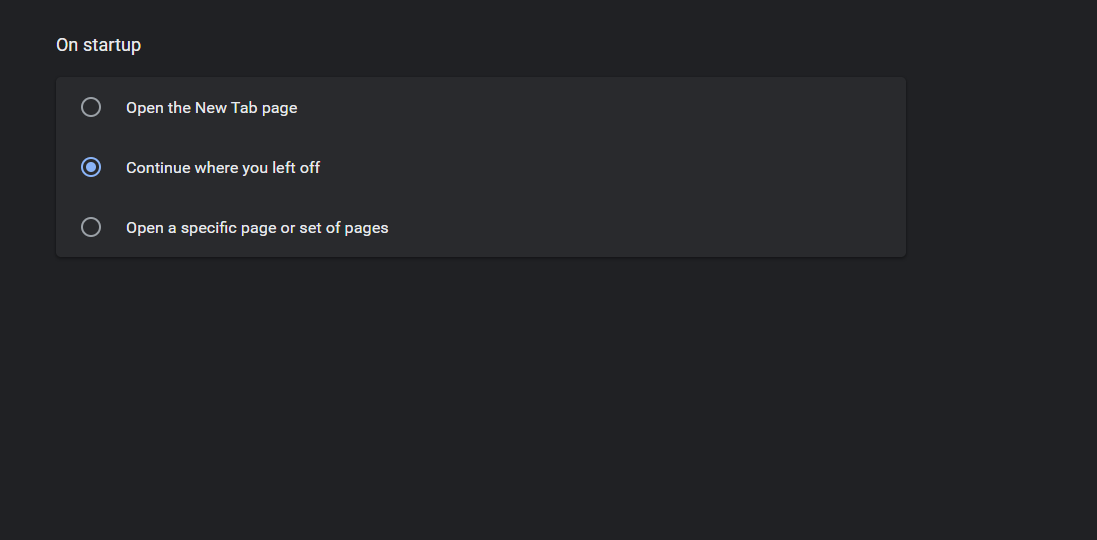
Continue Where you left off Chrome
Continue where you left off Chrome is one of the features you definitely want to turn on. It allows you to continue from wherever you last stopped, Tabs and all when you closed down the browser. This can be a very solid way of having you continue from what website you were last when you…
-
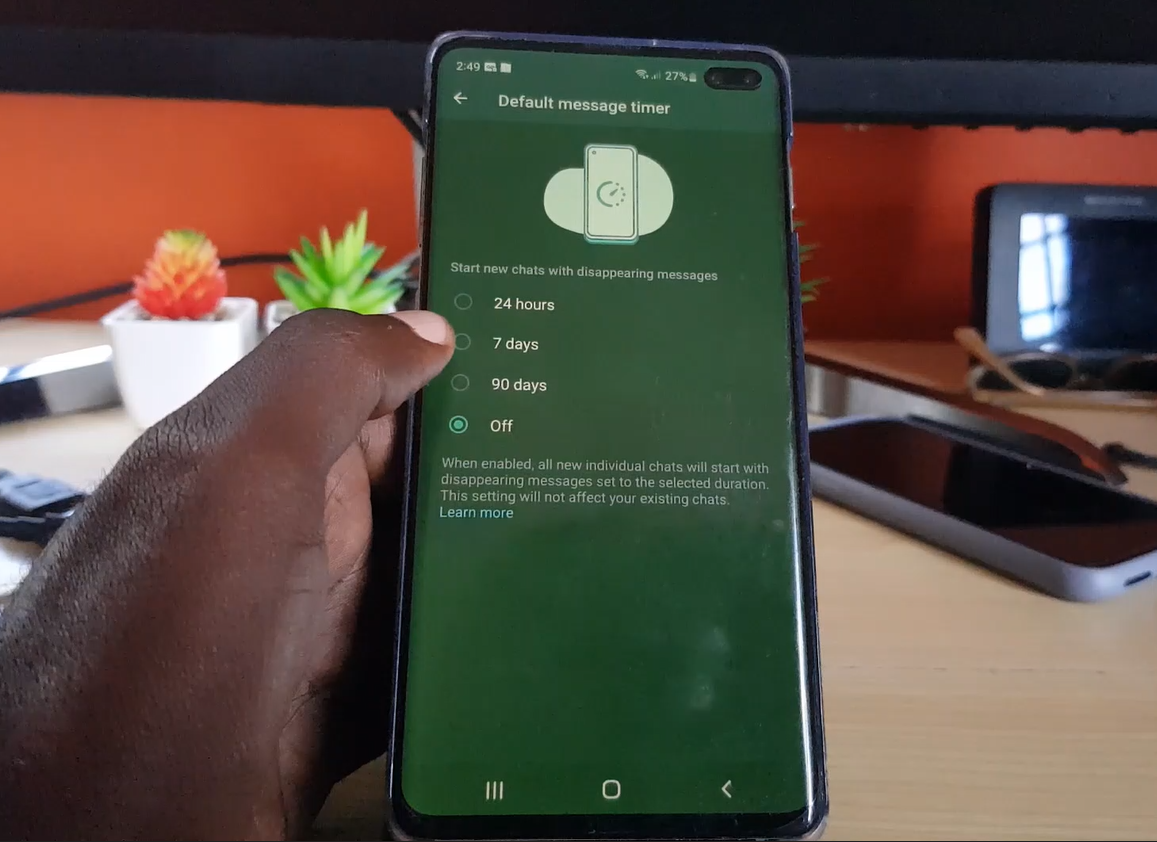
Default Message Timer in WhatsApp
Whatsapp has a new feature that’s called Default Message Timer which allows for your messages to disappear after a chosen period. This feature seems to work with group chat and when the feature is enabled you can set the time period for your messages to disappear. A pretty cool feature and one you definitely want…
-

How to Screenshot on Windows 11
Making a Screenshot on Windows is 11 is very easy if you know how. You can very easily make a full screen or partial screen capture that can be saved as a image. This will work on Laptops, Desktops regardless of bran from HP, Acer, Dell and so on. I do this all the time…
-
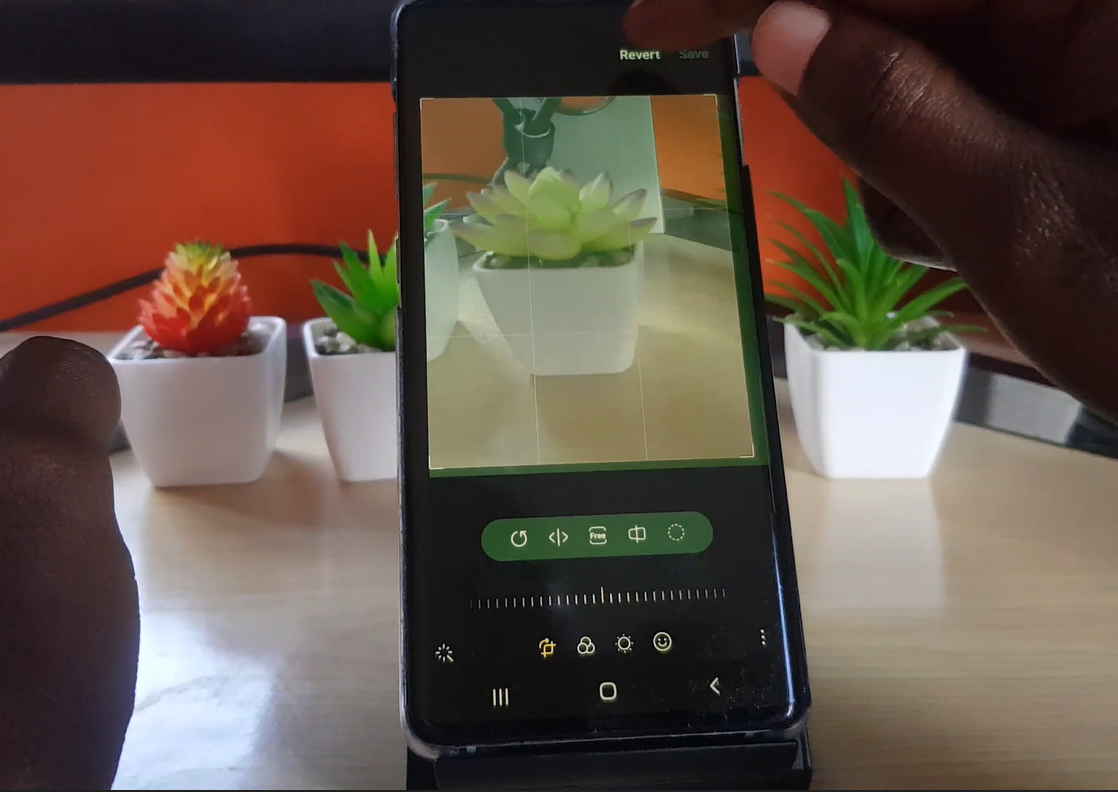
How to Crop in Samsung Gallery
So in today’s guide I will show you how to crop in Samsung gallery or How to Crop a Photo on Samsung phone. The process is easy and this way you can adjust your pictures or screenshots to remove any portions you don’t like. You can even revert the picture if you don’t like what…