
Category: Android Tips
-
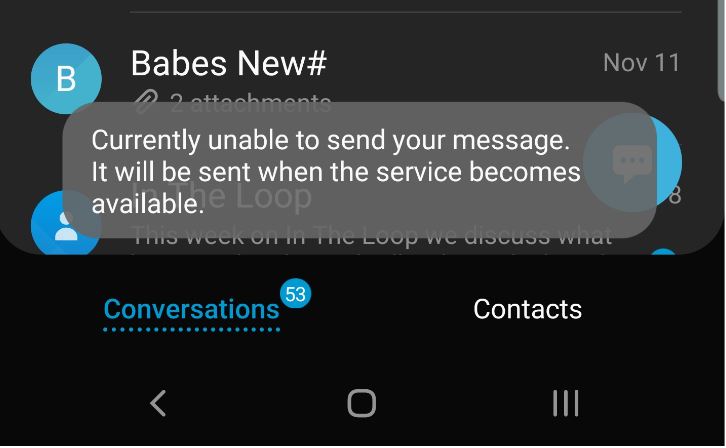
Currently Unable to send your message Fix
So I recently started to get this error where I would see at random the message flash at the bottom of the screen Currently Unable to send your message. The error was strange as I was not trying to send a message and had no clue as to where the message originated and how to…
-

How to Change Facebook Password using the App
If you ever want to change your Facebook Password its very simple using the Facebook App on your phone. This guide shows you how to do just that and all you need to do is follow it. The process is pretty straightforward and all you need is to know the old Password and continue reading…
-

How to Block Users on Facebook
So have you ever had a situation on Facebook where you had a annoying user messing with you or maybe you just don’t want them seeing your posts or messaging you. Then my friend you have come to the right place and you just found the right tutorial to show you exactly what to do…
-
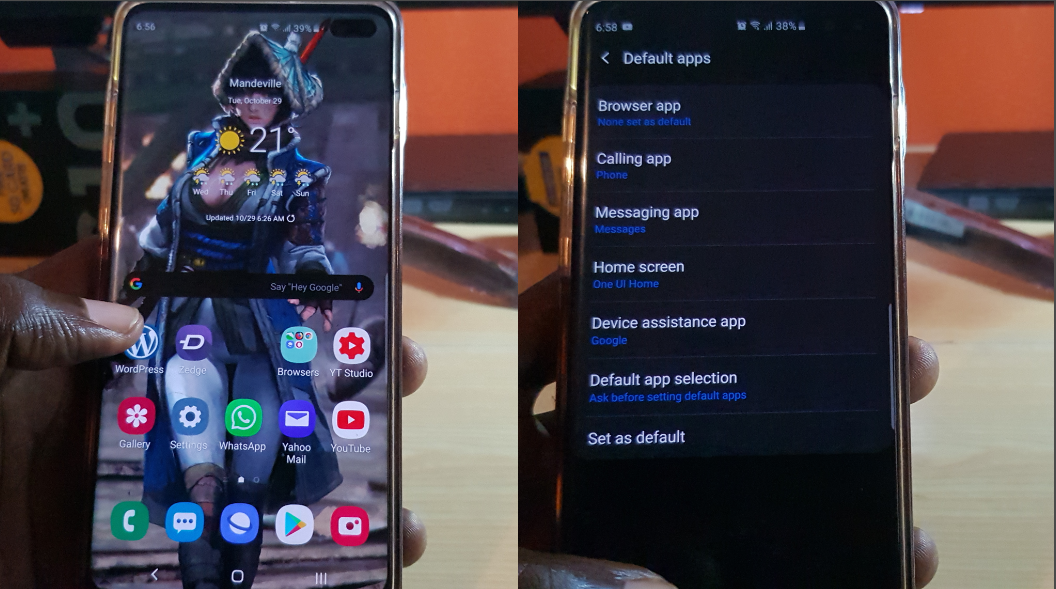
How to Set Default Apps Galaxy S10
Ever wanted to learn How to set default apps for Galaxy S10? then you have come to the right place. Learn how to set default calling app, browser for Internet links and browsing, Launcher and even assistant. At the end of this article you will be able to choose the default app to handle just…
-
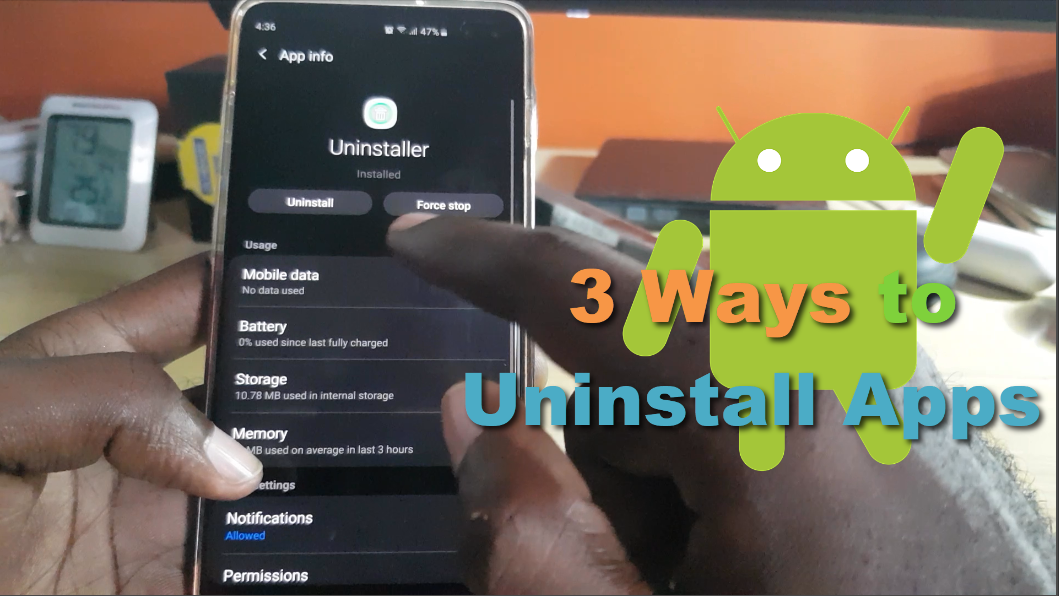
How to Uninstall Apps Android -3 Methods
So if you do not know there are many ways to uninstall Apps on Android devices. You may only know one (1) but in this article I will be showing you how to uninstall apps using three (3) different methods. I hope that by the end of the post you will be aware of additional…
-
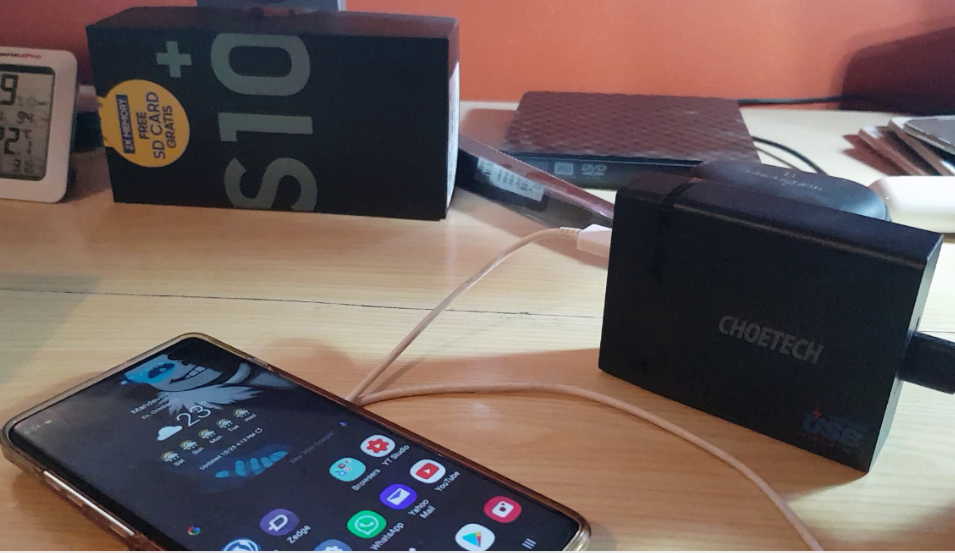
ChoeTech USB-C Desktop Charger With Power Delivery Review
This is a review of the ChoeTech USB-C Desktop Charger With Power Delivery. This device is a cool desktop option that allows you to charge several mobile devices such as various smartphones, Tablets and so on from one simple charger all at the same time. Its a great way to get rid of clutter and…
-
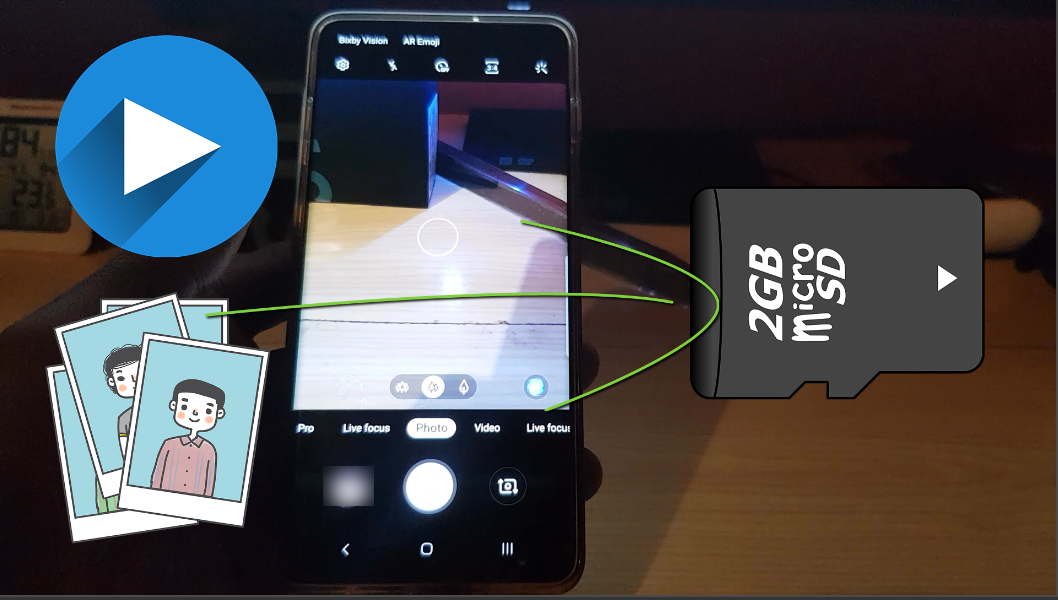
How to Make SD Card Default Storage Location for Pictures and Videos Galaxy S10
This guide will show you how to Make SD Card Default Storage Location for Pictures and Videos Galaxy S10, S10 Plus and S10 e. So whenever you capture a picture or video it will automatically go to your SD card. With all that being said do note by placing your Pictures and Video on a…
-
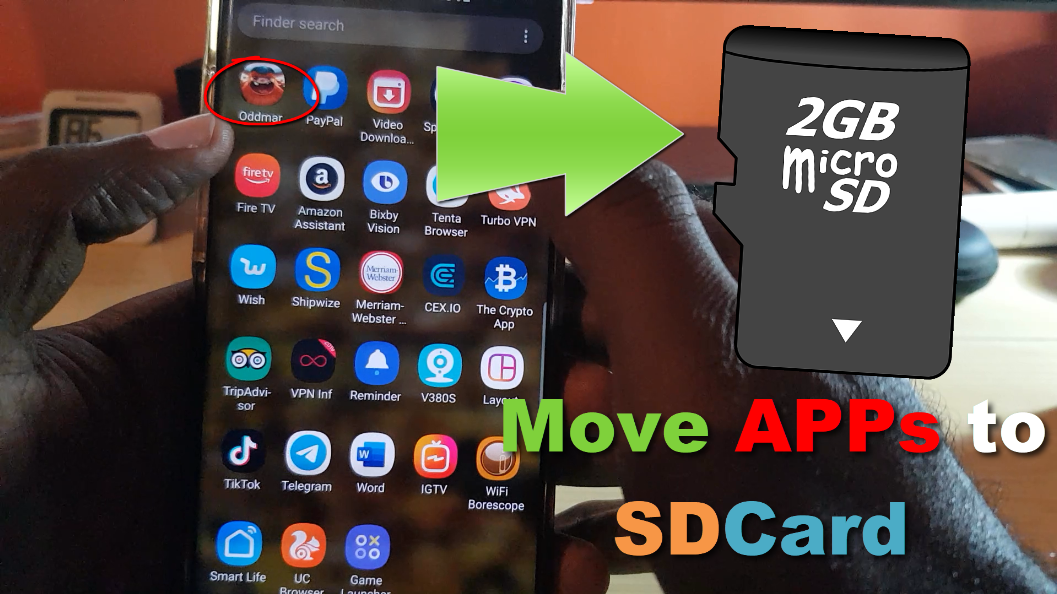
How to move Apps to SD card Samsung Galaxy S10
There comes a time within every Android users life especially on the Samsung Galaxy that they need to free up some space. Most time that space is taken up by Apps on the internal storage of their device. One solution in such a situation is to Move apps from your device Internal Storage over to…
-
Galaxy S10 Camera Record button greyed out Fix
So if you ever gone to your Camera on the Galaxy S10 or any other Samsung smartphone and noticed that when you are in Camera mode that the camera record button is greyed out and cannot be selected then you need to follow these directions to fix it. In most cases when this happens you…
-

See How many People Visited your Profile on Instagram
Did you know there is a way to see how many People visited your profile on Instagram? well there is and you can get better insight as to how popular your Instagram profile is. In this tutorial I will be showing you how you can See How many People Visited your Profile on Instagram. Pretty…