
Category: Windows Tips
-
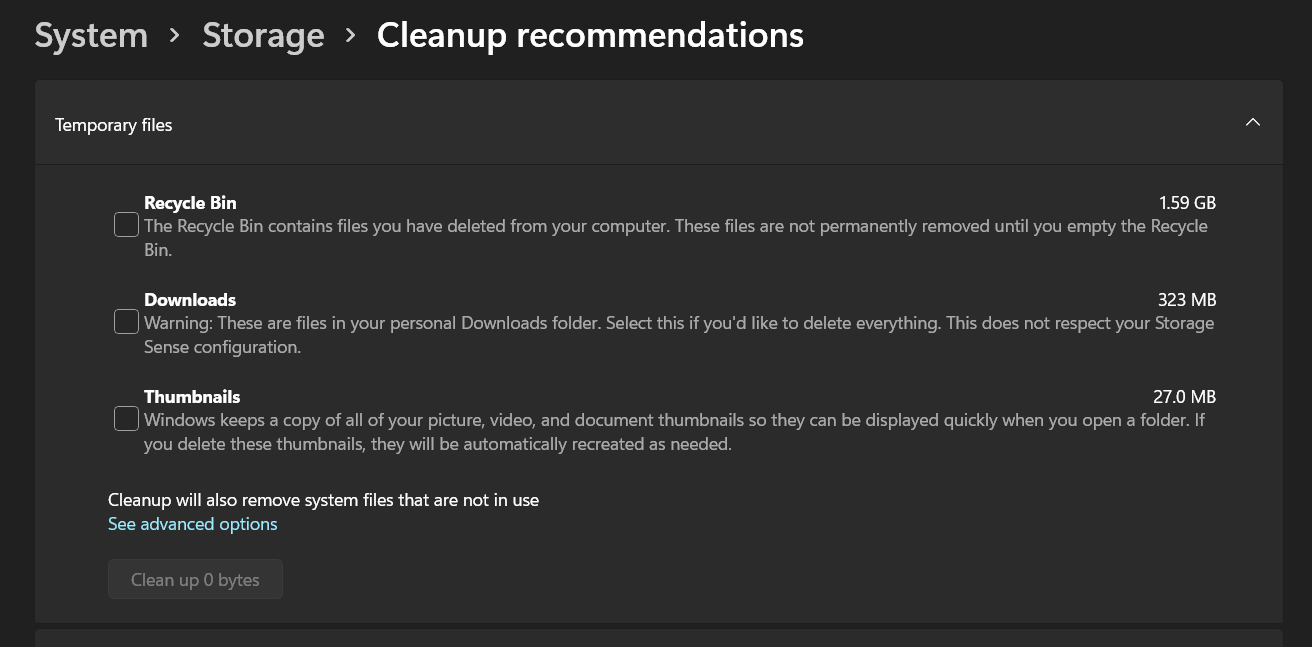
How to Free Up Space Windows 11
Short on space in Windows 11? Here are some tips to Free up Space Windows 11 and take back some of your storage. Best Part is that you don’t have to download anything at all. All you need is already on your Windows 11 device waiting to be used. Please give your feedback in the…
-
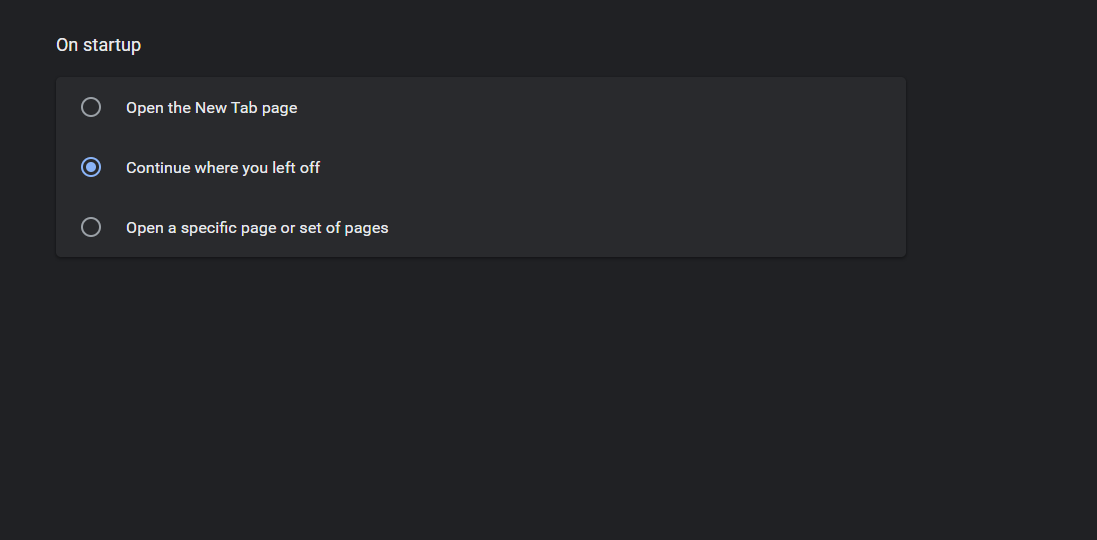
Continue Where you left off Chrome
Continue where you left off Chrome is one of the features you definitely want to turn on. It allows you to continue from wherever you last stopped, Tabs and all when you closed down the browser. This can be a very solid way of having you continue from what website you were last when you…
-

How to Screenshot on Windows 11
Making a Screenshot on Windows is 11 is very easy if you know how. You can very easily make a full screen or partial screen capture that can be saved as a image. This will work on Laptops, Desktops regardless of bran from HP, Acer, Dell and so on. I do this all the time…
-

Enable Onscreen keyboard Windows 11
In case your Physical Keyboard ever fails or starts to bug out I suggest that you get familiar with learning how to Enable Onscreen keyboard Windows 11 pretty quickly. The onscreen Keyboard is great for imputing text and it can be done using the mouse. I have in the past used this feature in situation…
-
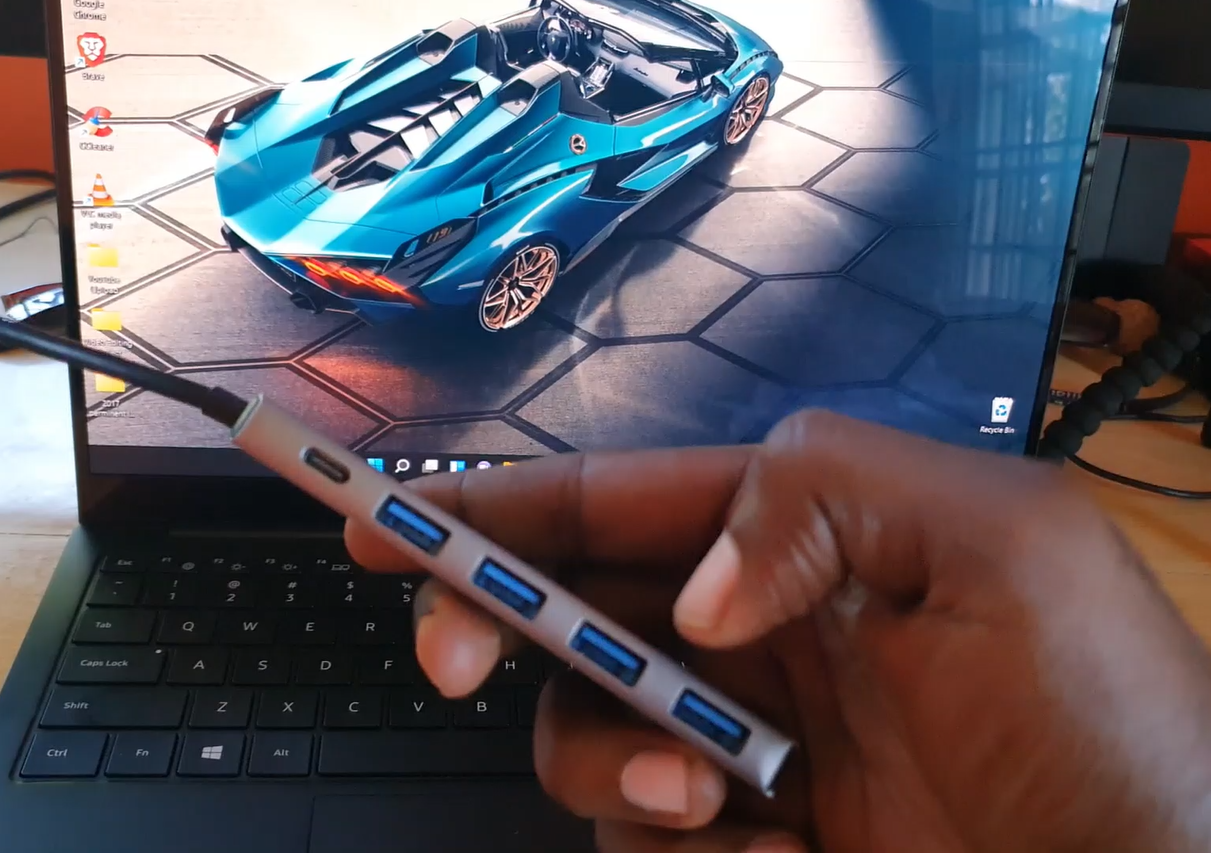
Laptop has Only One USB Port Solution
So if you have seen the latest trends with Laptops especially the thin and light Laptops from the Intel Evo platform is that they tend to have only one USB port and the remaining ports are usually USB-c ports. This solution also works great if your Laptop one USB port is not working. This way…
-
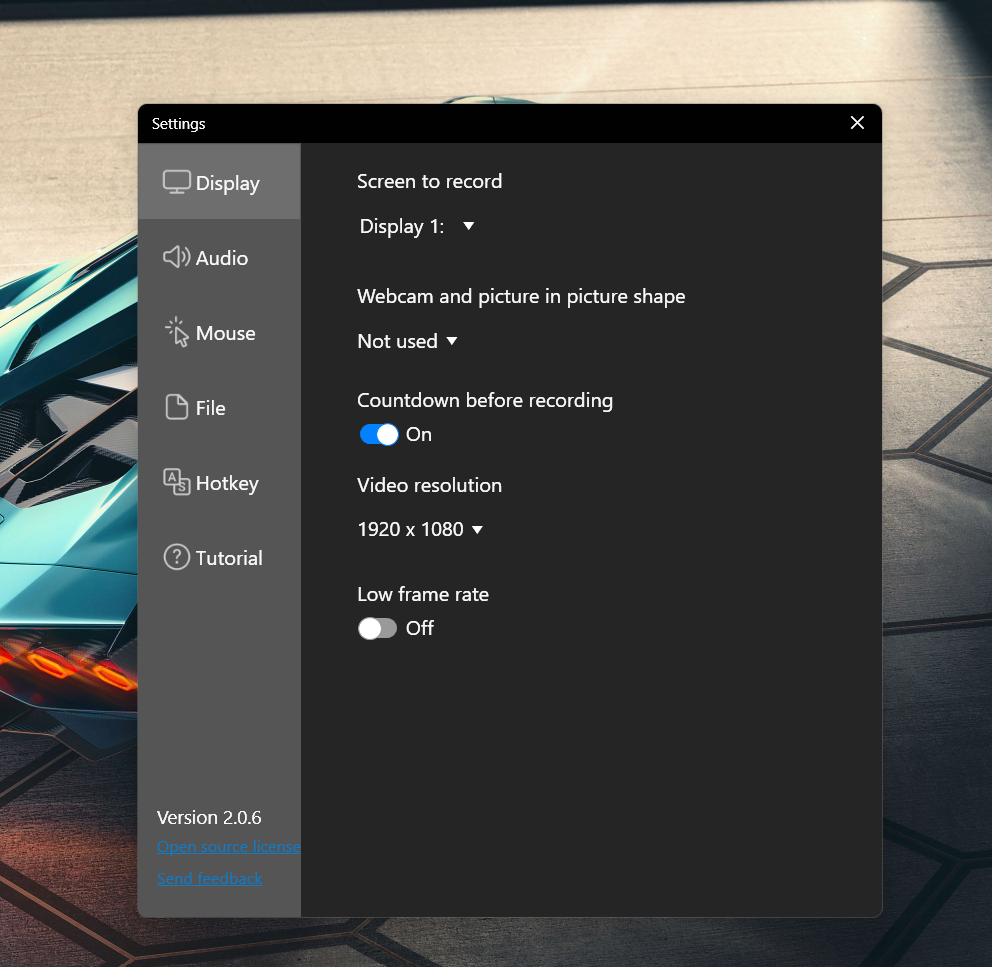
How to do Screen Recording on Windows 11
So you wish to learn How to do Screen Recording on Windows 11? My guide will show you the basics of the Screen Recording App and take you through the process of using it. It can capture your screen in High Definition and capture the cursor as well as gestures. Best of All it can…
-
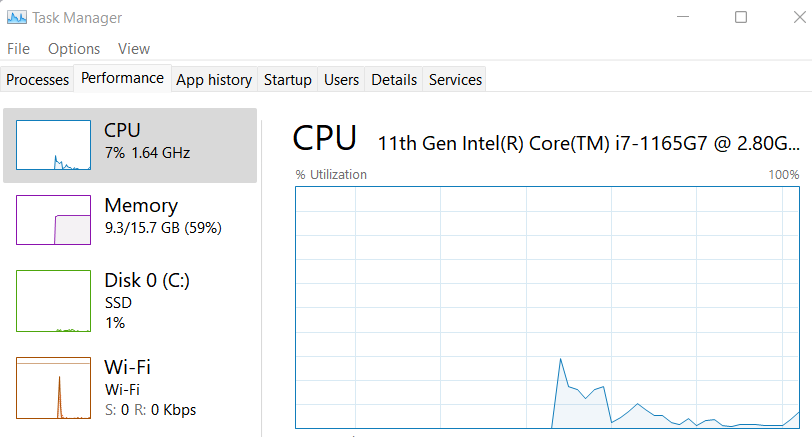
Task Manager Windows 11
Task Manager is one of the must know features of Windows that you should know how to access from version to version. In Windows 11 the quest is the same. As with Task Manager you can close programs that are running especially those that refuse to quit and keep track of resources being used on…
-
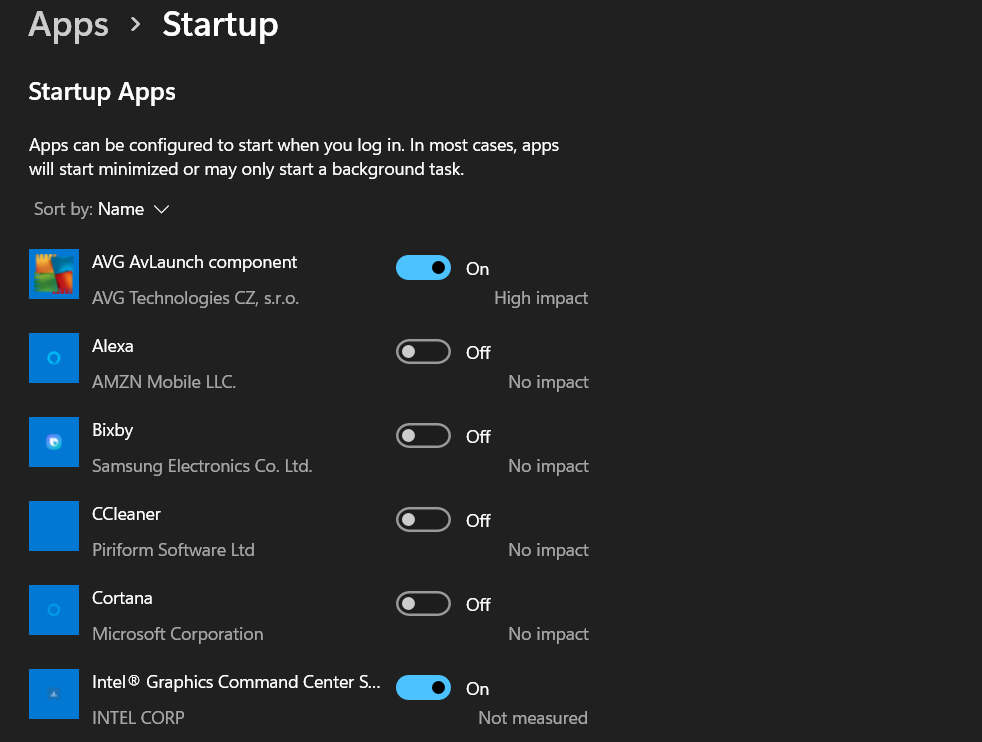
How to Stop Startup Apps in Windows 11
So you want to know How to Stop Startup Apps in Windows 11? Then you have come to the correct place I will show you how to to stop those apps that load at startup and slow down your Laptop over time. This way those app in the area beside the time wont load and…
-
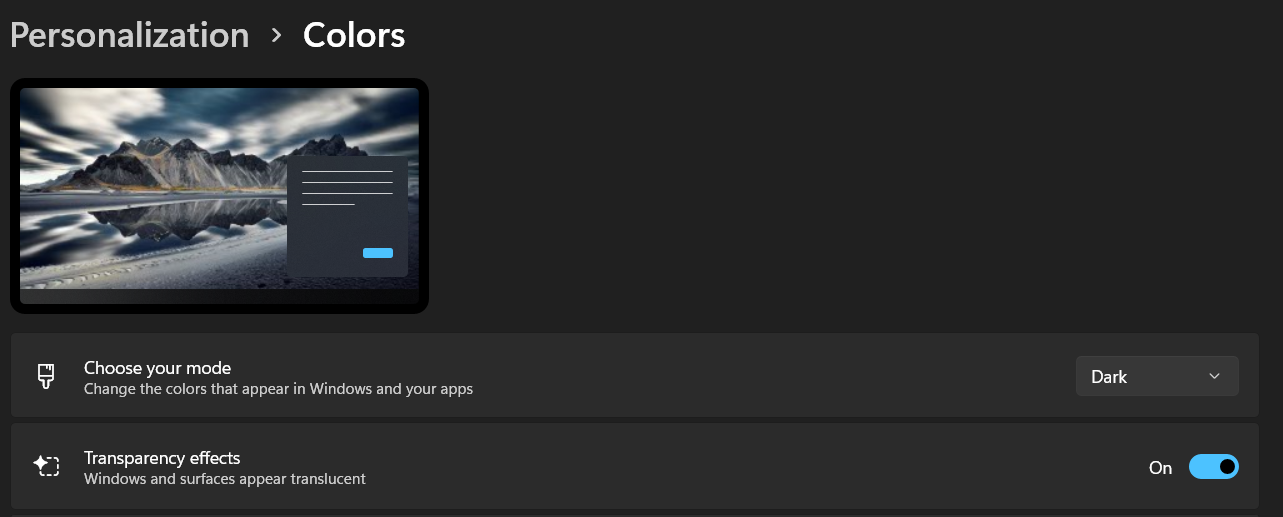
How to Set Dark Mode on Windows 11
My guide today will show you how to set Dark Mode on Windows 11. The process may not be so apparent but once you know how you know. Dark mode is also easier on the eyes and may be your preferred mode to the light mode and you want it set to that mode always.…
-
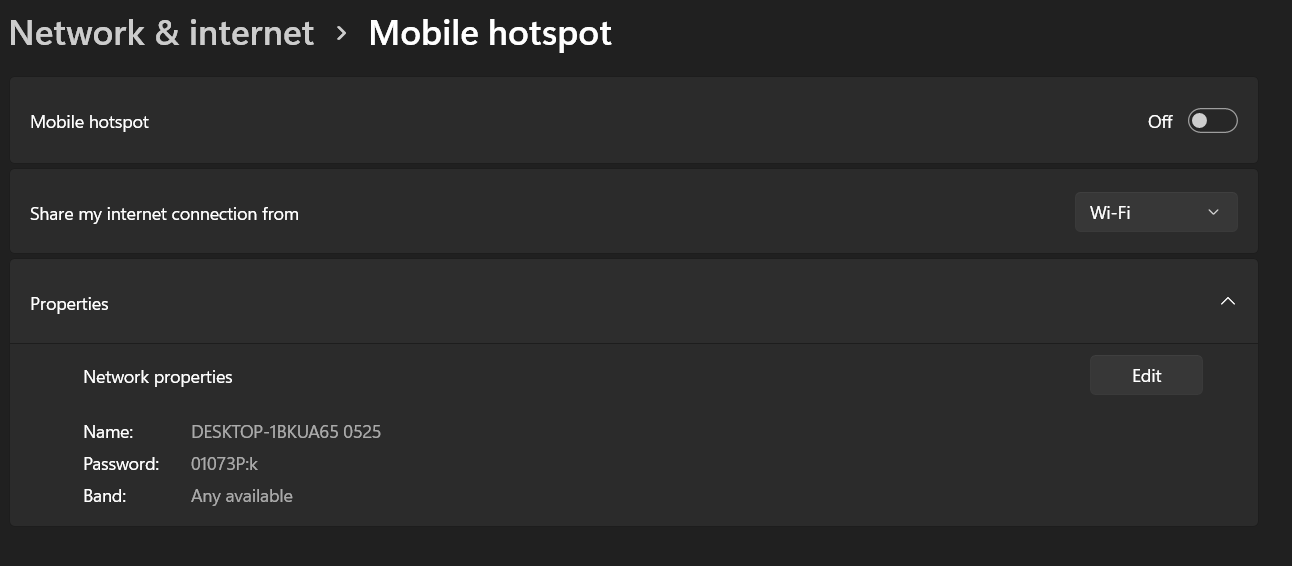
WiFi Hotspot Windows 11
Your Windows 11 Laptop or other Windows 11 computer can easily be used as a WiFi Hotspot. I will show you How to do just that in a bit. The process is easy and you can have any WiFi enabled device connect to your Internet through your Laptop. You can have to 8 device connected…