
Tag: Samsung
-
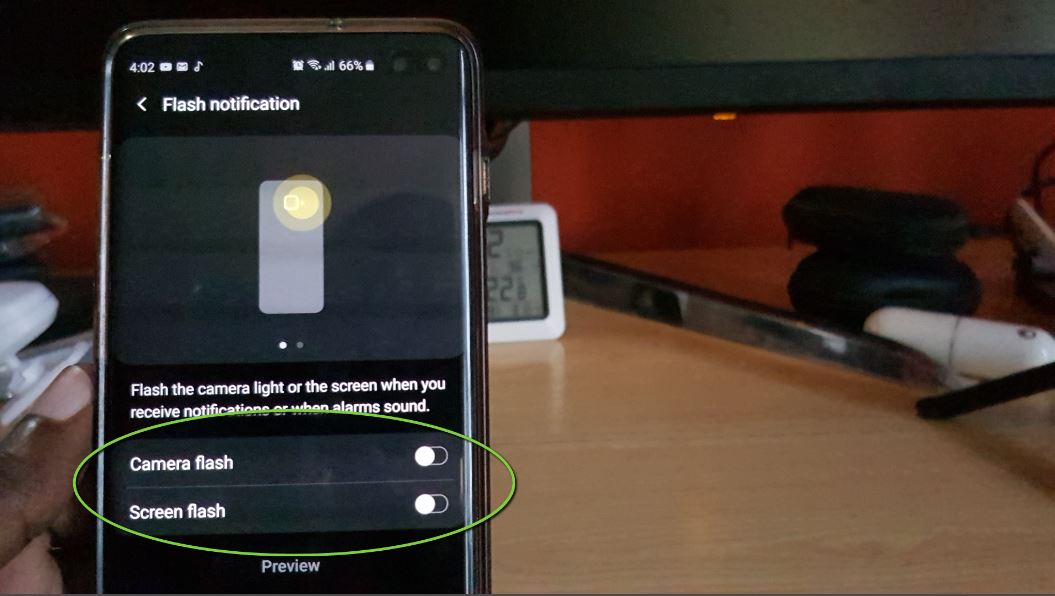
How to Enable Flash Notification Galaxy S10
Have you ever noticed that on some Samsung devices that when you get Notifications that the LED beside the Camera at the back flashes. You can even make the display flash as well. Today I will be showing you how to do this on the Samsung Galaxy S10,S10 Plus, S10 e and other similar devices.…
-
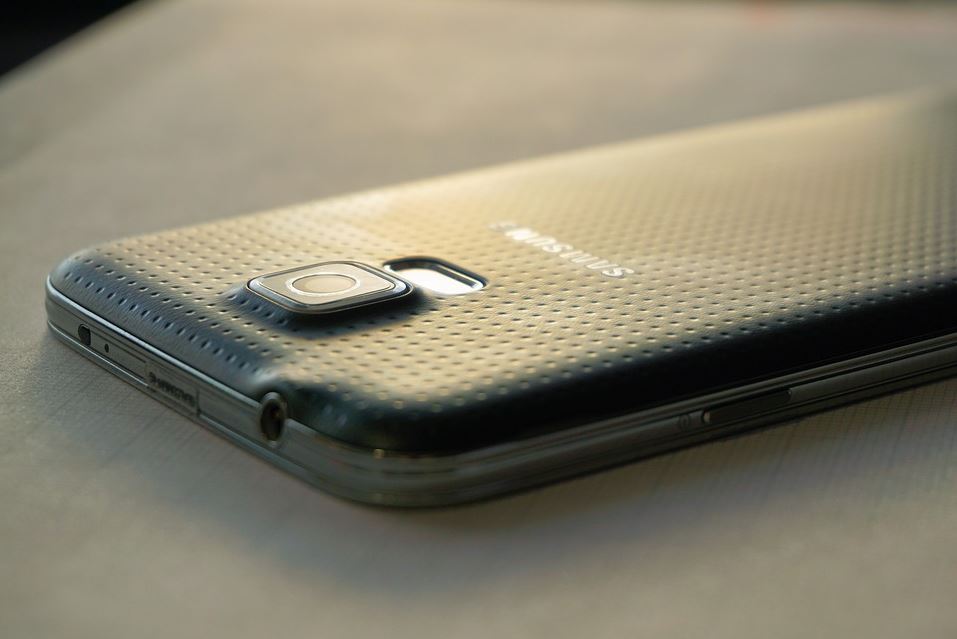
Smartphone Not Booting Into Recovery Fix
So if your Smartphone is not going into Android recovery and simply rebooting when you do the button combinations then this article is for you. At the end of the post your phone should be booting into Android recovery again. The Problem This problem mainly occurs with older devices such as the Galaxy S5 and…
-

Block Incoming Messages without a App
So one of the coolest features in a phone is the ability to block unwanted messages. The thing is though some users don’t realize that there phone has all they need to block messages without any other third party apps. This guide will go straight to the point and show you a cool way you…
-
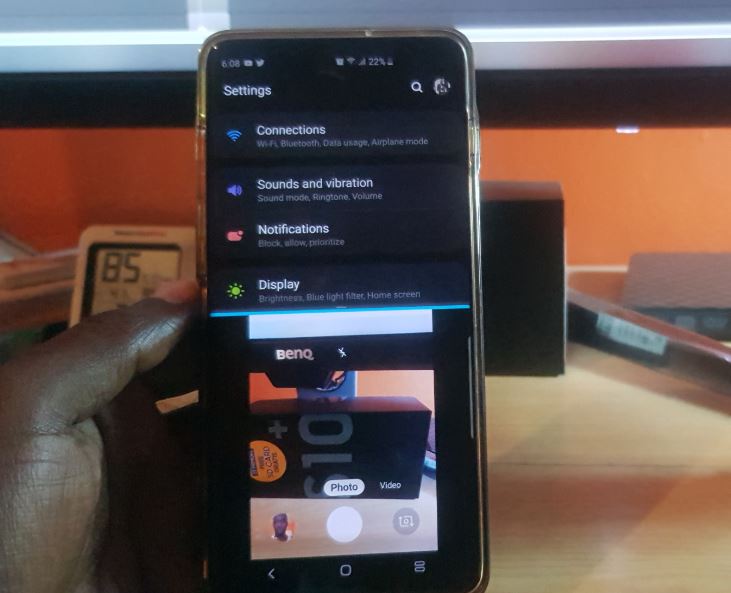
Open Two Apps on screen at once Split Screen Galaxy S10
The Opening of two Apps at once on Screen in Split screen is a feature that has been available for some time now on the Galaxy S10, S9, S8 and so on. Its a feature that allows you to have two separate Apps open at once which share the screen. This is great for multitasking…
-
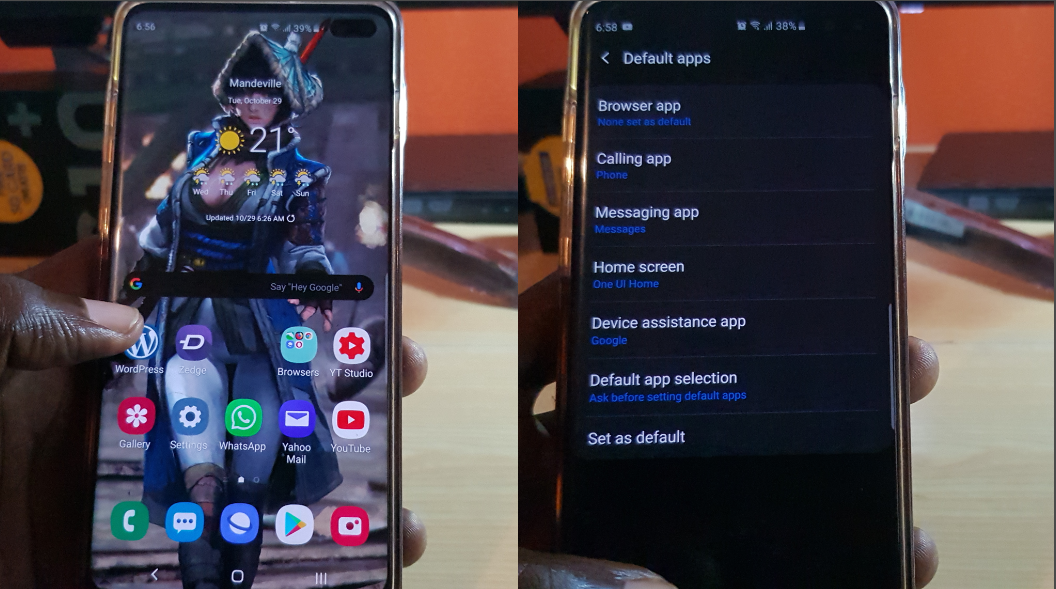
How to Set Default Apps Galaxy S10
Ever wanted to learn How to set default apps for Galaxy S10? then you have come to the right place. Learn how to set default calling app, browser for Internet links and browsing, Launcher and even assistant. At the end of this article you will be able to choose the default app to handle just…
-
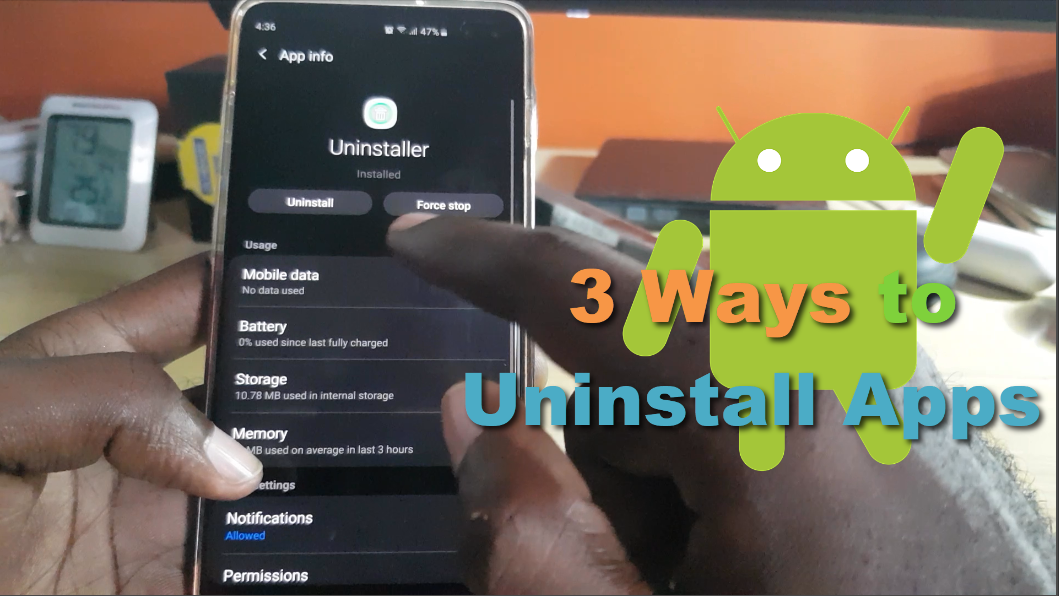
How to Uninstall Apps Android -3 Methods
So if you do not know there are many ways to uninstall Apps on Android devices. You may only know one (1) but in this article I will be showing you how to uninstall apps using three (3) different methods. I hope that by the end of the post you will be aware of additional…
-
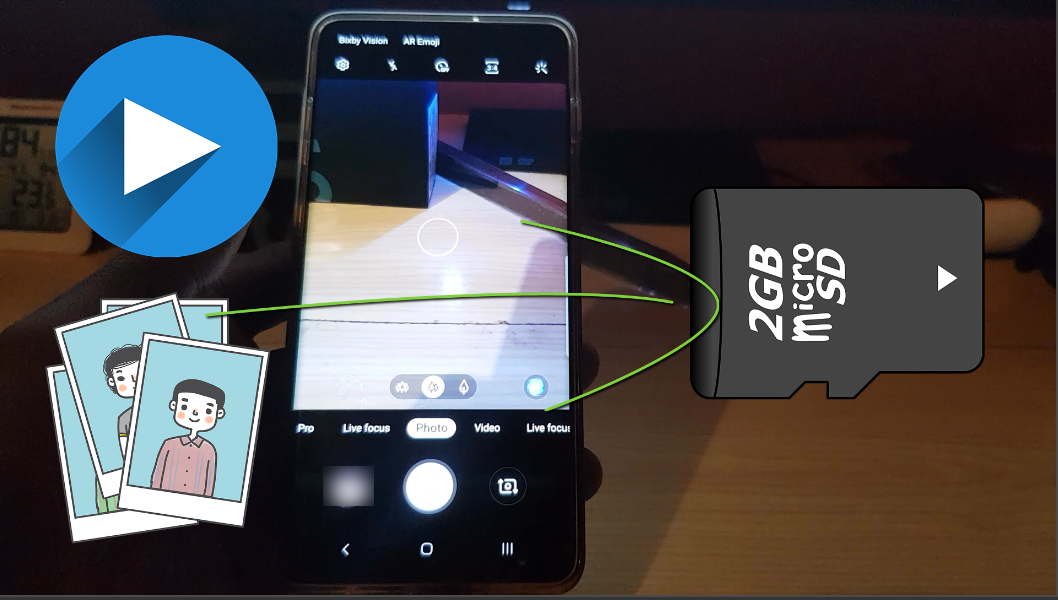
How to Make SD Card Default Storage Location for Pictures and Videos Galaxy S10
This guide will show you how to Make SD Card Default Storage Location for Pictures and Videos Galaxy S10, S10 Plus and S10 e. So whenever you capture a picture or video it will automatically go to your SD card. With all that being said do note by placing your Pictures and Video on a…
-
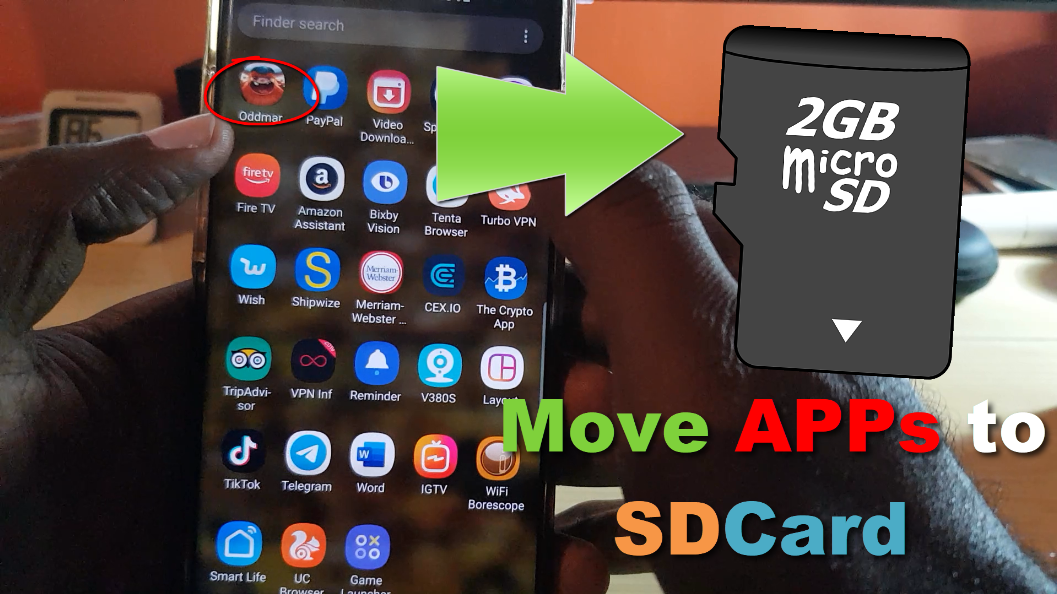
How to move Apps to SD card Samsung Galaxy S10
There comes a time within every Android users life especially on the Samsung Galaxy that they need to free up some space. Most time that space is taken up by Apps on the internal storage of their device. One solution in such a situation is to Move apps from your device Internal Storage over to…
-
Galaxy S10 Camera Record button greyed out Fix
So if you ever gone to your Camera on the Galaxy S10 or any other Samsung smartphone and noticed that when you are in Camera mode that the camera record button is greyed out and cannot be selected then you need to follow these directions to fix it. In most cases when this happens you…
-

How to Enable Developer Options on the Note 10
Developer options is a set of Hidden options on the Note 10 and Note 10 Plus. These are hidden options that’s meant for developers that gives access to settings an features you will not find in regular settings on your phone. This tutorial will guide you through the process of how to get to this…