
Tag: Samsung
-

How to get and Use Super Steady Video on Galaxy S10
Have you ever had to take a action shot or one while you were running behind your subject or while walking in general? Well that’s normal but the Image stabilization often tries to reduce the jittery and random movement. Well the brand new Super steady Video feature is even better and take the feature and…
-
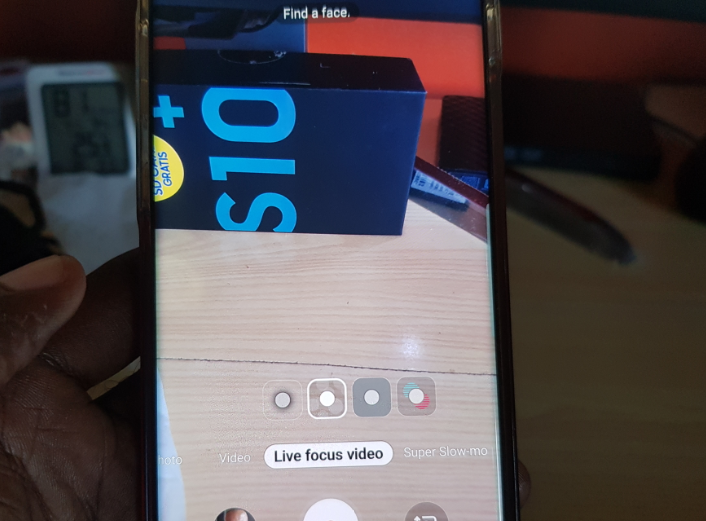
Get and Use Live Focus Video Galaxy S10 and Note 10
So if you have not noticed yet there is a cool new feature that’s been added to your camera that’s called: Live Focus Video and its lit. You might not have noticed it at all as it was added recently in the September 2019 update of the Galaxy S10 and should also be found on…
-
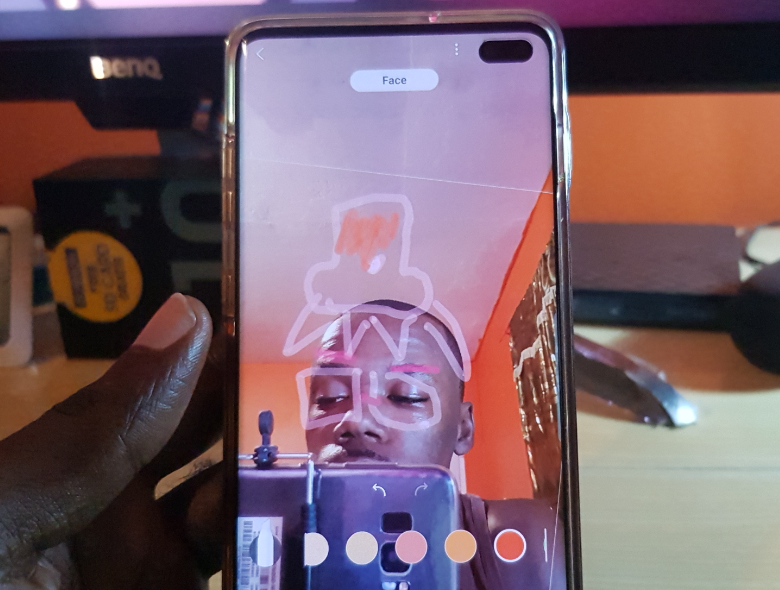
How to get and Use AR Doodle Galaxy S10 and Note 10
There is a exciting new feature called AR Doodle and you can use this new feature if you have a device such as the Galaxy S10, S10 Plus,Note 10, Note 10 Plus and so on. So if you have one of those device and want to check this feature out then simply follow my directions.…
-
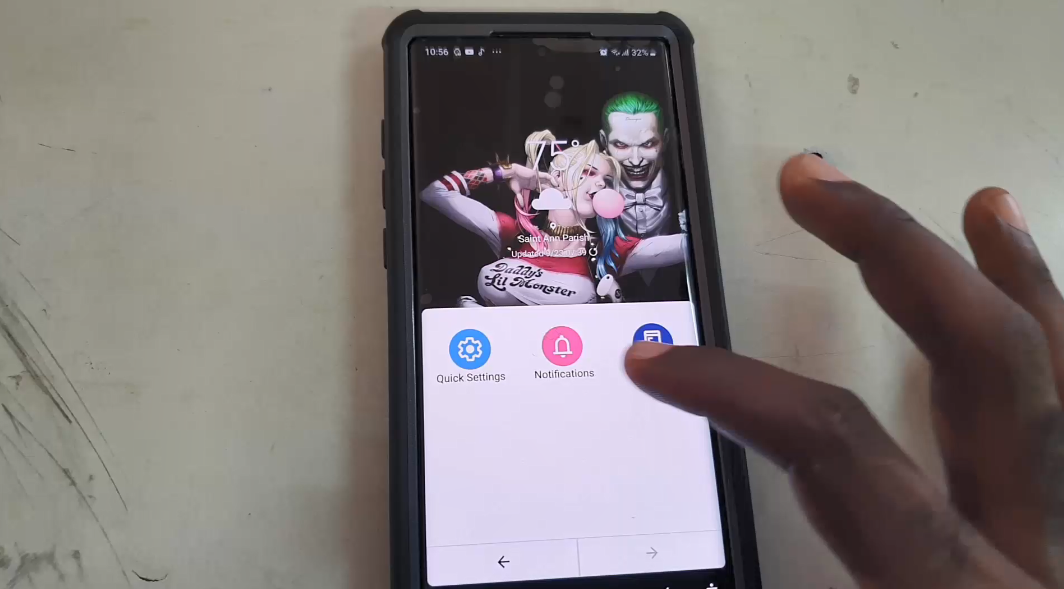
Make the Note 10 Easier to navigate with Accessibility Menu
So in this tutorial I would like to show you How to Make the Note 10 Easier to navigate with Accessibility Menu. This menu will be added to the existing navigation buttons and makes accessing stuff on large screen such as that of the Note 10 and Note 10 Plus much easier. I do hope…
-
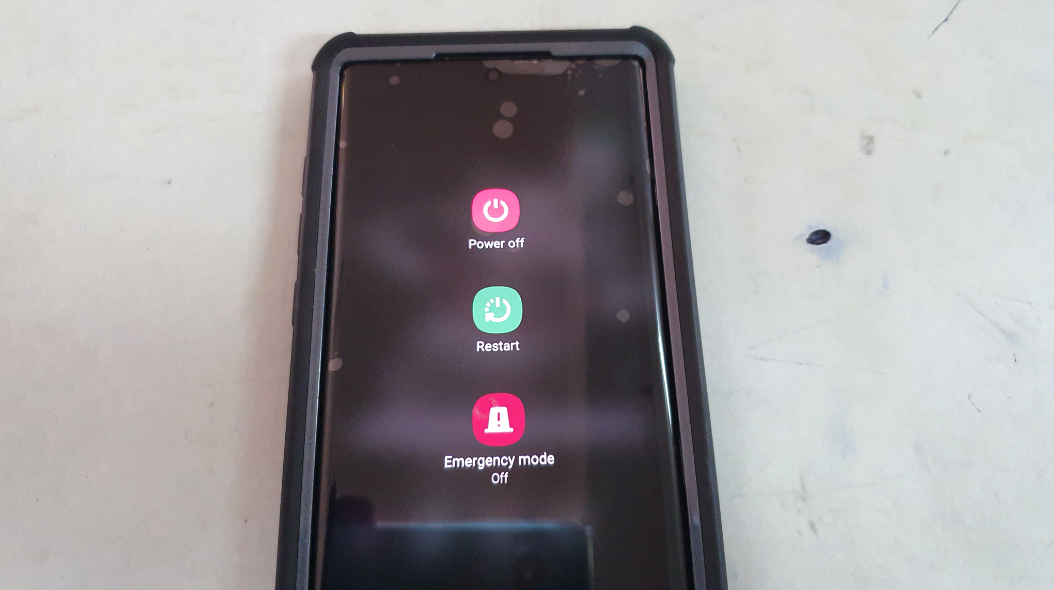
Two (2) Ways to Power off the Galaxy Note 10
On most Samsung galaxy device there is only one main way to power off your phone. With the Note 10 there are two ways that you can use to power off your smartphone. You can even use your S-Pen totally to power off your Galaxy Note 10 or Note 10 Plus. So join me as…
-

How to get rid of Malware and Viruses on the Note 10
Viruses on the Note 10 and the Note 10 Plus can vary anywhere from traditional malware and Viruses to Pop-ups that really mess with you using your device. This tutorial should cover you easily if you are having issues with malware on your device. So read on and see what you can do to deal…
-
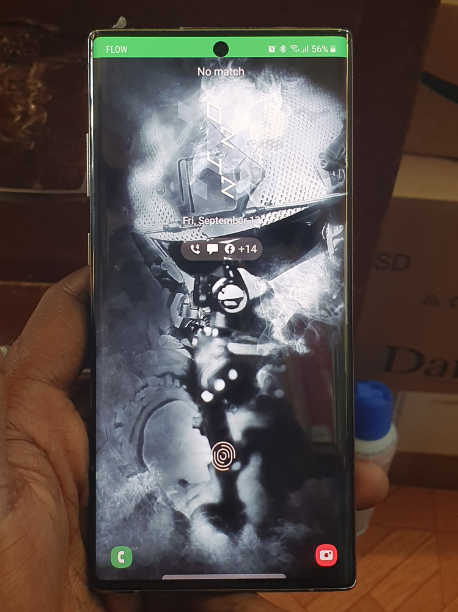
How to Use Dynamic Lock Screen on the Note 10
Dynamic lock screen is a exciting new feature on the Galaxy Note 10 and Note 10 Plus that will have you using that large screen like never before and for greater effect. If you want to learn how to use this new feature in the Note 10 and Note 10+ then continue to read and…
-
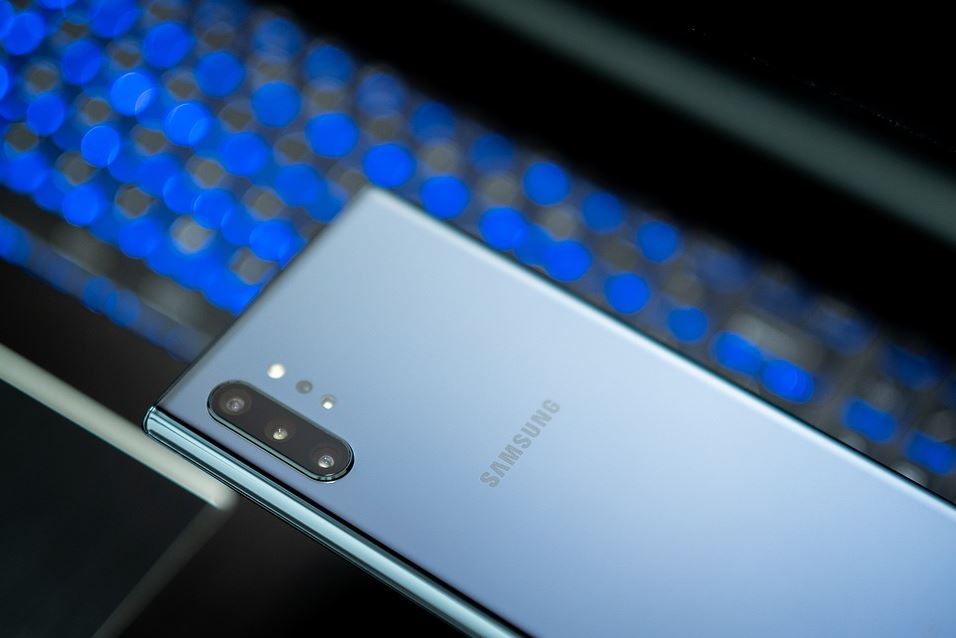
How to Wipe Cache Partition on the Note 10?
Sometimes depending on whats wrong with your device you will need to boot into Android recovery and wipe the cache Partition of your device. In today’s tutorial we will learn how to do this on the Note 10 and Note 10 Plus. After all these device have a different button setup than other devices seeing…
-
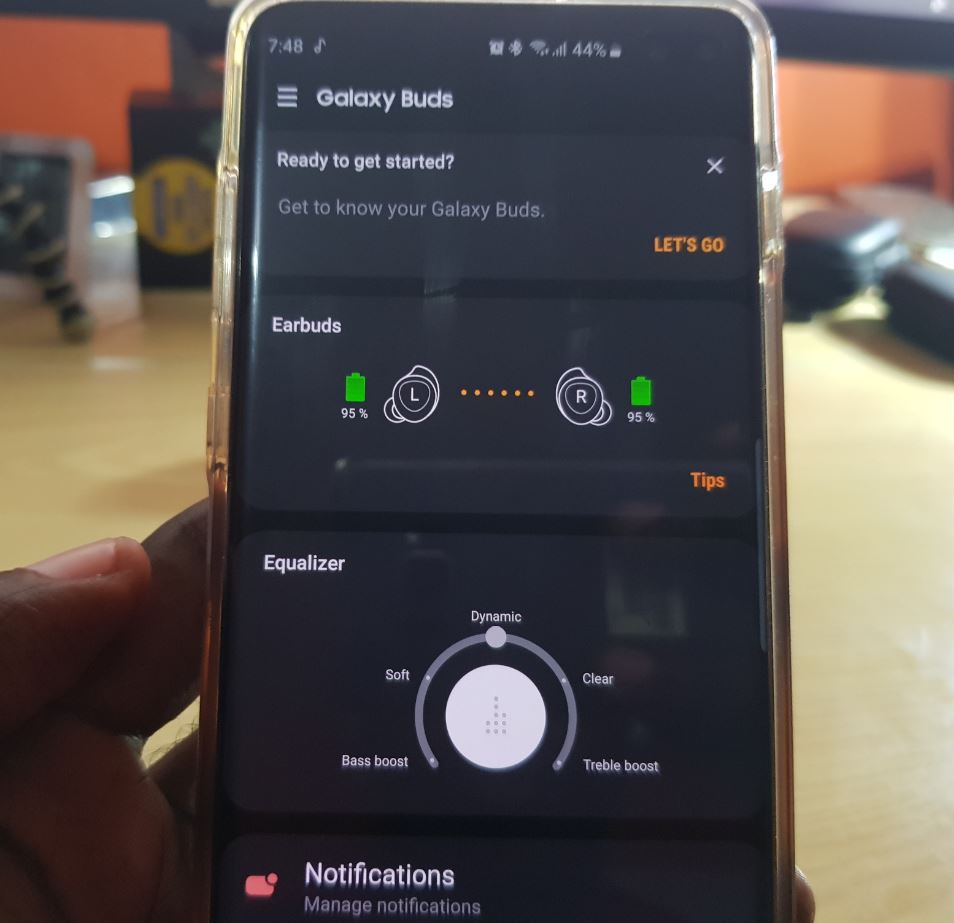
How to Reset Galaxy Buds
So if for any reason you need to reset your Galaxy Buds then you have come to the right place. This article will run you through how you can reset your earbuds. This can be a great way to fix issue and connect your Galaxy Buds again afresh to your device. Why do this? This…
-
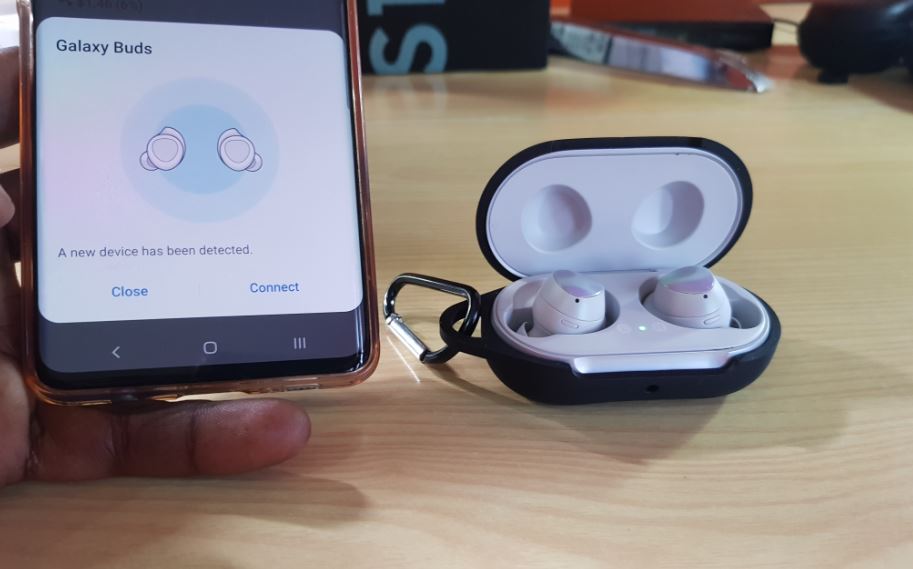
Samsung Galaxy Buds True Wireless Earbuds Review
If you don’t own Wireless Earbuds by now you are truly missing out on a great experience.Trust me on this, also Samsung makes a very nice pair in the form of the Samsung Galaxy Buds True Wireless Earbuds which we will be reviewing today. It never been a better time to get a pair of…