
Tag: Samsung
-
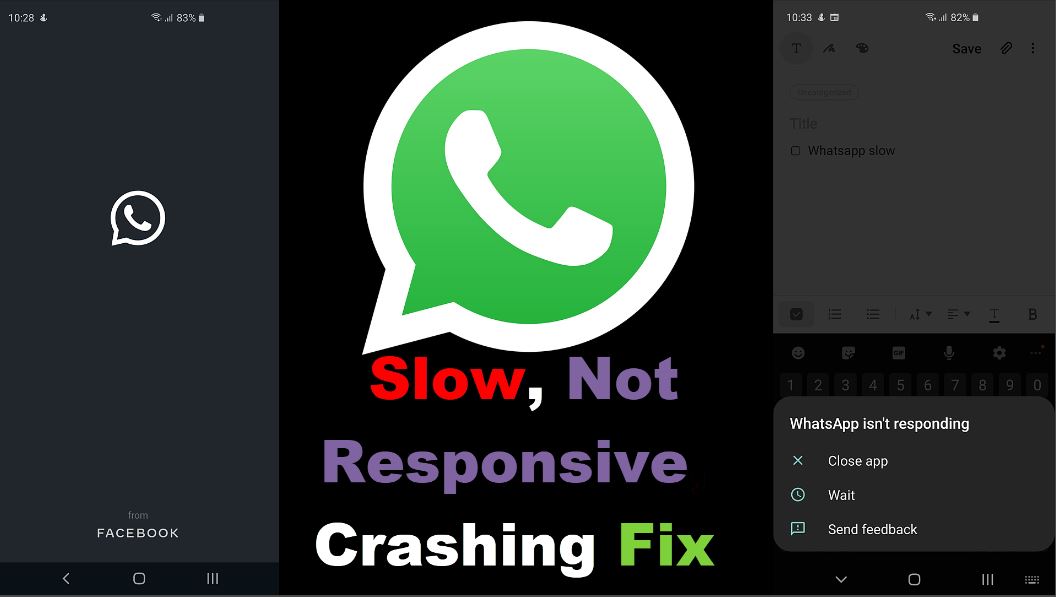
Whatsapp Slow, not responsive or crashing Fix Any Samsung
So I launched Whatsapp recently to find that its was very slow. It would either stop at the Whatsapp logo on startup, go to the main screen and then Freeze or stop and in some cases crash or become unresponsive. Now this guide will show you how to effectively fix this issue with whatsapp. So…
-

Fix Random Ghost touches Samsung Galaxy
Have you ever had a case where you are using your smartphone and then all of a sudden you start to have Phantom or ghost touches as I call them? When this happens you phone starts to open apps, settings and select stuff at random as if someone is touching the screen when no ones…
-

How to Screen Record on the Galaxy S20
Screen recording is a pretty neat feature to have on the Galaxy S20, S20 Plus and Galaxy S20 Ultra. The best part is that this feature is now built into the device and there is no need to download anything at all. Follow me now as I show you how to use this feature and…
-
Galaxy S20 Reset with Forgotten Password
Despite everyone’s best efforts there comes a time when we all end up in a situation where we forget our Password and you are unable to do a Factory Reset. This tutorial will focus on those who have a Galaxy S20, S20 Plus or the S20 Ultra and can’t Factory reset as they forgot the…
-

Check if your Samsung Galaxy S20 has Exynos or SnapDragon Processor
As you may have heard not all Samsung Galaxies are made equal. What I mean is that some Samsung Galaxy may come with the a Exynos or SnapDragon Processor. Also you may know by now that one of these processors is faster than the other. Despite both device being similarly priced so it may become…
-

How to Hard Reset Galaxy S20 2 Methods
As with all Samsung Galaxy device such as the Galaxy S20 there comes a time when you may need to do a hard reset of the device. This tutorial will show you the two main ways you can reset your device. One with the physical hardware buttons on boot and the other through the Samsung…
-
How to select 120 Hz High Refresh Rate on the Galaxy S20?
One of the hottest new features of the Galaxy S20 is the new 120Hz High refresh rate. But how do you select this refresh rate. In some cases the 120 Hz High refresh rate may even be greyed out and you are unable to select it. This guide will show you where to find the…
-

Attention the Connected device can’t Access data on your phone Fix
This guide will look at the error : Attention the Connected device can’t Access data on your phone. At the end of this guide I hope to explain this error and look at how you can fix it 100% and potentially avoid it in the future on your Samsung Galaxy. So sit back and relax…
-
How to Scan QR Code with the Galaxy S20 & S20+
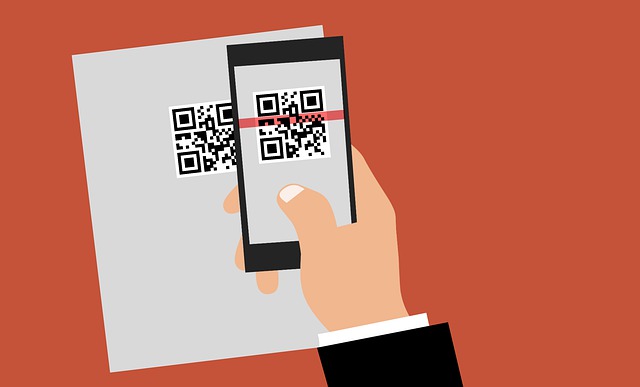
This will show you How to Scan QR Code with the Galaxy S20 & S20+. This is with the built in QR code scanner so there will be no need to download anything. So you can easily scan any QR code you want to conveniently. You can learn to create QR codes here. Devices this…
-
Fix Right or Left Ear of Galaxy Buds not working or connecting
This fix will involve your Galaxy Buds and the issue where the right or left Bud is not working. I know these things are expensive and the last thing you need is for one to not be working on you all of a sudden. This guide will walk you through what you can do in…