
Tag: Tips
-
Fix Instagram not Working on the Apple watch
Today’s fix is centered around Instagram not Working on the Apple watch and how you can fix it in a few easy steps. So if you are faced with this issue as may users are follow along as I take you through the steps of getting your device fixed. The Issue When you have the…
-
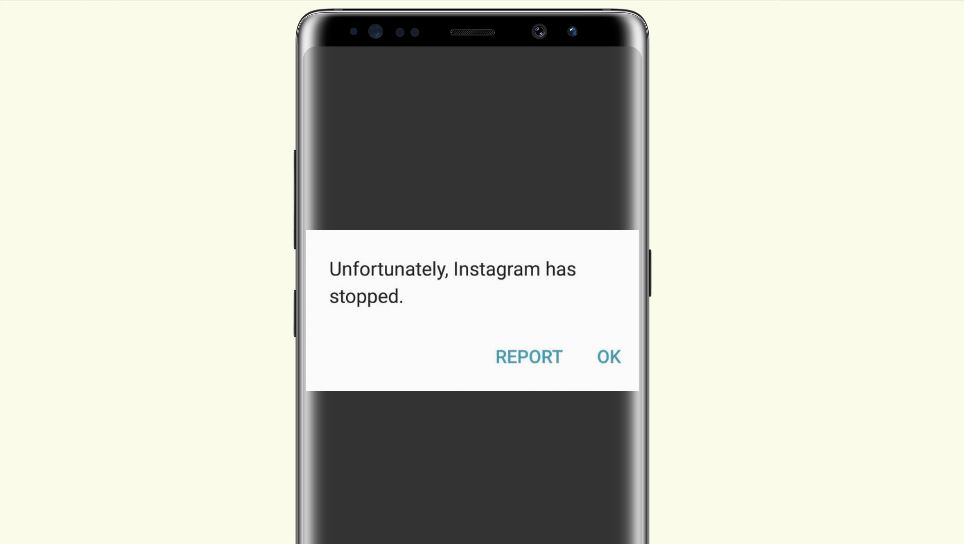
Unfortunately Instagram has stopped working Fix on Android
So if you are getting the Unfortunately Instagram has stopped working error or the one about Instagram is not responding then you have come to the right place as I have four (4) solutions to fix this issue for you. Rest assured that this error happens to a lot of users and you are not…
-
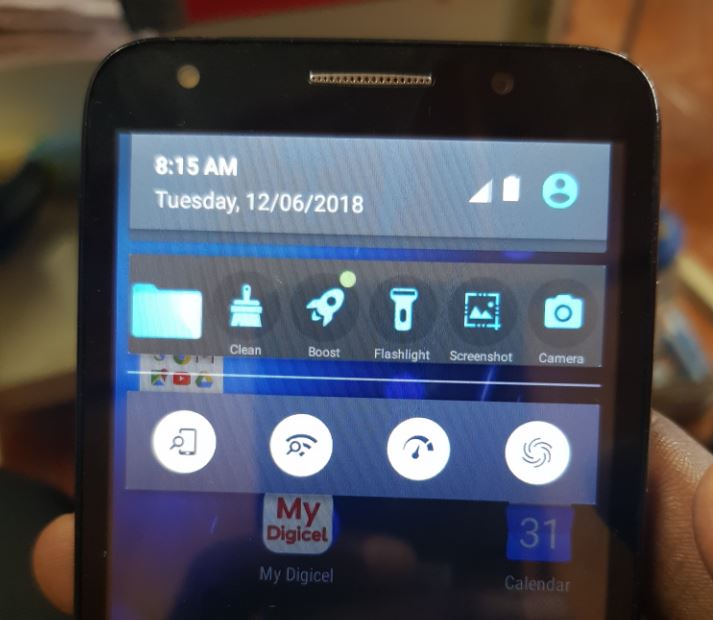
Get Rid of AVG Notification Bar on Android Fix
So today I want to look at How to Get Rid of AVG Notification Bar on Android. I recently had a friend bring me her phone which had the toolbar as shown below which was from the AVG antivirus app which had left a new notification tool bar in the slide down notification area which…
-
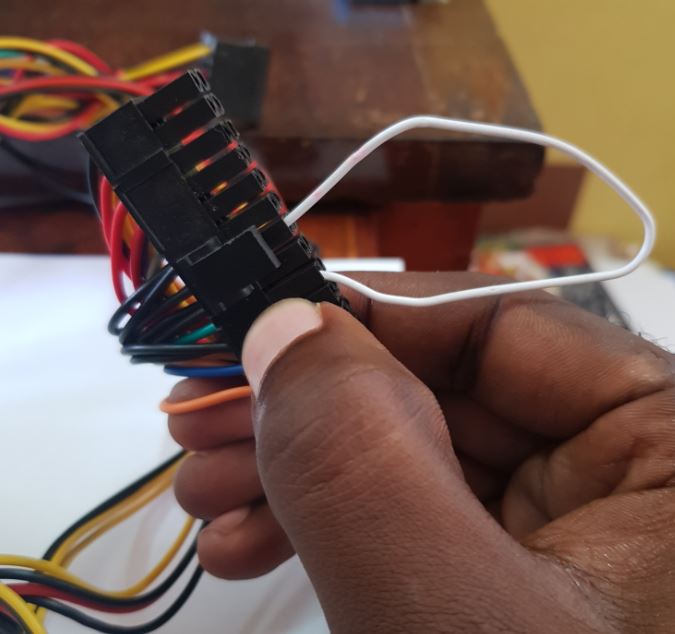
How to Test if a Power Supply is dead with a Paper clip
Sound amassing doesn’t it? Well today I will be showing you How to Test if a Power Supply is dead with a Paper clip. This can come in handy in cases where your PC will not power on. In such cases the number one suspect is the power supply. But how do you actually test…
-
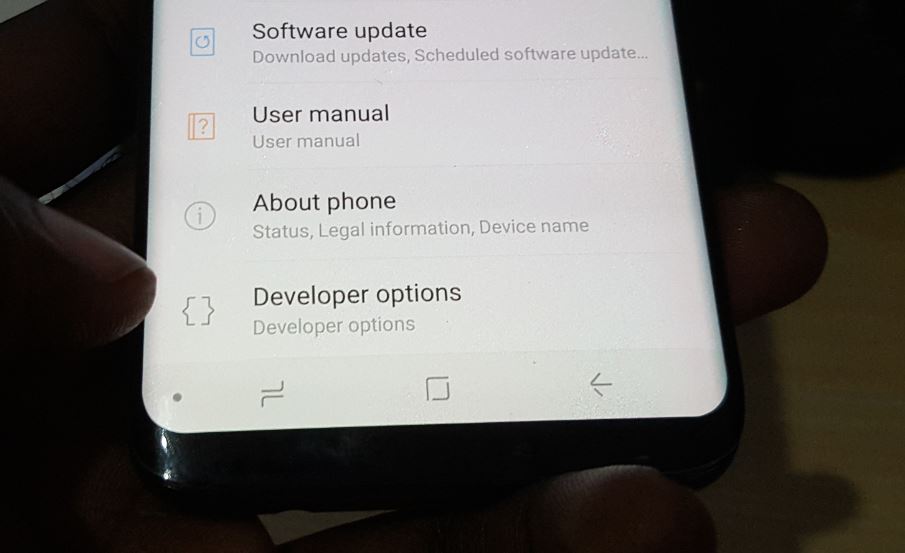
How to Enable or Disable Developer Options on Galaxy S8 or S9
For today I would like to show you How to Enable or Disable Developer Options on Galaxy S8 or S9 which is a fairly simple task. Developer options or developer mode offers a variety of hidden features on your device to allow you to tweak hidden settings that are usually used by developers or savvy…
-
Fix Screen Not Turning Off While Charging Galaxy S8 and S9
Today’s fix will be for those who are having the issue where when their phone is connected to the charger or charging the display will stay on and will not turn off as it normally should.So follow me as I show you how to Fix Screen Not Turning Off While Charging Galaxy S8 and S9.…
-
Add or remove Contacts from Favorite Galaxy S8
Today’s tutorial is a simply and easy one, but a handy feature you should be using and that’s the favorites feature in contacts. So follow me as I show you How to Add or remove Contacts from Favorite Galaxy S8 and S9. This should most likely also work on other Samsung or Android devices as well…
-
Fix Blurry Pictures and out of focus Camera issues Galaxy S8 and S9
So for today’s tutorial we will be looking at how to Fix Blurry Pictures and out of focus Camera Galaxy S8 and S9. This is something that happens very often where your pictures or videos come out less than ideal because they are blurry or out of focus for some reason. In most of these…
-
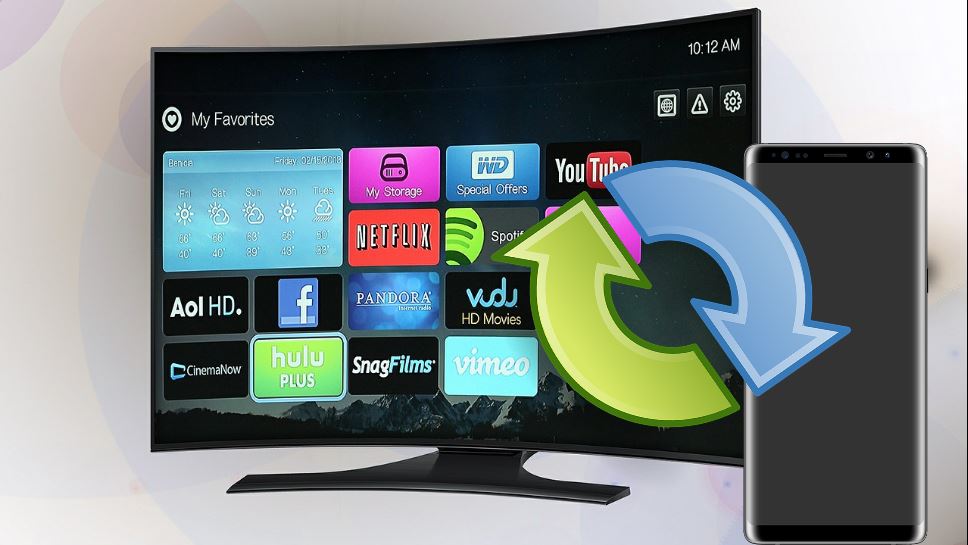
How to Screen Mirror to Smart TV Galaxy S8 and S9
Smart Mirroring is one of the coolest features on Android especially on the Samsung Galaxy devices such as the Galaxy S8 and S9. In today’s tutorial we will be showing you how to Screen Mirror your Samsung Galaxy to just about any Smart TV that you own. This way you can Play movies, Apps, Music,…
-
How to Assign a Picture to a Contact Galaxy S8 and S9
One of the coolest things on Android is the ability to Assign a picture to a contact so that you can see exactly whose calling when your phone rings. The best part is that you can assign any number any picture you like and it cool to see a picture pop up with number and…