
Tag: Tips
-

S22 Shadow and Reflection Eraser
Two of the best features for getting better pictures or touching up shots that you have already taken are: Shadow and Reflection Eraser. These features allows you to remove unwanted reflections and shadows out of your pictures. This can be the difference between a great picture and a total mess at times. So if you…
-
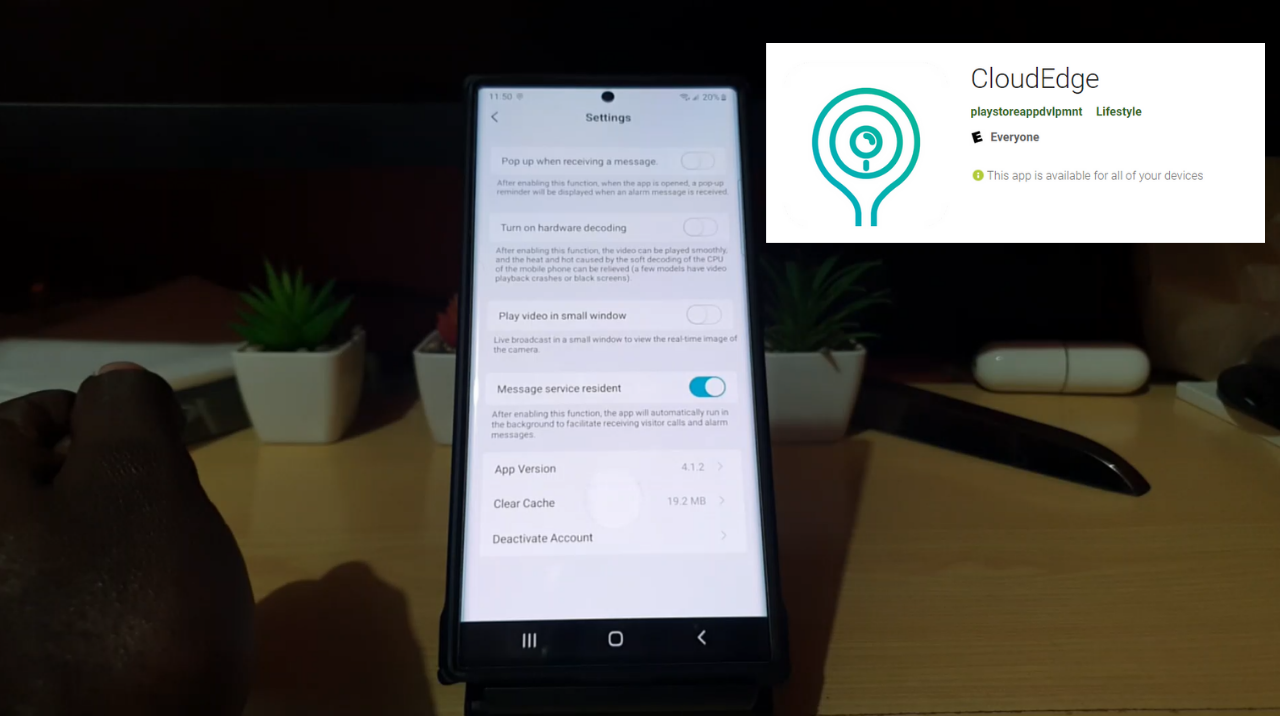
Cloudedge Turn off Resident Message Service
So in today’s guide I will show you Cloudedge Turn off Resident Message Service. This service usually runs in the Notifications area and cant be cleared away by swiping. In order to get rid of the Message persistent Cloudedge Resident Message you will have to follow the directions as outlined below. Do Note? By turning…
-

How to Change Screen Resolution Galaxy S22
If you want to get the most out of your Screen you can up the screen resolution to its maximum resolution. To save power and battery life Samsung opted to keep the resolution of the screen at a sweet spot of a lower resolution. But if you want the full capabilities of your screen you…
-

Disable iCSee Push Service in Notification Area
My guide will show you how to Disable iCSee Push Service in Notification Area. It great when you get a new IP Camera and you install the App but whats really not great is that in the Notification area there is a Message that cant be cleared by swiping. The Message is a part of…
-
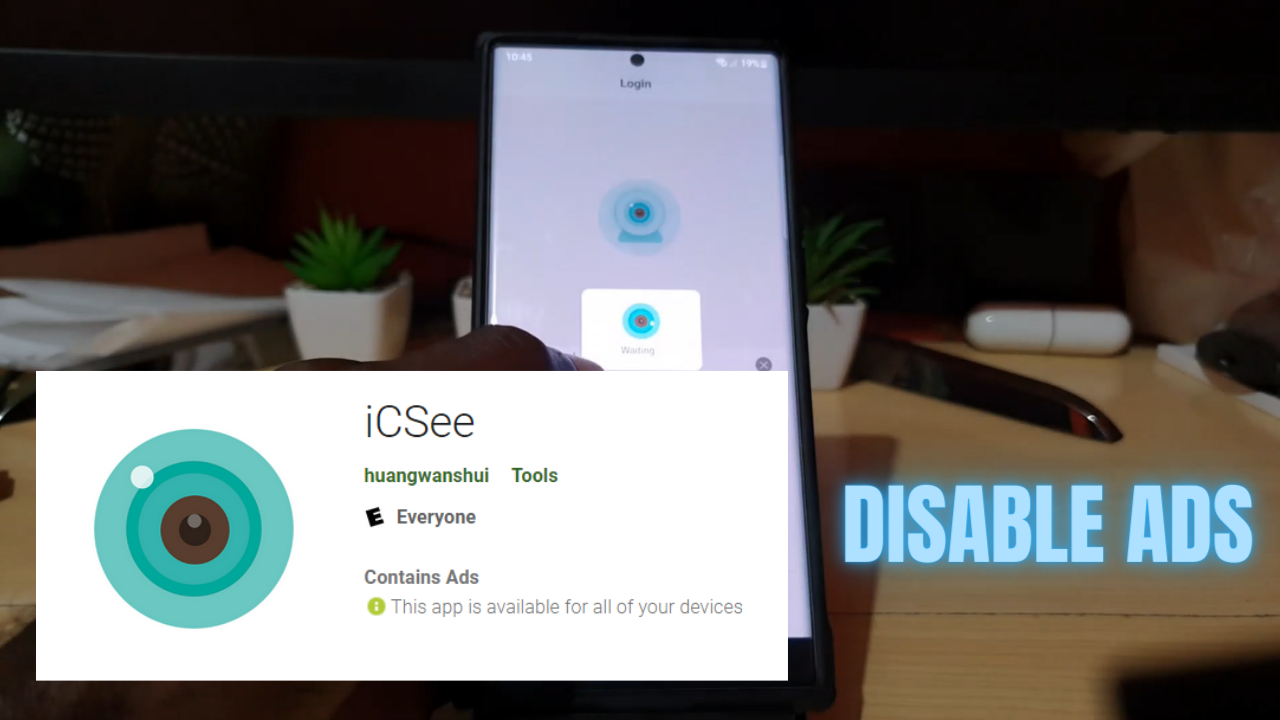
iCSee App Remove Ads
As of the latest update of the iCSee App that used to control my IP PTZ Camera I find that the App on Launch has a splash screen that defaults to Ads. The Ad is shown on the startup screen before you can go to the App. The Ads it displays are from Google and…
-

How to Draw on S22 Ultra
So my aim here will be to show you How to Draw on S22 Ultra. Please note this is not a Drawing tutorial but a means of showing you the tools that you have access to on the S22 Ultra for drawing. This can be for the casual artist or experienced artist who want to…
-
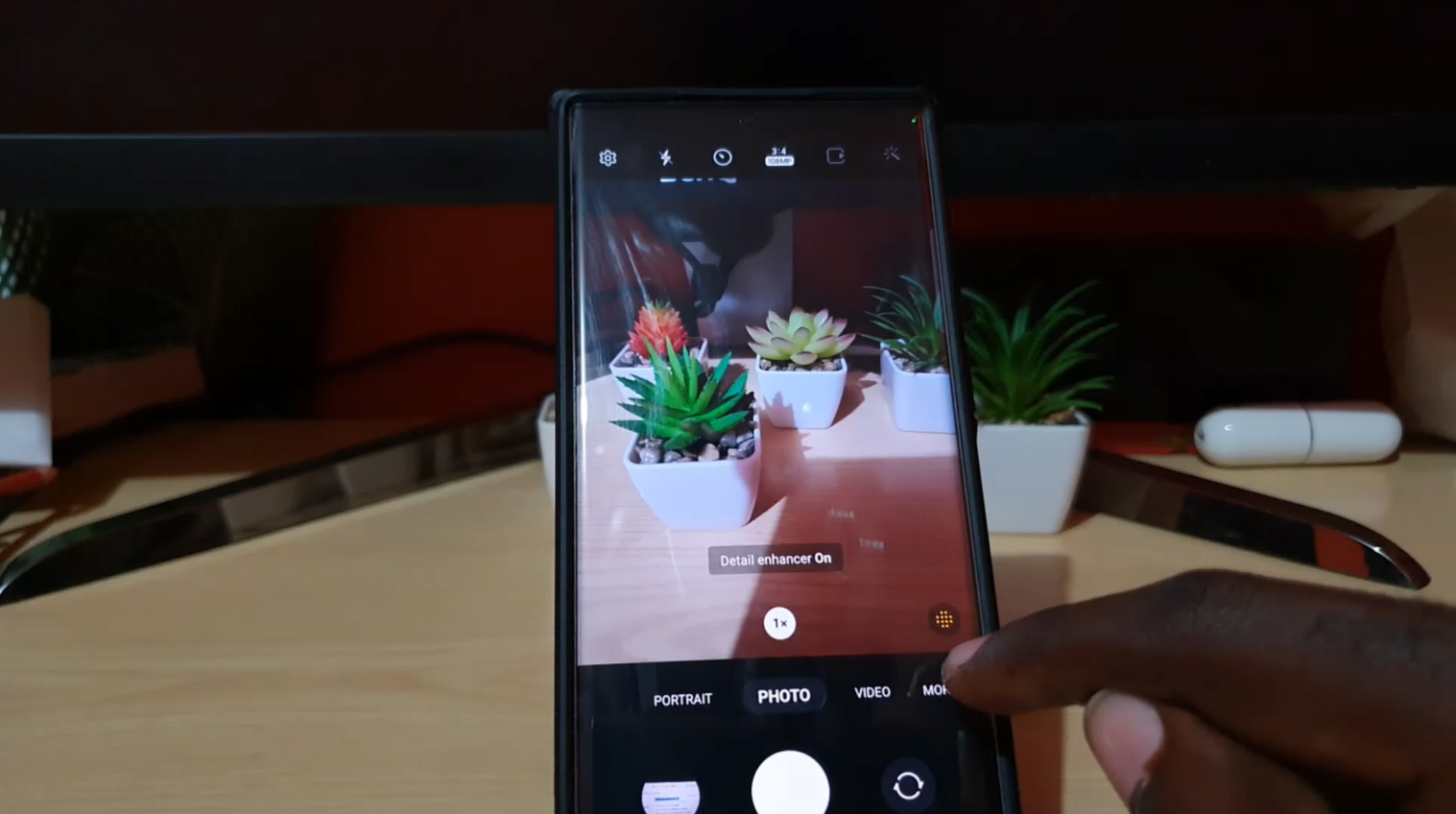
Detail Enhancer S22 Ultra
One of the features of the S22 Ultra that you should definitely be using may be a mystery to you. This feature is called Detail Enhancer for the S22 Ultra. Its a great way to take very detailed pictures and this way your pictures will have more clarity especially at close range. Do note this…
-
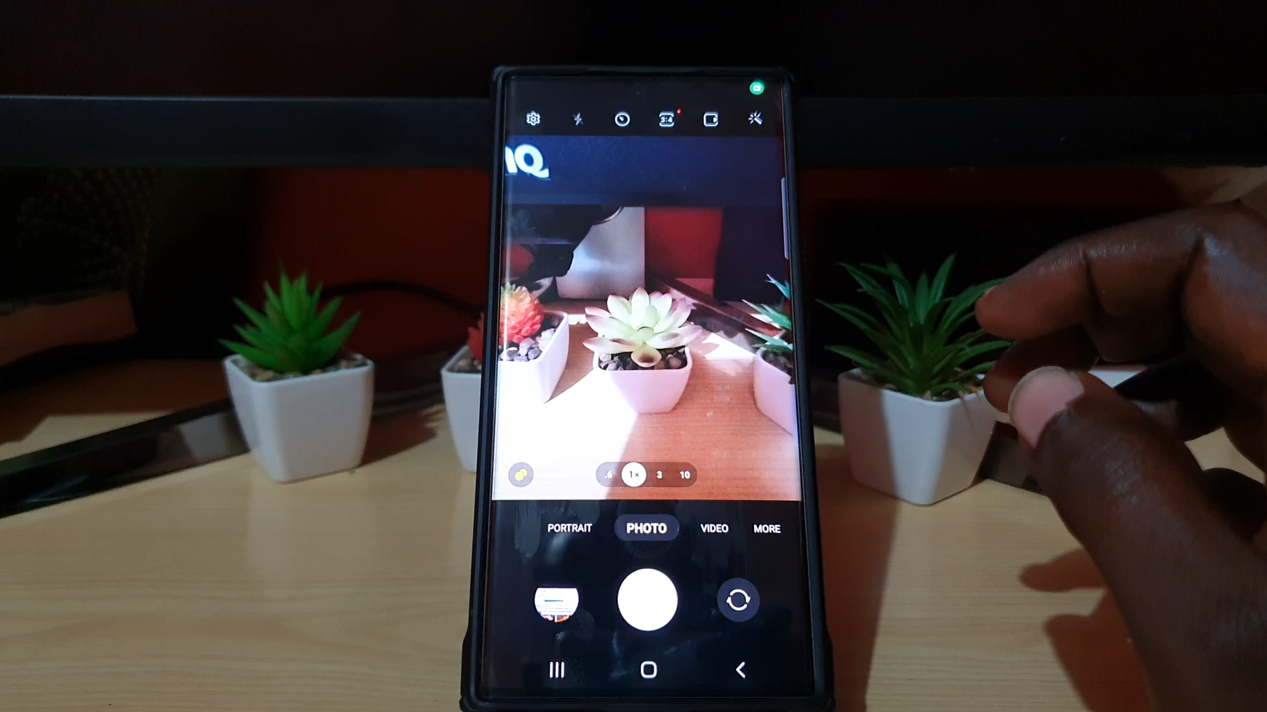
How to Change Camera Picture Resolution Galaxy S22,S22 Plus and S22 Ultra
It may be no surprise to you that you are not using the 108 MP camera on your Galaxy S22 Ultra by default. The Camera resolution is set to take pictures at a lower resolution to save on space or at a sweet spot of picture quality and file size. You may also have no…
-
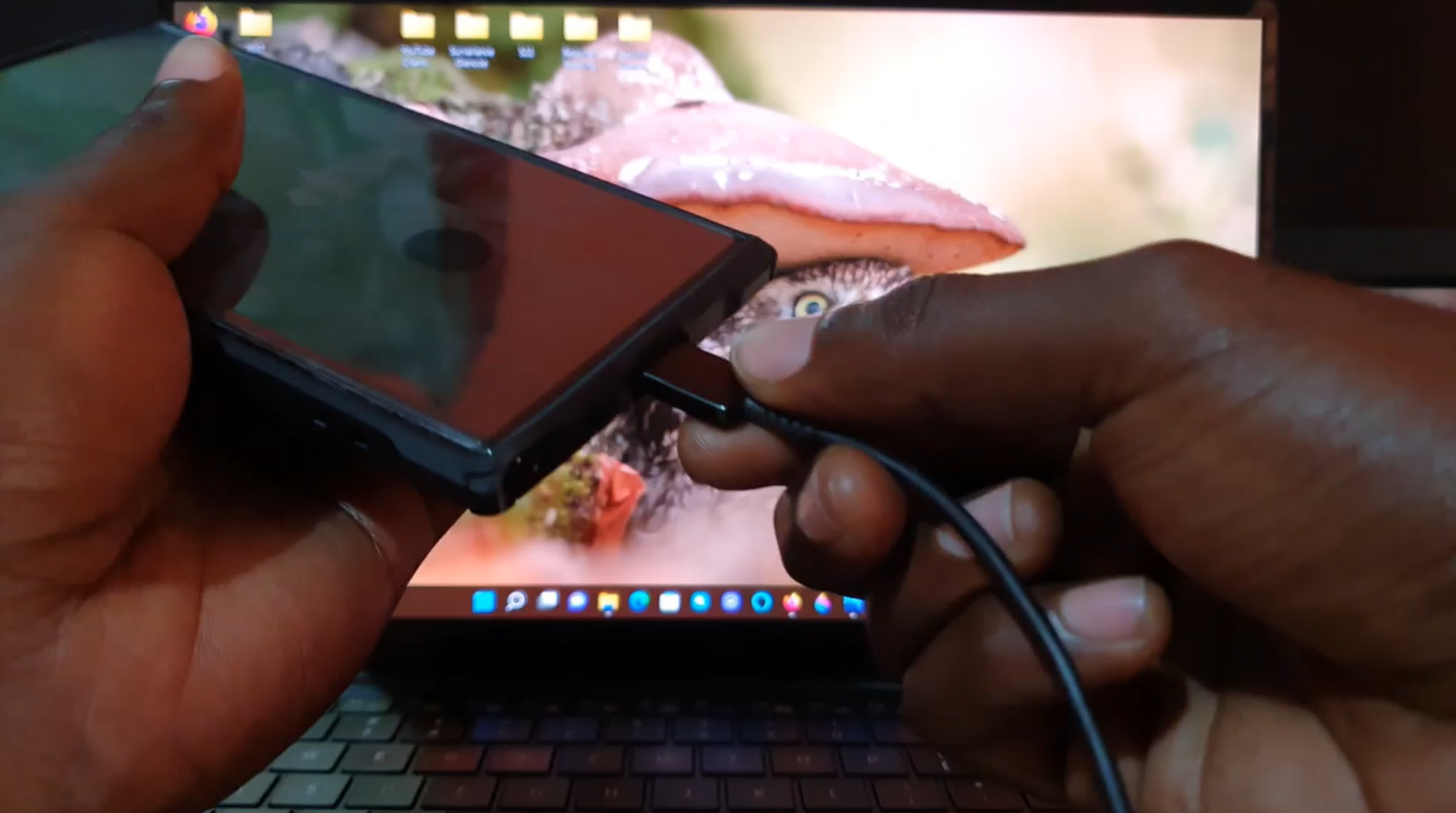
Manually Remove Pictures and Videos S22,S22 Plus and S22 Ultra
So this guide will break down how to Manually Remove Pictures and Videos S22,S22 Plus and S22 Ultra. It will show you how to browse the Android or Samsung Galaxy file system and find your files. These files can include: Pictures,Videos, Collages, Screen Recordings and other edited Pictures and Videos on your device. This is…
-
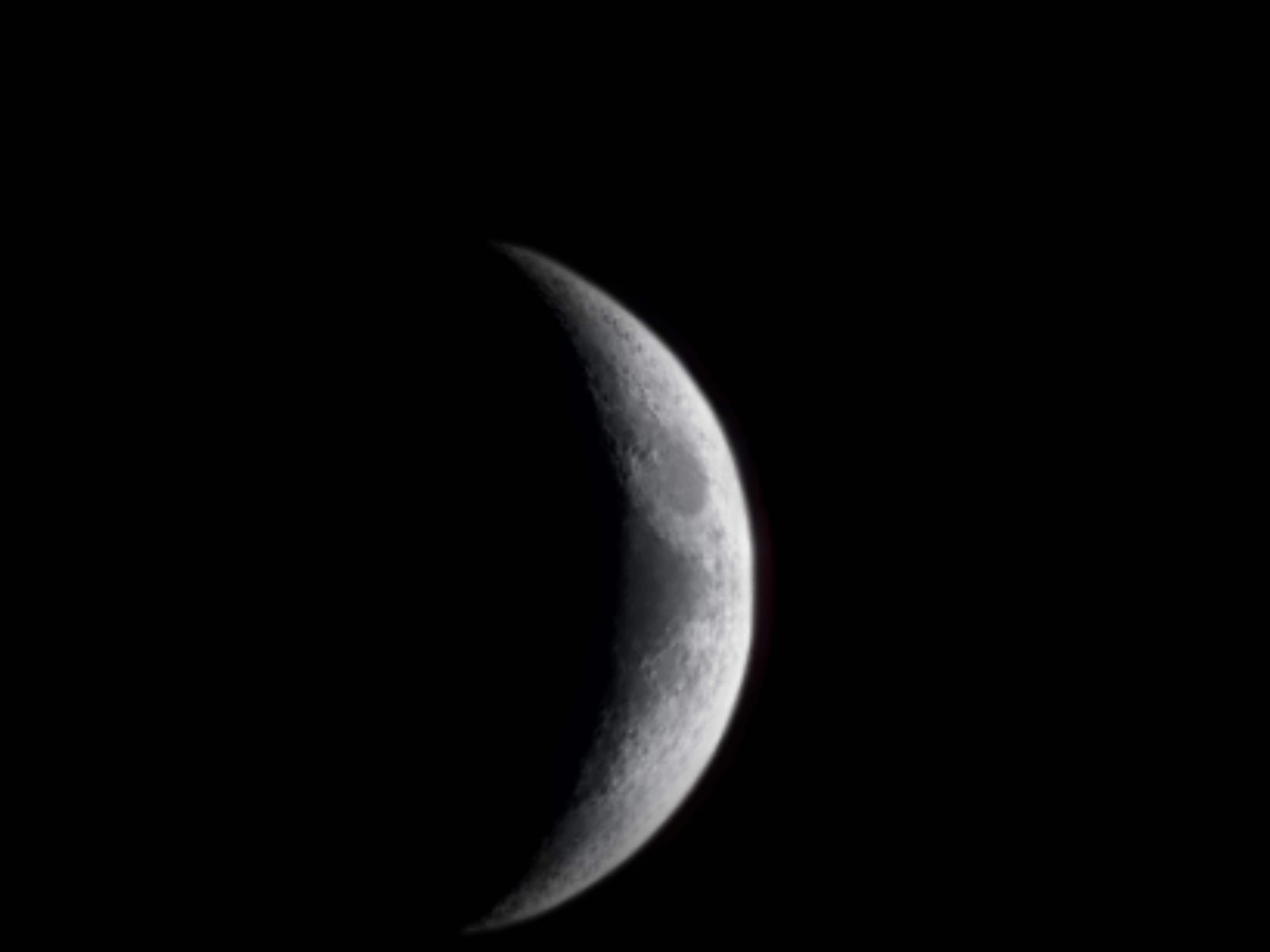
S22 Ultra Zoom Test Moon
One of the Coolest things about the S22 Ultra is Zoom lens and its ability to Zoom and view the moon. This article will look at the Test Moon Zoom of the S22 Ultra. The camera is improved and it does a Awesome job of Zooming especially of the Moon. I love the camera as…