
Category: Android Tips
-
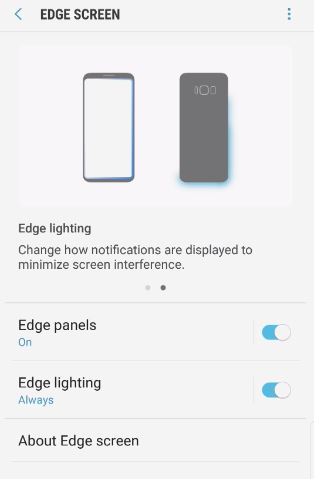
Turn Notification Edge Lighting On and Off Galaxy S8
So lets look at how to Turn Notification Edge Lighting On and Off Galaxy S8,Note 8 and other similar devices. The feature is known simply as Edge lighting and its used to indicate when you have a notification of a message and can only be seen when the phone is face down on the table.…
-
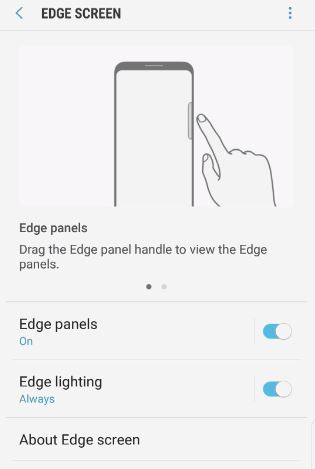
How to enable or disable the quick menu tab Galaxy S8
Today we will be looking at How to enable or disable the quick menu tab Galaxy S8. I use my quick menu tab for a bunch of stuff such as taking screen snapshots,making GIFs,favorite apps,favorite contacts and much more. Recently the feature disappeared from the right side of the screen and I know I did…
-

Enable or disable Keep Mobile Data Turned On
There is a feature built into Android called Keep mobile data turned on that will keep the mobile data turned on at all times and this makes switching between networks far much easier and we will be showing you in this article how to turn the feature on and off.When the feature is on if…
-
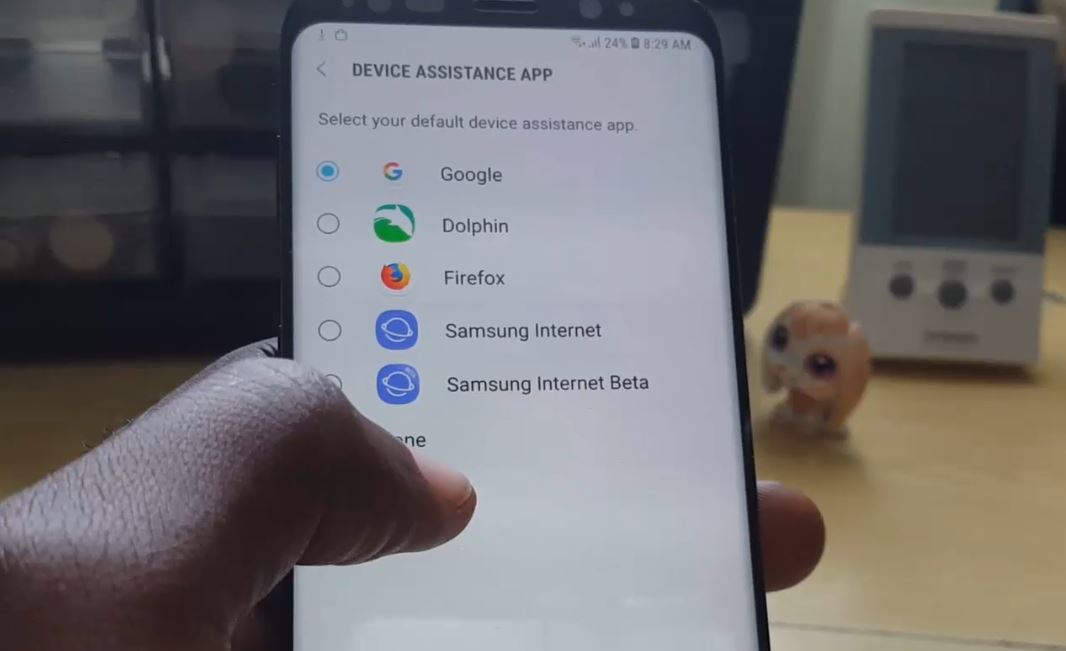
How to Change the function of the Home button Galaxy S8
Did you know you can actually change the function of the Home button Galaxy S8,S8 Plus or Note 8? Well you can, by default when you long press the digital home button on the S8 it launches the Google Assistant but you can actually change this action to launching another compatible app such as a…
-
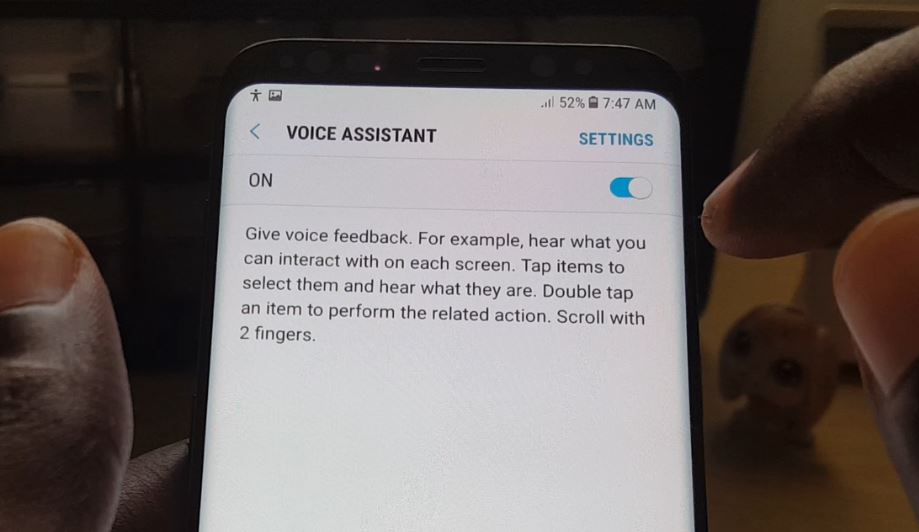
How to Disable Talkback on a Samsung Galaxy S8
Now you have done it your Samsung Galaxy S8 or other similar device keeps reading out everything on your phone screen back to you and the controls for the interface has gotten really weird for navigating the phone. Well if this situation sounds like your current predicament then don’t worry as whats happening is that…
-
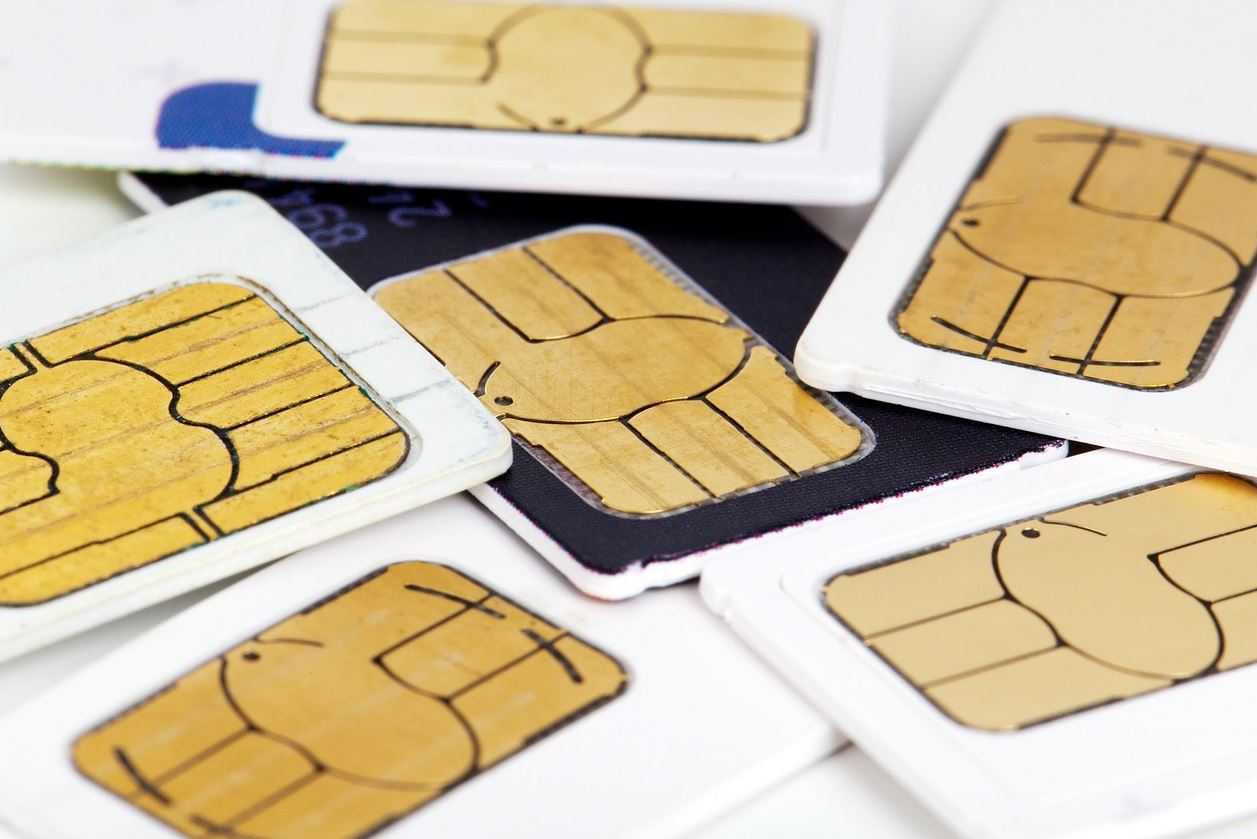
How to see your phone number on Galaxy S8?
Today we will be looking at how to see your phone number on Galaxy S8 or other similar Samsung Galaxy devices and other android devices. This can be really useful if you have a SIM and you don’t know the number by heart you can recall it so that you can know it or tell…
-
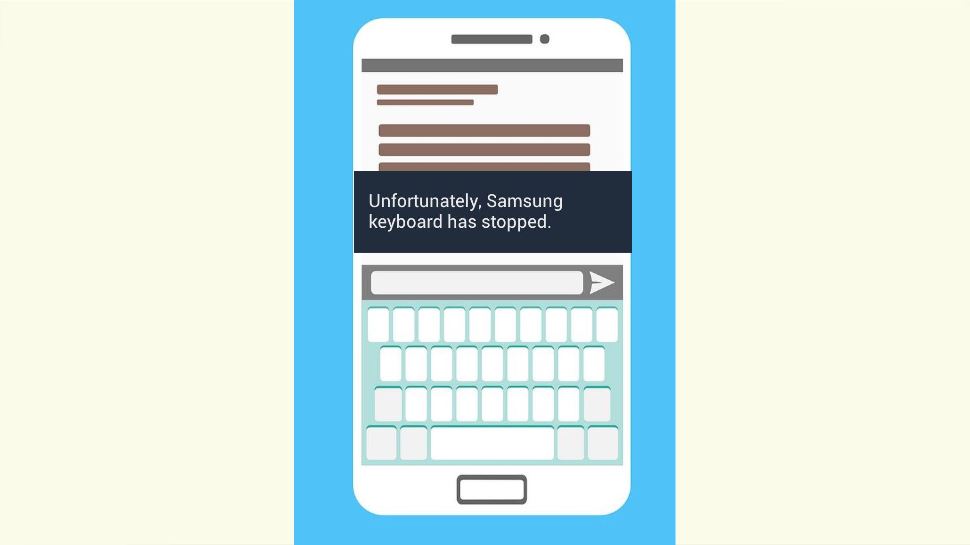
Unfortunately Samsung keyboard has stopped Fix
If you are getting the error that Unfortunately Samsung keyboard has stopped on your Samsung Galaxy device then you have come to right place as I will be showing you how to deal with the error so that you can start using your Keyboard on your phone once again. The Issue: The Samsung Keyboard keeps…
-
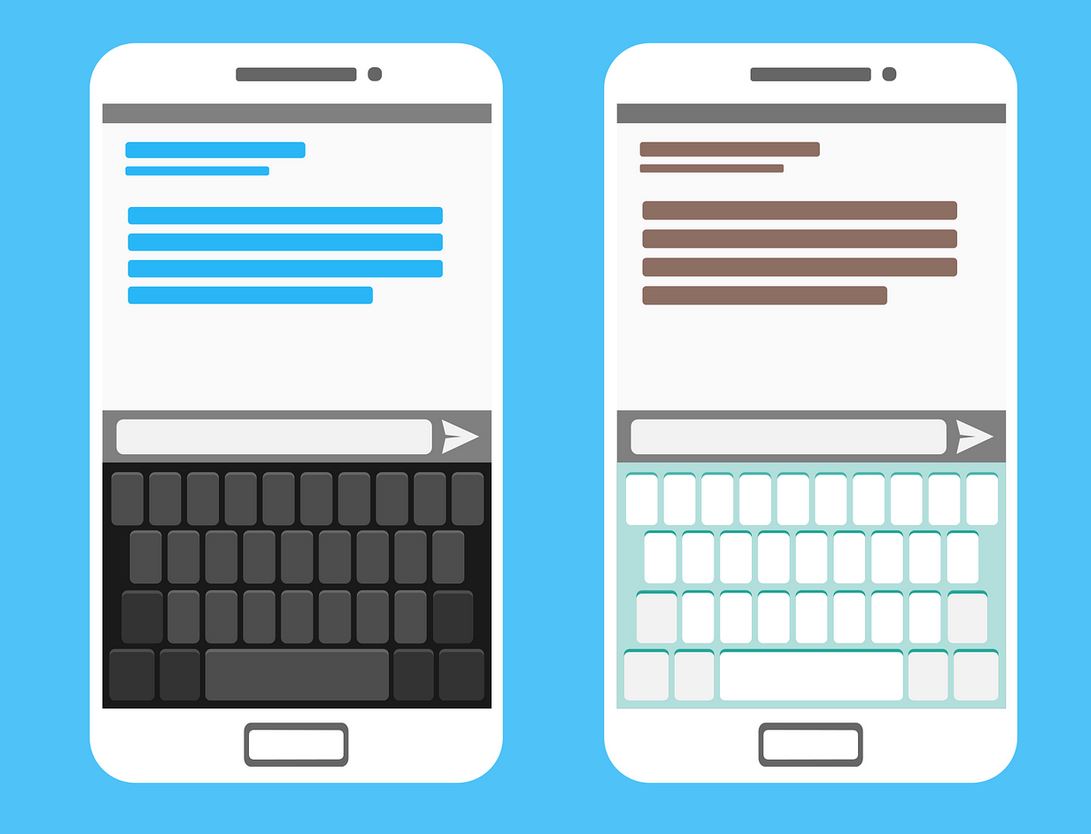
How to change the Keyboard size Galaxy S8
If you have a Galaxy S8 let me show you How to change the Keyboard size Galaxy S8, S8 Plus and Note 8 easily. This can be great if they Keyboard is too small or too large for you so that you can make it large or small at will which can be helpful if…
-
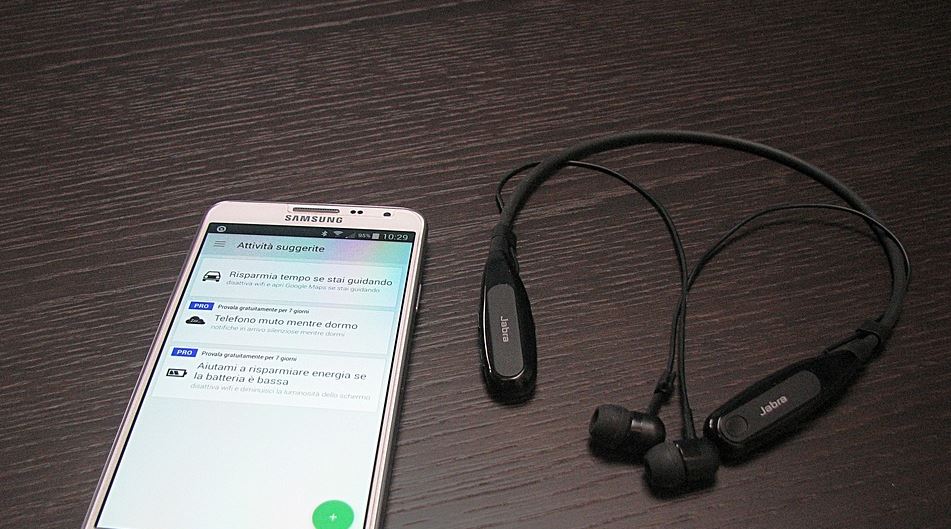
Automatically Answer calls Galaxy S8
So for today we will be looking at Automatically Answer calls Galaxy S8, S8 Plus and Note 8 or how to pick up calls automatically to put it another way. You will need to have a headset attached to the phone for this to work or a Bluetooth device and this can be really helpful…
-
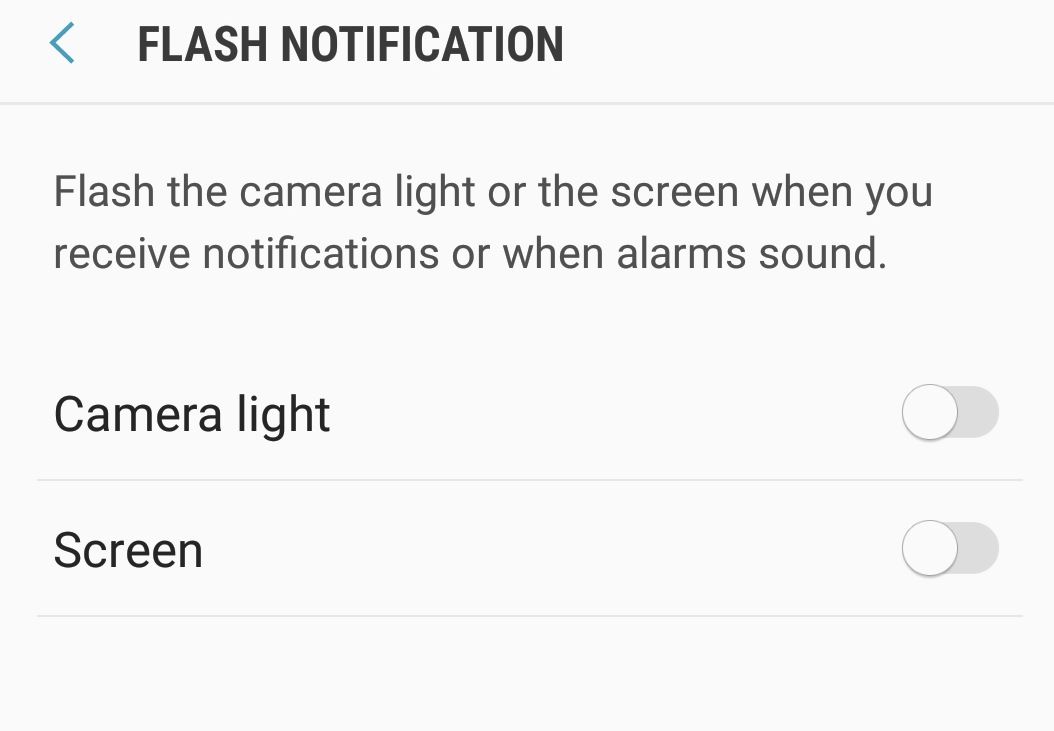
Enable Flash Notifications Galaxy S8
Do you keep missing your important notifications, alarms and calls? well there is a new cool feature built into the Galaxy S8,S8 Plus, Note 8 and other similar devices that allows the camera flash and Screen to light up and flash when you revive a notification which will make it next to impossible to miss…