
Category: Android Tips
-
Reverse New Snapchat update and get old Snapchat back 2018
So guys if you are not liking the new look of Snapchat after the latest 2018 update you can actually Reverse New Snapchat update and get old Snapchat back. This should be good news for many users as they hate the new look and prefer the older version, plus Snapchat does not give an official…
-
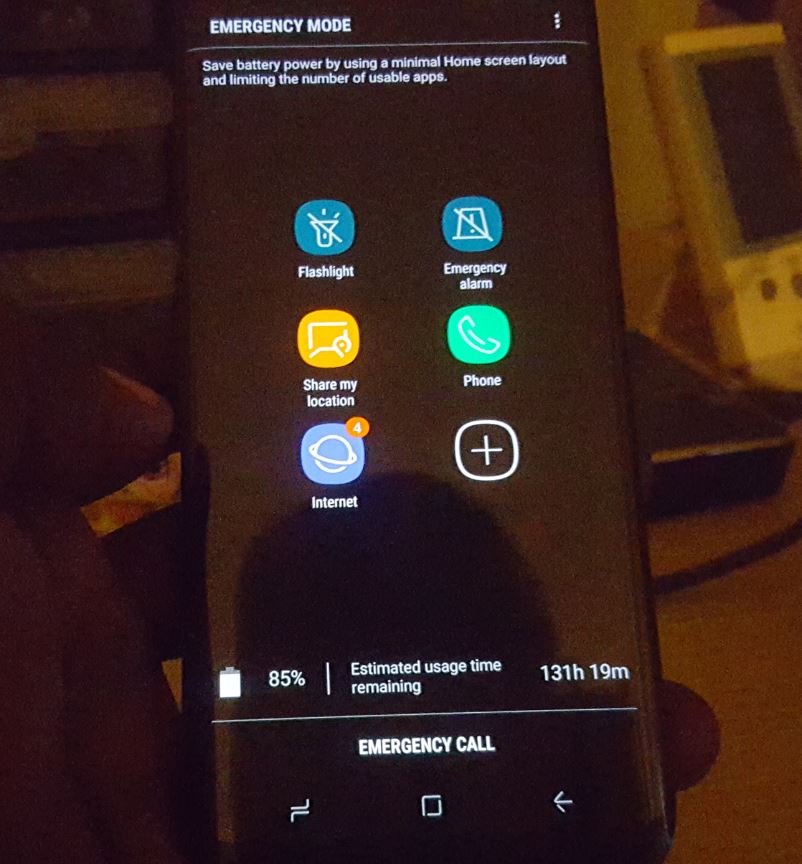
How to Activate Emergency Mode Galaxy S8
Emergency Mode is a special mode on the Galaxy S8, S8 Plus, Note 8 and other similar devices which you can activate when you need to save power or you are in danger.It limits the number of apps you have access to and places all the key apps you may need in an emergency and…
-
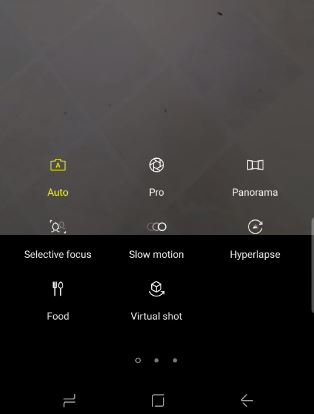
How to use Slow motion,selective focus,panorama and Hyperlapse videos Galaxy S8
In today’s article I would like to show you guys How to use Slow motion,selective focus,panorama and Hyperlapse videos Galaxy S8, S8 Plus, Note 8 and other similar devices to make very interesting Videos that is super cool and existing. You can then upload these videos to social media such as Instagram, Facebook and more…
-
Unknown network Error has occurred Instagram Fix
So if after trying to log into your Instagram account you are getting the error : An unknown network error has occurred. Then you are facing an issue that many other users before you have faced too and I will be showing you how to fix the problem in this post on Unknown network error…
-

YouTube Android App Not Working Fix
This tutorial is for all those who are having issues where their YouTube Android App Not Working as it should. By following these tips you should be able to get the app to start working once again as it normally should. Also if you have a very specific problem you can mention it below in…
-
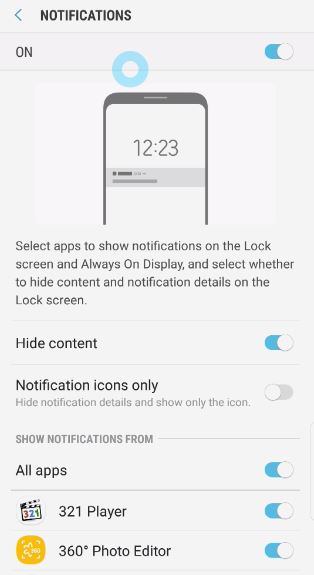
Show or hide Lock screen notification content Galaxy S8
In today’s article we will be looking at how to Show or hide Lock screen notification content. This is very important to know how to do as in most cases anyone can read notification from apps such as Messaging and any other app without even needing to open your phone from the lock screen, which…
-
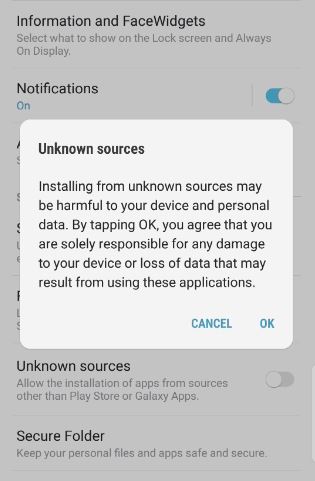
How to Enable or Disable Unknown Sources to Install Third Party Apps Galaxy S8
Whenever you install or try to install third-party apps from outside the Google Play Store you will need to enable unknown sources to install the app. This feature is put in place to protect users from unknown apps that may contain malicious code without the user’s knowledge. You can actually disable the feature and install…
-
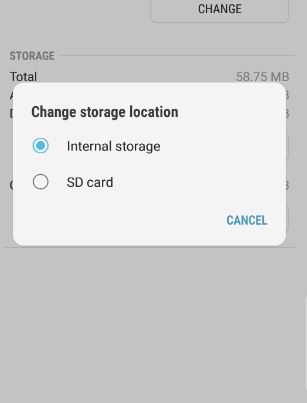
How to Change Storage Location To Internal Memory or SD Card Galaxy S8
In today’s article I will be showing you how to change storage location to Internal Memory or SD card on Galaxy S8, S8 Plus, Note 8 and other Android devices. This is great for cases where your phones storage is running out and you can either change the storage location of the app to SD…
-
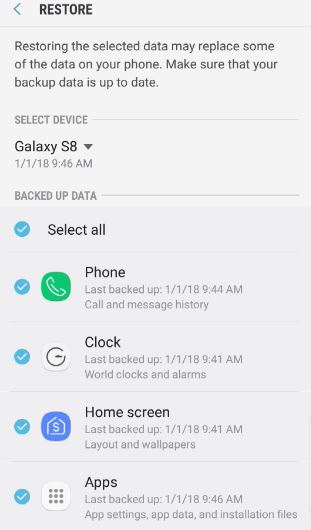
How to Restore text Messages Galaxy S8?
Have you ever had important text messages deleted from your phone and wished that you could somehow restore them? well you are in luck as today I will be showing you How to Restore text Messages Galaxy S8. This will fully restore your text messages in case of deletion or other cases which should come…
-
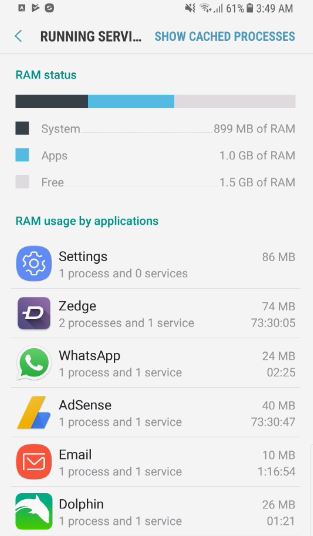
How to see background running apps and services on the Galaxy S8
Most people do not realize it but you can actually view background running apps and services on the Galaxy S8, S8 Plus, Note 8 and other similar Samsung devices if you know how. In my experience it’s always great to know how to do this as it can be a great way of figuring out…