
Category: How to
-
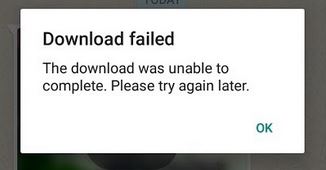
Download Failed The download was unable to Complete Whatsapp Fix
If you are getting the error message Download Failed The download was unable to Complete Whatsapp then you are not alone. In today’s article I will be looking at how you can fix said error in case you are getting it when trying to view your friend’s status as many users will.Don’t worry as the…
-
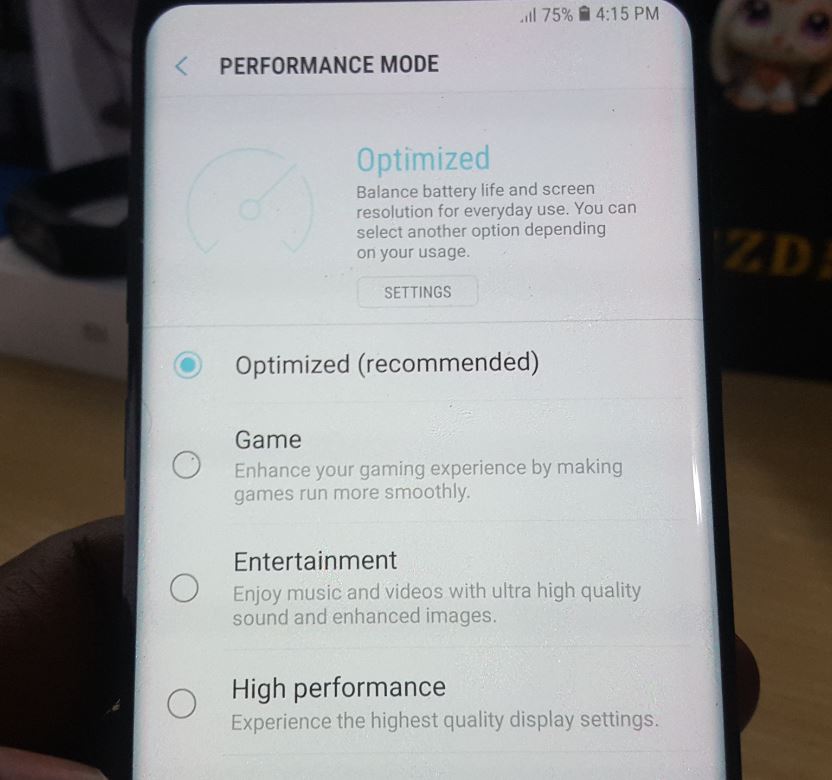
How to change the Galaxy S8 Performance Mode to High Performance
By default the Galaxy S8 and S8 Plus performance is set to Optimized which balances battery life and screen resolution for daily usage. You can however adjust these settings depending on what you are doing with your device, this includes setting it to: Game, Entertainment or High Performance mode. For today I will be showing…
-
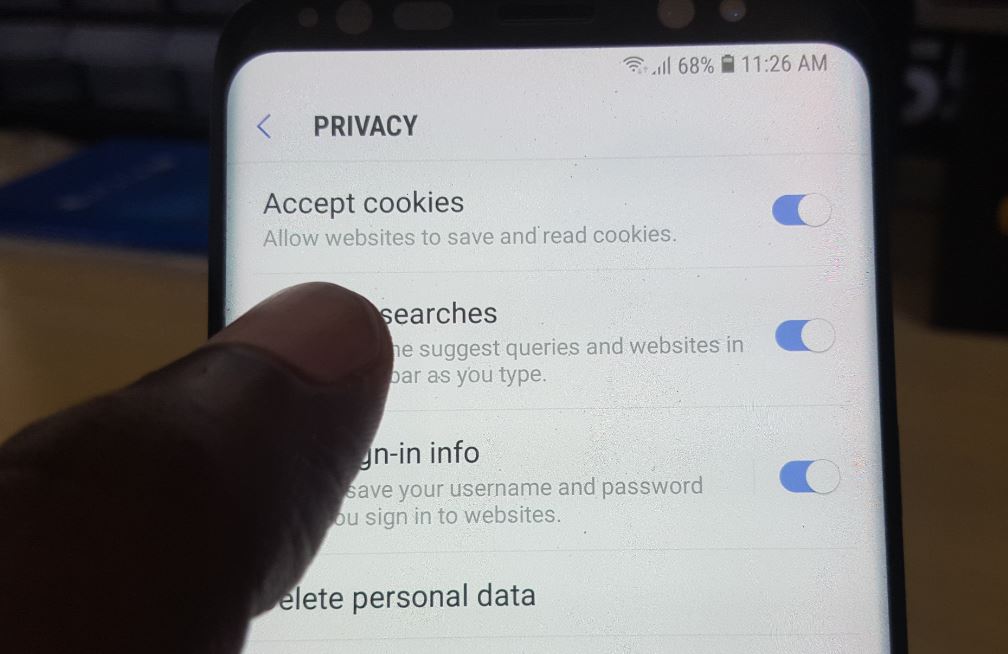
How to Enable or Disable Internet Cookies on the Galaxy S8 and S9
In today’s article I will be showing you How to Enable or Disable Internet Cookies on the Galaxy S8 and S9. I will also include the main Android browsers such as the default Internet Browser, Chrome and Firefox for the Samsung Galaxy and other Android devices as well. Important Note: Some websites will not work…
-
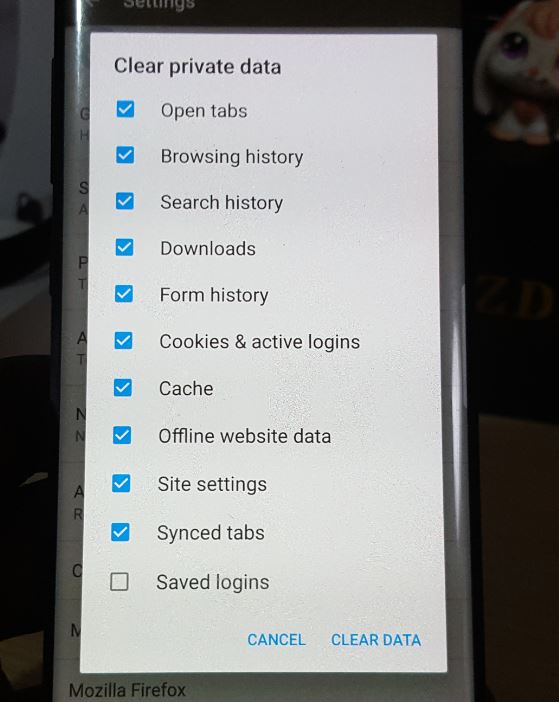
Clear Web Browsing History on Firefox on Android
Today’s focus will be on how to Clear Web Browsing History on Firefox on Android. The process is simple if you know how and all you have to do is follow the instructions as shown below. If you missed it you can also learn how to clear the Browsing history on other devices as well…
-
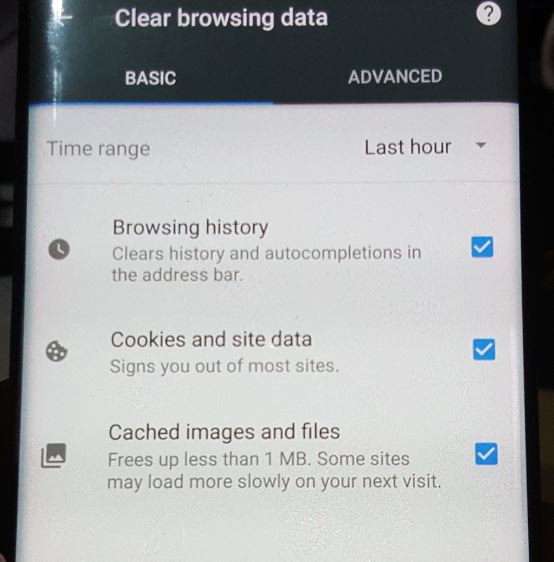
How to clear Web Browsing History on Chrome on Android?
So for today’s article I will be showing you How to clear Web Browsing History in Chrome on Android.By doing this you will be able to clear browsing history,Cookies and Site data which should make it that others who use your device cannot see the websites you have visited which will improve your privacy. The…
-
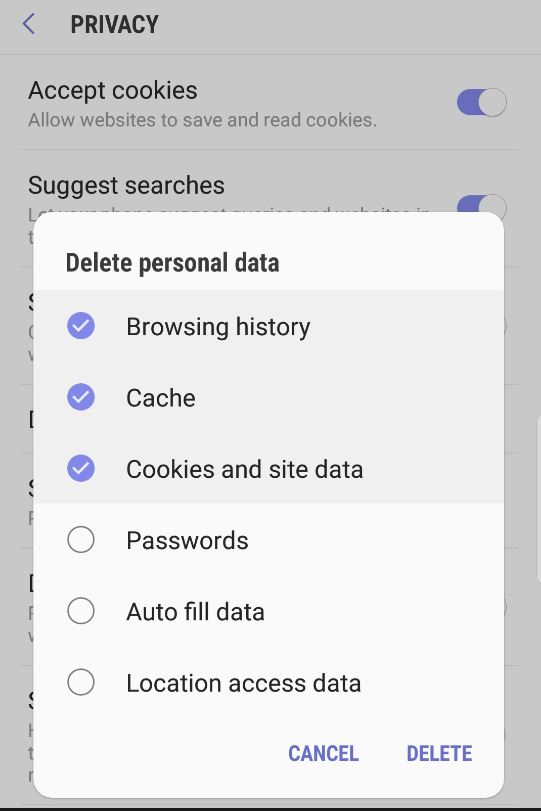
How to Clear Web Browsing History on the Galaxy S8
Privacy is a big deal in today’s world and while your web browser keeps track of all the websites you have visited its great to know that you can always delete the browsing history whenever you like. Luckily for you if you have a Galaxy S8,S8 Plus or other similar device I will be showing…
-
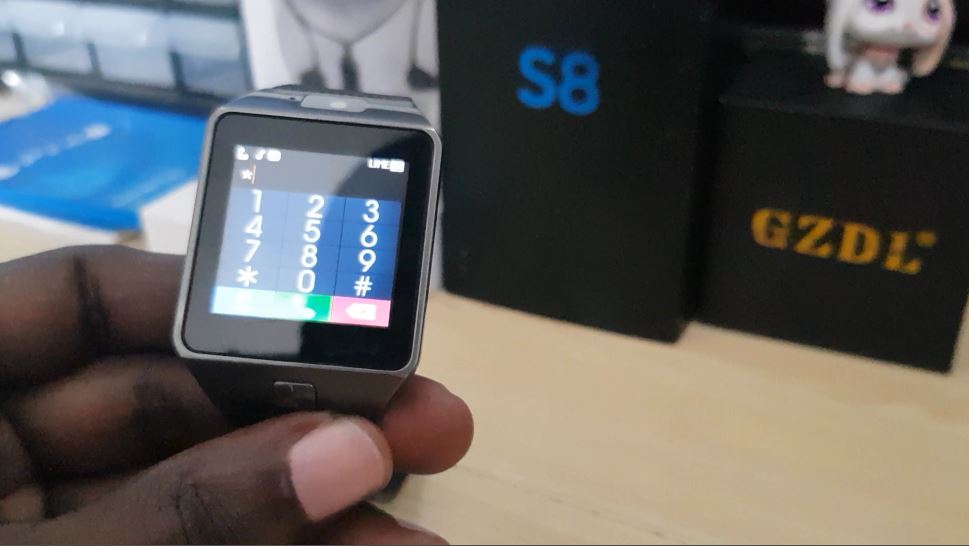
DZ09 Unresponsive touch random button presses fix
I have this issue with my DZ09 that happens regularly where the display sometimes becomes unresponsive and it refuses to take touch input and I also get random button presses which is usually evident when I am on the dialer. This usually also affects calls and can cause stuff such as random hangups and so…
-
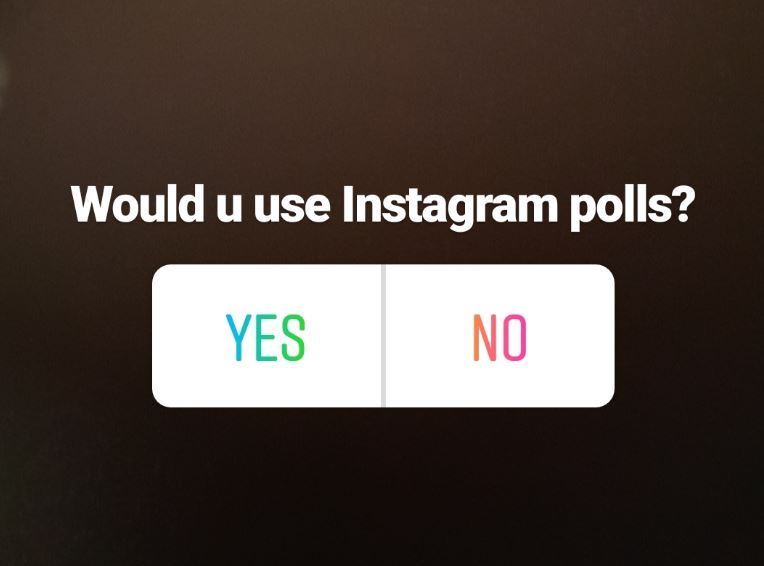
How to get the poll feature on Instagram Fix
If you have Instagram and you want to get feedback from your audience by running a Poll you can now do so easily with Instagram Polls. But unfortunately not all users have the feature and my aim today is to show you How to get the poll feature on Instagram.The feature is available for Android…
-
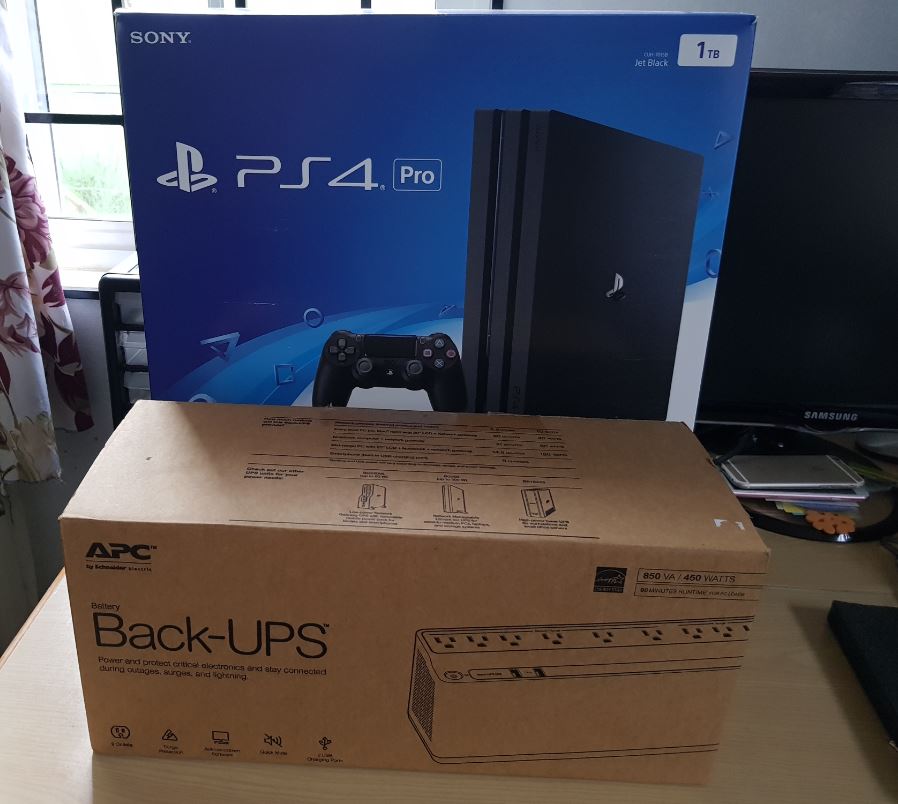
The Best UPS for PS4 Pro
Today we are going to be looking at the Best UPS for PS4 Pro.I recently bought a brand new PlayStation 4 Pro and while being new to the console Gaming I soon realized that when I would have sudden power cuts weather short or for a long time the PS4 Pro would shut down suddenly.…
-
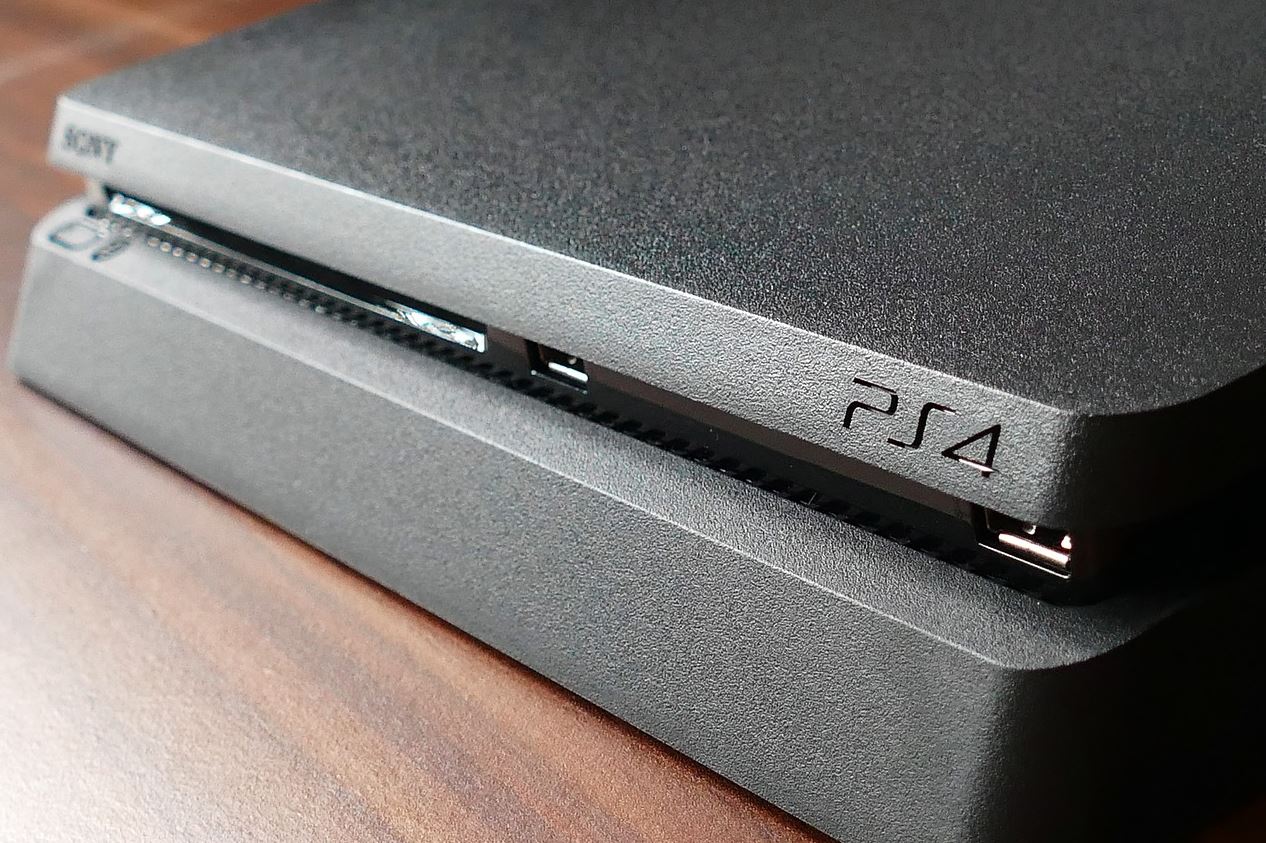
How to disable Rest Mode on the PS4 Pro
Rest mode on the PS4 is a great mode that allows you to place your PS4 Pro or even PS4 is a low power mode in which you can still charge your Controllers and access your system quickly next time you need it. The thing is though if you press the power button you go…