
Category: How to
-

Reverse New Snapchat update and get old Snapchat back 2018
So guys if you are not liking the new look of Snapchat after the latest 2018 update you can actually Reverse New Snapchat update and get old Snapchat back. This should be good news for many users as they hate the new look and prefer the older version, plus Snapchat does not give an official…
-
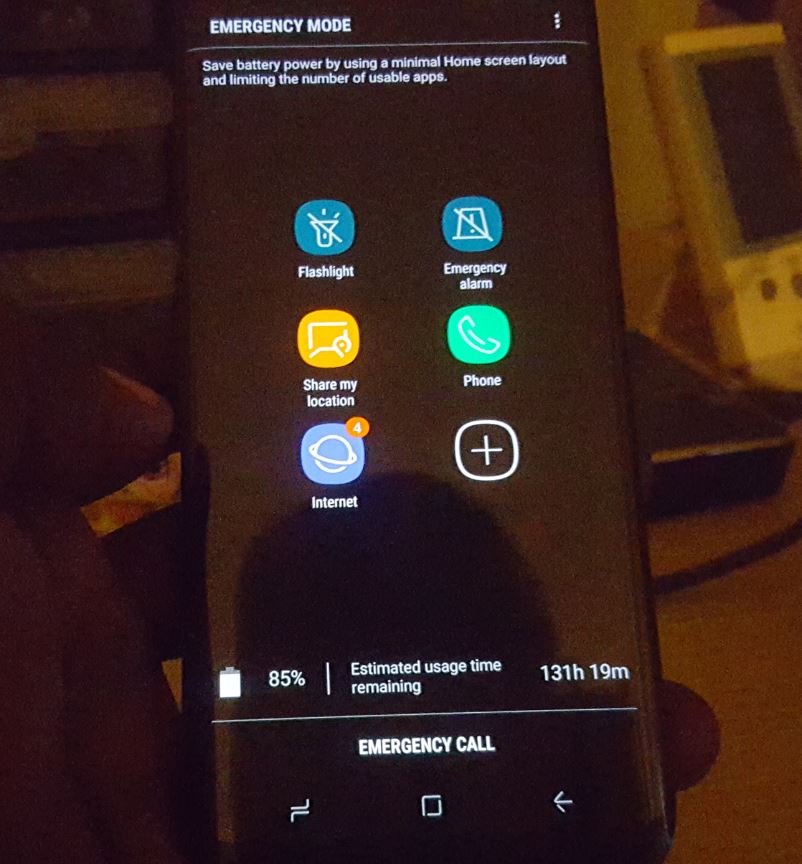
How to Activate Emergency Mode Galaxy S8
Emergency Mode is a special mode on the Galaxy S8, S8 Plus, Note 8 and other similar devices which you can activate when you need to save power or you are in danger.It limits the number of apps you have access to and places all the key apps you may need in an emergency and…
-
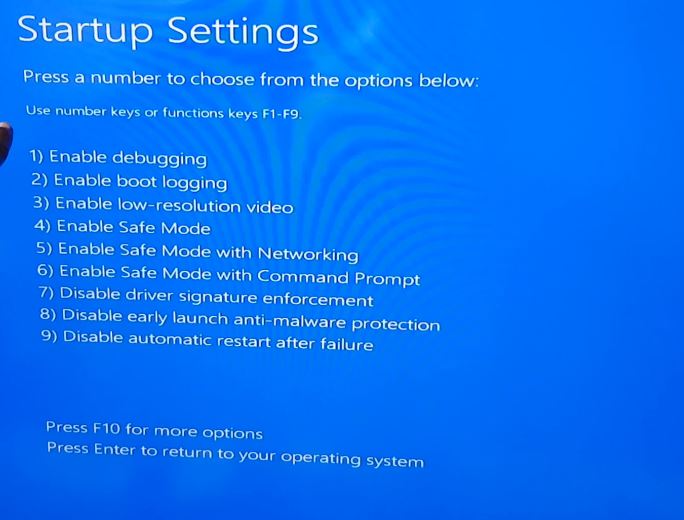
How to Place Windows 10 into Safe Mode Easily
Sooner or later you will have an issue such as uninstalling an app from your Windows PC that will refuse to uninstall no matter what you do and as a result you will need to boot your PC into Safe mode. If you want to learn more in general about safe mode then read this…
-

My PayPal was hacked! What should I do
My PayPal was hacked! The last words anyone wants to hear is that they were hacked. This is also really bad when its your PayPal that was targeted. Criminals can really clean you out when they get into your account. The last thing you want to excrescence is to get up at 8 am and…
-
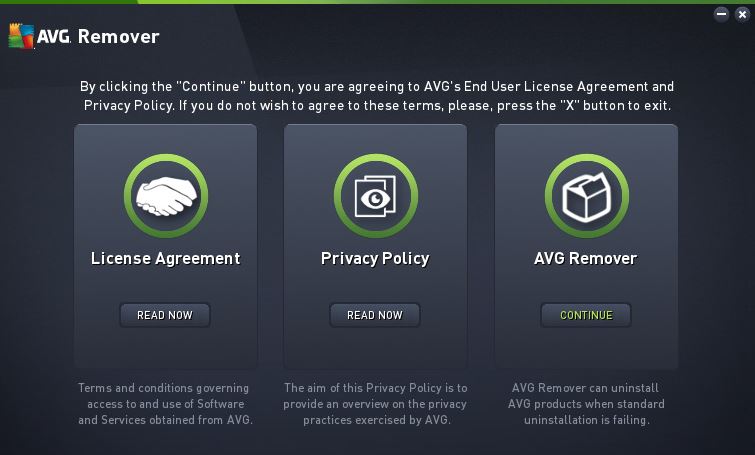
AVG Won’t uninstall no matter what I do Fix
I have been a long time user of AVG and from the first day I discovered the Antivirus it was a match made in heaven as it simply worked. As of late I had some issues and had to use my second choice of Antivirus and thought it was just my PC. Its been a…
-

Fix Instagram Shadowban
So you finally did it you have come to the realization that you have been Shadowbanned by Instagram. This is really bad as it means you will be unable to grow your Instagram account the way you want if no one sees your posts. So in this article we will be looking at how to…
-
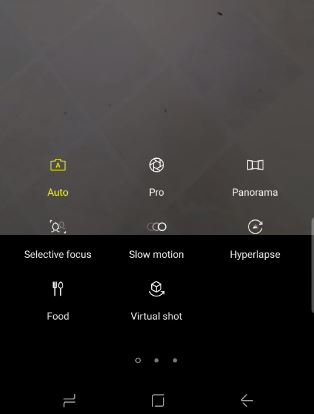
How to use Slow motion,selective focus,panorama and Hyperlapse videos Galaxy S8
In today’s article I would like to show you guys How to use Slow motion,selective focus,panorama and Hyperlapse videos Galaxy S8, S8 Plus, Note 8 and other similar devices to make very interesting Videos that is super cool and existing. You can then upload these videos to social media such as Instagram, Facebook and more…
-

Fix Computer that turns back on after being put into Hibernation or sleep
In today’s article we will be looking at how to Fix Computer that turns back on after being put into Hibernation or sleep.So if your desktop computer keeps turning back on after being put to sleep or hibernation for no good reason then you may have this issue as described here. In order to fix…
-
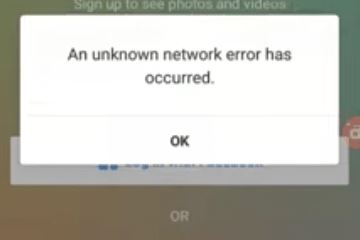
Unknown network Error has occurred Instagram Fix
So if after trying to log into your Instagram account you are getting the error : An unknown network error has occurred. Then you are facing an issue that many other users before you have faced too and I will be showing you how to fix the problem in this post on Unknown network error…
-
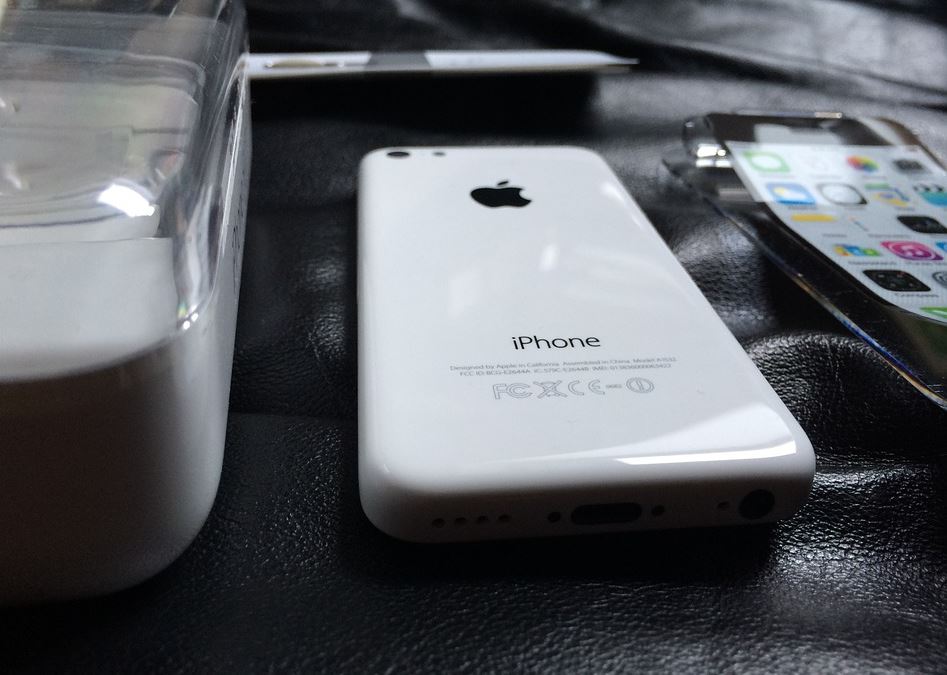
Fix Low Speaker Sound or Muffle Distorted Noise iPhone
In today’s tutorial we will be looking at how to Fix Low Speaker Sound or Muffle Distorted Noise.This is usually very evident when playing music from your phone or listening to videos online from places such as YouTube. In most cases the sound will be very low or sound muffled. Whats causing the issue? The…