
Category: How to
-
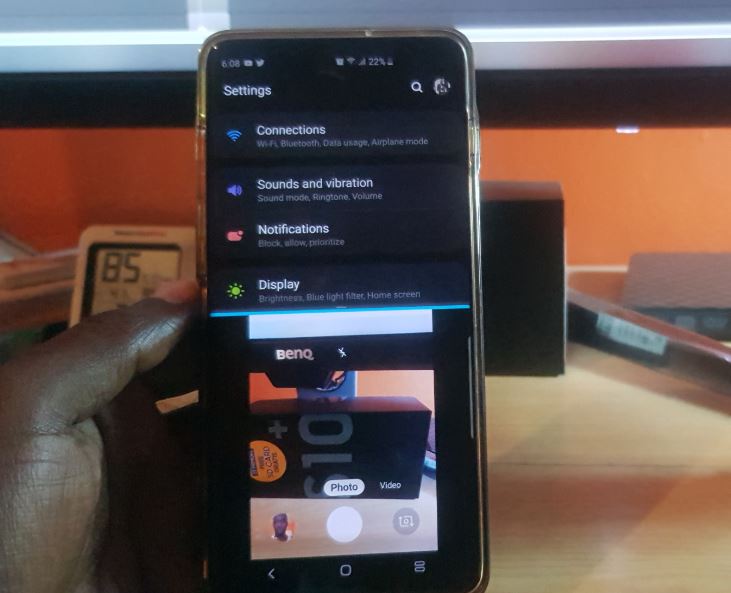
Open Two Apps on screen at once Split Screen Galaxy S10
The Opening of two Apps at once on Screen in Split screen is a feature that has been available for some time now on the Galaxy S10, S9, S8 and so on. Its a feature that allows you to have two separate Apps open at once which share the screen. This is great for multitasking…
-
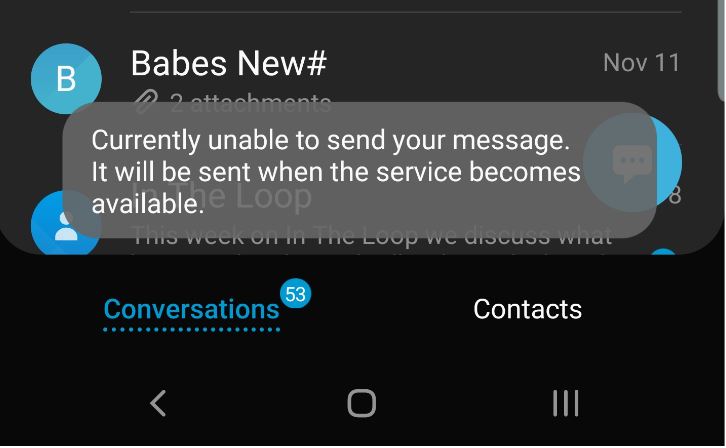
Currently Unable to send your message Fix
So I recently started to get this error where I would see at random the message flash at the bottom of the screen Currently Unable to send your message. The error was strange as I was not trying to send a message and had no clue as to where the message originated and how to…
-

Fix Laptop cursor not working
So recently I had my sister call and what was the reason? you may ask. Well her daughter was watching something on the Laptop and as kids often do pressed some random buttons and bam all of a sudden the Laptop cursor disappeared and was not working. This video looks at what she did and…
-

How to Change Facebook Password using the App
If you ever want to change your Facebook Password its very simple using the Facebook App on your phone. This guide shows you how to do just that and all you need to do is follow it. The process is pretty straightforward and all you need is to know the old Password and continue reading…
-

How to setup Two Factor Authentication on Facebook?
Ever wondered what would happen if your password was compromised on Facebook? Well if someone got access to your password they could easily gain access to your Facebook account from anywhere in the world. In such a case you would have no secondary line of defense. Well there is a secondary line of defense and…
-

How to Block Users on Facebook
So have you ever had a situation on Facebook where you had a annoying user messing with you or maybe you just don’t want them seeing your posts or messaging you. Then my friend you have come to the right place and you just found the right tutorial to show you exactly what to do…
-

How to Make Facebook Private So only Friends can see
As the title of this article suggests I will be showing you How to Make Facebook Private So only Friends can see. This tutorial only requires a smartphone and the Facebook app and you are good to go. I will show you how to find the settings to make your Facebook account that more private…
-

How to Enable Data Saver Feature in Facebook App
Ever wish that you could cut the data used by Facebook and save on your mobile data? well you can. In this tutorial I will be showing you How to Enable Data Saver Feature in Facebook App. By the end of this post you will learn how to use the data saver feature and save…
-
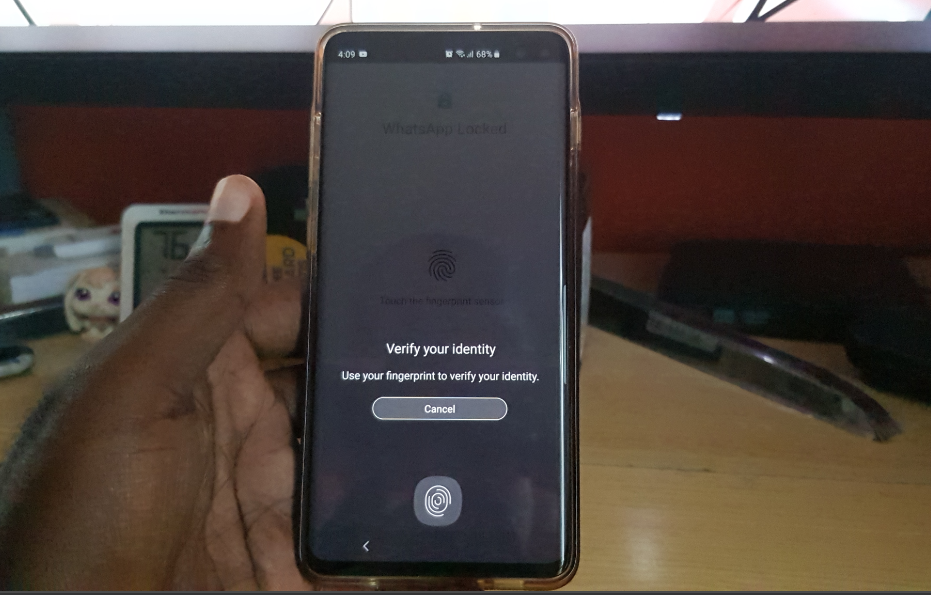
How to Activate Whatsapp Official Built in Fingerprint lock
I am sure it will come as a surprise to many that Whatsapp has a built in Fingerprint Lock feature. Well its true the feature was added quietly and you may not even have noticed it. That’s means no third party lock Apps to have privacy on your Whatsapp. All you have to do now…
-

Choose What happens to your Facebook account after death
Have you ever wondered what will happen to a persons Facebook Account after death? well we never want to think about our own mortality but its a good idea to at least have some say what happens to your data after you die. The Facebook Memorialization settings allows for this and more as you can…