
Category: How to
-
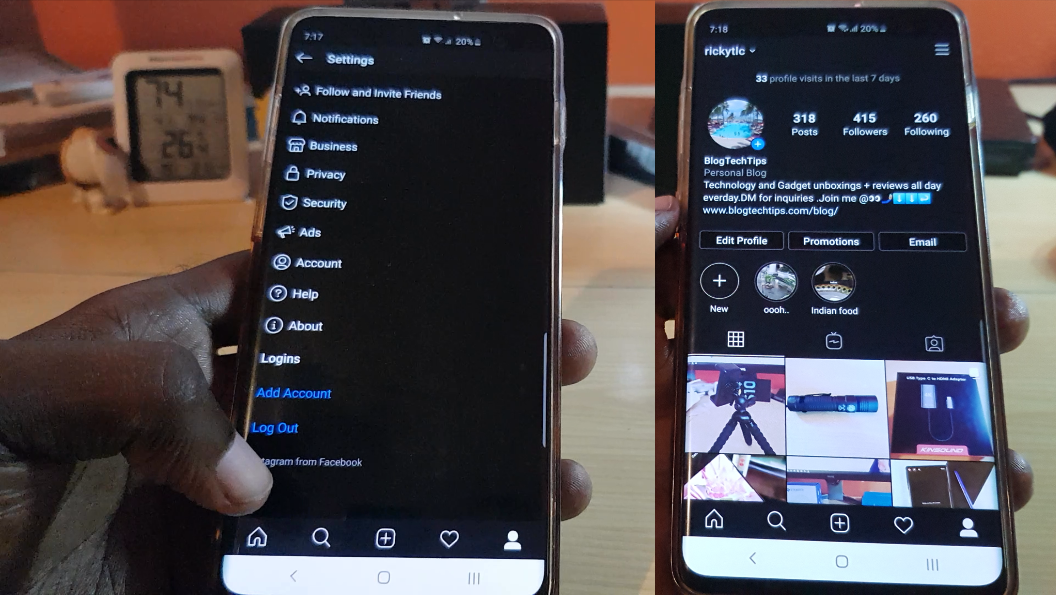
How to get and Use Instagram Dark Mode?
Its finally here, Instagram now has officially added a Dark Mode and you can begin using it right away. If you have not heard of it don’t worry as most users will discover it in error or see a friend using it. Luckily though you have me and I can show you how to not…
-

Instagram Account Compromised Fix
A lot of users have been getting the Instagram Account Compromised message as of late. This is mainly caused by users that try to gain followers with third party apps. Its to be noted that using Apps to gain followers is not allowed by Instagram and is against there policies. What doe this Mean? You…
-

Smart Home Setup-What You need to get started?
So today i though I would do a tutorial on all you need to get started on your very own smart Home setup. Now most people are scared on getting started with a Smart Home as they think its very expensive. Well I am here to tell you that you can convert your Home to…
-

How to Enable Developer Options on the Note 10
Developer options is a set of Hidden options on the Note 10 and Note 10 Plus. These are hidden options that’s meant for developers that gives access to settings an features you will not find in regular settings on your phone. This tutorial will guide you through the process of how to get to this…
-

How to create a WiFi Hotspot on the iPhone 11?
Every now and again there is a situation where you may need to share your internet connection with someone such as a friend. In such a situation creating a WiFi Hotspot is necessary. In today’s article I show you how to create a WiFi Hotspot on the iPhone 11. In this way you can always…
-
How to Block a App From Using Cellular Data on iPhone 11?
Have you ever wished you could stop some apps from using Cellular data. I mean the last thing you would ever want is for a App to be running without permission and using up your data. Well today is your lucky day as you can easily control which apps use your phones data or cellular…
-

How to get and Use Super Steady Video on Galaxy S10
Have you ever had to take a action shot or one while you were running behind your subject or while walking in general? Well that’s normal but the Image stabilization often tries to reduce the jittery and random movement. Well the brand new Super steady Video feature is even better and take the feature and…
-
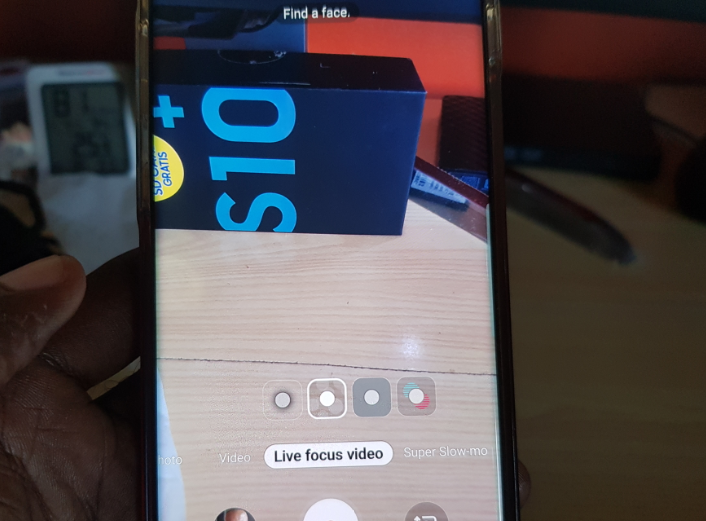
Get and Use Live Focus Video Galaxy S10 and Note 10
So if you have not noticed yet there is a cool new feature that’s been added to your camera that’s called: Live Focus Video and its lit. You might not have noticed it at all as it was added recently in the September 2019 update of the Galaxy S10 and should also be found on…
-
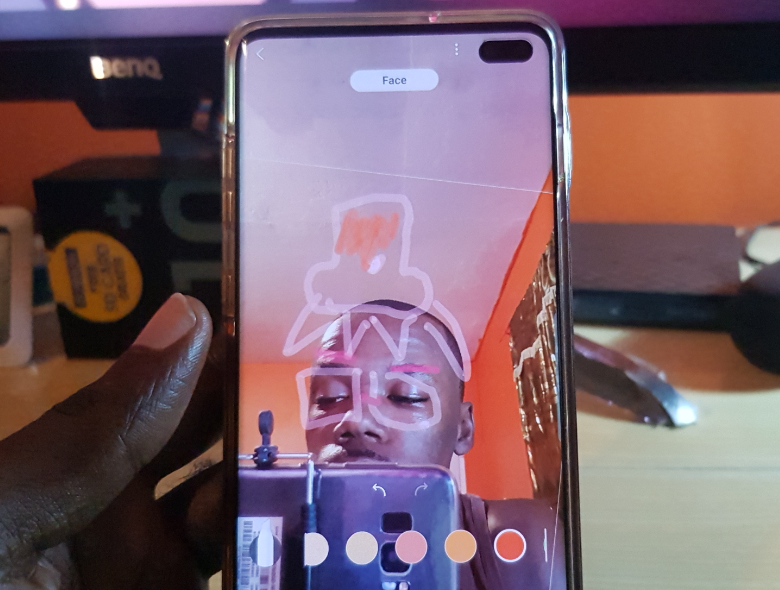
How to get and Use AR Doodle Galaxy S10 and Note 10
There is a exciting new feature called AR Doodle and you can use this new feature if you have a device such as the Galaxy S10, S10 Plus,Note 10, Note 10 Plus and so on. So if you have one of those device and want to check this feature out then simply follow my directions.…
-

How to Switch to 4G,VoLTE and 3G on the iPhone 11
So today I will be showing you How to Switch to 4G,VoLTE and 3G on the iPhone 11. This can be very useful in cases where based on your carrier you need to choose the appropriate setting to make the most out of your data connection. The last thing you need is to have a…