
Category: How to
-
Samsung Galaxy safe mode
One of the cool features that very few people know about on their Samsung smartphones is the Samsung Galaxy Safe Mode which is basically a mode created to run your device without the fancy stuff that you might have put on your phone over time to customize it to your needs. It’s great for singling…
-
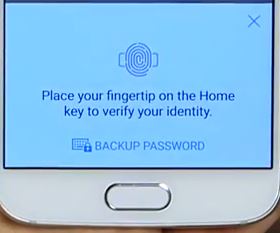
How to use web sign-in on the Samsung Galaxy S6 and S6 Edge?
Did you know that using just your fingerprint you can log into all your online accounts without needing to put in a password? The feature is called web sign-in and it comes integrated in the Samsung Galaxy S6 or S6 Edge and it allows you to log into any website without manually tying in your…
-
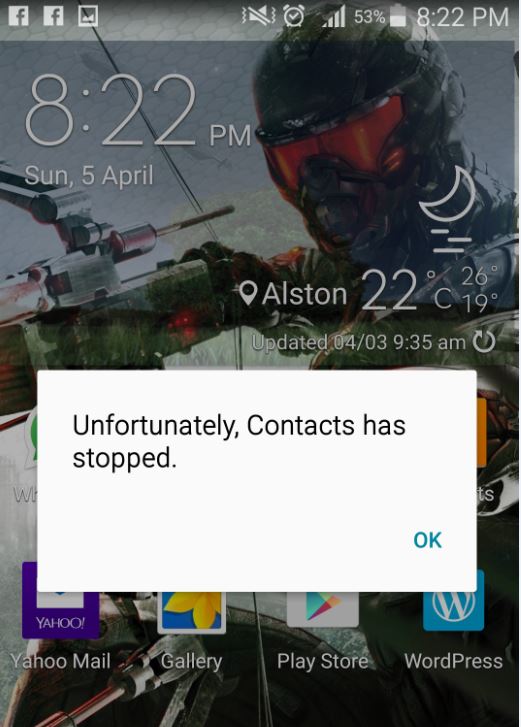
Unfortunately App has stopped Fix
In this article we are going to look at an issue on Android where an App crashes and the message appears on screen: unfortunately App has stopped and this can happen with any App on your Android device with the name of the app appearing in the error were I have the word “App” such…
-

Unfortunately the Process com.google.process.gapps has stopped Fix
Being an Android owner you tend to get accustomed to the occasional problems that may arise and the potential Fixes that you can use to correct the issues that pop up from time to time. Today we would like to look at a common situation where you get the following notification on your Android device:…
-
How to flash any phone using smartphone flash tool?
As smartphones become more popular so too does the many issues that we face while using them also seems to increase. One such issue is the need to flash a phone that’s having issues and as such it is essential that we lean-to use tools such as Smartphone flash tool which allows us to reload…
-
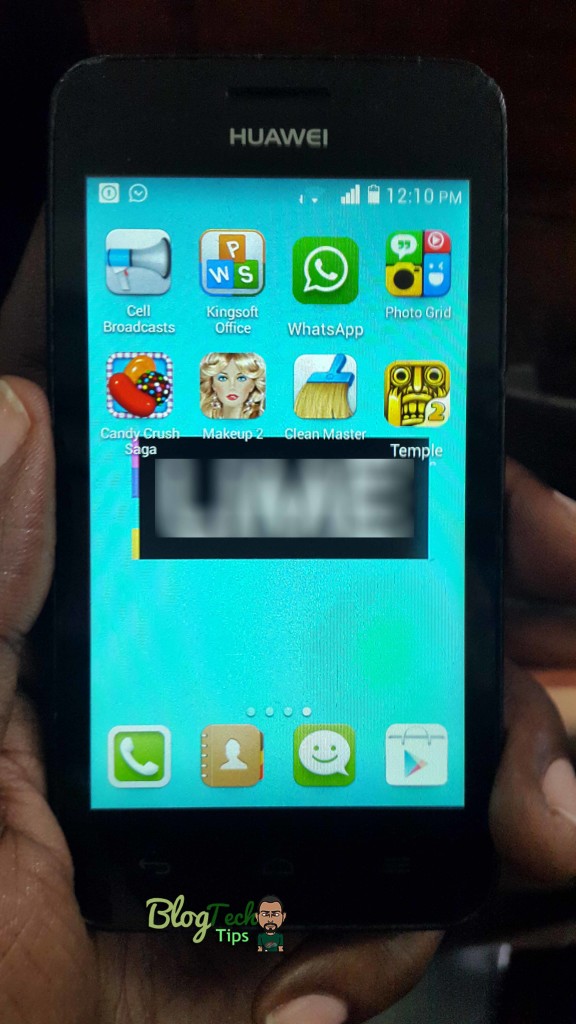
Whatsapp voice call now available to everyone
It’s a great day as if you are a user of the popular messaging app WhatsApp then the powers that be have rolled out the latest update that provides all who update with the new call feature, so no more invitation is needed or any of those crazy messages on how to get the new…
-

How to use Smart Phone Flash Tool to Flash any BLU Smartphone?
In today’s article I would like to show you how to use smart phone flash tool or SP Flash tool to repair or flash your BLU Android smartphone in cases that you are stuck on the boot screen and attempting methods such as factory resetting your smartphone is not working at all. Well if those…
-
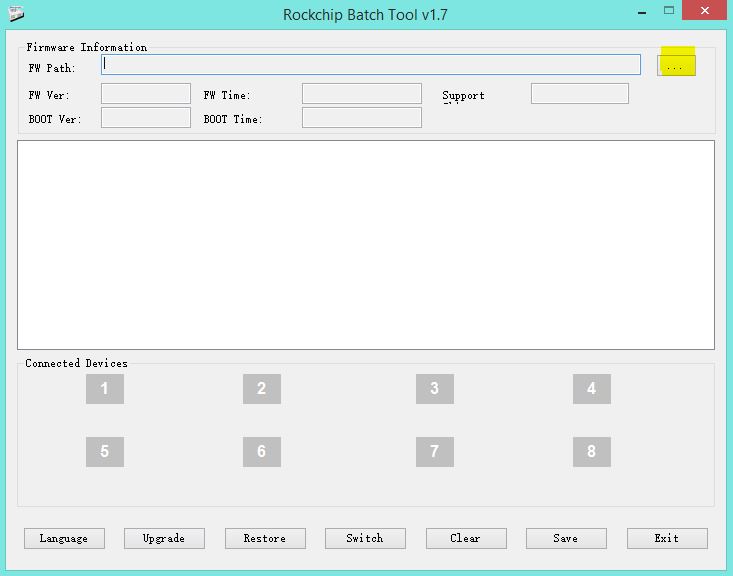
Use Rockchip Batch Tool to Flash Firmware files
To start things off today we would like to show you how to use another tool called:Rockchip Batch Tool to flash your Firmware files unto your tablet, this can come in real handy when experiencing several problems on your device such as too many pattern attempts, being stuck on the boot screen or maybe you…
-
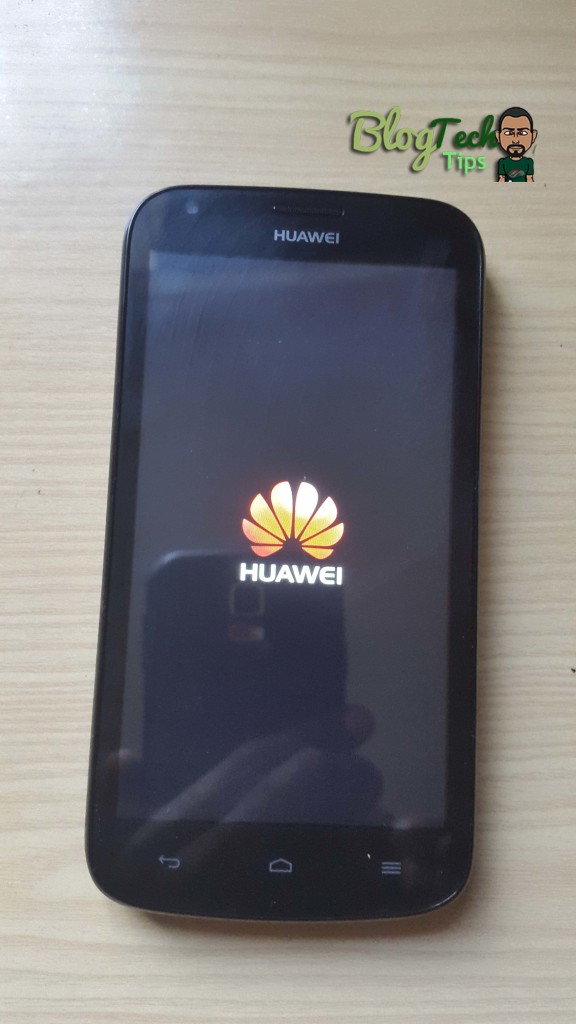
Huawei Android Phone Stuck on startup or not accepting correct password on home screen
Today’s situation happened with a friend of mine whose Huawei Android Phone was not accepting the password he knew to be correct and he was unable to use the phone and access his messages or do anything from the phone. This phone was really an issue as to compound the issue the device suddenly stopped booting…
-
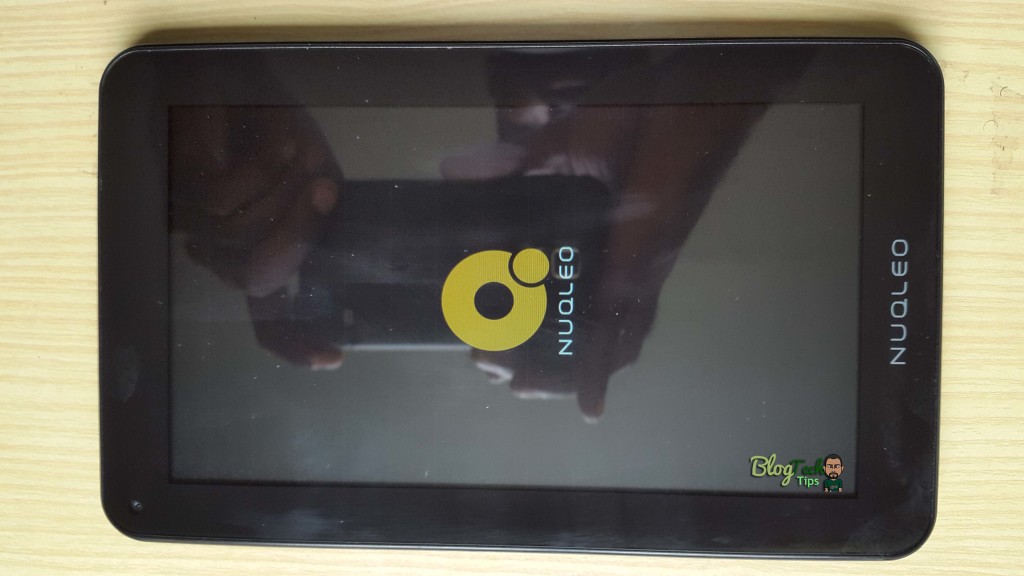
Tablet Nuqleo stuck on boot screen issue Fix
One of my favorite gadgets to fix is Tablets as no two situation when it comes to repairing them are ever exactly alike, you always have to be on your toes and in today’s article I would like to document a Fix for a Tablet Nuqleo that was stuck on boot screen and would not…