
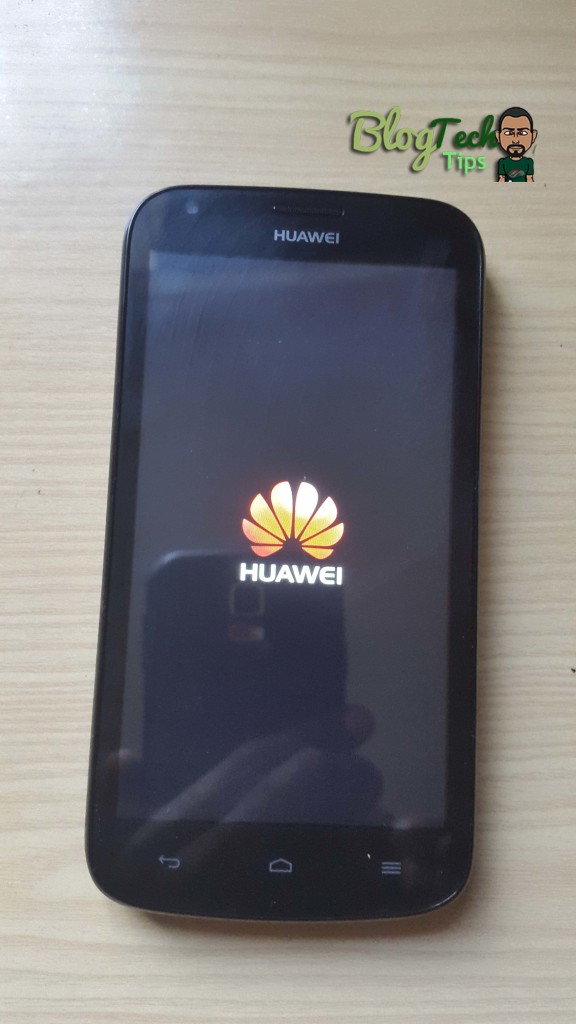
Huawei Android Phone

Huawei Android Phone Stuck on startup or not accepting correct password on home screen

Today’s situation happened with a friend of mine whose Huawei Android Phone was not accepting the password he knew to be correct and he was unable to use the phone and access his messages or do anything from the phone. This phone was really an issue as to compound the issue the device suddenly stopped booting out of the blue and would become tuck on the Startup screen.  I decided to document this fix as the procedures in getting to work again were a little bit outside the norm and I doubt this is the last time this will happen so someone else might have the same issue and need to fix their device.

Which device was affected by this Issue?

The phone that was affected in my exact situation was a Huawei Y600-u151,which is an Android device but if I know gadgets this is bound to affect other models and brands of smartphones with the Android operating system.
Huawei Android Phone

Description of the Issue

So as was mentioned earlier the phone was first stuck on boot which was the first hurdle to clear and then it would not accept the normal password which we were 100% sure was correct.

How did I fix these Issues?

The first step in the process was to solve the issue of the Huawei Android phone not booting up fully by first:

1. Powering down the device.

2. Now hold volume up and the power button.

3. As soon as the phone vibrates let go of the power button and keep holding the volume up.


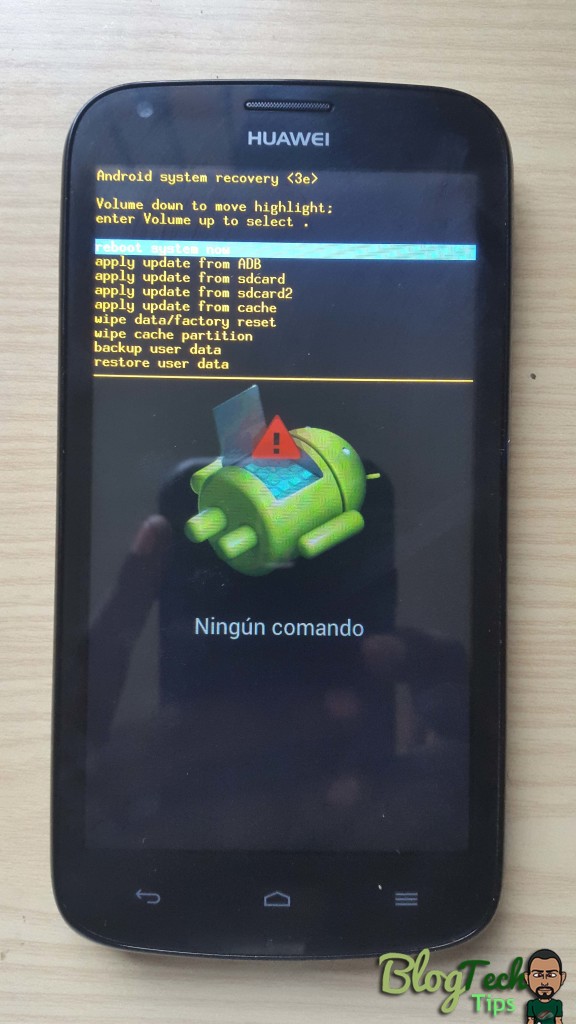
4. You will enter recovery mode. Now this recovery menu for Huawei phones is different from any other Android device that I have ever seen in terms of navigation:

To move through the menu options use the volume up and down key, now normally to select you use the power button on other Android devices,but on this Huawei device to select press volume up and down at the same time to select.

5. Now all I did was to select the reboot option and the Phone booted right up and it was not stuck on the logo anymore. If that does not work you can try the clear cache option.

Correct Password not being accepted at Android home screen

I honestly thought that after the above the phone was good to go and I could put another fixed gadget under my belt but there was another issue where the correct password which my friend is sure of was not being accepted. So here is what I did:

1. Again use the button combination above in procedure 1-4 to enter recovery mode once more.

2. Be warned that this will erase all data that’s stored directly on your phone.
Huawei Android Phone

3. Now this time go to :wipe data/factory reset in the menu options.

4. Remember press either volume up or down to move through the menus and Press volume up and down at the same time to select the option or any other option.

Huawei Android Phone

5. it will ask you to select yes to confirm, do so again by selecting the middle option.
Huawei Android Phone

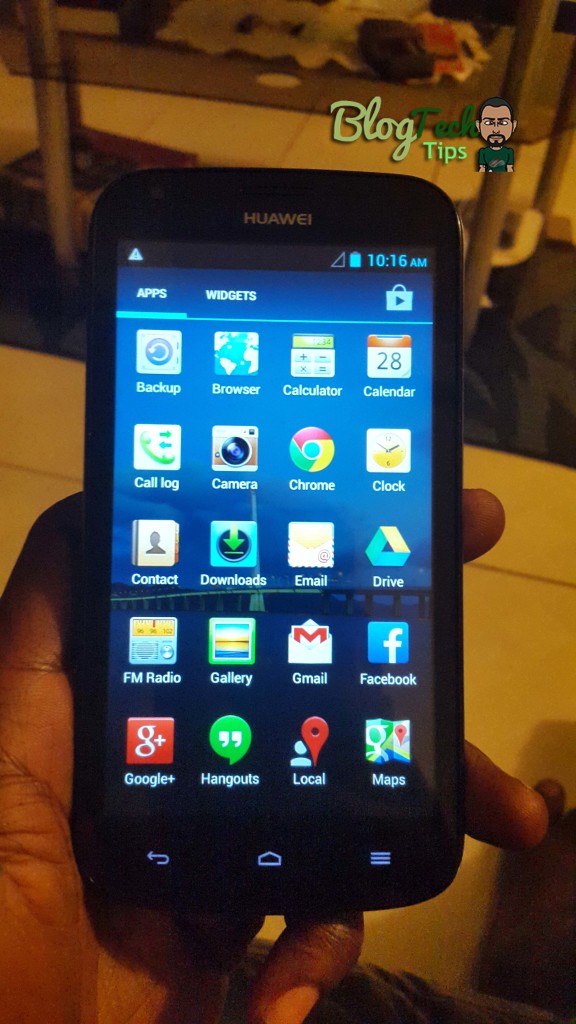
Finally reboot and your Android phone should start-up and select language and do the basic setup, what do you know you should now have full access and no password screen. Now I must say this fix was a first time encounter for me in terms of the button combo as I have reset a lot of Android devices and never saw the button combination to select using the volume key, I almost did not figure it out and was about to give up on the device because of a simple variation.

Please share your experience with this issue, we love hearing a good story, and consider joining the BlogTechTips family we love fixing tech issues all day everyday as I get lots of gadgets on a daily to play with and provide useful tips for you our readers.


Comments

40 responses to “Huawei Android Phone Stuck on startup or not accepting correct password on home screen”

  1. my phone stuck in hand restart so can helip me pless

    1. If you are stuck in the hard reset menu as long as its not wiping pull the battery to restart.

      1. kiwayne Avatar
        kiwayne

        phone stuck on the logo, wiping catche, factory rebbot and still stucks

        1. You will need to look into flashing your phone.

          1. Vicki Green Avatar
            Vicki Green

            How do you flash your phone?

          2. See the related articles or do a search below to find the tutorial.

      2. Mr Ricardo sorry to disturb but i have huawei g630 meaning i cant take out my battery
        and also i am stuck on factort reset
        one more thing how do you flash a phone

  2. doreen eugene Avatar
    doreen eugene

    my huawei g510 t8951 stucks completely from startup

    1. Did you follow the article-what exactly is not working for you in the fix?

  3. Ian Boucher Avatar
    Ian Boucher

    Thanx a milion. Great fix

  4. I followed the instruction but the android logo is not appearing and not proceeding to the reset option, just the huawie logo, can please help me?

    1. Try different button combinations until you boot into recovery.

      1. mukombe saidi Avatar
        mukombe saidi

        Hello sir my huawei is not proceding from welcome page setting the language US , UK etc which one is good for it ? Thanks

        1. If it made it that far it should complete, look if you are missing something for it to proceed.

      2. Aliee Robinson Avatar
        Aliee Robinson

        My phone is giving problems , I restarted it and it says something about recovery now
        And the power button is not selecting one of the options.
        what should I do

        1. Are your buttons working? Did you test to see if the select button was changed? it could be the up or down button or a soft key.

  5. Traqueña Alexandra Avatar
    Traqueña Alexandra

    hi. i tried wiping/factory reset, it just says “data wipe failed.” everytime i turn my phone on, im stuck on the huawei logo.. what should i do?

    1. If a reset does not work then you will need to flash your device.

  6. Jhellie Perez Avatar
    Jhellie Perez

    Hello there, i have a rooted huawei y541 phone, the screen was freezing yesterday so i tried to reboot it, it didnt work it keeps on freezing. then i tried to unroot it, back up my files and did factory reset, but it still the same. so i tried to do a factory reset again and then i tried to reboot it , it’s stuck on the huawei privacy policy screen , what should i do with this? thank you…

    1. Seeing all you have done and it keeps freezing, then try to flash the stock ROM unto the device again.

      1. Jhellie Perez Avatar
        Jhellie Perez

        oh i see,let me try to do that and ill update you. i tried to connect the phone on the laptop then the screen shows ‘huawei privacy policy’ ..
        do you have any flashing tutorials ?

        1. Yes there are several on the website using a tool called SPF flash tool and your ROM for your specific device it can be done.

          1. Jhellie Perez Avatar
            Jhellie Perez

            hi there, the pc doesnt recognize my phone, this is difficult…

          2. Install the drivers for the device use a reliable cable and port on the PC.

  7. I tried to reset but still the problem has persisted.

    1. How far did you get? did you get into recovery?

  8. Florn Mae Macalalad Avatar
    Florn Mae Macalalad

    hello sir… i have the same problem but i tried all the option and its not working

    1. It does work, where exactly are you getting stuck?

      1. Christeen Avatar
        Christeen

        help me sir. im still stucked in the logo after reset and reboot..

        1. Your only other option is to flash your phone with a new ROM, see the tutorials we have on that.

          1. mosisa Avatar
            mosisa

            ricardo what is flush tool and how do i get it how i flush

          2. Its Flash Tool, I have lined to the articles or you can search for them on the website where i show you how to Flash your phone.

  9. rajeev Avatar
    rajeev

    Thank you Boss for your valuable tips which solved the mobile booting issue.

    1. Great Glad to hear.

  10. After a reset to factory defaults the Y360 hang in the privacy statement. You could accept privacy statement but when clicking next it just came back. With the steps above it reinstalled the phone and run easy past the statement. THANKS big time.

    1. Excellent my friend glad things worked out for you.

  11. This article may help but however my phone is still frozen and is showing Chinese or Japanese characters which i don’t understand how do I fix it?

  12. stuck in a loop of huawei logo screen but at the same time my battery is 0%, meaning i can’t do the steps above because theres no battery. Is there any way i can fix it?? (since im stuck in a loop, the loop is also making my phone unable to charge at all)

    1. If its the battery you need to get adequate charge or replace the battery. If its software try booting into recovery and you may have to wipe the device or reload the software.

🙂 How well did I do? Take a moment to leave a comment.

This site uses Akismet to reduce spam. Learn how your comment data is processed.