
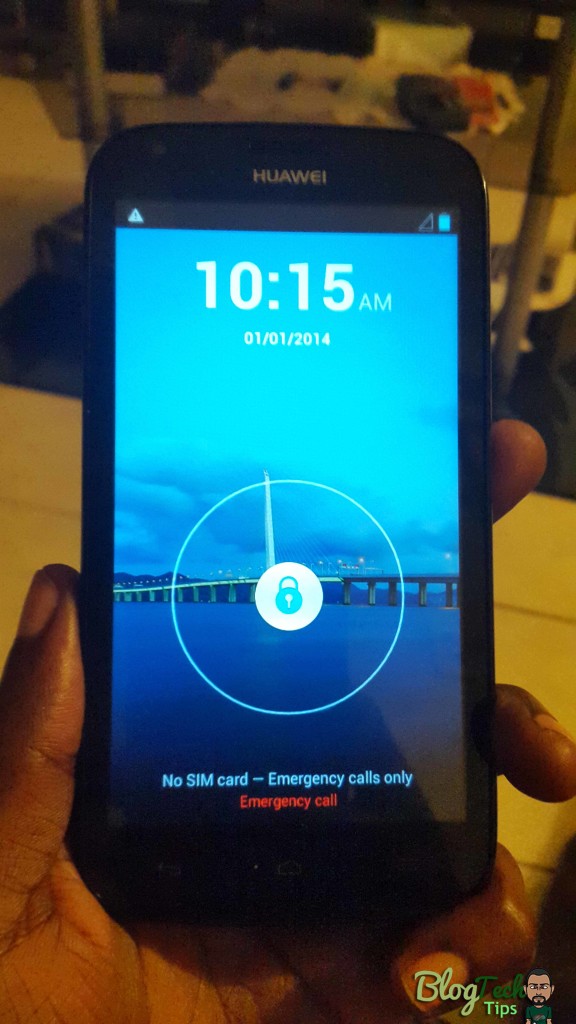
As smartphones become more popular so too does the many issues that we face while using them also seems to increase. One such issue is the need to flash a phone that’s having issues and as such it is essential that we lean-to use tools such as Smartphone flash tool which allows us to reload the mobile operating system on our smartphones. But such tasks can be easier said than done as most users don’t even know where to begin with the process. I am here to demonstrate how to do this in the most effective way possible.
Cases in which you may need to Flash your phone
The reasons for flashing your phone such as an Android device are varied but the main ones include to fix situations such as:
- Your phone is restarting automatically or stuck in a boot loop.
- The operating system such as Android is corrupted.
- You are locked out of your device.
- You want to upgrade from an older to a newer OS or vise versa.
- Your device needs a refresh.
- You want to load a custom operating system.
Things you will need:
1. For beginners you will need a Flash tool such as: smartphone flash tool
2. A data cable that fits your phone
3. A computer
4. A firmware or flash file that’s designed for your phones exact model.
5. A bit of patience these things tend to take time and every situation is different when flashing.
What device can you Flash?
Almost any device can be flashed once its running an operating system especially Android, for this article I will be using the Huawei Ascend Y600 and showing you how to flash that device, but remember that the procedure can be used on any device. Its a simply matter of finding the right firmware (Google is your Friend). If you have a BLU then you can consult the article we did recently specifically for that device.
How to use Smartphone flash tool?
So as we said earlier we will be using the Huawei Ascend Y600 to demonstrate how to flash your phone, you can download the Firmware file here or try this mirror if that one fails. For this tutorial we will be referring to the Version 5 of the smart phone flash tool which can be downloaded above. Also make sure that your phone is fully charged and that it being properly detected by your computer by installing the latest drivers.
1. Turn off your phone and remove it from your computer if it’s not already disconnected and remove the battery, yes you heard me right remove the battery.
2. You should already have the necessary files from above downloaded and ready.
3. Now extract the smartphone flash tool Version 5, Open the extracted folder and launch the file: Flash_Tool.exe it will be easy to spot.
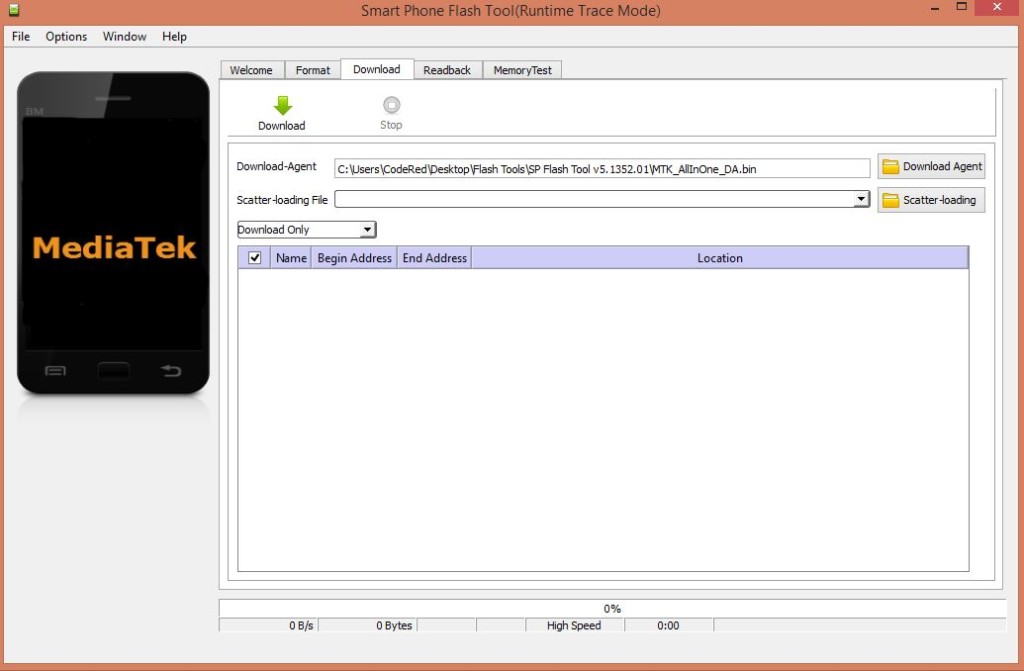
4.Now select the option on the right that says: Scatter-loading.
5. Next load your scatter files which can be found in your firmware files that you downloaded earlier, as for you depending on what phone you are flashing simply make sure that your Flash file has a scatter file when it’s extracted or this method will not work. For Huawei Ascend Y600 you will notice that while I provided the File for the Flash tool separately it was included on the download page as SP Flash tool + recovery, the scatter file can be loaded from that folder after extraction it will be marked in a folder called Y600 and the original ROM is also provided for download.
6. When the scatter file is loaded hit download and connect your smartphone without the battery while holding down the Volume up or Volume down to have the PC detect your phone.
7.The process will run and a green ring will appear when everything is completed after which you can close the Flash tool and power up your phone.
That sums up the entire process in an easy to follow manner I hope you enjoyed the tutorial and as always please feel free to leave your comments below or share this article with a friend.


🙂 How well did I do? Take a moment to leave a comment.