
Category: How to
-
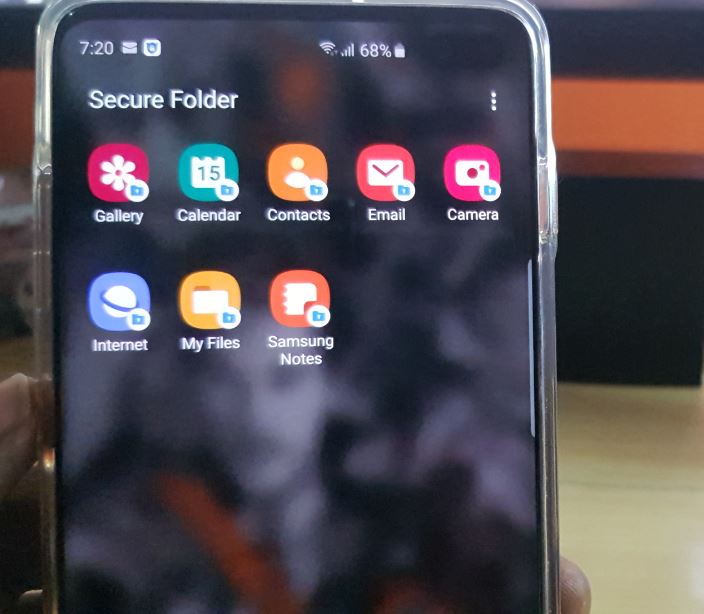
How to Enable Secure Folder on the Galaxy S10
This tutorial will show you How to Enable Secure Folder on the Galaxy S10. This also applies to the Galaxy S10e, S10 Plus and any other similar device. The secure Folder is a great way to keep sensitive files safe and away from any one that might use your phone. This is also very secure…
-
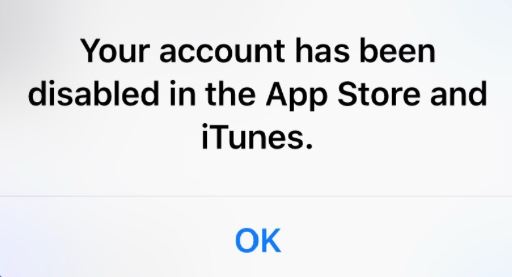
Your Account Has been disabled in the App Store and iTunes Fix
If you are getting the error: Your Account Has been disabled in the App Store and iTunes then you have come to the right place as we will be looking at what you can do to fix this problem and start downloading your apps once more. The error itself may be caused sometimes by you…
-
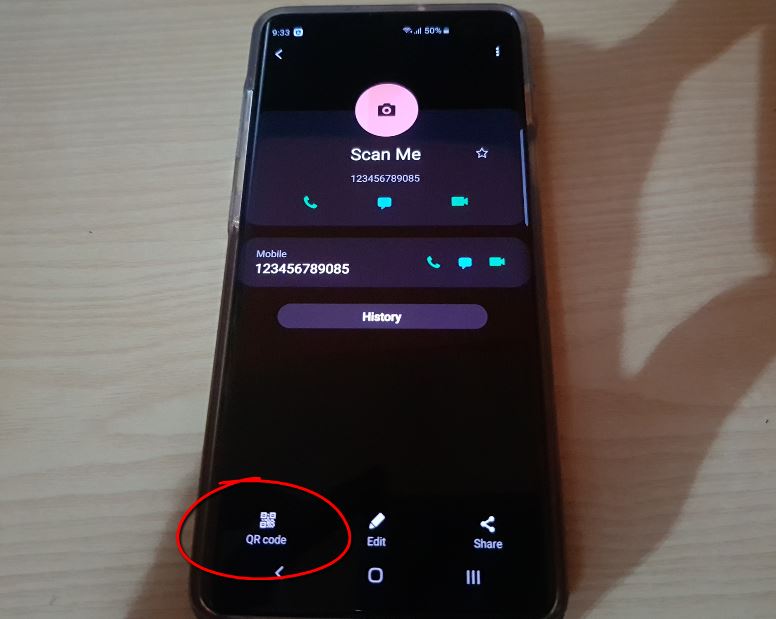
Scan QR code to add contact Galaxy S10 New Feature
There is a new built in feature in the Galaxy S10 that you may not have noticed. It came about when the Galaxy S10 was updated last and adds a bunch of new features. One of these main features is the addition of a Built in QR code scanner and now a QR code that’s…
-

Galaxy S10 Keeps Freezing Fix
This tutorial is to help those that are facing the issue where their Samsung Galaxy S10,S10 Plus or S10e is Freezing. So join me as we look at this issue in this article on Galaxy S10 Keeps Freezing Fix. Please do note that if you have this issue and there is something specific about your…
-
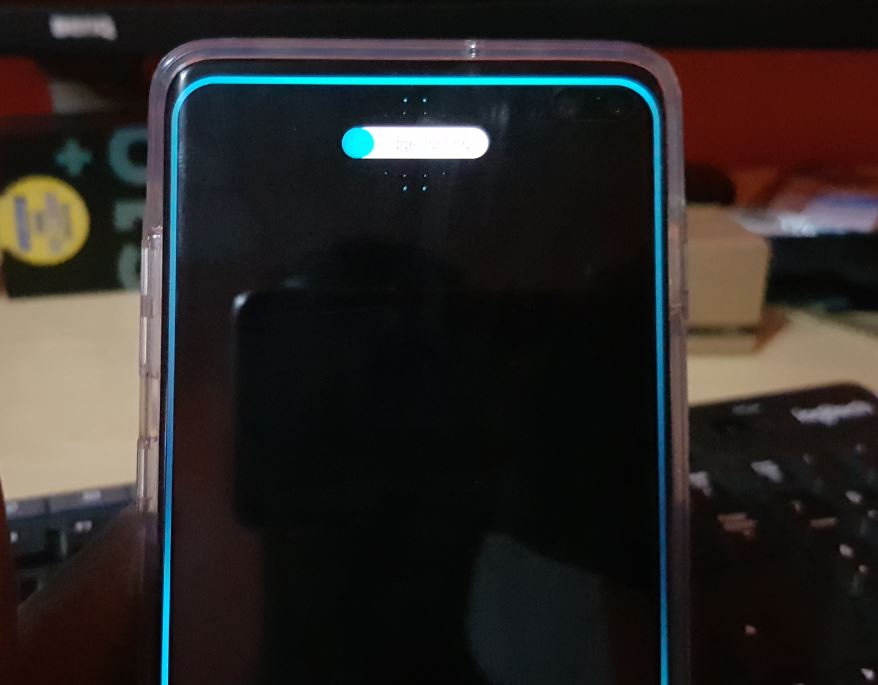
How to Enable Edge Lighting on Samsung Galaxy S10
The edge lighting feature is one of the best features to be implemented over the years in Samsung phones. In today’s article we will be looking at How to Enable Edge Lighting on Samsung Galaxy S10. So join me as I show you how to enable the feature and customize it to your liking. At…
-
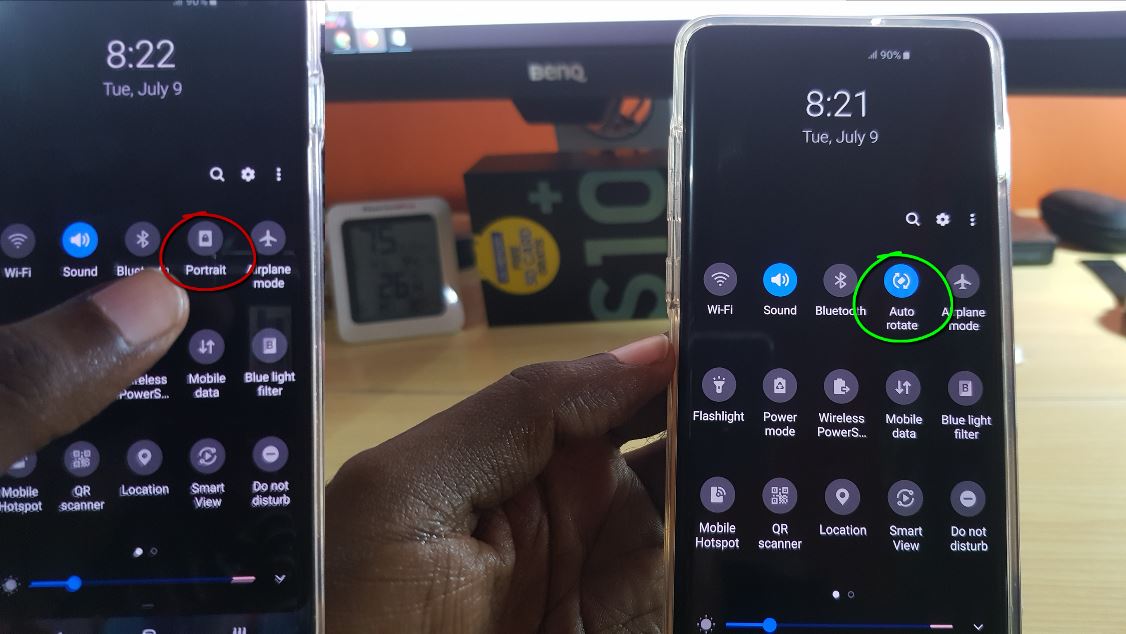
Galaxy S10 how to Auto Rotate Screen (Can’t find Auto Rotate)
So if you are like millions of users out there using the Galaxy S10 you may be in the situation where you can’t seem to find the Auto rotate option for the screen. It should be simple enough you know how to do it in most cases but you can’t find the Auto rotate option…
-

How to Change Batteries in Fortress Security Systems Window, Door and motion sensors.
So today’s tutorial will be focused on showing you in detail how to change the Batteries in the Fortress Security System Window, Door and motion sensors. If you don’t know the Wireless sensors that comes with the Fortress security system use various batteries to power the units. This guide will show you how to find…
-

Samsung Galaxy S10 auto Rotate not working Fix
Some times for one reason or another you may get the Samsung Galaxy S10 Auto rotate not working problem. In such a case what to do to fix the problem may not be evident but by following these tips you should be able to fix it. So join me as I show you how to…
-

Storage Space Running Out Fix
If you are on any Android device including the Samsung Galaxy and you are getting the Storage space running out error or the not enough storage space error then this is the article for you. This is especially so if with the error you cant seem to open your Gallery as it keeps closing to…
-

Instagram Stories Not Loading Fix
This fix is for those that are having the issue where Instagram Stories Not Loading. In today’s article I will show you what you can do in order to fix this problem as it relates to Instagram so you can use Instagram stories as usual. Please follow the directions below to have the problem fixed.…