
Category: Internet Tips
-
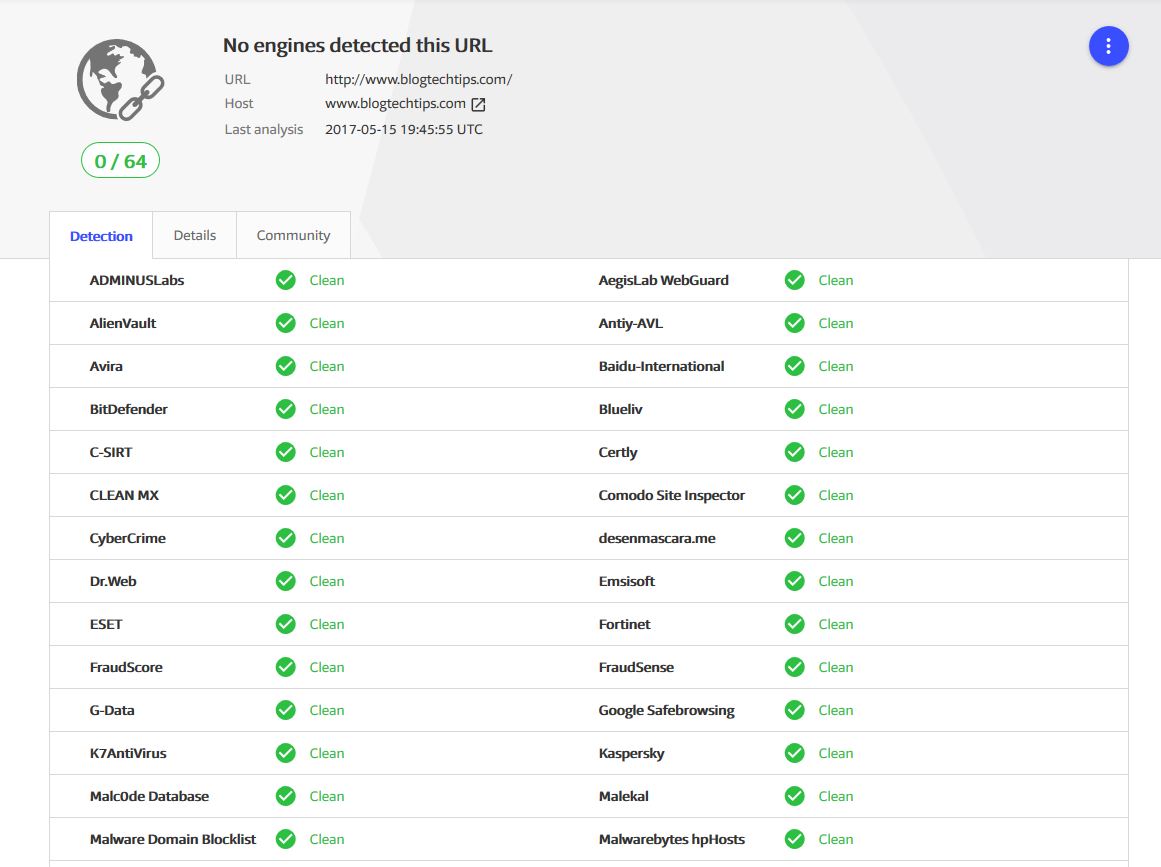
Scan any Suspicious URL in emails or online to know if its safe before clicking on it
So you got another email and it looks legit and its sending you to some site, should you trust the link? or maybe you got a link online to some site and you just don’t trust it. Well what if there was a way to Scan any Suspicious URL in emails or online to know…
-

My New Gravatar Image is not updating Fix
If you are like me and other Bloggers you may every now and again use Gravatar. As such you may have started with a profile Image which shows up on your blog or website and after some time you may decide to change your Image. Easier said than done as in most cases when you…
-

Instagram Face Filters disappeared Fix
So recently I did an article explaining why some people had Instagram Face filters and some did not which was a big success. Soon after this my Instagram Face Filters disappeared without explanation or warning for me and I notice many other users were experiencing the same issue as well. In today’s article I will…
-
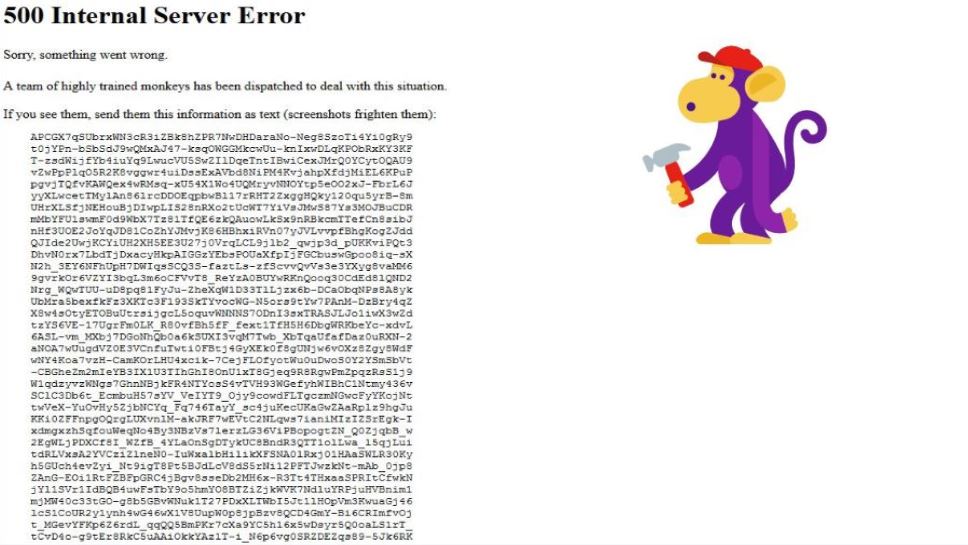
YouTube 500 Internal Server Error sorry,something went wrong
So if you are here because you got the YouTube 500 Internal Server Error sorry,something went wrong and you are not sure what you are supposed to do in order to fix this error I have created this article so as to shed some light as to what this error means on YouTube and what…
-
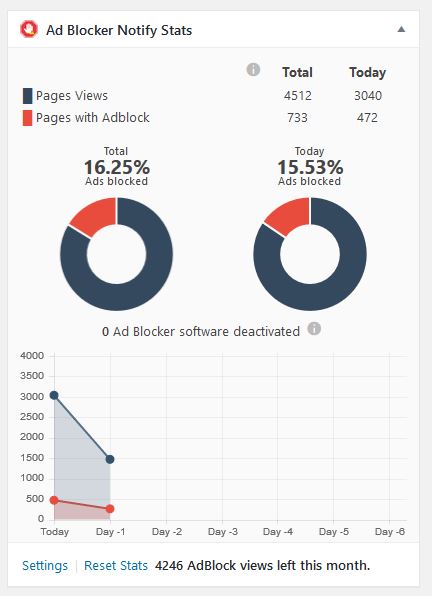
How to Block adBlock Users on your Website?
Almost every one in the online blogging or marketing space must have by now heard of adblock. This tool allows users that browse the internet to block or filter out all ads on websites. The problem with this though is that adblock does no discriminate and blocks ads universally whether its a website that has…
-
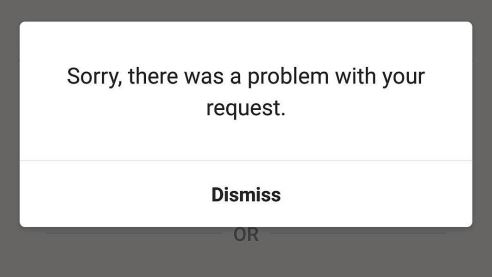
Sorry, there was a Problem with your request INSTAGRAM FIX
Today I will be looking at the Instagram Error:Sorry, there was a Problem with your request when you try to sign into your account. This error is preventing many users from signing into their account. Today I will be showing you guys how to fix the problem.This solution should work for many users and help…
-
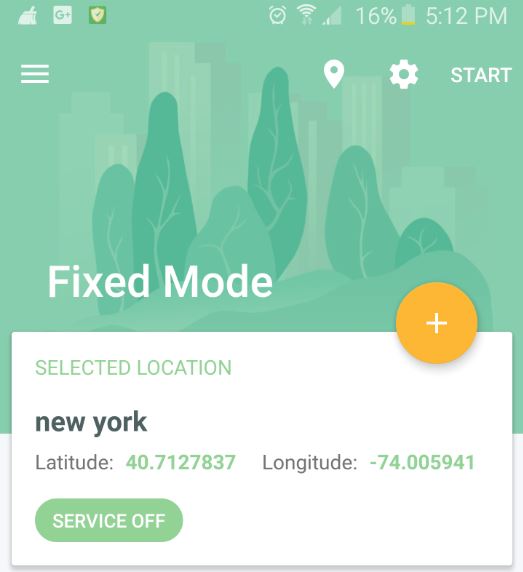
How to change or Fake your location on Android?
Today guys we will be looking at How to change or Fake your location on Android? This can be useful when messing with friends or so on,so you can spoof your GPS location so that other Apps such as Facebook, Instagram or so on will think you are in a specific location when you are…
-
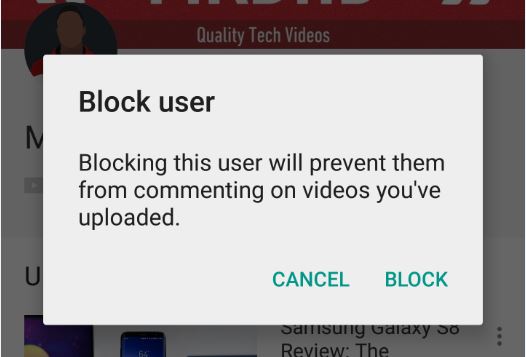
How to Block a specific User from commenting on your YouTube video?
Ever had one annoying commenter or comment troll on YouTube that kept on leaving nasty or unwarranted messages on your Videos. Now ever wish there was a way that you could block that user alone from commenting on your Videos? Well now you can as in today’s article we will be looking at:How to Block…
-
How to Fix Yellow Triangle or No Internet Access
It happened again you are using the internet in the late hours of the morning and without warning the Website you are trying to load indicates you have no internet access. What the! you check the internet connectivity status in the bottom right of the screen and you notice a Yellow triangle and on hovering…
-
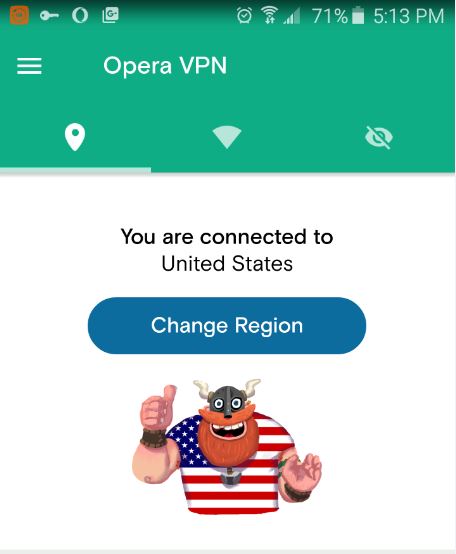
Best Unlimited Mobile VPN to use for free
When I come across a great App or tip I just have to share it with my readers. Recently I came across a Great free VPN and by far its the best I have seen. I have recommended VPN Apps in the past but I just had add this one to the list as its…