
Category: Windows Tips
-
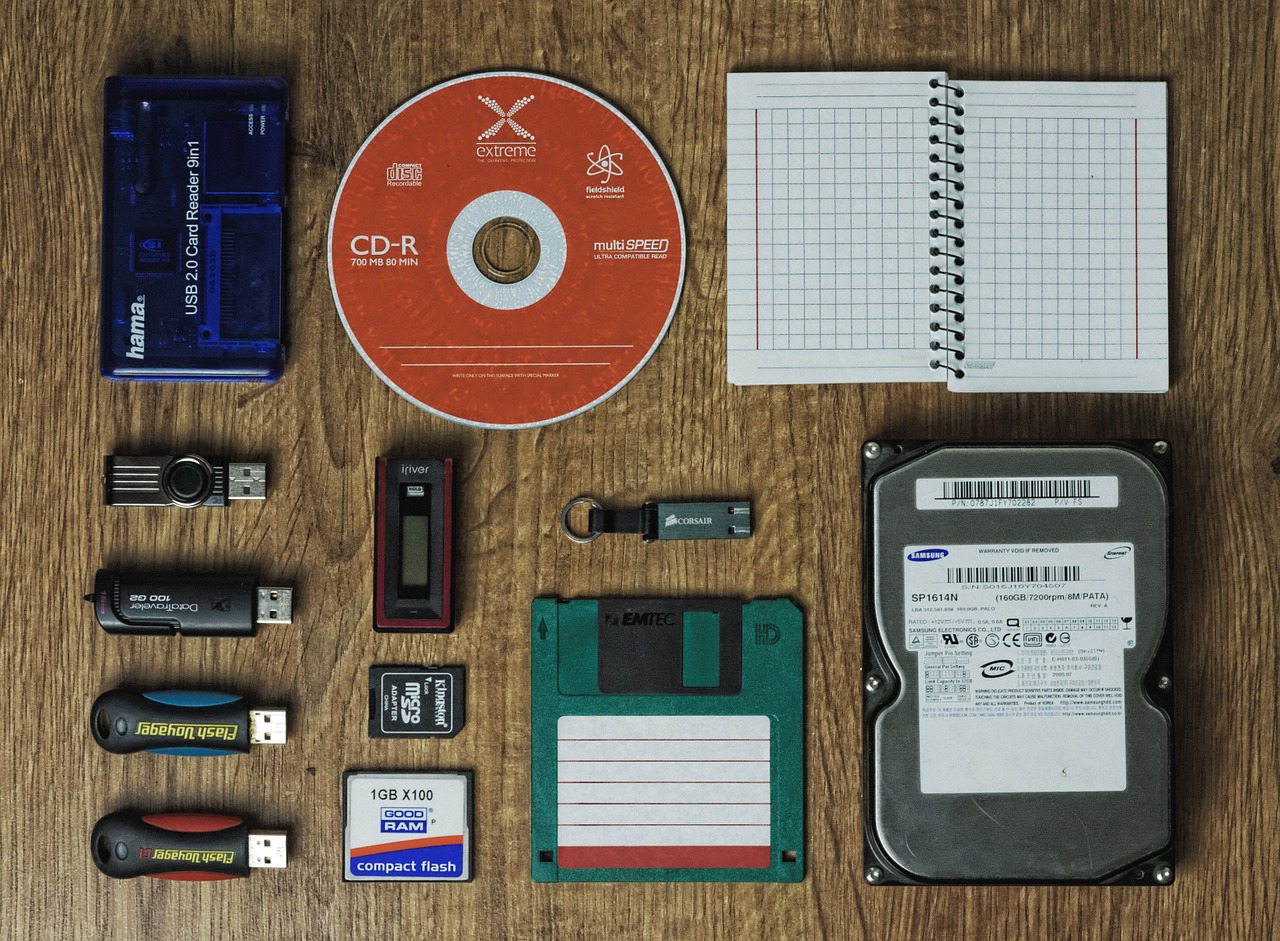
How to Recover Deleted files from SD Card or other Storage media
My guide today will walk you through How to Recover Deleted files from SD Card or other Storage media. So if you have a Flash drive, SD Card, Hard Drive, Laptop or PC with a important file or files deleted and they are gone. I will be showing you a free software you can use…
-
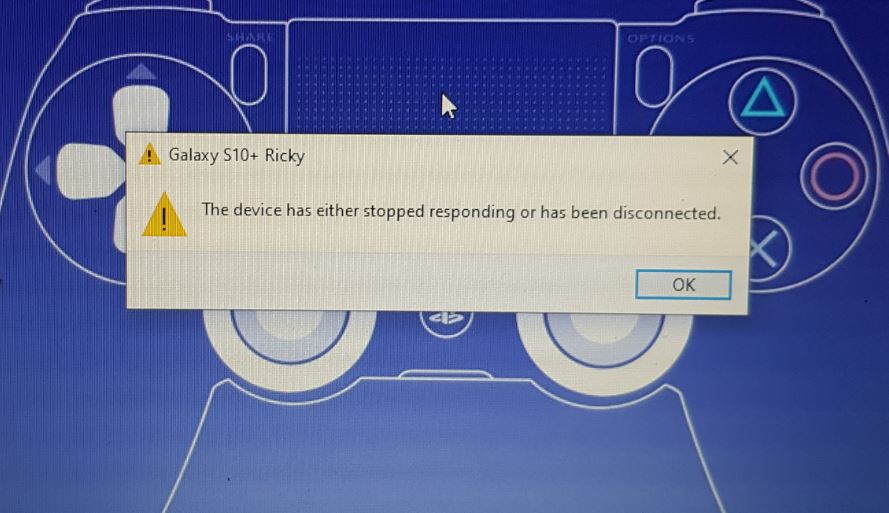
The device has either stopped responding or has been disconnected appears repeatedly Fix
This guide will show you on Windows 10 or other Windows PC to deal with the repeating error: “The device has either stopped responding or has been disconnected” I personally encountered this error on connecting my Samsung Galaxy Smartphone to my PC. I transferred a file and disconnected the phone only to get the error.…
-
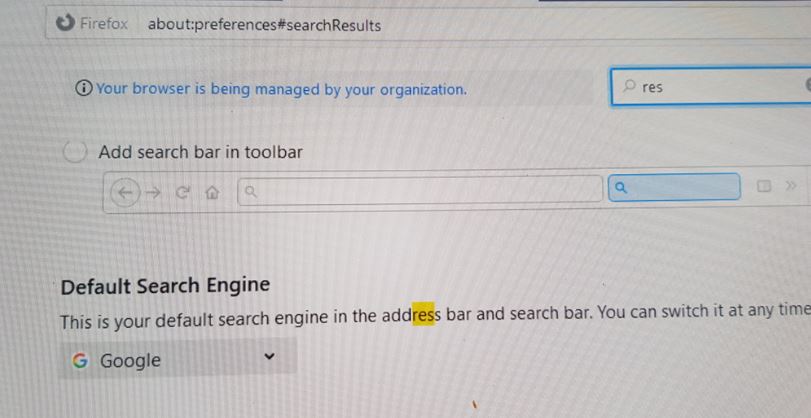
Your Browser is being managed by your Organization Fix for Firefox and Chrome Browser
So recently I was using Firefox and wanted to change a setting and went into settings of the browser and saw a strange line of text in settings. it Read: “Your Browser is being managed by your Organization” I have been around Firefox countless times and could tell it was not a normal message. On…
-
Share Internet Connection on Samsung Galaxy with Windows 10 by USB tethering
Have internet on your Smartphone with mobile data but none on your PC. Did you know that you can share your internet connection or Mobile data by USB tethering? Well you can and its very simple once you have a Samsung Galaxy and any Windows computer. It very easy on Windows 10 especially. My guide…
-
Clean Junk files Windows 10
This guide will show you how to remove or clean junk files from your Laptop easily. This is great as you can free up valuable space on your system. Best of all the files that are deleted are things you would not normally have access to delete thus freeing up files and space you did…
-

Make my Laptop run faster Windows 10
We all know the day you got that new Laptop it was perfect. It was fast and snappy and very responsive, but as time went on it would get slower and slower. This guide will show you how to Make your Laptop run faster that’s running on Windows 10 or other Windows operating system. Follow…
-

Web Browser Not Responding Windows Fix
This one is for anyone that’s using a Windows Laptop or desktop PC. You know the situation you are using your Laptop or PC and your browser freezes up with a audible ping sound when you click and nothing is responsive. The browser hangs and you are unable to do anything at all. In some…
-
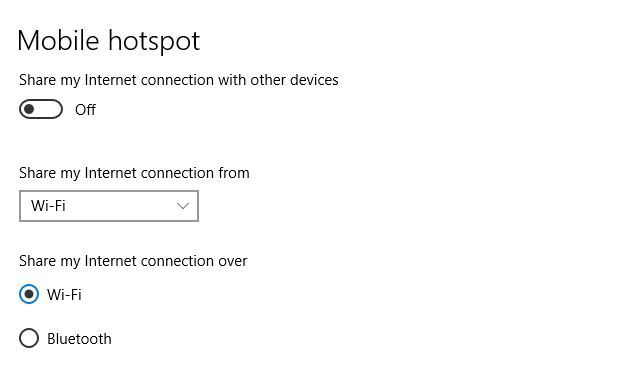
Enable Mobile HotSpot on your Windows 10 computer and share your Internet
Did you know that on your Windows 10 computer has a Mobile Hotspot feature that’s allows your computer to share its internet connection wirelessly? Well the feature is there and its easy to share your Internet connection using this method. You most likely have the feature if you are using Windows 10 and on a…
-
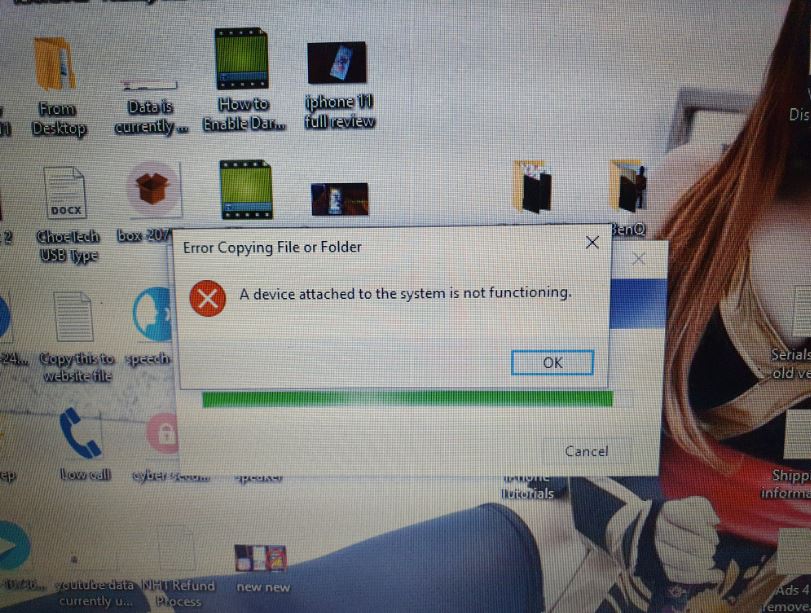
Fix: A device Attached to the system is not Functioning Error
Having a iPhone I recently got I decided to shoot a Video and then transfer it to my Windows computer. Easy enough right? well wrong instantly after using the cable I ended up getting the error: A device Attached to the system is not Functioning The error itself occurred in Windows. First the progress bar…
-
How to Switch Windows 10 out of S Mode
So if your new Laptop or computer is in S Mode and you want to exit this mode as you are getting messages such as: For your security and performance this mode of Windows only runs verified apps from the store. This this guide will show you how to get out of this mode. Some…