
Tag: Samsung
-
How to make the Galaxy S8 Battery last longer on a single charge
In today’s article we will be looking at ways we can extend the Galaxy S8 battery life so that you can get more out of your device on a single charge. This is really nice because in emergencies or situations where you will need your phone battery to last as long as possible this should…
-
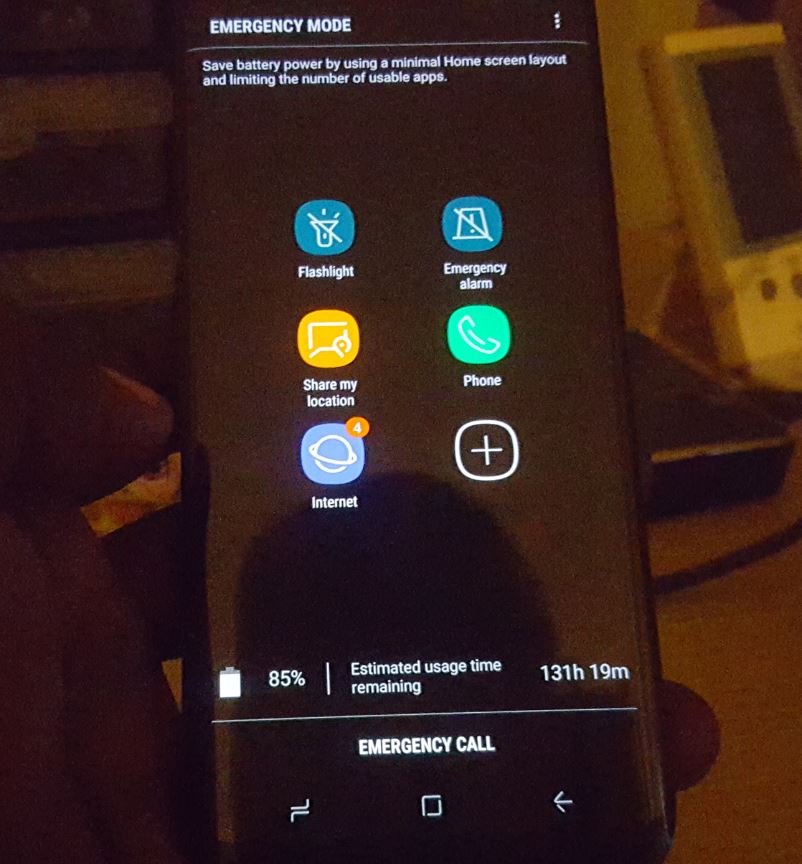
How to Activate Emergency Mode Galaxy S8
Emergency Mode is a special mode on the Galaxy S8, S8 Plus, Note 8 and other similar devices which you can activate when you need to save power or you are in danger.It limits the number of apps you have access to and places all the key apps you may need in an emergency and…
-
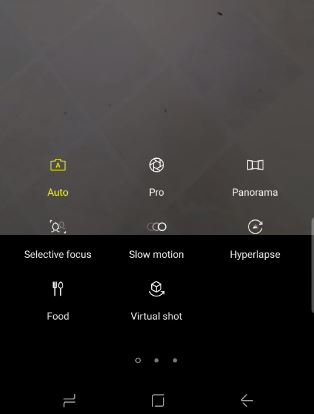
How to use Slow motion,selective focus,panorama and Hyperlapse videos Galaxy S8
In today’s article I would like to show you guys How to use Slow motion,selective focus,panorama and Hyperlapse videos Galaxy S8, S8 Plus, Note 8 and other similar devices to make very interesting Videos that is super cool and existing. You can then upload these videos to social media such as Instagram, Facebook and more…
-
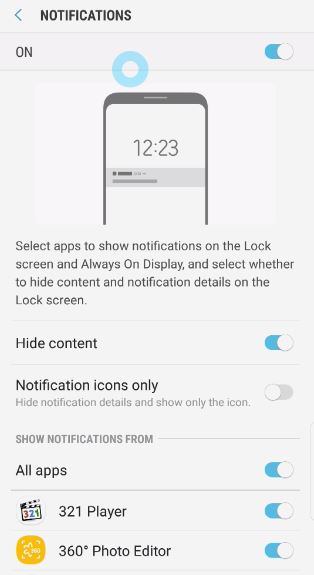
Show or hide Lock screen notification content Galaxy S8
In today’s article we will be looking at how to Show or hide Lock screen notification content. This is very important to know how to do as in most cases anyone can read notification from apps such as Messaging and any other app without even needing to open your phone from the lock screen, which…
-
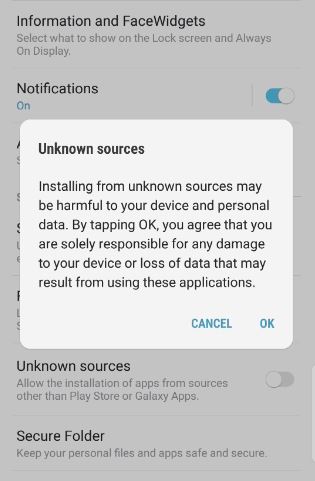
How to Enable or Disable Unknown Sources to Install Third Party Apps Galaxy S8
Whenever you install or try to install third-party apps from outside the Google Play Store you will need to enable unknown sources to install the app. This feature is put in place to protect users from unknown apps that may contain malicious code without the user’s knowledge. You can actually disable the feature and install…
-
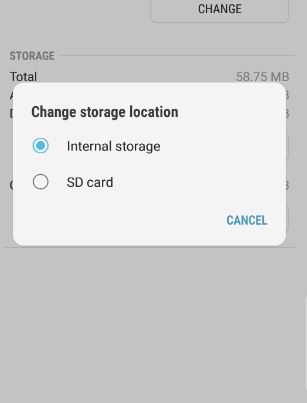
How to Change Storage Location To Internal Memory or SD Card Galaxy S8
In today’s article I will be showing you how to change storage location to Internal Memory or SD card on Galaxy S8, S8 Plus, Note 8 and other Android devices. This is great for cases where your phones storage is running out and you can either change the storage location of the app to SD…
-
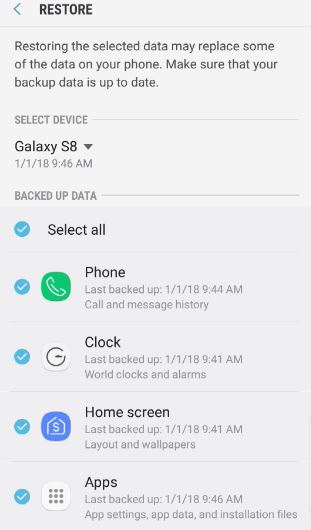
How to Restore text Messages Galaxy S8?
Have you ever had important text messages deleted from your phone and wished that you could somehow restore them? well you are in luck as today I will be showing you How to Restore text Messages Galaxy S8. This will fully restore your text messages in case of deletion or other cases which should come…
-
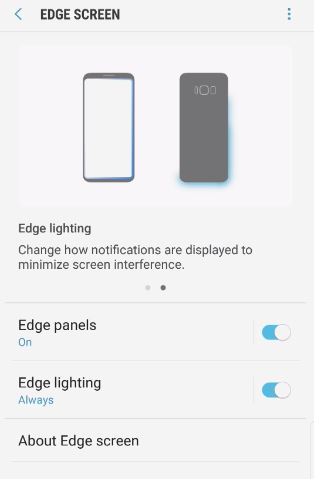
Turn Notification Edge Lighting On and Off Galaxy S8
So lets look at how to Turn Notification Edge Lighting On and Off Galaxy S8,Note 8 and other similar devices. The feature is known simply as Edge lighting and its used to indicate when you have a notification of a message and can only be seen when the phone is face down on the table.…
-
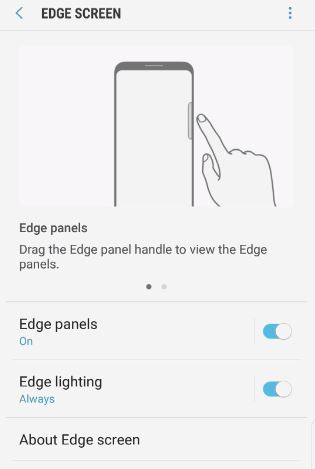
How to enable or disable the quick menu tab Galaxy S8
Today we will be looking at How to enable or disable the quick menu tab Galaxy S8. I use my quick menu tab for a bunch of stuff such as taking screen snapshots,making GIFs,favorite apps,favorite contacts and much more. Recently the feature disappeared from the right side of the screen and I know I did…
-

Enable or disable Keep Mobile Data Turned On
There is a feature built into Android called Keep mobile data turned on that will keep the mobile data turned on at all times and this makes switching between networks far much easier and we will be showing you in this article how to turn the feature on and off.When the feature is on if…