
Category: Android Tips
-
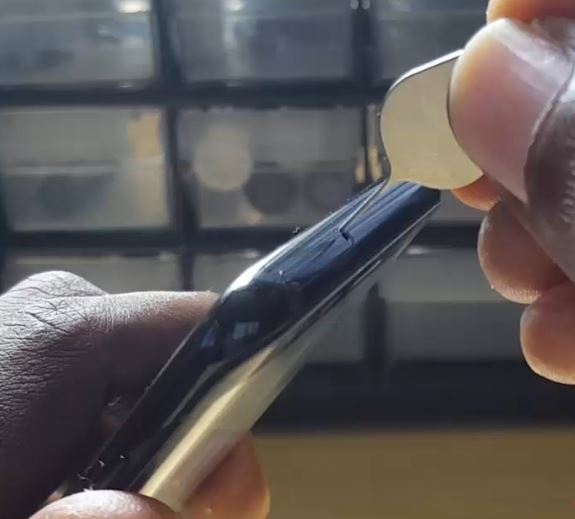
How to Install SIM cards or MicroSD card on the Galaxy S8 DUOS?
Today I will be looking at How to Install SIM cards or MicroSD card on the Galaxy S8 DUOS. To put simply this tutorial will be showing you how to Install either two (2) SIM cards or a SIM card and a MicroSD card on almost any DUOS or Dual SIM branded devices such as…
-

Speed up any Samsung Galaxy including Note 8,S8 and S8 Plus
Still think that TouchWiz or Touch UI or whatever Samsung is calling it these days is still laggy despite all the speed tweaks and improvements? Well you are not alone, Samsung Galaxy devices are pretty powerful especially the Galaxy Note 8, Galaxy S8 and S8 plus respectively. However devices can stutter and lag especially when…
-
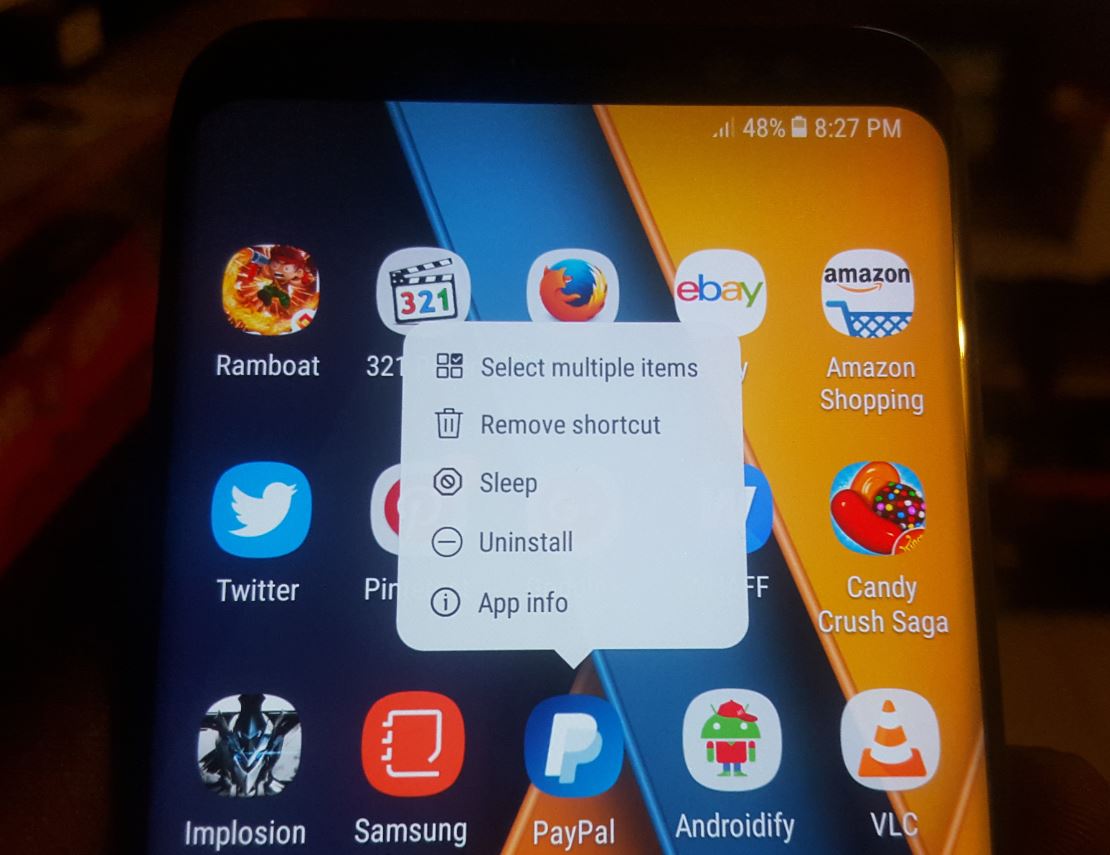
Samsung Galaxy S8 Menu Not Showing when long pressing App icons Fix
The particular issue we will be dealing with today involves the Samsung Galaxy S8 Menu Not Showing when long pressing App icons on your device. This menu gives quick access to important features on your device such as: Uninstall,App info,Sleep,Remove shortcut,Select multiple items and so on. This problem is not only limited to the Galaxy…
-
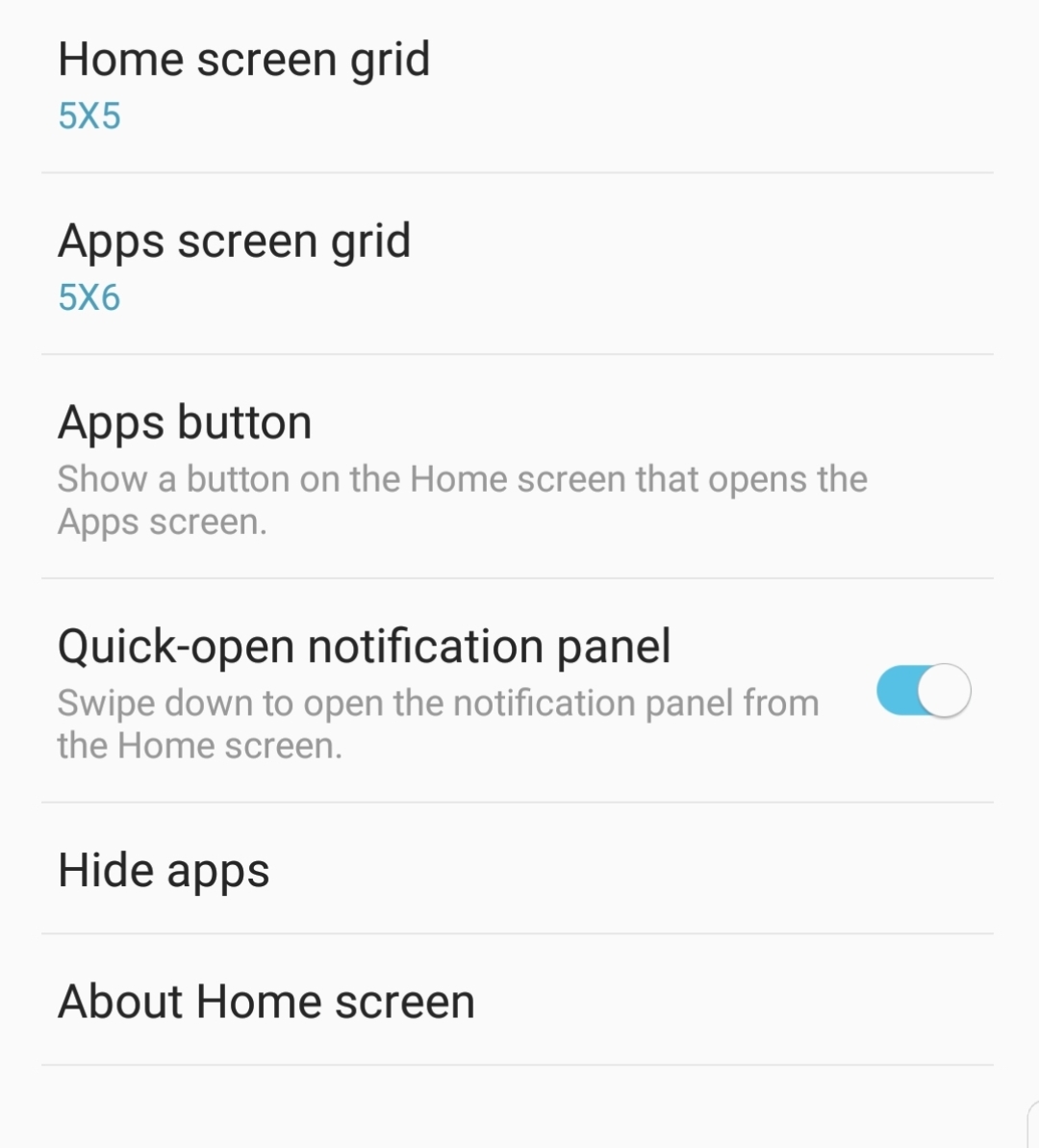
Quick-Open Notification Panel Galaxy S8 New Feature
With the latest monthly updates Samsung is adding more and more features to the Galaxy S8, S8 Plus and Note 8 on the regular and these are feature users have been waiting on for a long time now. One such feature that has been quietly been added that you may not have noticed that you…
-
How to HIDE and SHOW APPS Galaxy S8, S8 Plus & Note 8
Have you ever had some sensitive or private Apps on your phone that you simply do not want anyone messing around with? well that’s all good and well but how do you hide such Apps from being Visible? well that’s where this tutorial comes in handy as I will be showing you How to HIDE and…
-
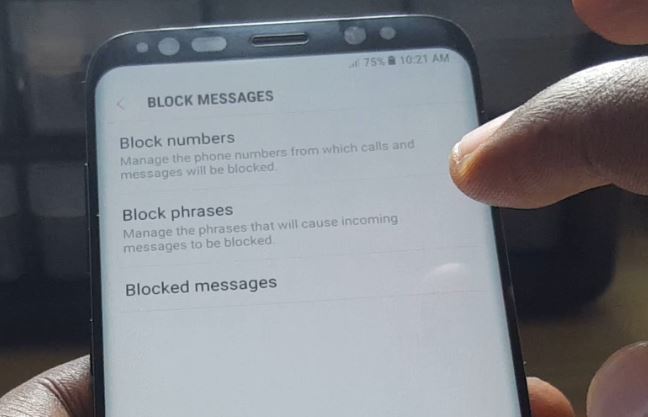
Galaxy S8 block Numbers and SMS
Ever wished you could block this one annoying person or persons from calling you and also stop is SMS or text messaging you too? well thankfully Samsung has integrated this features into the Galaxy S8, S8 Plus and Note 8 right out of the box. Best part is that you do not need to download…
-
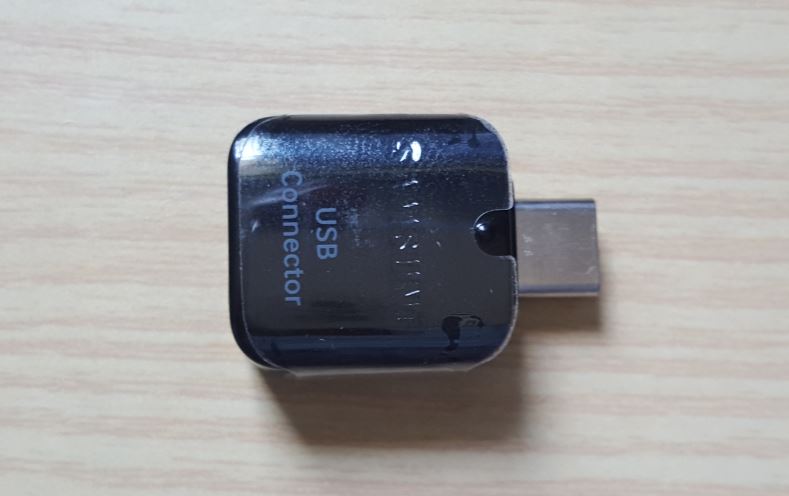
Cool Uses of the OTG Connector that comes with GALAXY S8,S8 plus or Note 8
So every year that new Samsung phones come out you actually get a cool set of OTG Connectors that Come in the box that’s used by most people to transfer data from their old phones to the new one, after this they put the OTG connector away and never use it again.What If I told…
-
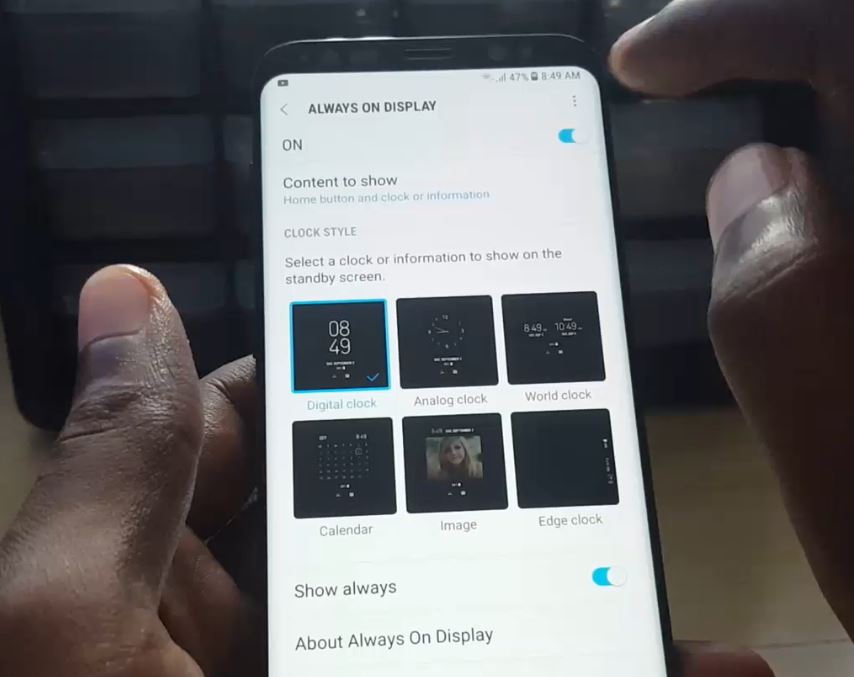
Change Always on display Galaxy S8,S8 Plus and Note 8
Today I will be showing you a simple tutorial on How to Change Always on display S8,S8 Plus or Note 8. So if you are tired of the normal look of the Galaxy S8 Always on display here is how you can change it to something really original and fresh with a new look. First…
-
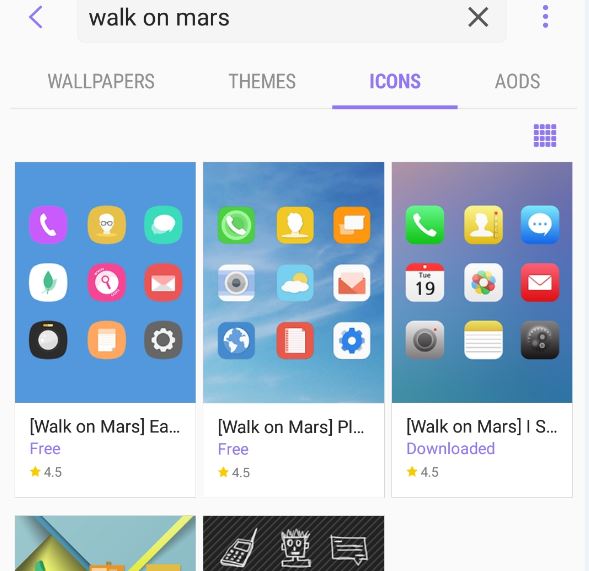
How to Make the Galaxy S8,S8 Plus or Note 8 Look like an iPhone?
Ever wished that you could make your Samsung Galaxy S8 look like an iPhone? well you can easily done and this is not only limited to the Galaxy S8 but also works on the Galaxy S8 Plus, Note 8 and so on. Why do this you may ask? well it can make your phone look…
-
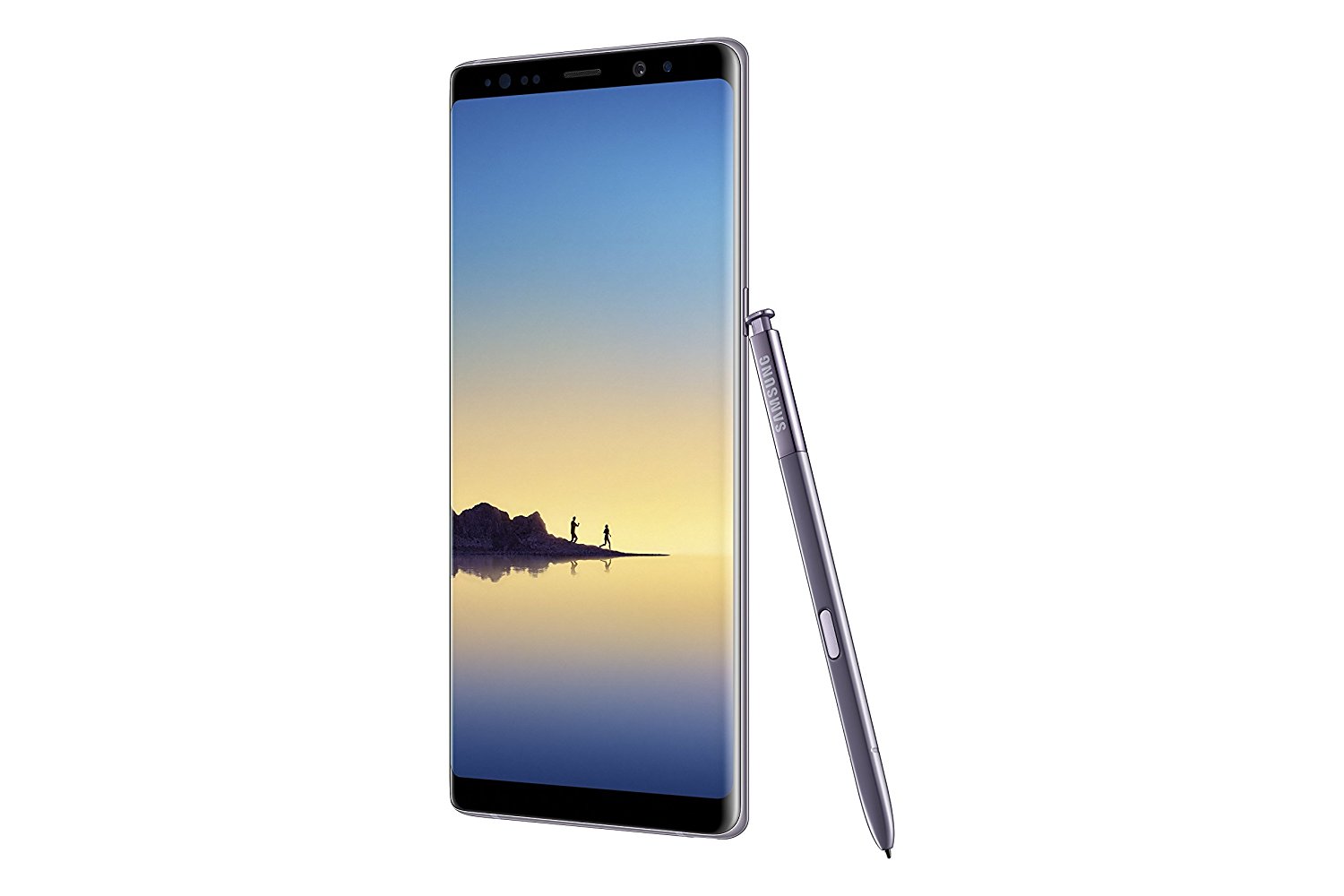
How to spot a fake Galaxy Note 8
So the Note 8 is finally here and with it you can bet your bottom dollar that Fakes have existed before even the release of the device and now that its out they can even produce more realistic clone or Fake Note 8 devices that to the casual observer looks like the real Note 8.…