
Category: Android Tips
-

How to Take a Screenshot on the Galaxy S8 and S8+?
So if you have not noticed things have change around a bit with the Galaxy S8 and S8+ and that includes the way you take screenshots. You are probably here because the old method of holding Power + the Home button no longer work as there is no longer a physical home button on the…
-
How to Block a specific User from commenting on your YouTube video?
Ever had one annoying commenter or comment troll on YouTube that kept on leaving nasty or unwarranted messages on your Videos. Now ever wish there was a way that you could block that user alone from commenting on your Videos? Well now you can as in today’s article we will be looking at:How to Block…
-
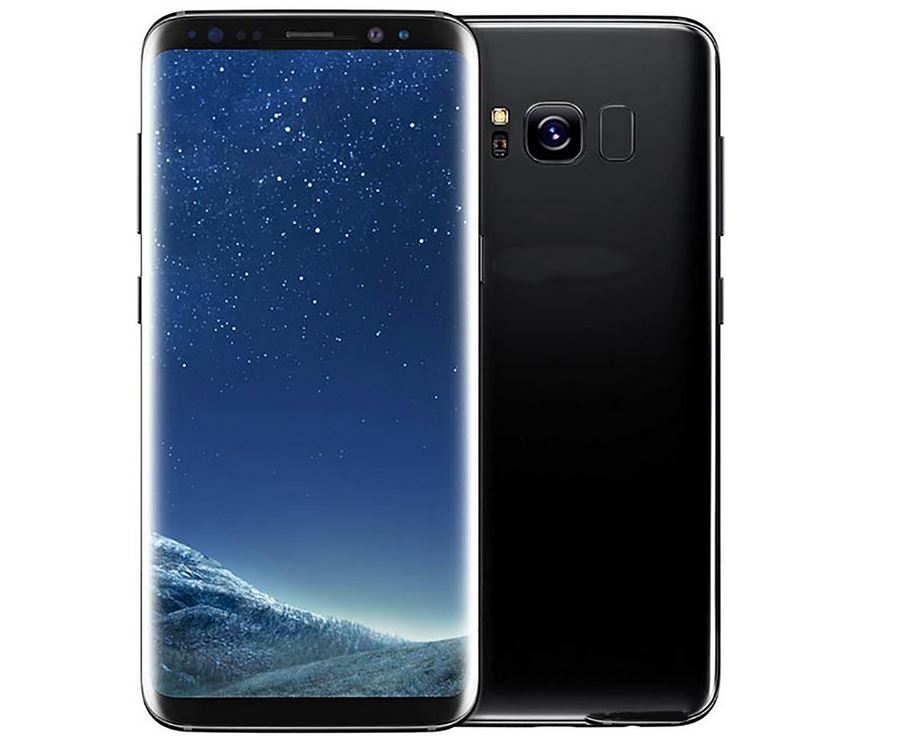
How to spot a fake Galaxy S8 or Galaxy S8+?
Believe it or not but even before the Galaxy S8 and S8+ were released there were fakes already in the wild. This goes to show that copycat or clones of the original devices are becoming more popular and you should always be aware of potential fakes and how to spot them.In today’s article we will…
-

Fix Android Phone keyboard that’s not working
If you have an issue with an Android Phone keyboard that’s not working and is having issues of any kind such as the Keyboard is missing, crashing with messages that unfortunately the Keyboard has stopped, not showing up or working as it should.So if the above sound like your situation the following fix will work…
-

Samsung Galaxy S8 Hidden Features
Do you think you know everything about the Galaxy S8? well there are actually some hidden gems that were not overly publicized during the official ravel among the specifications. There features while they are really cool you might have missed them seeing Samsung did not highlight them. So below we have listed the Samsung Galaxy…
-
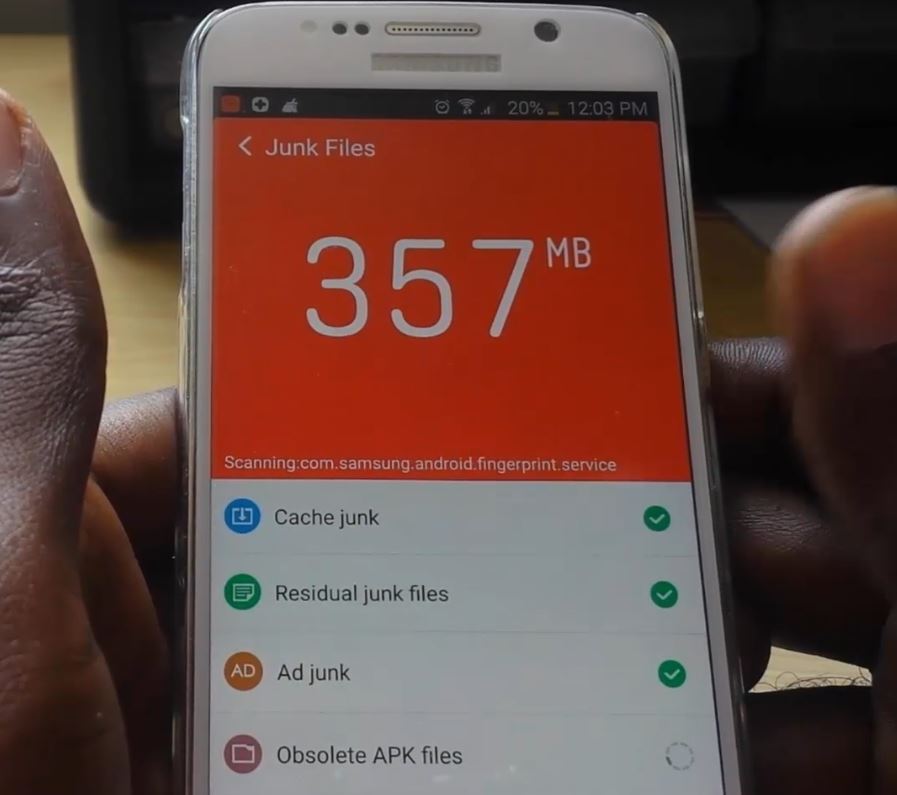
Four (4) Easy methods of Wiping Cache on Any Android or Samsung Device
So have you ever wondered how to wipe cache on any android device? Such as to free up space, fix problems with crashing Apps or other issues with your device. Well you have come to the right place as today I will be outlining four (4) easy methods you can use to wipe the cache…
-
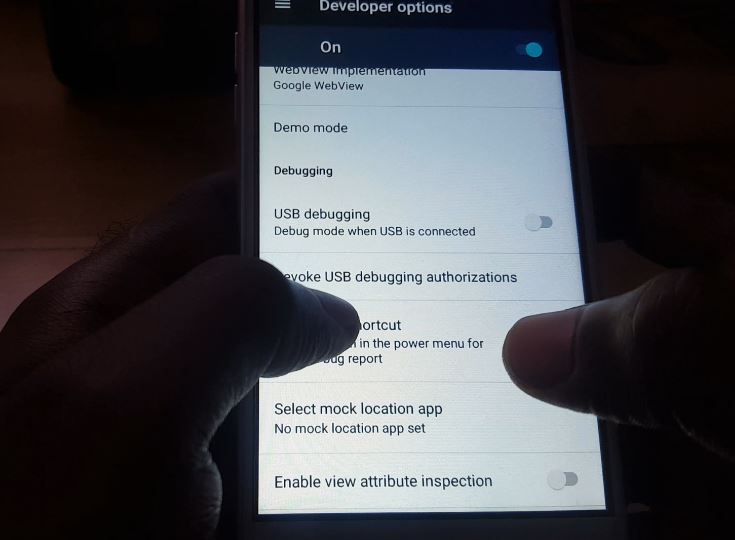
Easily Enable USB debugging on any Android device
Today we will be looking at how to enable USB debugging on Android. This feature of Android has several applications and can be used to do things such as make a device that not being detected by your PC or computer much easier to be detected. So if you need to enable this mode for…
-
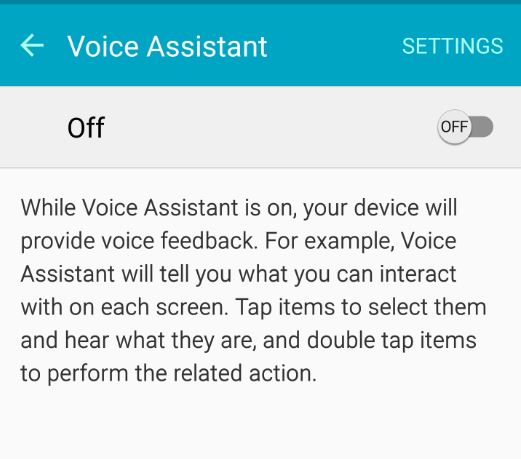
How to enable or Disable Voice assistant on the Galaxy S7
This tutorial will show you How to enable or Disable Voice assistant feature on your phone. This was done with the Galaxy S6 and S7 in mind but it should work in a similar way on other phones as well. The voice assistant feature is also known as talk back and you might have somehow…
-

How to Change Keyboard Language in Android 7.0 Galaxy S7?
Today guys we will be looking at how to Change Keyboard Language in Android 7.0 Galaxy S7. So if you are confused on how to do this today’s tutorial will simplify the process for you in a few easy steps.After which you should be able to switch between various Languages such as :Espanol,English,Italiano and a…
-
Samsung Galaxy Freezing,lagging and running hot after Software Update
Today’s fix will be centered around an issue where your Samsung Galaxy Freezing,lagging and running hot after Software Update. In most cases this is usually a Major Software update for Android such as Lollipop, Marshmallow or it could be some other future version of Android. The idea is simple here as I have seen this…