
Category: Android Tips
-
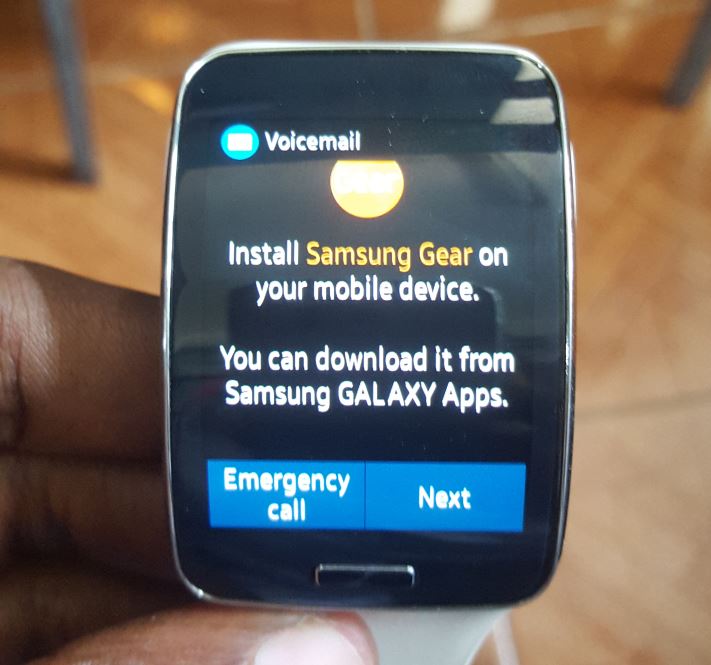
Samsung Gear S Hard reset
Today I am going to show you how to do a Samsung Gear S Hard reset. This can be very useful as the Gear S is a smartwatch and you may not know the button combination used to get into recovery and how to wipe the device or factory reset it. Well don’t worry as…
-
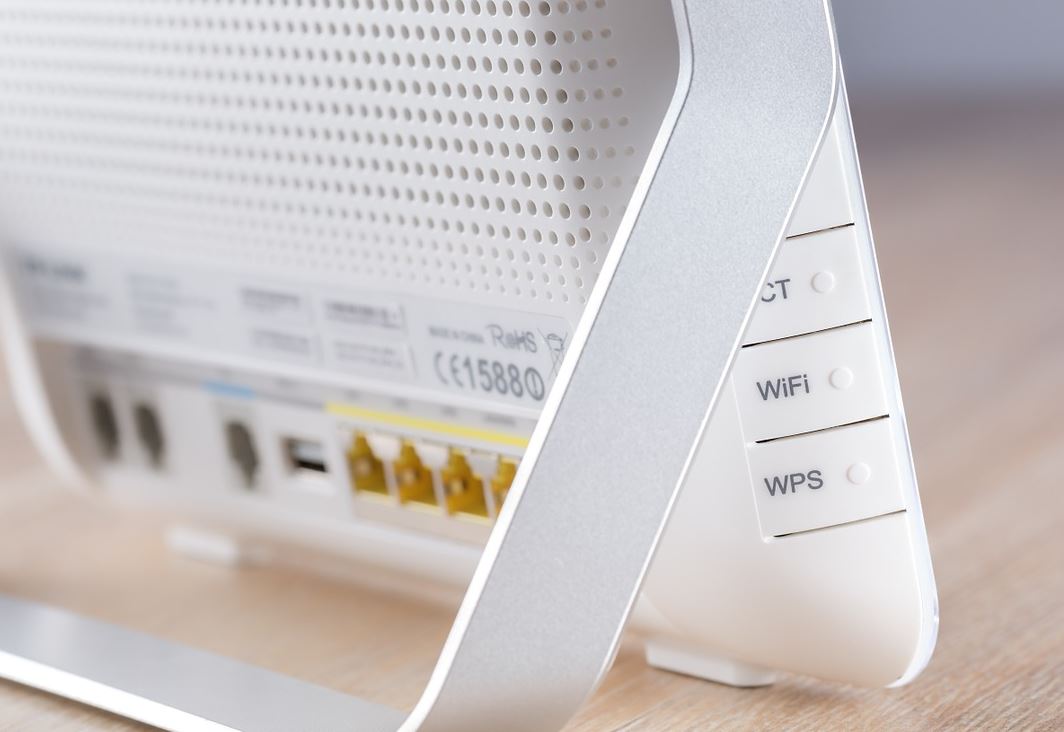
Android WiFi connected but no internet fix
Just when you thought you have seen it all on Android you encounter a new error. Such as this WiFi connected but no internet error on Android devices. This one happens when you connect to a WiFi connection and you are unable to browse. If you have a Commuter connected to the same connection wired…
-
How to check if your Note 7 has a Faulty battery that’s prone to exploding?
For today i have a very interesting article where I show you how to check if your Note 7 has a Faulty battery that’s prone to exploding. So if you have not heard there is a mass recall of the first units that were sold of the Note 7 by Samsung due to a faulty…
-

Note 7 Unfortunately Samsung Keyboard Has Stopped Fix
Today’s fix involves the error : Unfortunately Samsung Keyboard Has Stopped error message. This has most recently being happening with the Note 7 but it can also affect other devices such as other Note devices and the regular Samsung Galaxy. This fix is written with the Note 7 in mind but should also work for…
-
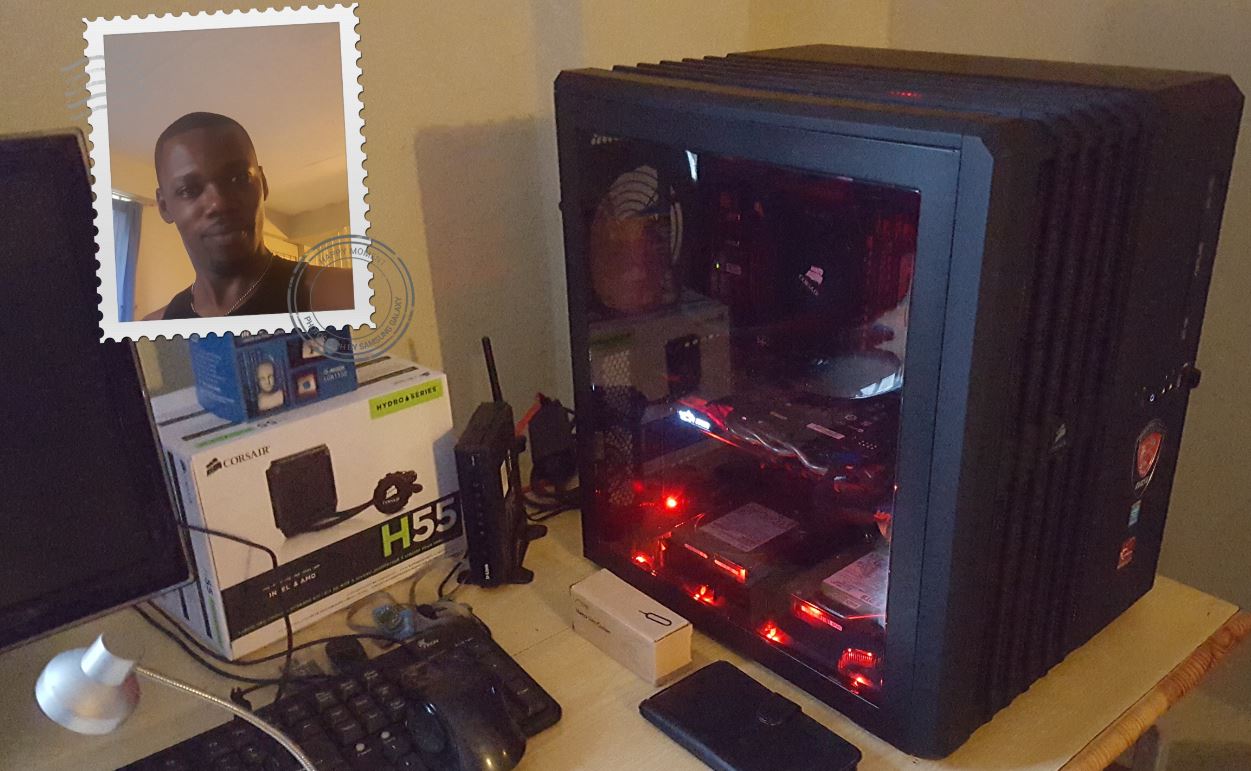
How to Enable Dual Camera Mode on Samsung Galaxy devices?
Undoubtedly you must realize that all Samsung devices have a rear and a front facing camera. You can easily switch between both to either take pictures or snap a selfie. But wouldn’t it be awesome if you could use both at the same time to take a reaction picture for instance of something you were…
-
Fix Galaxy Note 7 Lag and Battery Problems
The Note 7 has been out for a little while now and some of the main problems are now just showing their heads. These problems include the Galaxy Note 7 Lag and Battery Problems that’s are being faced by some users. It seems there device is slowing down with use despite the power and the…
-

Take Perfect Pictures of food for Instagram using your Samsung Galaxy Phone
I am a bit of a Picture and food Junkie if you guys don’t already know. I take lots of pictures when I am on vacation or when I go out and one of my favorite subjects to shoot is food. I post regularly on Instagram as a hobby and I mix in Tech too.…
-
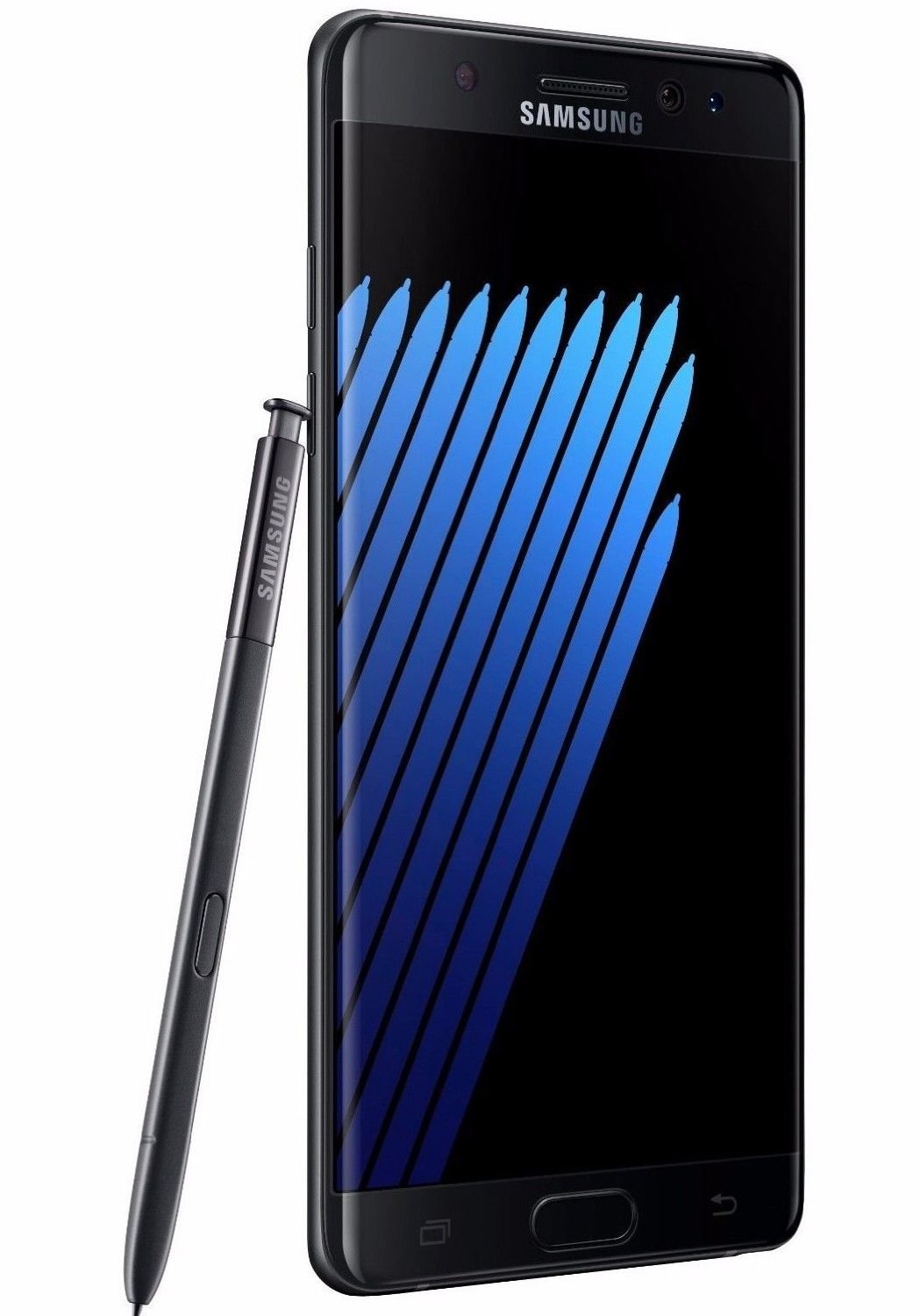
Samsung Galaxy Note 7 S Pen wont eject issue fix
The Galaxy Note 7 has not been out for too long and already there is a Samsung Galaxy Note 7 S Pen wont eject issue. This problem has been happening to some users were they place there S Pen back in its slot, When they try to eject it, it becomes stuck or wont pop…
-
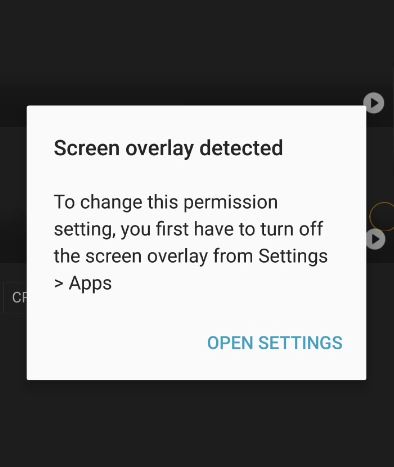
Screen Overlay Detected Android Fix
If you have encountered the Android error Screen Overlay Detected then you are not alone as it is a really annoying issue on Android. This issue seems to mainly affect Android Marshmallow 6.0 users. Especially just after upgrading to this version of Android. It can really get in the way as you may not be…
-
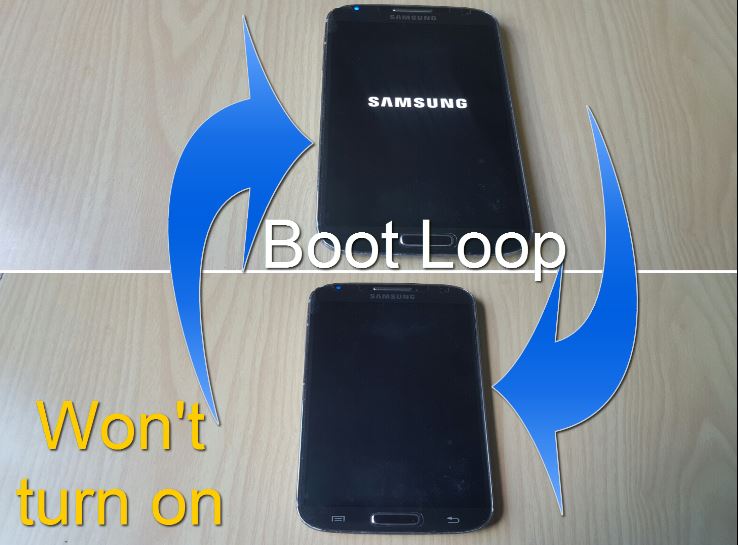
Fix Samsung bootloop, Stuck on Samsung logo or phone wont power on
If you tried to power on your Samsung Galaxy phone and your Samsung wont come on. If you get stuck on the Samsung boot logo or animation and the phone refuses to fully power on you my friend are stuck in a Samsung Bootloop or just a bootloop. This can be very unsettling having constant…