
Tag: Samsung
-

Fix Galaxy S10 with Camera that’s Blurry and Out of Focus
A common issue with the Galaxy S10 and even past devices is that the S10 often has problems with the Camera being blurry or refuses to Focus. In this article we explore the issue in depth and look at all the possible solutions to potentially fix this problem for you. What devices does this apply…
-

How to Fix Samsung Galaxy S10 that’s running slow
This guide is aimed at those that have a Galaxy S10 and find that it as started to run slow. Slow down over time is normal for most smartphones, the best part is that this issue can often be fixed with few easy steps. Join me as I show you right now How to Fix…
-
Fix Galaxy S10 not charging issue
A common issue from year to year that affects allot of Samsung Galaxy devices is the Galaxy S10 not charging issue. This problem comes in many forms but in most cases either the device refuses to charge outright or it no longer charges at it original speed or fast pace. The following is a general…
-
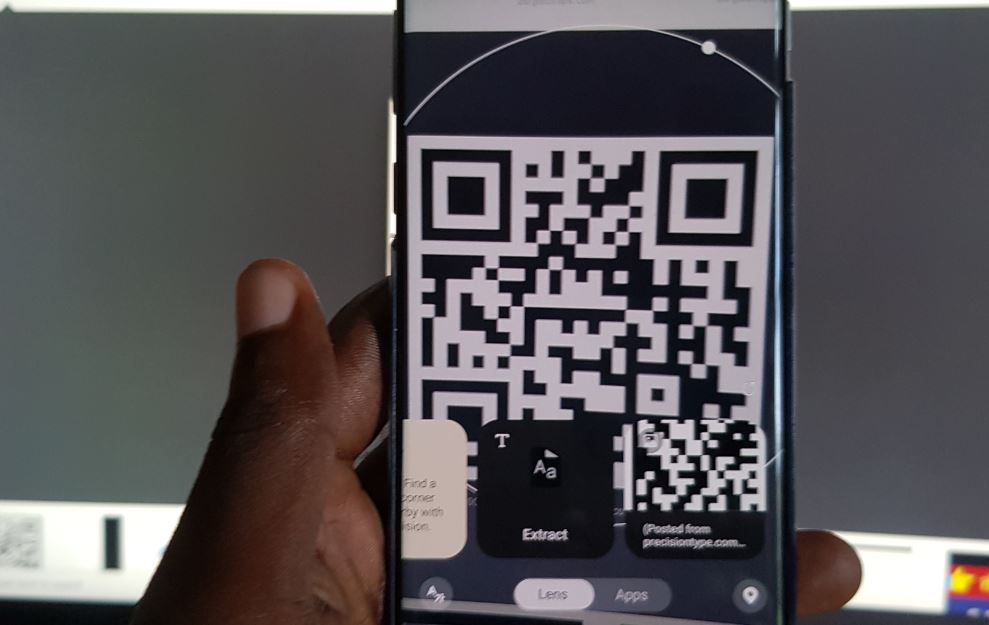
Galaxy S10 Scan QR Code with Built in QR Scanner No download
Did you know that there was a built in QR scanner in the Galaxy S10 line of phones? Yes that includes the Galaxy S10,S10 Plus, S10e and S10 5 G respectively. Every year the location of the Built in QR scanner changes but there is one if you know where to look. So if you…
-
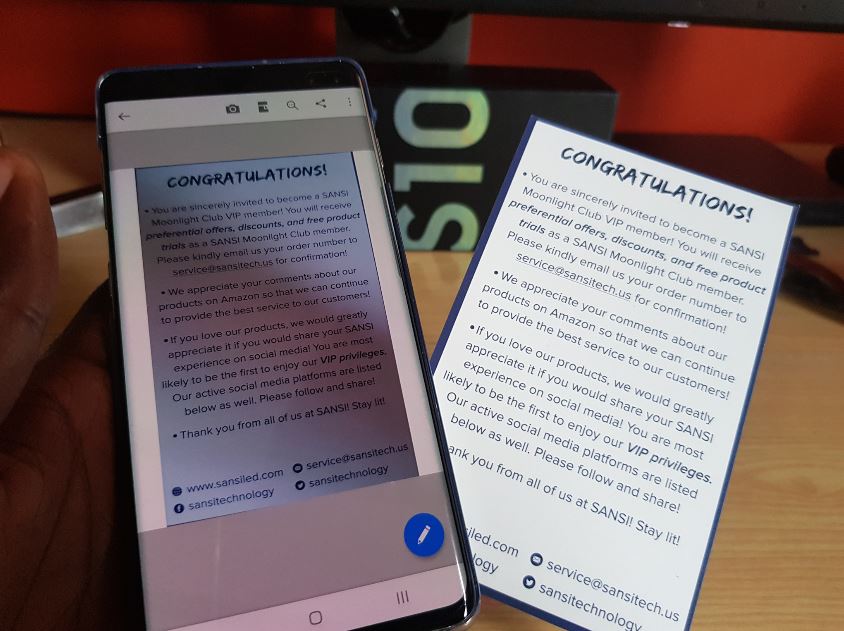
Scan Documents and Save as Image or PDF With Galaxy S10 Camera
A new feature that built into the Galaxy S10, S10 Plus,S10e devices is the ability to Scan Documents and Save as Image or PDF With Galaxy S10 Camera. The feature is known as Document Scan and it pretty impressive as you can make almost perfect scans of documents, books, Magazines and other stuff like business…
-

How to Screen Mirror to Smart TV using Galaxy S10
Screen Mirroring is a great feature to use to cast anything on your Samsung Galaxy S10 smartphone to a Smart TV set. In Samsung though the feature is not called Screen Mirroring but Smart View, which is basically the same thing. I will be showing you how to do this using a Roku TV set…
-

How to use Wireless Power Share on Galaxy S10
The Wireless Power Share feature is now built into the Galaxy S10 and allows you to wirelessly share power with other devices. Now before you go all overboard and charging all your friends phones that support Wireless charging do note its meant to charge smaller devices. Devices such as Samsung Wireless Earbuds and occasionally you…
-
How to Remove Ad Pop-ups and Malware on Galaxy S10
For today’s tutorial I will be looking at How to Remove Ad Pop-ups and malware on Galaxy S10. So if your device is being bogged down by Ads that show up when you open the web browser or while on the home screen. So follow us as I show you how to deal with Viruses…
-
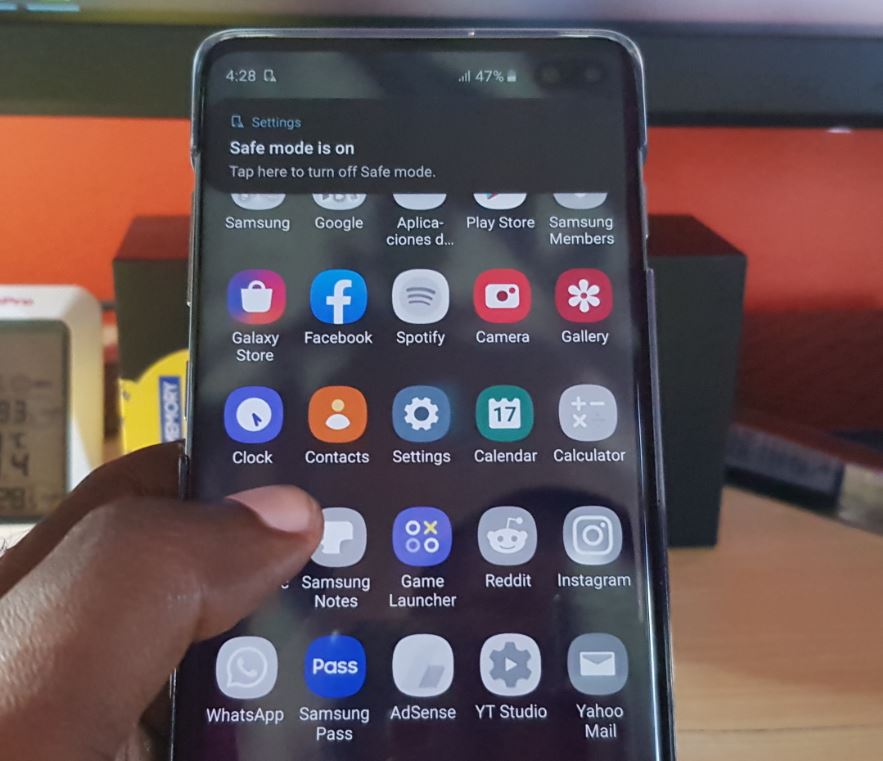
How to Place the Galaxy S10 into Safe Mode Easy
So one of the best things to know how to do on the Galaxy S10 is How to Place the Galaxy S10 into Safe Mode . This mode is really great for trouble shooting your device to identify potential causes of issues that you may be having. From this mode all third party apps will…
-
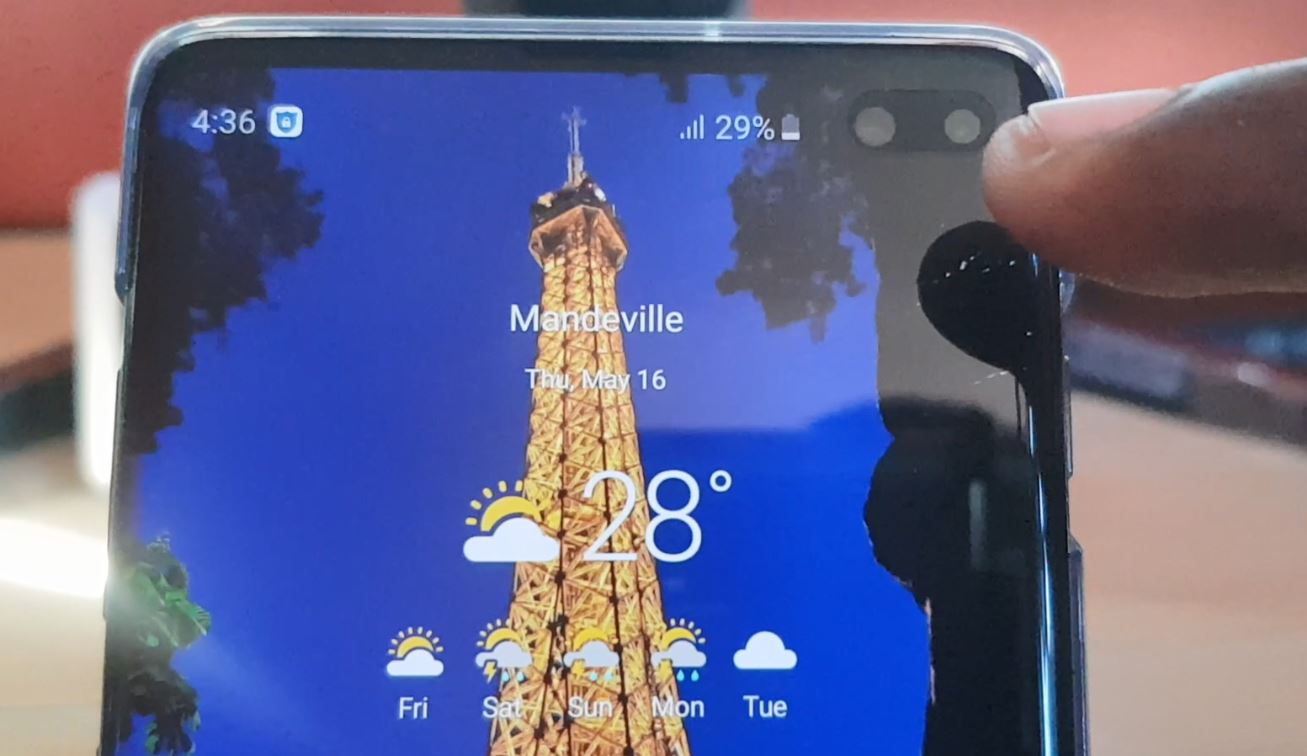
Display Battery Percentage on Status Bar Galaxy S10 Plus
On getting any new phone especially the Samsung Galaxy S10 the first thing I do is to enable the battery percentage on the status bar. By turning on this simple and must use feature I am always able to tell exactly how much battery I have remaining and I can monitor my battery usage closely.…