
Tag: Tips
-
How to Backup Galaxy S8 Gallery Photos to the Cloud
It’s so cool that on modern devices such as the Samsung Galaxy S8 that you can backup your Gallery to the Cloud easily. This makes it Very convenient and prevent loss of those important pictures that you may have taken. In my experience you can’t tell when something might happen to your Smartphone and its…
-
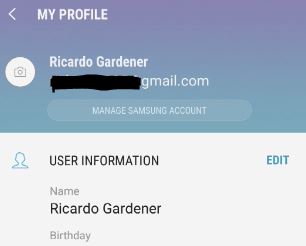
Change Samsung Account Email Address on Galaxy S8
Today we will be looking at How you can Change Samsung Account Email Address on Galaxy S8 or on other similar devices such as Galaxy S8 Plus, Note 8 and so on. This is to help those who may want to switch to another Email because the current one is incorrect or you associated the…
-
Snapchat could not connect Android fix
So today we would like to look at the Snapchat could not connect Android fix which as you might guess is a fix for those who are getting the error: Could not connect when they are trying to use Snapchat. So seeing that you are getting this error as that’s why you are most likely…
-
Switch Instagram to a Business Account
So in today’s article I will be showing you how to Switch your Instagram from a traditional personal account to a Business account. Now most people may not even know that this is an option for them and it can give you access to cool new features and perks that’s only available to a Business…
-
How to make the Galaxy S8 Battery last longer on a single charge
In today’s article we will be looking at ways we can extend the Galaxy S8 battery life so that you can get more out of your device on a single charge. This is really nice because in emergencies or situations where you will need your phone battery to last as long as possible this should…
-
Fix Gmail Delay Sync & Notifications problem Galaxy S8
In today’s article we will be looking at the issue of How to Fix Gmail Delay Sync & Notifications problem Galaxy S8, S8 Plus, Note 8 and other similar devices. With this issue your Gmail on your devise will have issues Syncing and receiving notification such as when you have a new message. This is…
-
Reverse New Snapchat update and get old Snapchat back 2018
So guys if you are not liking the new look of Snapchat after the latest 2018 update you can actually Reverse New Snapchat update and get old Snapchat back. This should be good news for many users as they hate the new look and prefer the older version, plus Snapchat does not give an official…
-
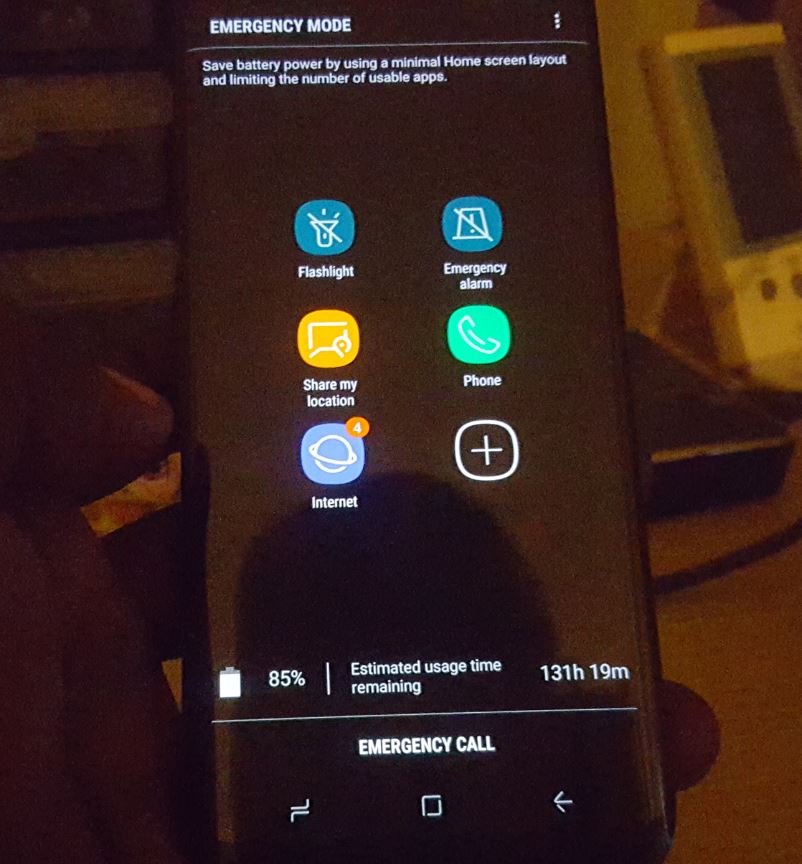
How to Activate Emergency Mode Galaxy S8
Emergency Mode is a special mode on the Galaxy S8, S8 Plus, Note 8 and other similar devices which you can activate when you need to save power or you are in danger.It limits the number of apps you have access to and places all the key apps you may need in an emergency and…
-
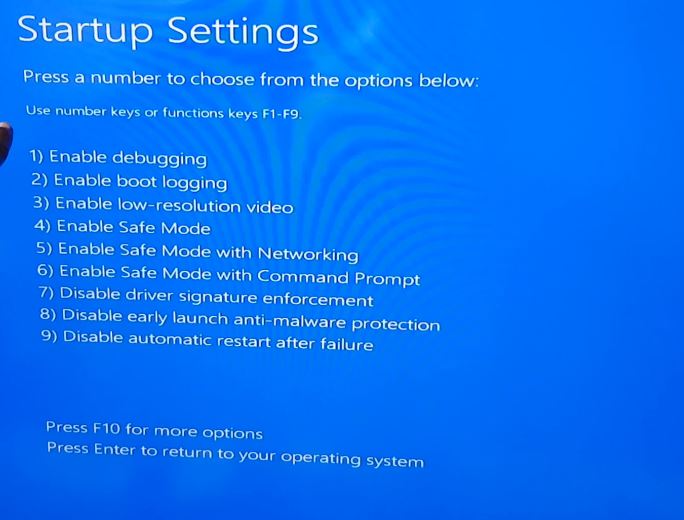
How to Place Windows 10 into Safe Mode Easily
Sooner or later you will have an issue such as uninstalling an app from your Windows PC that will refuse to uninstall no matter what you do and as a result you will need to boot your PC into Safe mode. If you want to learn more in general about safe mode then read this…
-

My PayPal was hacked! What should I do
My PayPal was hacked! The last words anyone wants to hear is that they were hacked. This is also really bad when its your PayPal that was targeted. Criminals can really clean you out when they get into your account. The last thing you want to excrescence is to get up at 8 am and…