
Tag: Tips
-
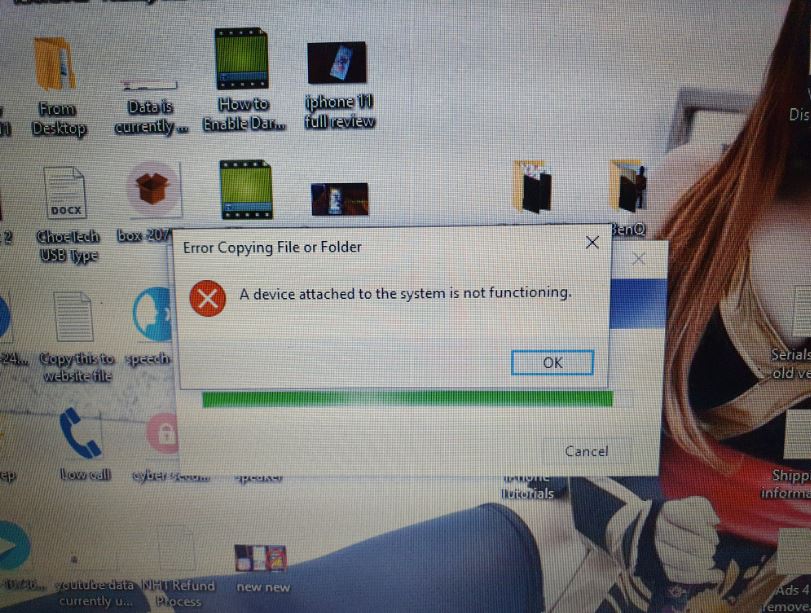
Fix: A device Attached to the system is not Functioning Error
Having a iPhone I recently got I decided to shoot a Video and then transfer it to my Windows computer. Easy enough right? well wrong instantly after using the cable I ended up getting the error: A device Attached to the system is not Functioning The error itself occurred in Windows. First the progress bar…
-
How to Erase all data or Hard Reset iPhone 11?
Today’s guide will be on How to Erase all data or Hard Reset iPhone 11. This will also work for other iPhone’s such as the iPhone 11 Pro and iPhone 11 pro Max. This is great for fixing issues with your phone, starting over fresh or erasing your device before selling it. There are also…
-
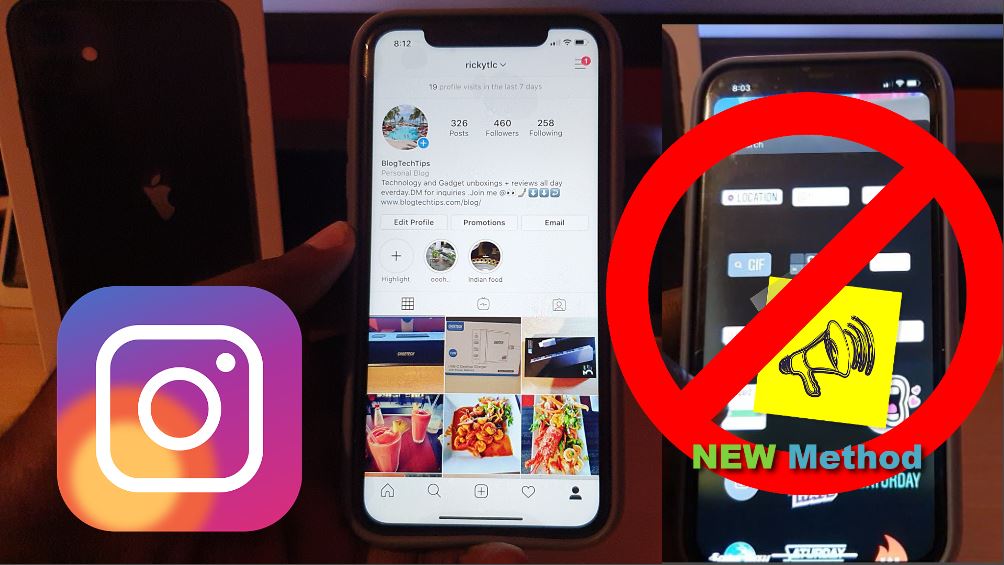
Fix Missing Instagram Stickers iPhone
Here is a problem that most Instagram users are familiar with and that is the issue of the Missing Instagram sticker. Your Friend may have a particular sticker and you don’t or may be you had it and it simply disappeared. This article will look at a new method that will help in you getting…
-
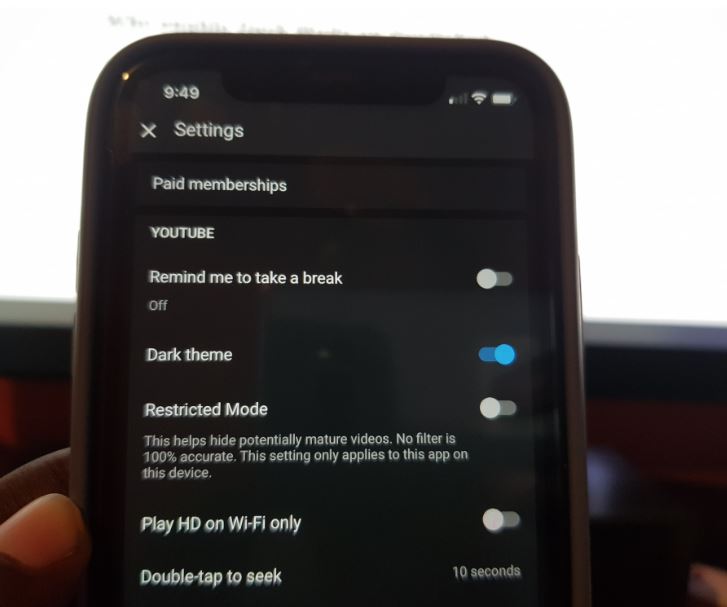
Enable Dark Mode on YouTube on the iPhone
So you got the cool dark mode feature for the iPhone on IOS 13 and some apps automatically switch once the mode is on. On the other hand since you use YouTube you find that the app does not go to dark mode automatically. Despite having a dark mode you will have to enable the…
-
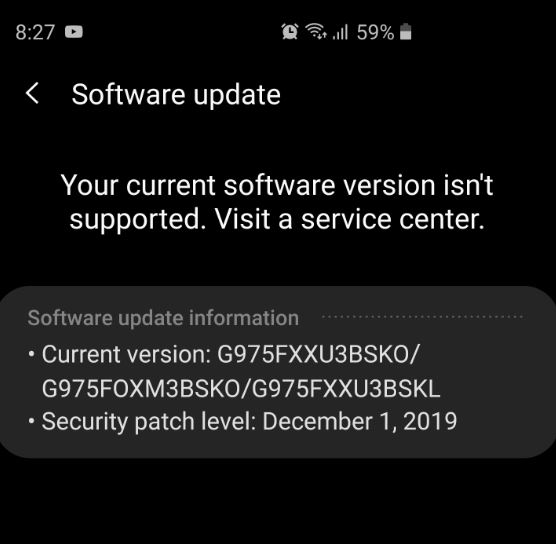
Your Current Software version isn’t Supported Fix
So I have had my Galaxy S10 Plus for months now and the experience has been wonderful. Updates rollout on time every month and that’s always great to see. I recently tried to update and saw the following message which was the first time I was seeing it. The message read: Your Current software version…
-
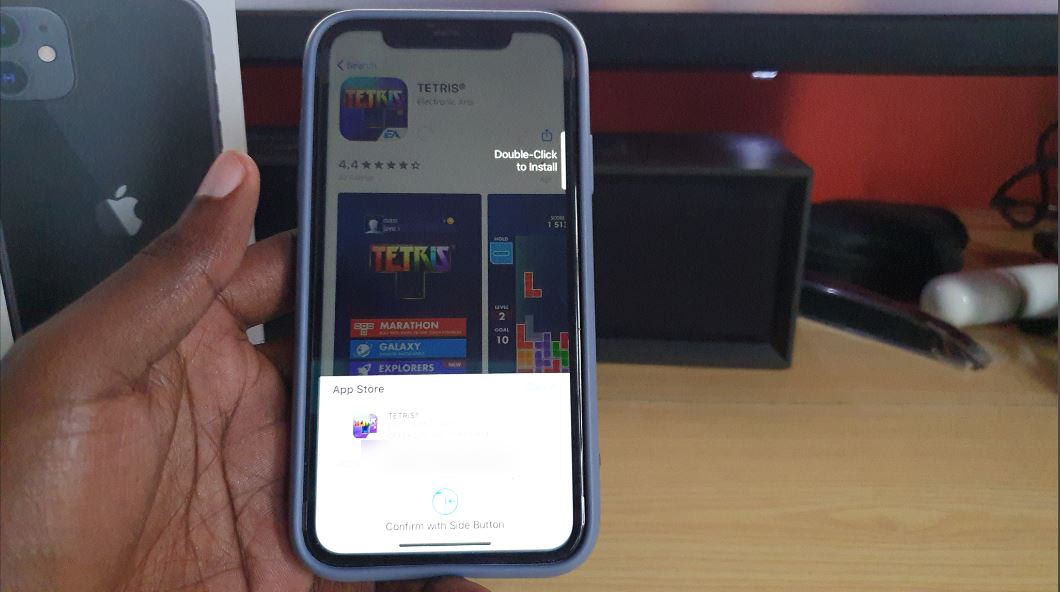
Disable Double-Click to install iPhone 11
So if you have ever tried to install a App on the iPhone 11 or any other iPhone such as the iPhone X or iPhone XS. You will realize they all bring up a splash screen each time that asks that you to Double-Click to install by clicking the side button. Now confirming with the…
-
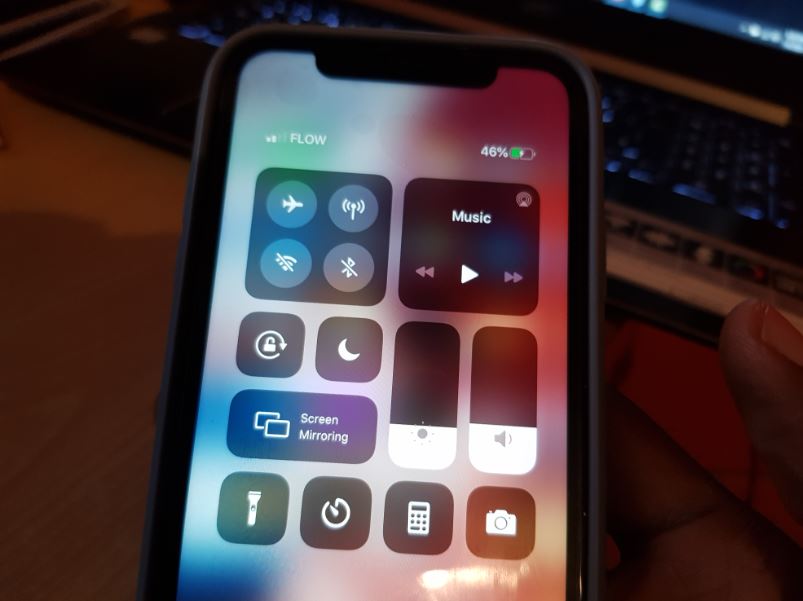
How to Customise Control center on iOS 13
This guide will apply to the iPhone 11, iPhone X, iPhone Xs or other similar device running IOS 13. Using this guide you will be able to Customise and add or remove quick access settings or features away from the defaults that come turned on. This is a great way to have your device setup…
-
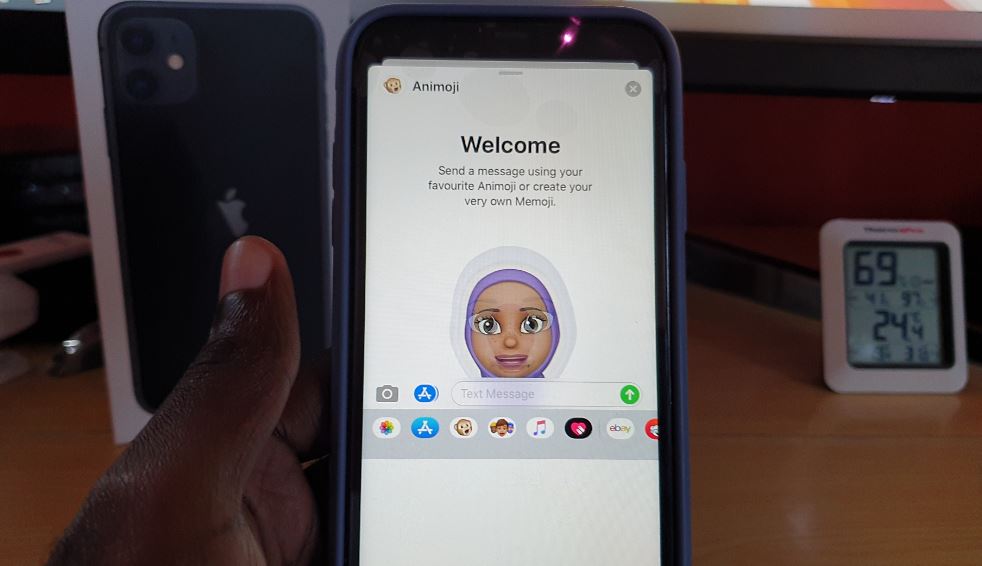
How to use Animoji with Camera iPhone
We have talked about the Animoji feature before here on the website. what most people may not know though is that the Animoji feature can do live Video with the front Camera. The feature basically augments the Animoji of your choice over your face with the rest of the environment staying the same. So go…
-
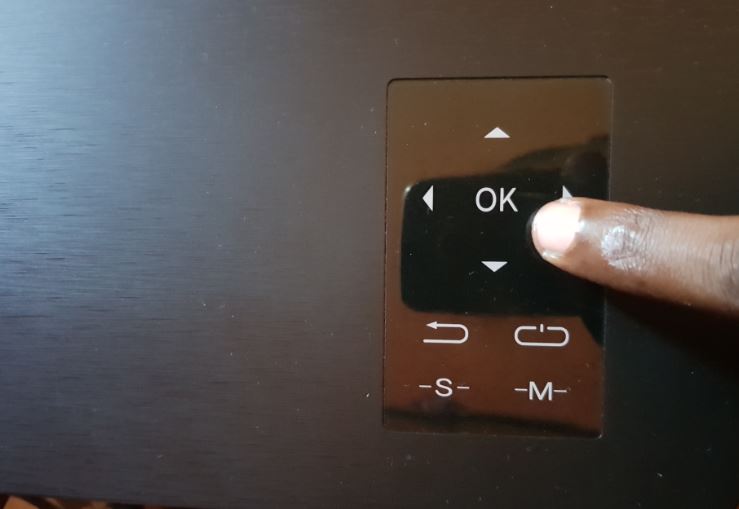
Artlii Energon 1 Lights Blinking not Powering Up
So I own a Artlii Energon 1 Projector which is a great device by the way you should definitely check it out.I was not using it for a bit recently and decided to take it out for Movie night. Once I plugged it in and had everything setup I pressed the power button as I…
-

How to Use Animoji and Memoji?
So my aim today is to show you how to use Animoji and Memoji. This will be especially informative if you are new to Apple devices. Both features are integrated into iOS and would be a big waste if you did not use them at all. So join me as I show you how to…