
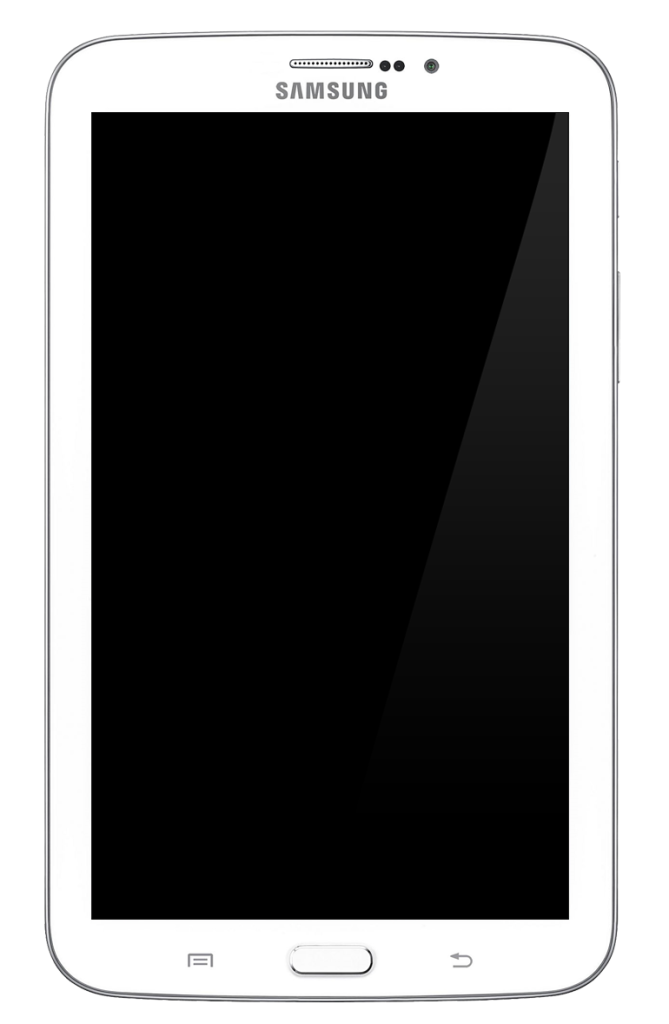
If all of a sudden your Samsung Galaxy Tab 3 is not charging or it’s not turning on you are suffering from a problem that affects a lot of Samsung devices especially the Galaxy Tab 3. For today I am going to show you how fix this issue and have your tablet back to full functionality within a few minutes with a relatively easy fix for this issue.
Description of the Problem
As the title of this article suggests the Samsung Galaxy tab 3 not charging or not turning on and remains dead making it impossible to use your tablet no matter what you try to do.
Can this issue affect other Tablets
From experience this can happen in any Samsung Tablet and is not limited to the Tab 3 so this fix should work on any tablet whether its a Samsung or not and once you are having the same issue with a similar effect or characteristics. A similar situation we were able to fix like this can be seen here.
Things you will need:
1. A Tablet or [easyazon_link asin=”B00E3CHLLC” locale=”US” new_window=”default” nofollow=”default” tag=”blogtechtips.com-20″ add_to_cart=”default” cloaking=”default” localization=”yes” popups=”yes”]smartphone opening Tool Kit[/easyazon_link].
How to Fix Samsung Galaxy Tab 3 not charging Issue
1. What you will need to do is Power off your Tablet and using a prying tool as can be found in a phone or tablet tool set,simply find the seams that hold the two halves of the tablet together.
2. Now carefully get the prying tool or something similar that’s blunt and start separating the two halves of the Tablet and get into the seams and you should start hearing the clips of the Tablet flying, avoid the bottom section near to the home button or capacitive touch buttons section as much as possible. When enough of them separate the tablet will open and you will see the inside of the unit.
3. Find the battery which is impossible to miss, now find the pint at which the battery connects to the Motherboard of the Tablet and place a blunt object beneath the connector where it connects to the Tablets motherboard and pry it up to disconnect it from the circuit board. it should be at the top section when the Tablet is oriented correctly and be careful not to damage it.

4. Leave it for an hour or so and come back and reconnect it by aligning the connector and snapping it back into place, when it’s in you should hear a sharp click sound. Now try charging it again and it should start charging and you will be able to power it up when it build up some charge.
5. When everything working once more you can align the back and place it back on which should snap right back into place easily.
Also Must Read: Fix Galaxy Tablet not charging and not turning on
Troubleshooting:
1. I tried what you suggested but it did not work.
Solution: Sometimes it requires that you attempt this at least three (3) times before getting it right, sometimes you did not reconnect the battery correctly and this can cause issues.
2. What if this still does not work after trying #1 above?
Solution: In such as case there are several possibilities which includes the possibility that the battery needs replacing or its a power button or motherboard issue in which case you will need to isolate the issue and replace the affected part.
That’s it your tablet should now be functional and you are happy again as it working, please ask your questions or request help in the comments section below I love to hear from my readers so lease take the time to leave a comment.


🙂 How well did I do? Take a moment to leave a comment.