
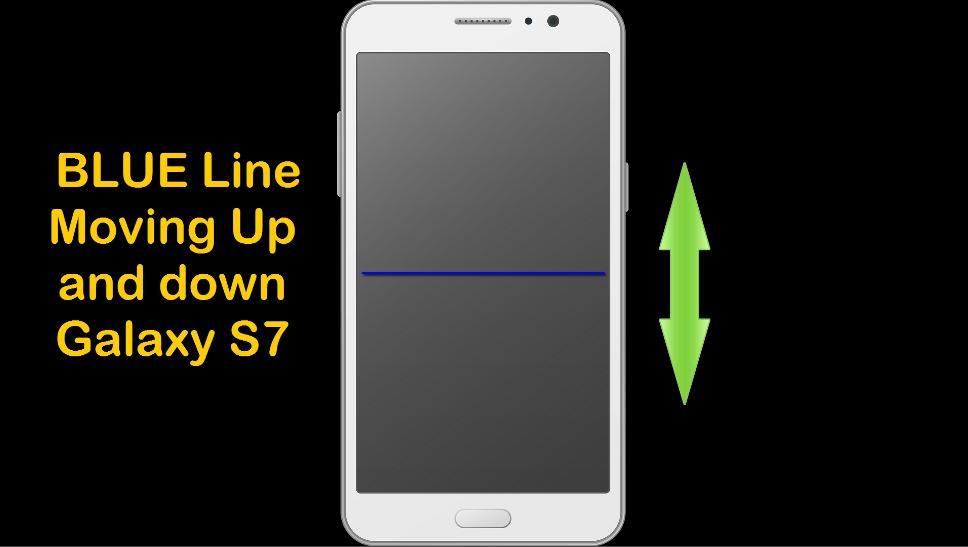
In today’s article we will be looking at an issue with a Samsung Galaxy S7 Blue Horizontal Line Move Up and Down the screen. This line is constantly going from the top of the screen to the bottom and back again. It’s really distracting and your first thought might be that the display is broken. Don’t worry your display is fine but the line is still a major issue. Its visible from all screen including within menus and you can see the display just fine minus the distraction.
What devices does this affect?
In my experience this affects the Samsung Galaxy S7 although it may happen in other Samsung devices as the settings related to getting it fixed is present in other older devices.
How to fix this issue?
To fix this issue you need to disable a setting that you might have activated out of error. This can be triggered sometimes by an app or you enabled the feature without knowing.
1. Go to settings.
2. Next go to accessibility and then dexterity and interaction.
3. Tap on universal switch and turn off the setting.
Alternative method
An alternative method to try is to tap the home button while on the hope screen three times in rapid succession to disable the feature.
Also restart your phone after disabling or trying anything I have suggested in case the line wont go away.
So did that help in fixing Samsung Galaxy S7 Blue Horizontal Line Move Up and Down the screen? If it did please leave a comment below and do share this article with a friend or two on social media. As always do feel free to check out even more of our articles here on the website.


🙂 How well did I do? Take a moment to leave a comment.