
Category: Android Tips
-
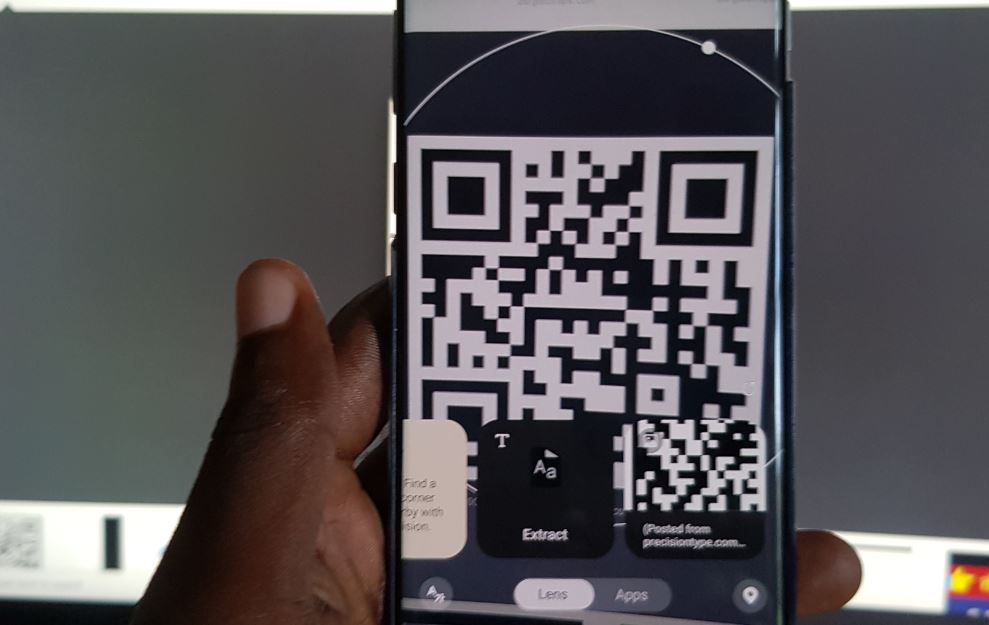
Galaxy S10 Scan QR Code with Built in QR Scanner No download
Did you know that there was a built in QR scanner in the Galaxy S10 line of phones? Yes that includes the Galaxy S10,S10 Plus, S10e and S10 5 G respectively. Every year the location of the Built in QR scanner changes but there is one if you know where to look. So if you…
-
How to Remove Ad Pop-ups and Malware on Galaxy S10
For today’s tutorial I will be looking at How to Remove Ad Pop-ups and malware on Galaxy S10. So if your device is being bogged down by Ads that show up when you open the web browser or while on the home screen. So follow us as I show you how to deal with Viruses…
-
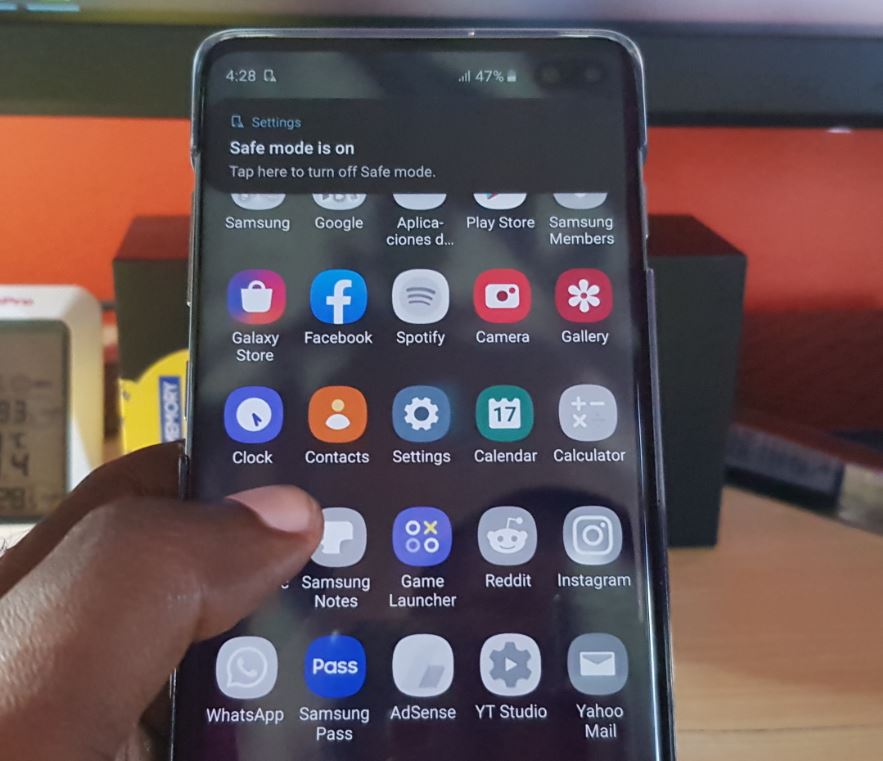
How to Place the Galaxy S10 into Safe Mode Easy
So one of the best things to know how to do on the Galaxy S10 is How to Place the Galaxy S10 into Safe Mode . This mode is really great for trouble shooting your device to identify potential causes of issues that you may be having. From this mode all third party apps will…
-
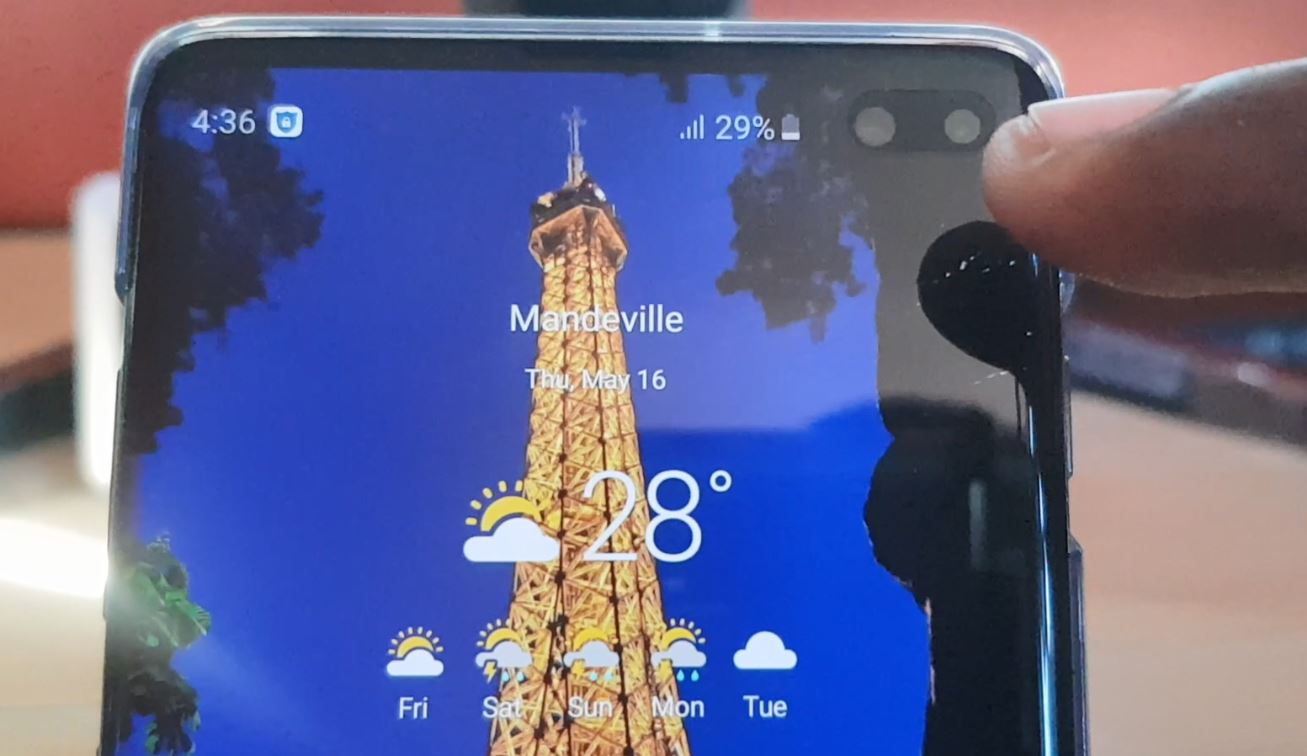
Display Battery Percentage on Status Bar Galaxy S10 Plus
On getting any new phone especially the Samsung Galaxy S10 the first thing I do is to enable the battery percentage on the status bar. By turning on this simple and must use feature I am always able to tell exactly how much battery I have remaining and I can monitor my battery usage closely.…
-

How to Disable Bixby on Samsung Galaxy S10
Many users do not like the Bixby feature on the Samsung Galaxy S10,S10 Plus and S10e. They wished that they could disable the feature all together. Unfortunately Samsung does not allow users to disable Bixby-bumer. But where there is a will there is a way and in this article I will be showing you How…
-
Samsung Galaxy S10 Plus keeps losing Signal Fix
If your Samsung galaxy S10 device is constantly loosing signal chances are in most cases there is a relatively simple solution that can help you in fixing the issue. After all loosing signal constantly can really mess with you as you can miss important or critical calls you should have gotten. Follow along as I…
-
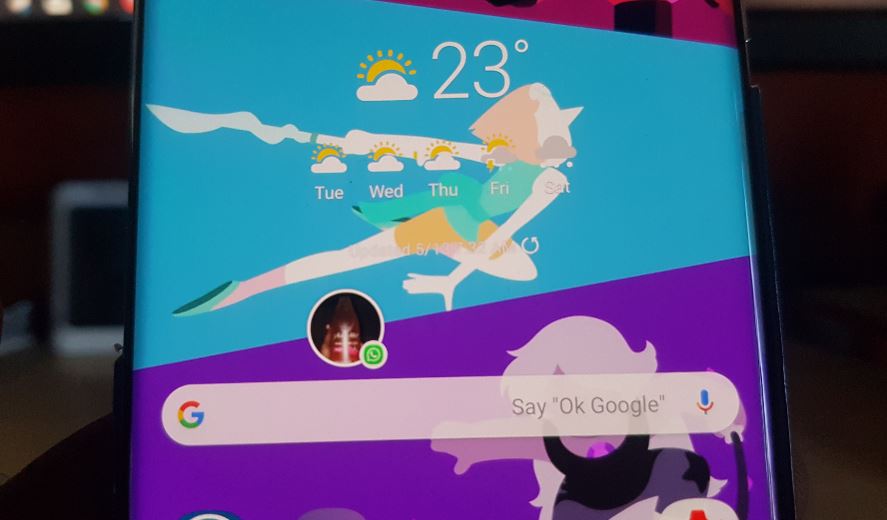
Galaxy S10 Disable Message Bubble or Enable Smart Pop-up View
Boom you receive a message from Whatsapp, messenger,Facebook or some other messaging app and you realize that all your messages are appearing on screen in Bubbles on the Galaxy S10. Well you are not alone and this feature is called Smart Pop-up view and its a new feature. Sad thing is you may not have…
-
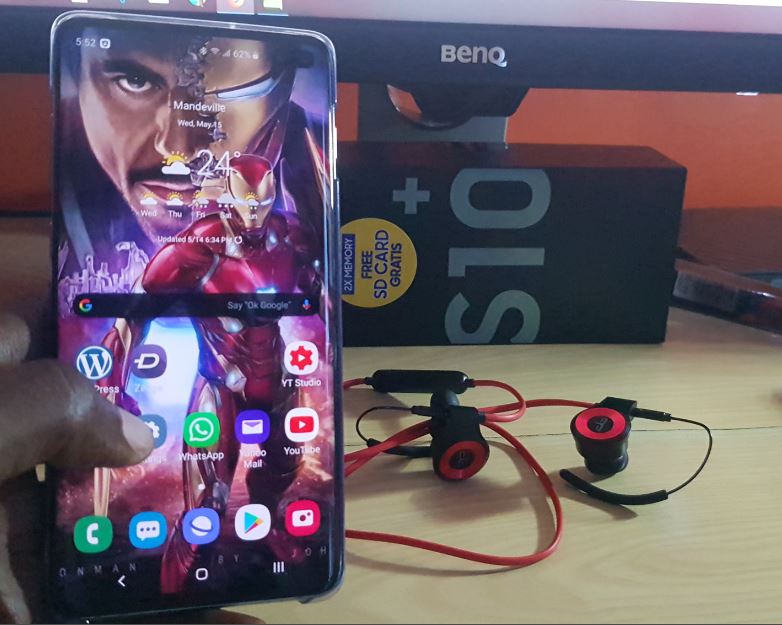
Bluetooth connected but No Sound Fix
So you connected your Bluetooth headset, Speakers or Headphones to your Android device and all of a sudden there is No sound despite the device being connected. I had this very issue happen to a friend of mine and the following steps were used to deal with the problem as with other Bluetooth issues we…
-
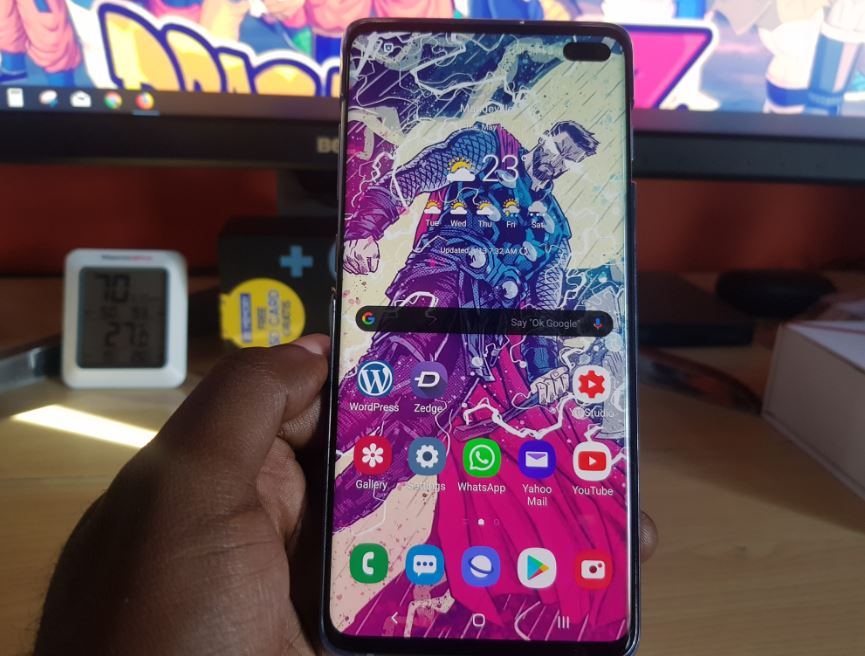
Remap Bixby button to any App Galaxy S10
Did you know you can remap the Bixby button to any App you like on the Galaxy S10,S10e and S10 Plus. Best part is that you don’t have to get any additional apps as the feature is built right into the Samsung Galaxy S10. This is a welcomed feature that users have wanted for a…
-

Amazon Fire TV Stick Screen Mirroring
If you do not know as yet the Amazon Fire TV stick actually has a screen Mirroring feature built in.Isn’t that neat? well its actually there waiting for you to use it to connect any Tablet or Android phone or other smart device. You can use this to show off pictures, display a movie on…