
Category: Android Tips
-
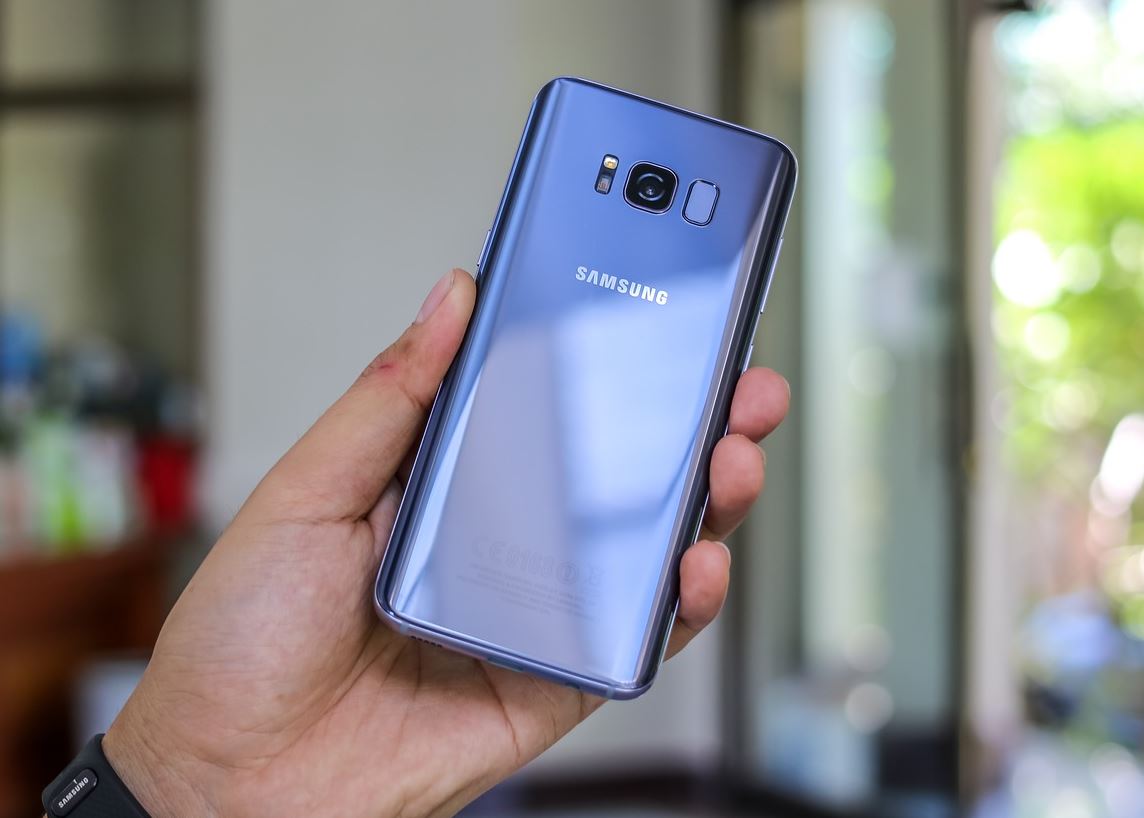
How to prevent Screen Burn in on the Galaxy S8?
So today we will be looking at how to prevent Screen Burn in on the Galaxy S8. This tends to happen to a device when there is a static image on-screen for long periods and results in image retention or a screen burn in where the image or traces of it are left on-screen when…
-
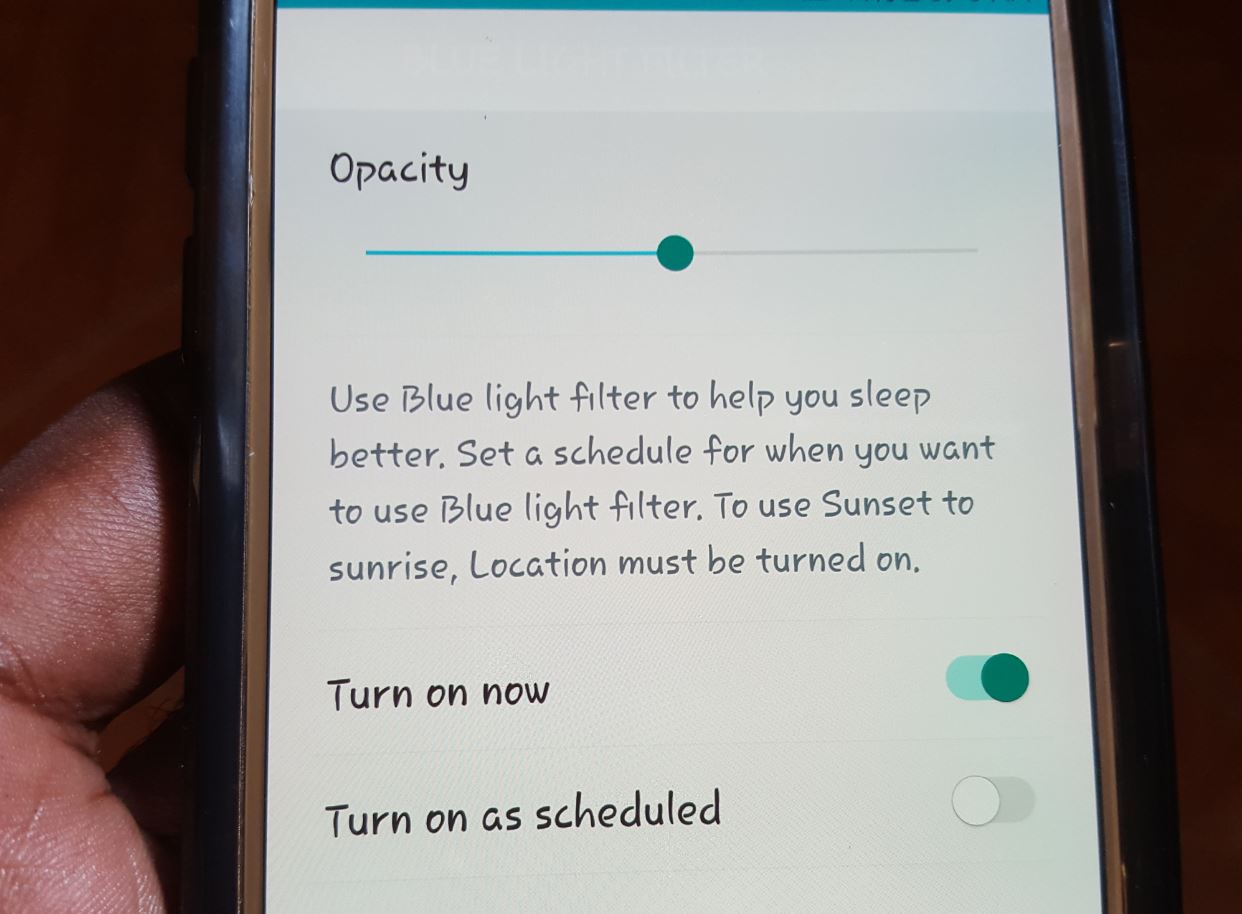
How to enable the Blue Light Filter on Samsung Galaxy S7?
Today we will be looking at how to enable the Blue Light Filter on Samsung Galaxy S7 and other similar devices. We will also look at whats the Blue Light Filter is used for and how you can better use it to get more out of your smartphone when you use it at night. So…
-
Google Text to Speech Keeps reading everything out on your phone Screen Fix
Today I would like to look at a more annoying problem on Android where Google Text to Speech Keeps reading everything out on your phone Screen and how to fix it. I encountered the issue when a friend brought a Samsung Galaxy for repair that was reading everything on-screen. Especially the information on the home screen,…
-
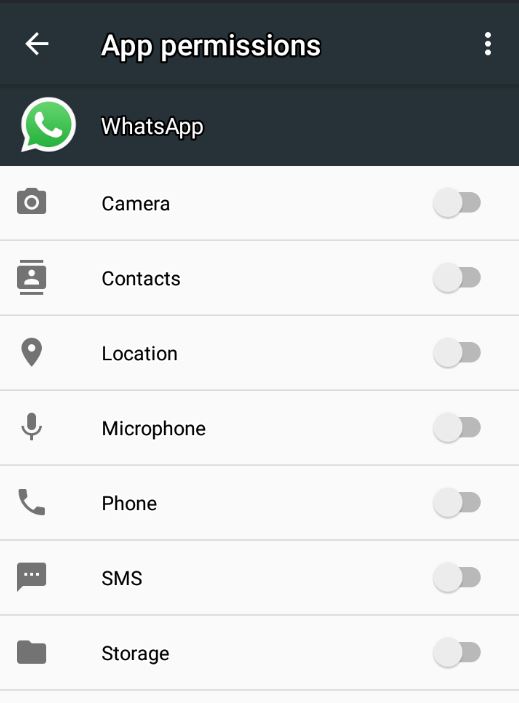
Whatsapp Contacts not showing fix
So for today’s article I would like to look at an issue where Whatsapp contacts are not showing. You know this is a serious problem as without access to your contacts you will be unable to use Whatsapp at all. Most users usually run into this problem when they Install Whatsapp on a new phone…
-
Fix RAM problems,lag on your slow and lagging Android device
Today we will be looking to Fix RAM problems,lag on your slow and lagging Android device.So if you have issues where you are not doing anything on your phone and about 60-70% plus of your RAM is being used for no reason. Especially in cases where this is severely degrading the performance of your phone…
-
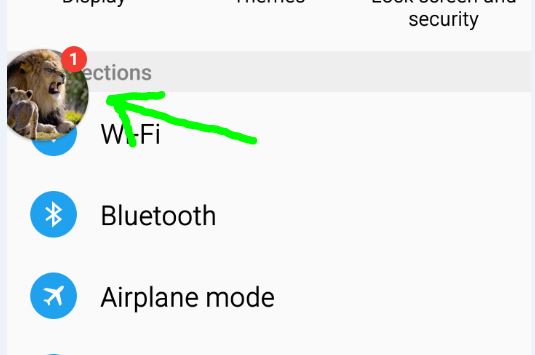
How To Disable Chat Heads?
Today we will be looking at how to disable chat heads or that annoying messaging bubble that pop up on-screen that associated with Facebook chat or messenger. This tutorial is for those users that simply only need a message tone and notification in the system tray and not to have the Bubble on-screen that’s overlayed…
-

Samsung Galaxy USB Debugging is Greyed Out fix
In today’s article we will be looking at an issue on the Samsung Galaxy where USB Debugging is Greyed Out and the option cannot be selected or activated. If you are facing this problem and you need to enable USB debugging then I advise that you continue to read this article and the solution should…
-
How to Hard Reset the Samsung Galaxy S8?
Today we will be looking at How to Hard Reset the Samsung Galaxy S8, this will also work on the Galaxy S8+ as well. Things have changed a bit and the method used on older devices has been changed,so below I will be showing you the new button combination to Hard reset the Samsung Galaxy…
-
Pixel XL Ambient display not working Fix
If you are like many users you tried to use the Ambient Display or Ambient light notification on your Pixel XL but find out that it isn’t working for some reason.For example when you get a text or other notification when the feature is enabled you end up only seeing a flashing LED and the…
-
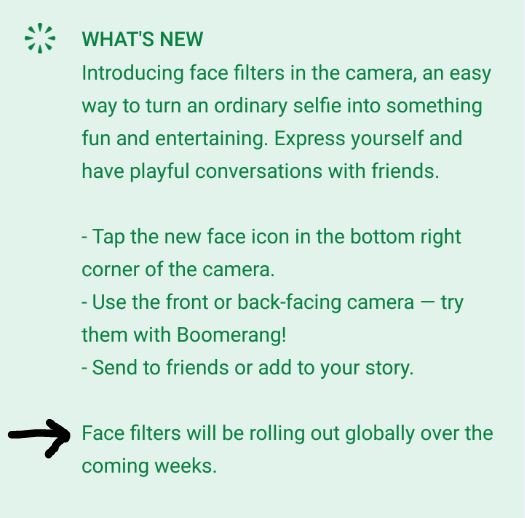
Why don’t i have Face Filters on Instagram?
So everyone is excited that Instagram now has Face filters. The feature is very similar to features on Snapchat as many have come to realize but regardless its a fun feature to have. You are here today as you don’t have Face Filters on Instagram or you can’t seem to find the feature anywhere within…