
Category: How to
-
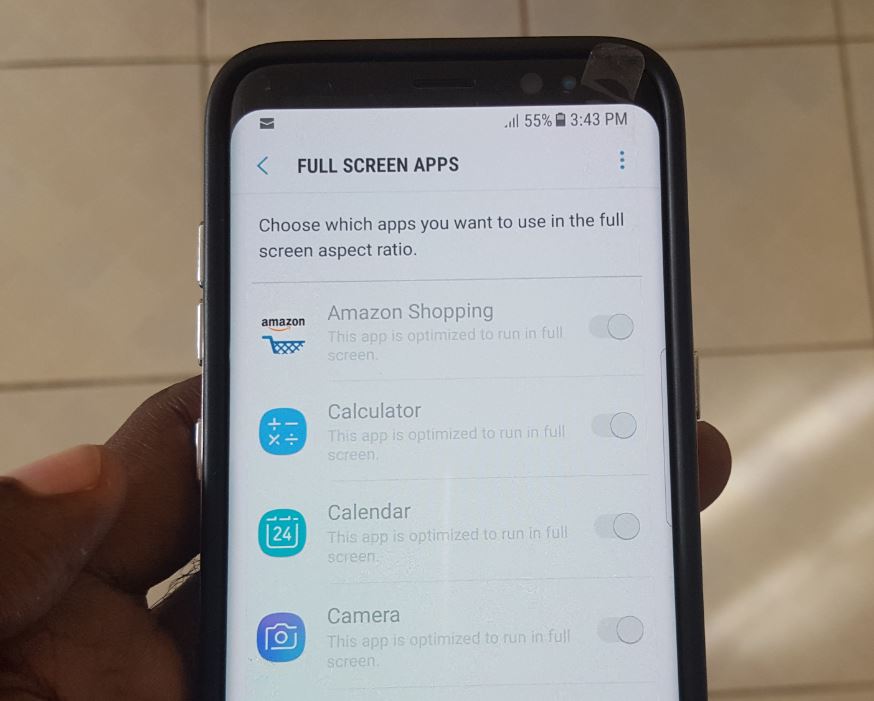
How to Make any app full screen on the Galaxy S8 or S8 Plus?
So the Samsung Galaxy S8 and S8+ has a really large infinity screen that’s just gorgeous but by default some apps wont fill out that screen or make use of it until developers start adjusting their apps to the new dimensions. But wait there is hope as built into the Galaxy S8 and S8+ is…
-
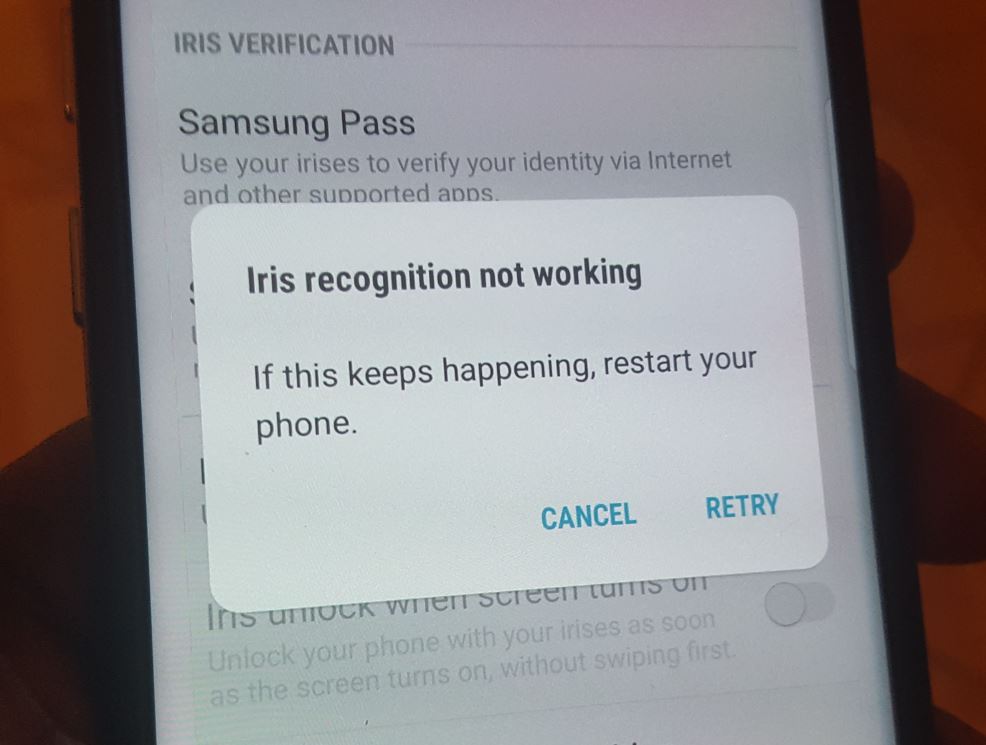
Iris Scanner, Face recognition, Front Camera Stop working on Galaxy S8 and S8+ Fix
I must say I really want to get this article out there on the Iris Scanner, Face recognition, Front Camera Stop working on Galaxy S8 and S8+ fix.The main reason for this is because days after getting my brand new Galaxy S8 I encountered the issue.I really want to have this fix out there because…
-
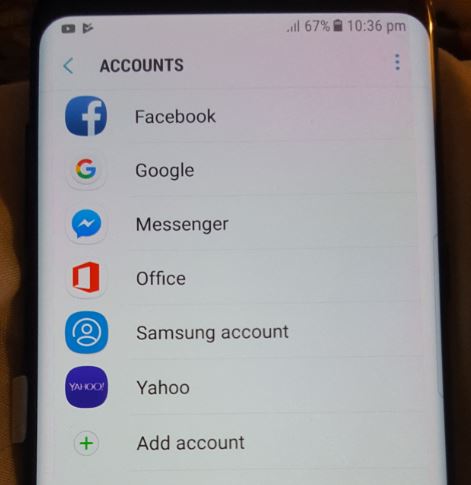
Add second Google account on Samsung Galaxy S8 and S8+
So you got that brand new Galaxy S8 or S8+ and you want to add a second Google account on the one device. It might not even be new one but you just got around to adding or wonder how to add a second Google account.Strange as it might sound many of us have two…
-
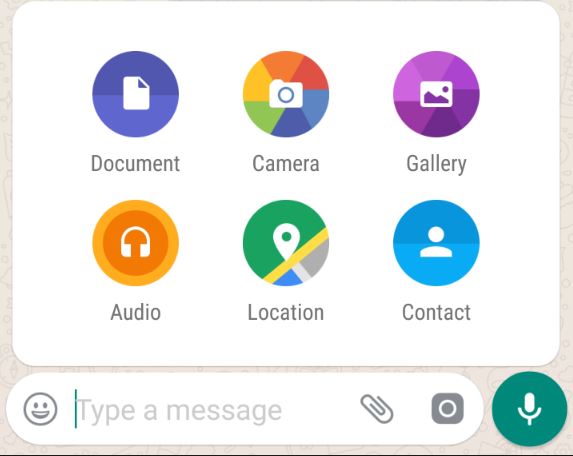
Whatsapp new Features:Share any file, Bold, Underline text and Video call Improvements
Just when you thought Whatsapp could not get any better they go ahead and add a bunch of new exciting features you were dying for. Among these new features the most exciting feature is the ability to share any file with a limit of 100 MB. The file can be anything such as Video, document,…
-
Can’t follow people on Instagram fix
Today’s fix is directed at Instagram and involves an issue where you Can’t follow people on Instagram and how to fix it. Basically when you hit follow instead of following the person you want to it ends up a few seconds later unfollowing the individual. This will happen no matter who you try to follow…
-

Samsung Galaxy S8 Navigational Bar Update Hide navigation Bar feature
So today we will be looking at the Samsung Galaxy S8 Hide Navigation bar update which was pushed out for most users on June 1, The ability to hide the navigation bar is a really exciting feature as it increases the immersion while using your device and that beautiful infinity display. Essentially taking your phone…
-
How to Wipe/Clear Cache Partition on the Galaxy S8?
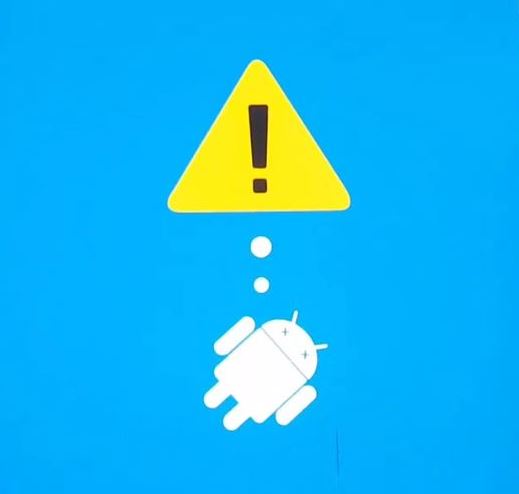
This tutorial will be on How to Wipe/Clear Cache Partition on the Galaxy S8 and by extension the Galaxy S8 Plus or other similar devices. This will be similar to the article we did on doing a hard reset which is different as you will not lose any data when you use this method. Both…
-
Get free Amazon Gift Cards
OK I am really excited about writing this article as I want to show you my readers how to Get free Amazon Gift cards. This is no joke and its a legitimate way that’s free and it works 100% as I have tested it out myself and have redeemed my gift card by buying stuff…
-
Galaxy S8 and S8 Plus moisture in charger port warning Fix
Today we will be looking at the error Moisture in the charge port Warning and how to fix it on the Galaxy S8 or S8 Plus and newer devices. This article is similar to one we did a while back for older devices which you can read here. This time around I would like to…
-
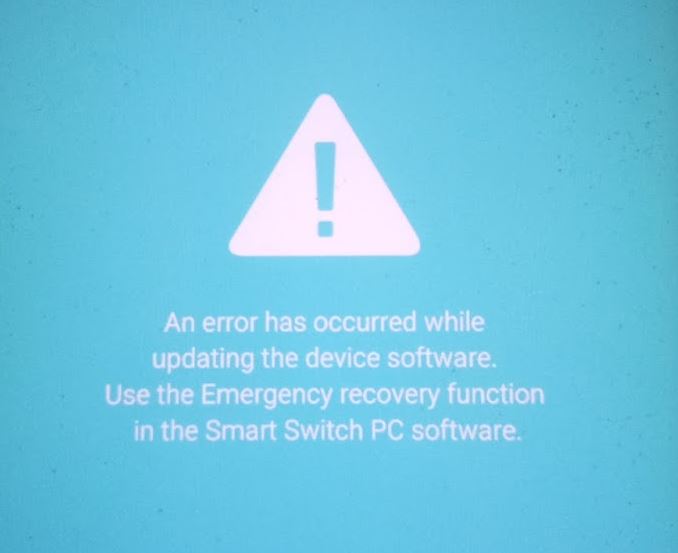
An Error Has Occurred While Updating The Device Software Fix
So for today’s fix we will be looking at the problem where after trying to update your phone you get the error message: An Error Has Occurred While Updating The Device Software. If you are in such a situation where your Samsung Galaxy is bricked we will be showing you exactly what you can do…