
Category: How to
-

Fix The Dead Android and Red Triangle Error Symbol on Android Recovery Screen
In today’s article we will be looking at what you should do in case your Android phone crashes and shows The Dead Android and Red Triangle Error Symbol on Android Recovery Screen. I am sure if it’s the first time you encounter such a screen it can be confusing as what to do in order…
-
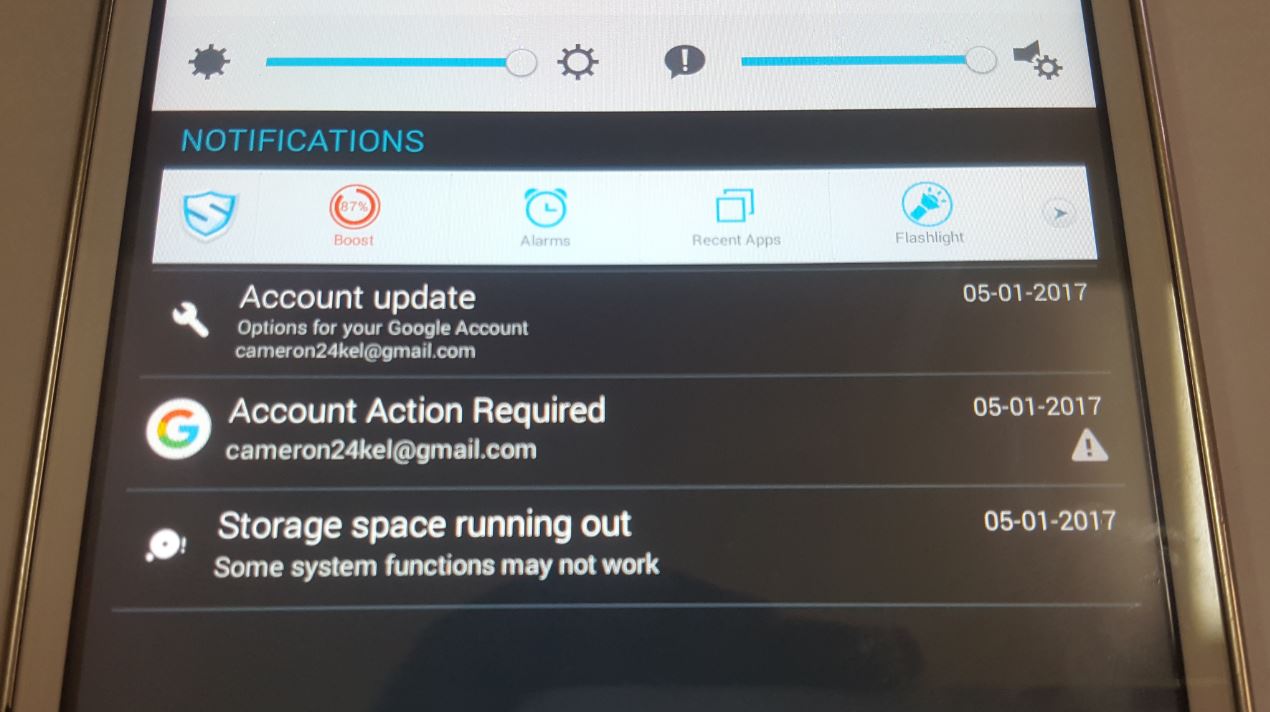
Tablet Storage space running out fix
Today we will be looking at how to fix the problem where you are getting the error that Tablet Storage space running out. So if you are seeing this error for the first time on an Android Tablet similar to the Phones I will be sharing some cool tips that will help you in freeing…
-

Fix Snapchat Your Login Temporarily Failed Error
So if you are getting the Snapchat Your Login Temporarily Failed error when you are attempting to login on your Android device this is most likely because your device is rooted. So in this article I will help you in fixing the problem so that you can once more login to Snapchat.It seems Snapchat does…
-

Fix Snapchat error Could Not Connect For iOS Devices
Today’s fix will be for those that cannot log into their Snapchat as they are getting the error Snapchat could not connect. This is bad for users as this will prevent you from actually using Snapchat and the cause of the error is really not evident when this error happens. So read on for the…
-
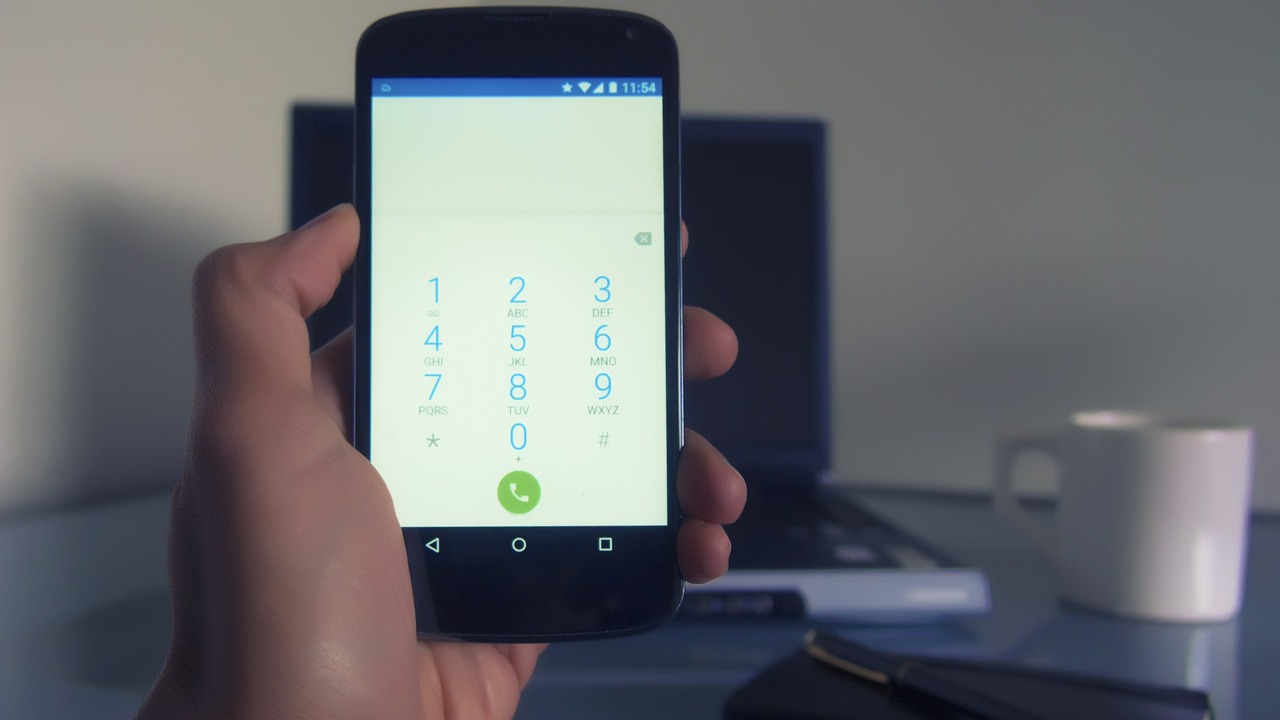
Samsung Galaxy S8 Caller ID Keeps Stopping FIX for SPRINT
Today we would like to look at a fix for the Samsung Galaxy S8 Caller ID Keeps stopping issue which usually happens on Sprint phones. I see where this could also happen to other model phones on other carriers as well. You may want to bear that in mind as you attempt this fix, in…
-
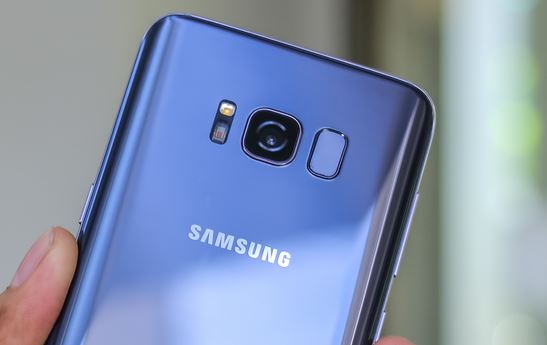
Fix Samsung Galaxy S8 Camera Sharpness and Quality
Today we will be looking at fixing Sharpness and Quality issues with the Samsung Galaxy S8 Camera. This is for those with the issue where pictures and Videos from the Samsung Galaxy S8 are not being produced at the high quality as they should be. Instead Video and pictures end up looking pixelated and not…
-
How to Boot the Samsung Galaxy S8 in and out of safe Mode?
So for this post we will be looking at How to Boot the Samsung Galaxy S8 in and out of safe Mode. The hope here is that if you need to put the Galaxy S8 in safe mode you will be able to do so easily for things such as troubleshooting and in case you…
-
How to use Instagram Rewind and Boomerang?
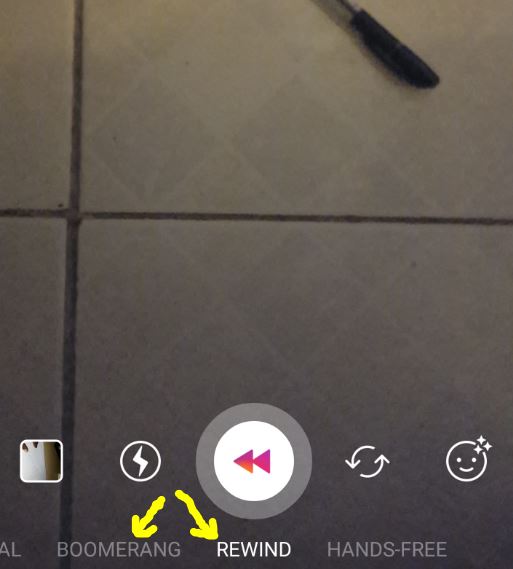
If you have been using Instagram for any amount of time you might have come across Instagram stories. Along with these cool features in the camera app you will also notice Instagram rewind and Instagram Boomerang which are two new exciting features that can be easily overlooked. These two features are really cool and today…
-

Remove forgotten Password,PIN or Pattern on the Galaxy S8 or S8+ Easily
You know the situation that tends to happen,you entered your pattern too many times and you get the too many pattern attempt warning.Also there are situations in which you genuinely forget your password or Pin. Well just like in past articles there is a way to remove or bypass the lock screen so that you…
-
How to Place the Galaxy S8 and S8+ in Download mode?
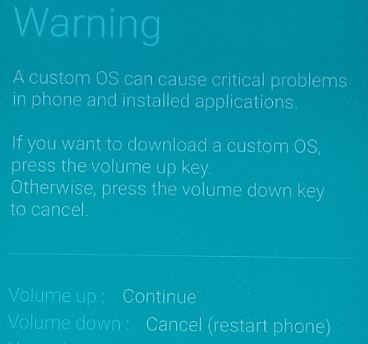
As you might have realized the normal way of entering download mode on older devices no longer works on the Galaxy S8 and S8+. In fact there is a whole new way to enter Download Mode on these devices.So if you are looking to place your device in download mode so you can Flash your…