
Tag: Samsung
-
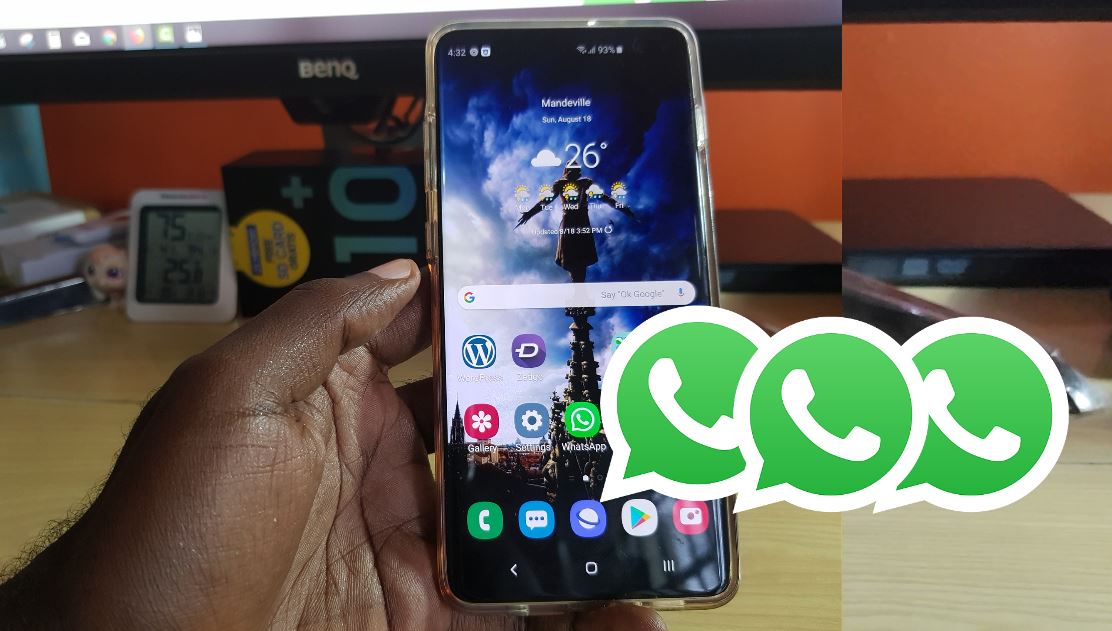
Install Triple Whatsapp Messenger on Galaxy S10 devices
In the past we have looked at how you can install dual Whatsapp messengers but this time we are taking it a step further and installing triple Whatsapp messengers. This will work on the Galaxy S10,S10e and S10 Plus devices. It should also work on older models of Samsung Android devices such as the S9,S8…
-

Galaxy S10 Fix Low Audio on Calls
So if you are experiencing Low Audio on Calls you may want to give the following tips as given here a try. This issue can be as a result of various problems with your device. But simply follow the tips as given below and you should be good as the problem will be fixed in…
-
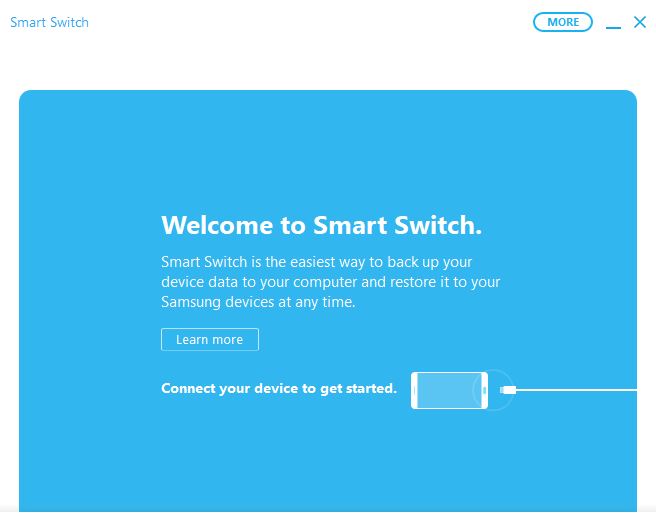
How to Backup your Samsung Phone using Smart Switch?
So today’s article will be showing you a very effective method to use in Backing up your smartphone. This can be really useful in cases where you need to erase your device and later in restoring your files easily. Best of all you don’t have to think too hard as everything is done for you…
-

Galaxy S10 stuck in Bootloop on the Samsung logo and won’t boot up
The issue of the Galaxy S10 stuck in Bootloop on the Samsung logo and won’t boot up is a very common occurrence. This is because over the years this has happened to all Samsung’s phones from time to time. This article will show you what to do step by step so you can have access…
-

How to Hide Private Pictures and Apps on the Galaxy S10
Every one has a bunch of pictures or a few Apps that they don’t want seen by everyone that may use their phone. If only there was a way to hide Private Pictures or Apps on the Galaxy S10 so that only the owner of the phone could see them. Well guess what there is…
-

How to Remove Lock Screen PIN or Password Galaxy S10
To unlock your Galaxy S10 you most likely have the Lock screen PIN or Password setup. If you would like to remove the PIN or password so a simple swipe is all you will need to unlock then follow these instructions. Also be aware that by doing this you will be essentially remove the security…
-
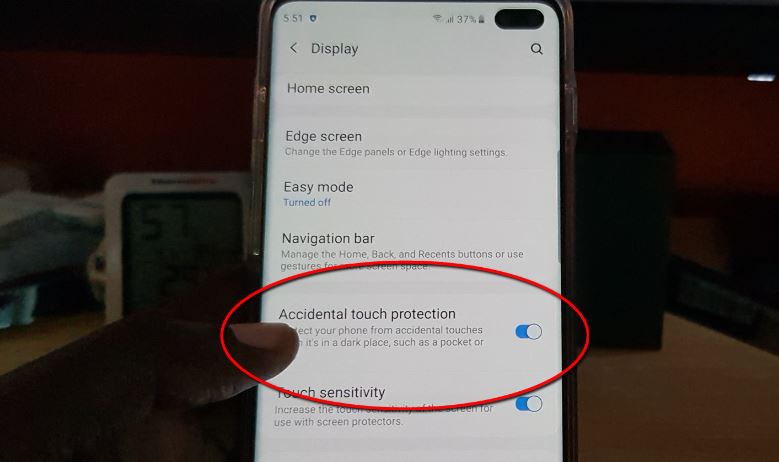
How to Disable or enable Accidental Touch Protection on the Galaxy S10
So have you ever had your phone in a pocket or bag and found later on that while it was there it accidentally unlocked and either changed a setting or worse it resulted in a person being dialed or called. Today’s guide will show you How to Disable or enable Accidental Touch Protection on the…
-

Galaxy S10 Plus is connected to network but no Internet connection Fix
Its a common occurrence that you may be Connected to the network but you have no Internet connection. In my experience you can be connected to say a WiFi network but you notice a exclamation symbol indicating that there is a problem. After this you tend to notice that you cant browse at all. The…
-

How to Enable or Disable fast Wireless Charging or Fast Wired Charging Galaxy S10
A cool new feature that’s built in to Samsung’s latest phones including the Galaxy S10 is the Fast charging feature. There is Fast Wireless charging and also Fast Wired Charging. Now the feature that enabled by default is nice but sometimes you would love to disable Fast Wireless charging or even disable the Fast Wired…
-
Fix Samsung Galaxy A50 turned off by itself and won’t turn on
If your new Samsung Galaxy A50 Turned off by itself and won’t turn on this is a very serious issue. The last thing you need is for a new smartphone to be putting you through something like this. Lucky for you though you have come to the right place. This article will tell you exactly…