
Tag: Security
-
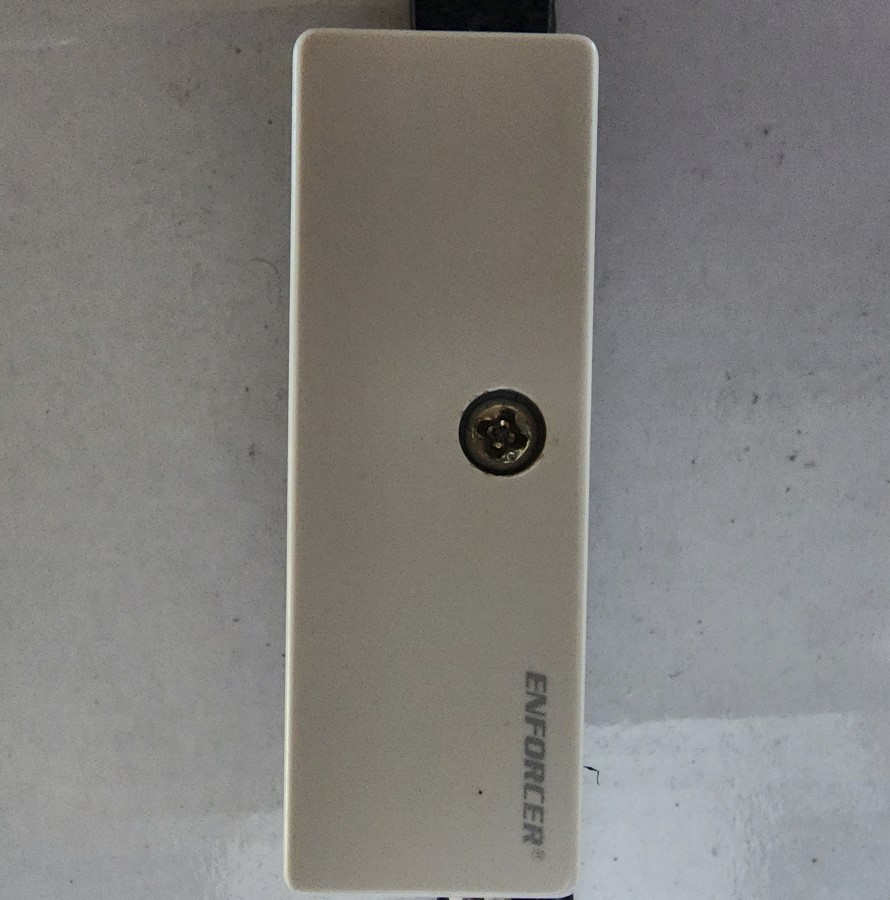
How to Clean Vibration Sensors on DSC Security Systems?
My guide today will show How to Clean Vibration Sensors on DSC Security Systems and solve the issue of False vibration warnings. When you have a DSC Security system and have Vibration Sensors installed on windows over time the sensors can become corroded, set off because of high humidity or in general give False alarms.…
-

Security Camera DVR not detecting mouse Fix
This one is a issue involving any Security Camera DVR where your Security Camera DVR not detecting mouse. This guide will show you how to fix this problem and so you can go back to doing other things. I personally encounter this problem from time to time. The issue is that in most cases seeing…
-
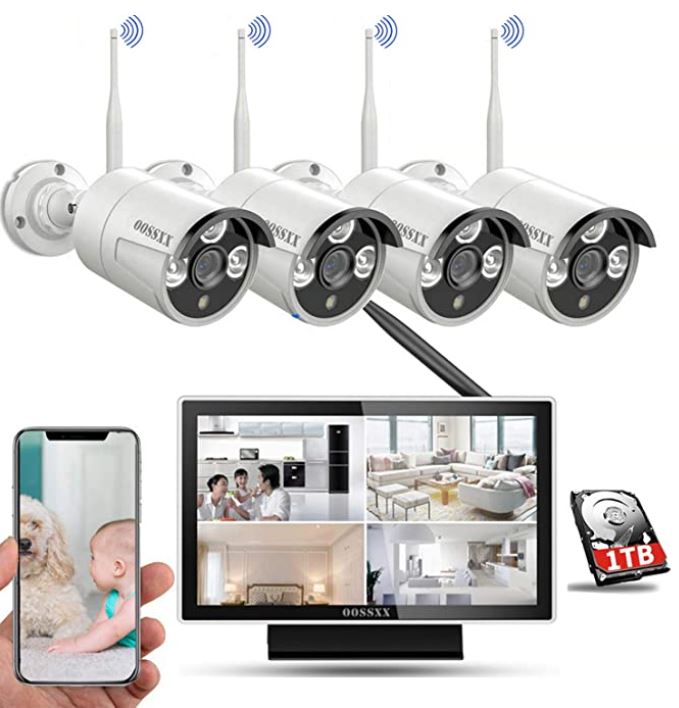
How to Add OOSSXX Security Camera to App
If you have the OOSSXX security camera system as seen in this tutorial you may have a problem where you can’t figure out which App to use or how to even get your device connected to the App. This tutorial will show you all you need to know and how to connect your App. This…
-
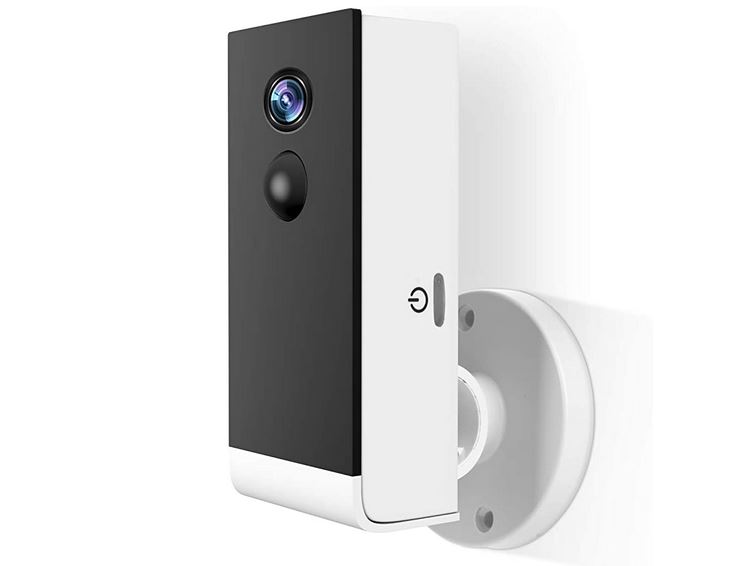
A-Zone Wireless Rechargeable Battery Powered WiFi Camera
This is my review of the A-Zone Wireless Rechargeable Battery Powered WiFi Camera. I was really glad to get this device for review and I will do my best to provide a comprehensive overview of this device and how well it does as a Home security system. So thanks for checking out the review, you…
-

A-Zone LED Solar Motion Sensor Lamp Review
The A-Zone LED Solar Motion Sensor Lamp is a great combination of Home security and utilizing the power of the Sun to bring you light at night. Today’s review will be of this unique product and all it has to offer you the consumer. I want to personally thank the Guys over at A-Zone for…
-
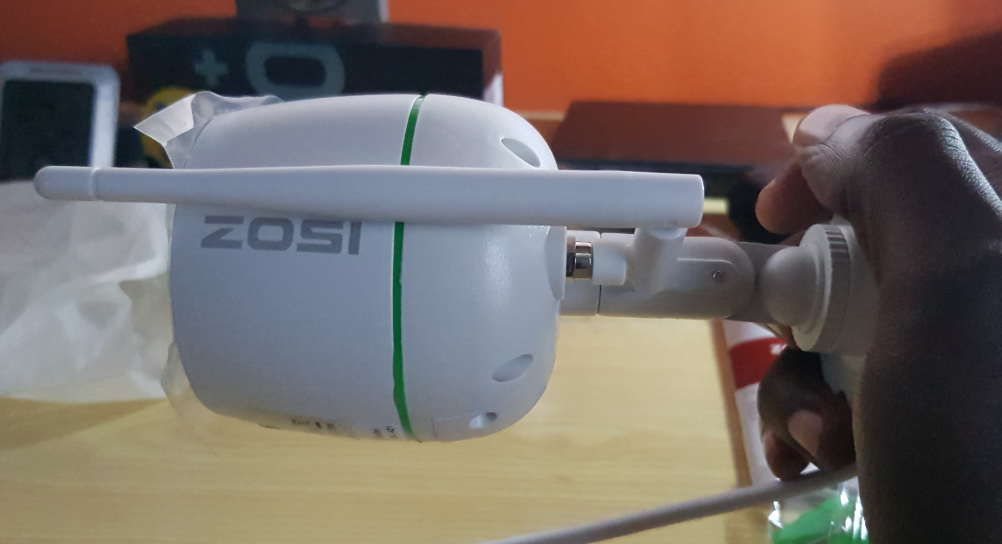
ZOSI 1080P Wireless IP Camera Review
Today we will be reviewing the ZOSI 1080P Wireless Two Way Audio and PIR Thermal Sensing IP Camera. This product is a great looking IP camera from the company ZOSI which makes some really nice Security Systems. A IP Camera may just be the Camera you need at home or in your business to keep…
-
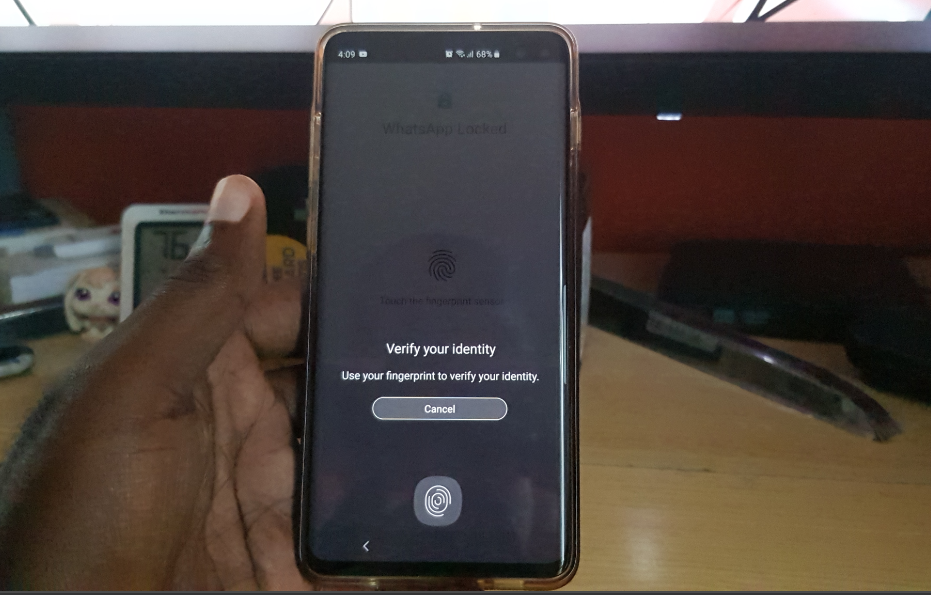
How to Activate Whatsapp Official Built in Fingerprint lock
I am sure it will come as a surprise to many that Whatsapp has a built in Fingerprint Lock feature. Well its true the feature was added quietly and you may not even have noticed it. That’s means no third party lock Apps to have privacy on your Whatsapp. All you have to do now…
-
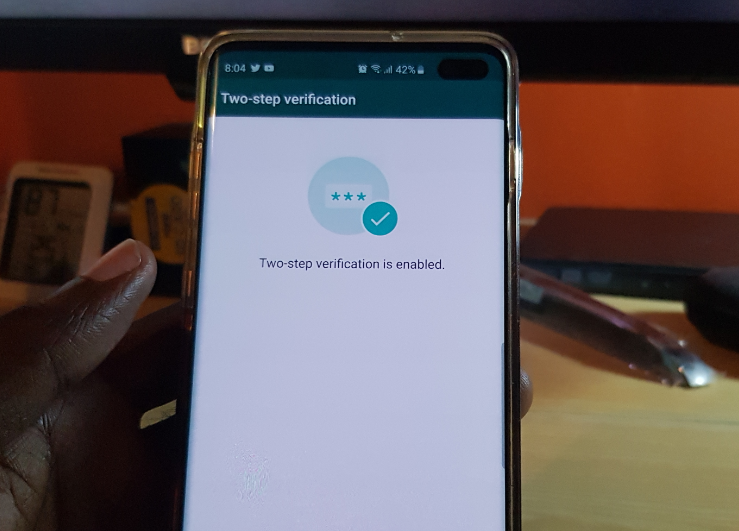
How to Enable Two Step Verification on Whatsapp
If you have ever used Whatsapp you will know that its quite easy to easily reinstall Whatsapp and have your files and conversations restored quite easily. You could even with access to a person Whatsapp change the number to which the account is associated. If its so easy someone may even try changing the associated…
-
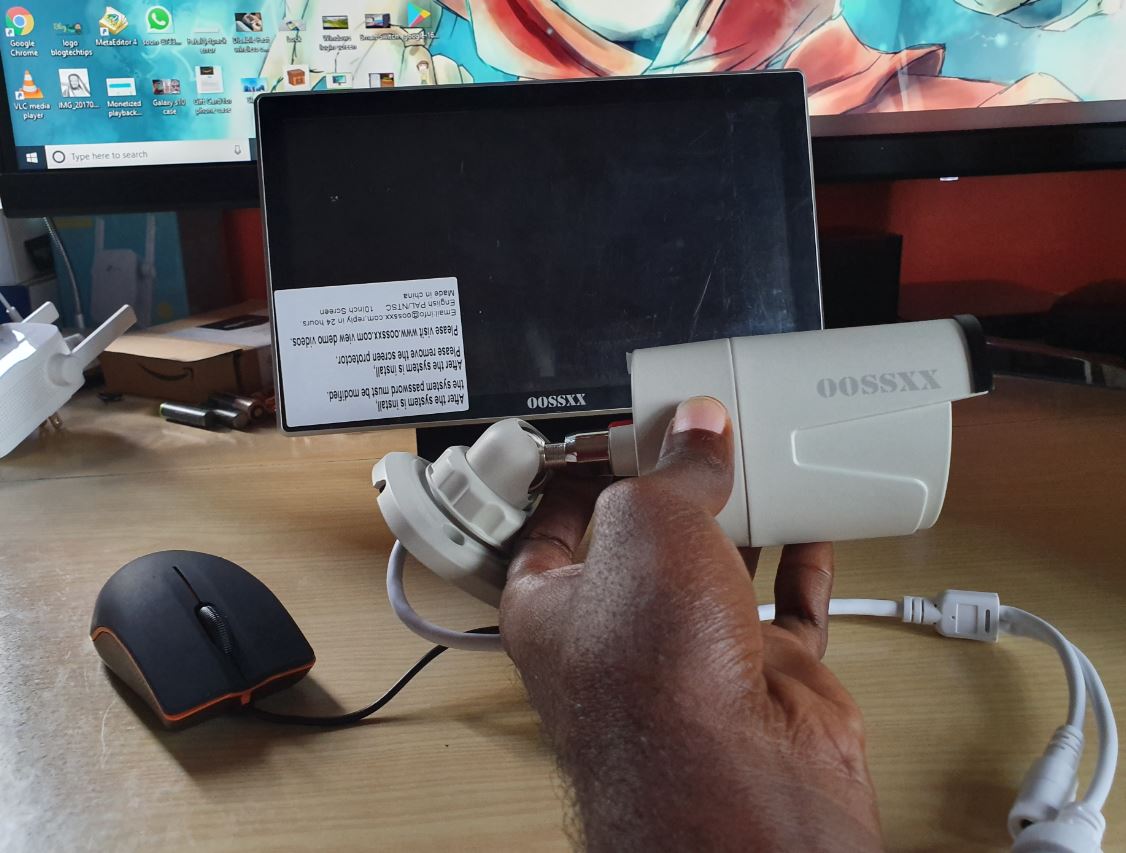
OOSSXX Professional Wireless Security Camera System with 10 inch Screen Review
So today review is a look at the OOSSXX Professional Wireless Security Camera System with 10 inch Screen. This is a Home or Business security system that’s a bit different than most others on the market, this is a good thing trust me. You will see exactly why once you remove it from the packaging…
-

How to Remove Lock Screen PIN or Password Galaxy S10
To unlock your Galaxy S10 you most likely have the Lock screen PIN or Password setup. If you would like to remove the PIN or password so a simple swipe is all you will need to unlock then follow these instructions. Also be aware that by doing this you will be essentially remove the security…