
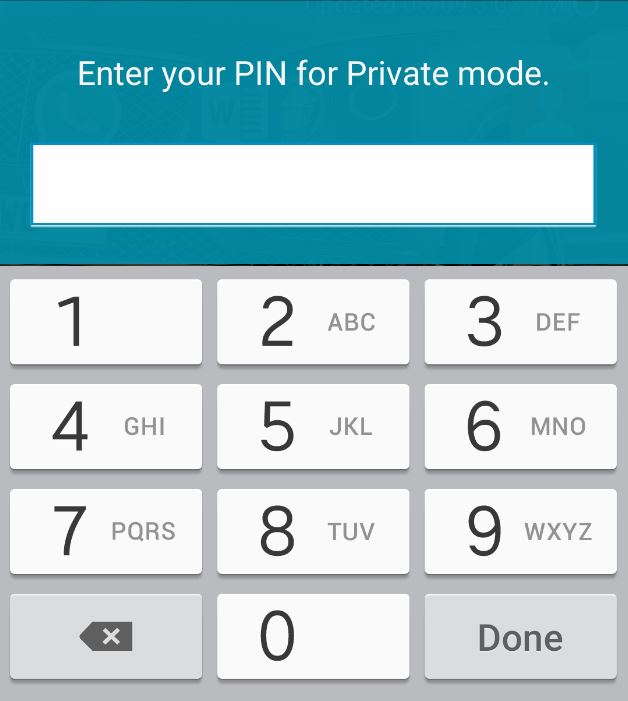
So I was recently using My Samsung Galaxy S5 and realized that even when I would input my password for private mode it would not open even after placing the correct password several times the mode would not activate so that I could view my private folder and its contents in my pictures. This was really annoying as I really needed to get to the comets of my private folder. No doubt you are here to find a solution to this potentially annoying and perplexing issues, so continue to read to learn how to fix the Samsung Galaxy S5 private mode not activating issue.
Please note that this could also affect those who use other devices in the Samsung Galaxy line of phones and not just the Samsung Galaxy S5 which includes the Samsung Galaxy S6, the latest versions of the Note and other smartphones from Samsung.
How to normally enable Private mode on a Samsung Galaxy?
1. From your home screen swipe down from the top and next to the gear icon for settings hit the button for the quick settings toggle screen.
2. From here look for: Private mode which should be in the second line from the bottom.
3. Toggle Private mode on and a screen will appear asking for your password.
4. Enter your password and hit done. From here go to your pictures and there should be a private folder that you can open and view your hidden files which includes pictures, videos and so on.
How to fix Private Mode when it refuses to open?
Now if the above technique is how you normally get to your private mode you will realize that there is an issue for most users when you put in the password private mode will not be enabled, even if you do so multiple times and maybe if you are lucky it will after several attempts, this can be highly unreliable and frustrating so follow the instructions below to fix the issue and have the mode activate every time you want it to, if you do not follow the procedure below the issue will persist.
1. When you want to get to private mode which has a 100% success rate go to settings.
2. Look for the personal section and look for private mode and select it.
3. In the upper right you will notice a toggle that to the left side slide it to the right and when asked for the password enter it.
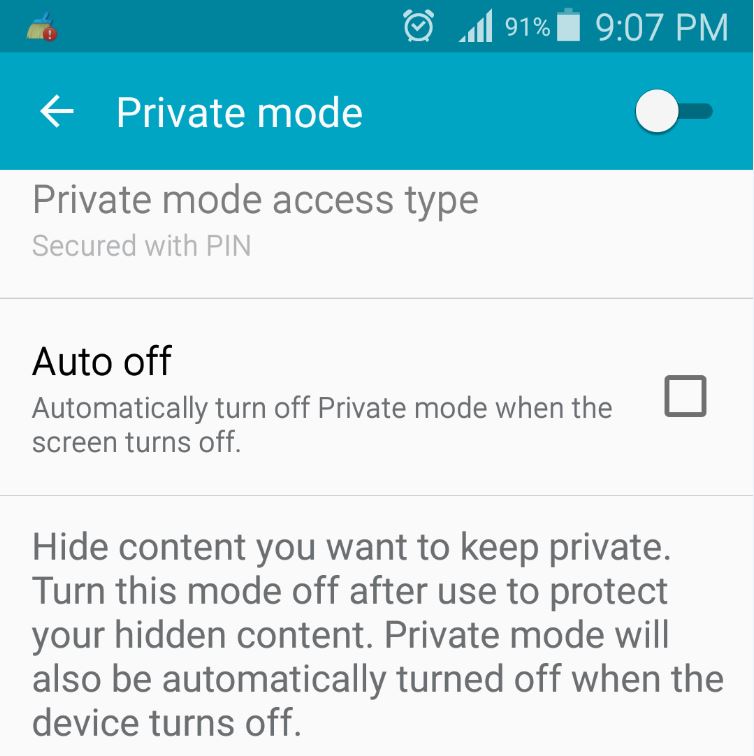
4. Now if it does not go to private mode indicated by the icon in the notification bar beside the battery slide the toggle again and enter the password once more usually it takes between 2-3 tries with it activating on the third slide easily. I do not know why but this is the only way I have found to open safe mode consistently when it giving issues and not opening.

I do hope that you have tested the above procedure and found it to work in solving your issue as it did mine, if so please share your experience in the comments and while you are at it consider subscribing to the website or sharing this tip with a frend on social media it would be greatly appreciated.


🙂 How well did I do? Take a moment to leave a comment.