
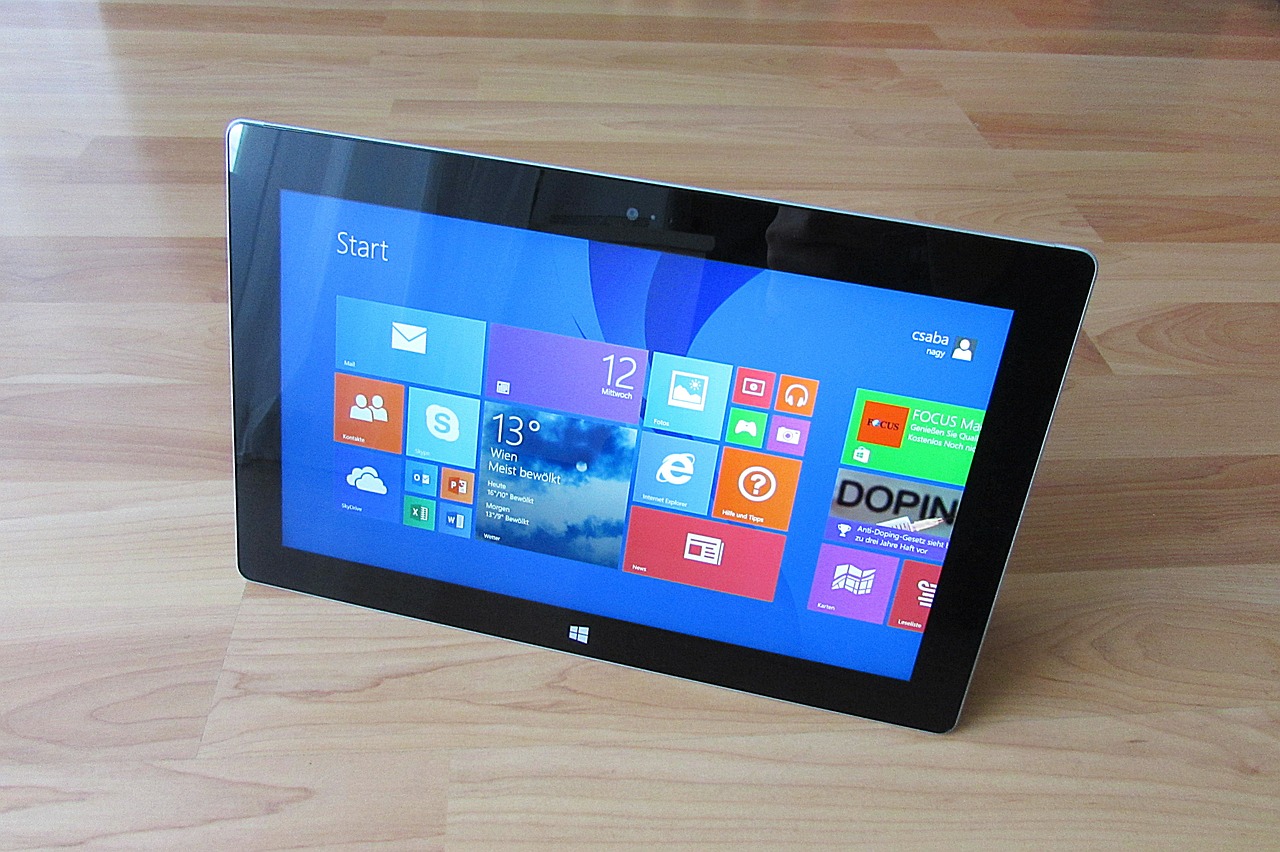
So in today’s article I will be showing you how to Restore or Reset Windows 8 tablet. This method should work on any Windows 8 tablet regardless of brand. So you can try this on brands such as Dell, Acer, Lenovo,Asus and so on. This can be an excellent way to fix common issues or wipe the device before putting it up for sale or any other reason that requires that you wipe a device.
Before you Proceed:
Resetting your Windows Tablet will return it to a factory setting state. So bear that in mind while you attempt this procedure.This could also mean a loss of all your saved data if you do not back them up before proceeding.
How to Restore or Reset a Windows 8 Tablet?
To get started first you should:
1. Connect your charger to ensure you have enough power and a constant power source. If you are running on battery you will need a good 80% battery charge or more.
2. Next select :Ease of access and on screen keyboard. Do all this from the login screen where you are asked for your password.
3.Tap shift and then restart. You will boot to a blue screen with the text: Choose an option. From here select Troubleshoot,then Reset your PC.
4. You will have to navigate the onscreen options and choose the appropriate setting according to your device.
5. You will also have to finish by imputing user name as the first time you got your tablet out of the box.
So there you go, how to Restore or Reset a Windows 8 Tablet as easy as possible. So guys did this help? if so please share your experience in the comments and do share this article on social media as it would be greatly appreciated.


🙂 How well did I do? Take a moment to leave a comment.