
Tag: Windows 10
-
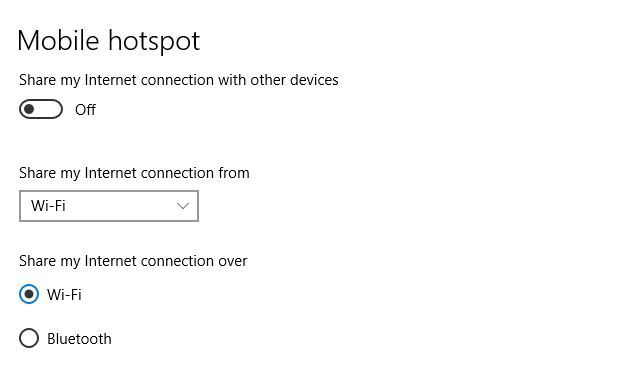
Enable Mobile HotSpot on your Windows 10 computer and share your Internet
Did you know that on your Windows 10 computer has a Mobile Hotspot feature that’s allows your computer to share its internet connection wirelessly? Well the feature is there and its easy to share your Internet connection using this method. You most likely have the feature if you are using Windows 10 and on a…
-

Fix Crackling or Popping Sound Issues on Windows 10
Maybe you though it was only with your device but its not,the Crackling or Popping issue with Windows 10 is a real issue. It happens allot with Windows 10 users. I first encountered the problem with my Laptop. At random or after being on for very long or even after waking from sleep the laptop…
-
How to Switch Windows 10 out of S Mode
So if your new Laptop or computer is in S Mode and you want to exit this mode as you are getting messages such as: For your security and performance this mode of Windows only runs verified apps from the store. This this guide will show you how to get out of this mode. Some…
-

Windows 10 Audio suddenly stopped or went Mute Fix
So I was using My Windows 10 Laptop just recently and then all of a sudden the Audio cut out. It would show that Audio was playing but no sound. The computer was not on mute and the volume was up, but nothing could be heard from the computer. It took a while but I…
-
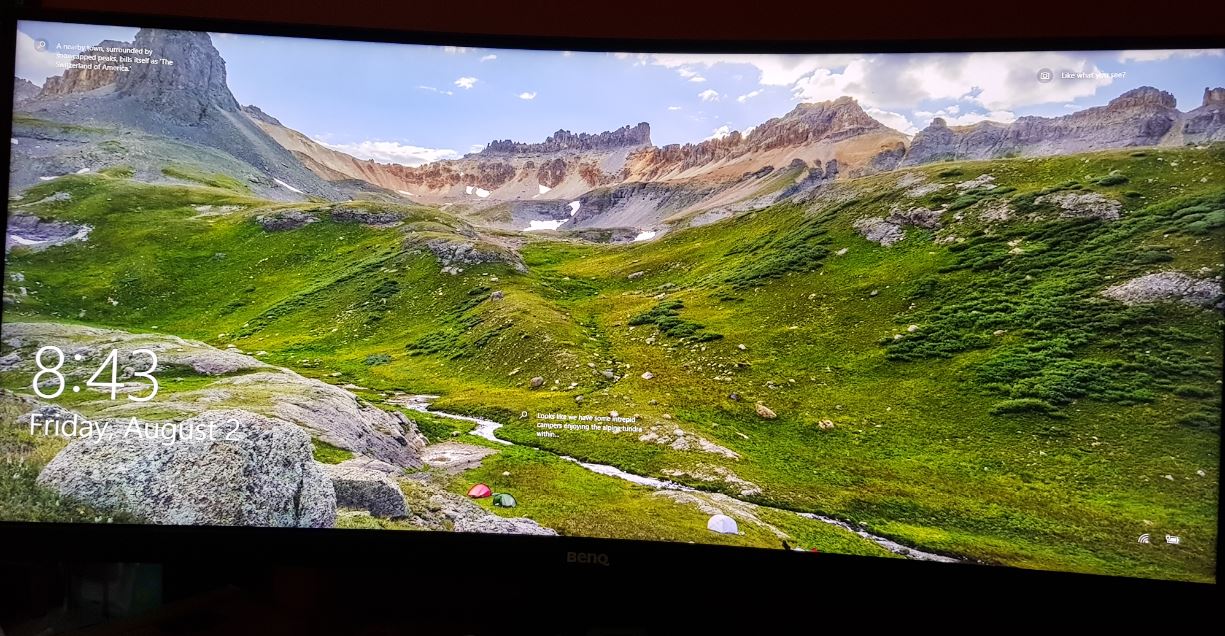
Fix Windows 10 Login Screen Not appearing
If you did not know that this is actually a thing it is. Also guess what? you are not alone as this issue happens to a lot of people on the daily. The problem goes something like this: Either you power on your computer which can be a desktop, but most times its a laptop…
-
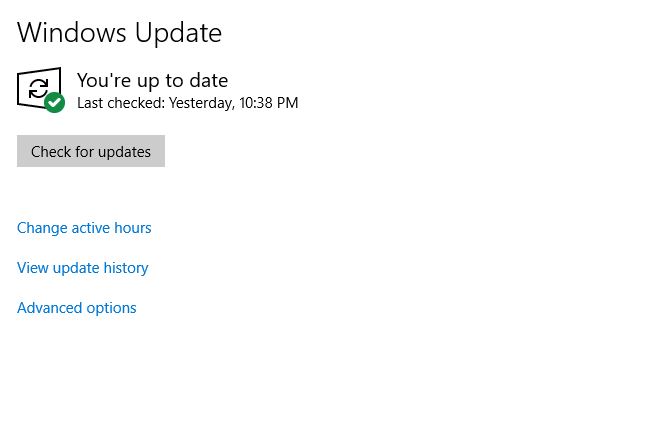
USB Port Not Working after Windows 10 Update Fix
Every now and again Windows will send out updates.While its important to keep windows up to date, it can be a serious issue when these updates causes Windows to stop working. I had one such issue recently when a Prompt all but Forced me to update as it indicated: “Restart and update to stay in…
-
Fix Computer not waking up properly After sleep mode
So recently I encountered a Computer not waking up properly After sleep mode. The computer would go into sleep mode after not being used for a while. After moving the mouse or pressing a key you would see the welcome screen. Then instead of going back to the desktop You would see a black screen…
-
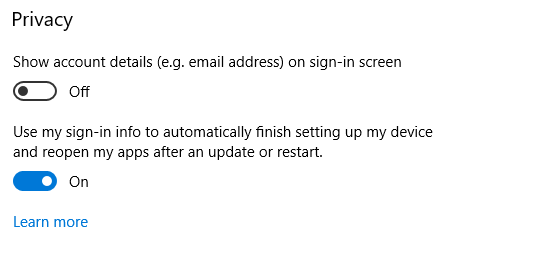
Windows 10 Starts previously opened apps after powering up Fix
Yep you are not going crazy, it’s actually happening so you can put your mind at ease. Windows 10 Starts previously opened apps after powering up and its a newly implemented feature.I must say while Windows has added cool features in the past this one is controversially a major change that modifies the traditional boot…
-
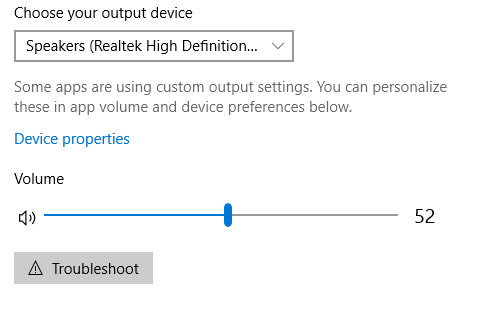
How to Switch Audio devices on Windows 10
So lets look today on How to Switch Audio devices on Windows 10. This tutorial will come in handy in cases where you say connect your Laptop to a TV and you want the sound to be playing from the Laptop but it’s instead playing through the TV speakers.It could also be a case where…
-
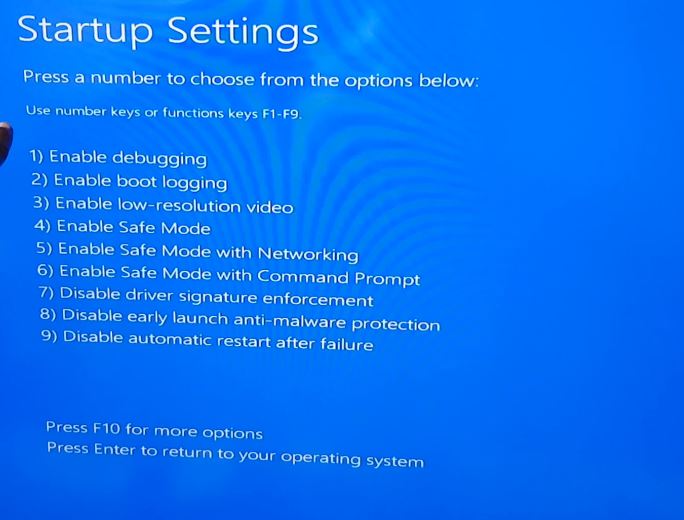
How to Place Windows 10 into Safe Mode Easily
Sooner or later you will have an issue such as uninstalling an app from your Windows PC that will refuse to uninstall no matter what you do and as a result you will need to boot your PC into Safe mode. If you want to learn more in general about safe mode then read this…